About budget request templates
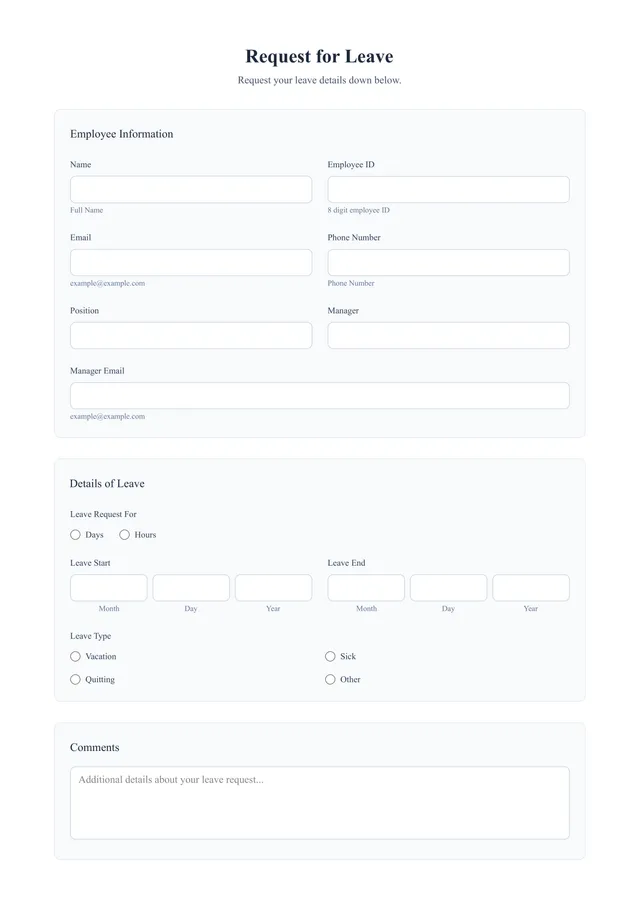
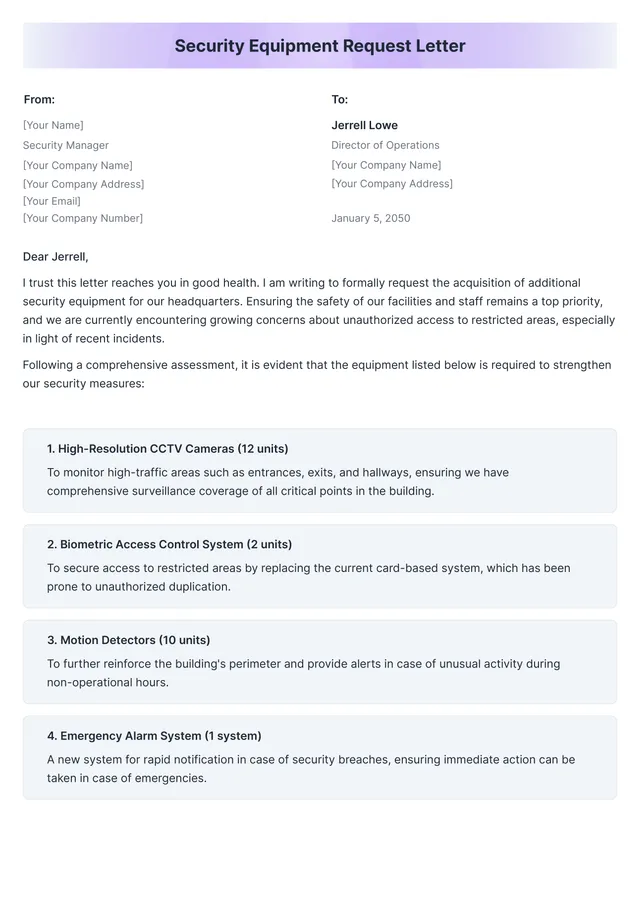
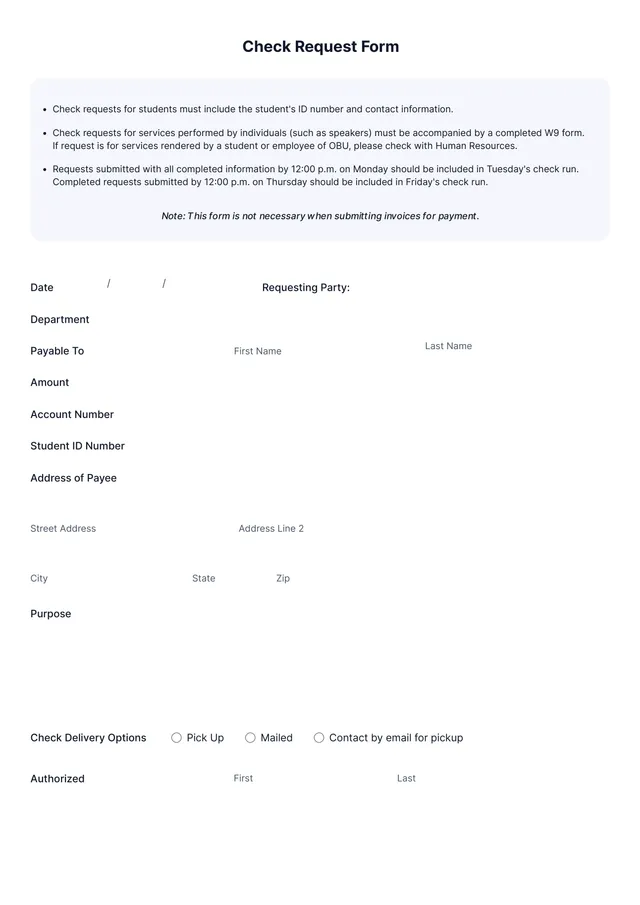
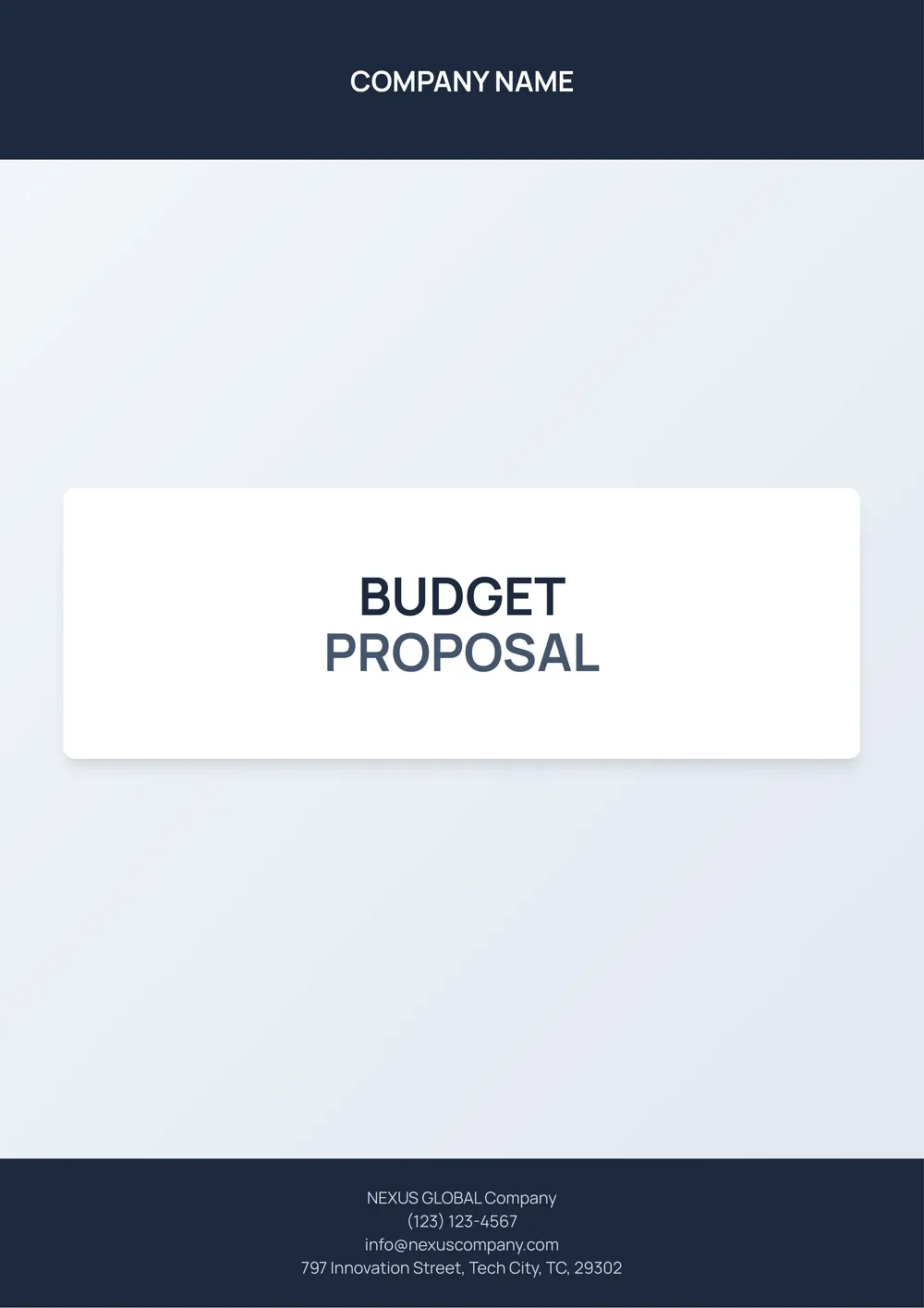
Creating a budget request can feel overwhelming. Keeping track of expenses, forecasts, and approvals is often tough to manage. Our budget request template puts an end to that hassle by organizing your critical informationans into clear, editable sections. You can gather everything you need in one place with just a few clicks.
In addition to saving you time, the template offers a practical way to visualize your budget needs. You will see sample approximations alongside your actual requests, making it clearer for reviewers to understand your proposals. The blank sections allow you to personalize your requests based on your project specifics. We've analyzed the necessary fields and included them in ours, but many others may exist based on your unique needs.
Download your first file for free. To continue using PDF Guru, choose one of our subscription plans.
Frequently asked questions
What is a budget request template?

A budget request template is a structured document that helps you outline projected expenses and funding needs for a specific project or initiative. It typically includes sections where you can specify items, such as materials, labor, and overhead costs. By filling out this template, you can present a clear case for why certain funds are necessary, making it easier for decision-makers to evaluate your financial proposals.
When should I use a budget request template?
Budget request templates are useful tools in several situations:
- When preparing for a financial year or upcoming project
- For submitting funding requests to management or stakeholders
- When planning an event and needing clear expense outlines
- If you’re seeking approval for resource allocations in a project
With an editable budget request template, you can tailor the details to fit your specific needs.
What information is found in a budget request template?
A budget request template typically includes item descriptions, requested amounts, justifications for expenses, timelines, and potential impacts. You’ll be able to edit these details to match your specific needs, ensuring clarity and organization in your budget planning.
How to edit a budget request template?
- Click on 'Use Template' to open the budget request template in the PDF editor.
- Locate the placeholder fields that need editing.
- Type in your own information or adjust text as needed.
- Review your edits, and once satisfied, click 'Done' to download your customized request.
- Your edited version will also be saved in your account for future use.
Who can use a budget request template?
Anyone needing to request funding can use a budget request template. This includes employees, project managers, nonprofits, businesses, or individuals planning personal finances. It helps you present your budget needs clearly, making it suitable for various situations, from work projects to community initiatives.
Can I export the budget request template to PDF or another format?
Yes, you can download the budget request template in multiple formats, including PDF. Once you've filled it out, it will be available as a printable document. Additionally, feel free to choose Word, Excel, PowerPoint, PNG, or JPG for your download preferences.
What are some tips for writing a successful budget request?
Start with a clear purpose; explain why you need the budget. Provide detailed numbers and breakdowns. Be realistic about your expectations and highlight potential benefits. Don’t forget to include timelines; set achievable goals. Finally, tailor your request to your audience to grab their attention and support.
How can I share my completed budget request template with others?
You can share your completed budget request template by downloading the edited PDF and then sending it via email or any other preferred method. If your team uses the same platform, invite them to edit directly, making collaboration even easier. Enjoy easy sharing with PDF Guru!
How do I cancel PDF Guru?
You can cancel your active plan from your PDF Guru account settings, or contact support and ask them to cancel the subscription for you. Account access stays in place until the billing period you already paid for comes to an end.