About the change request template
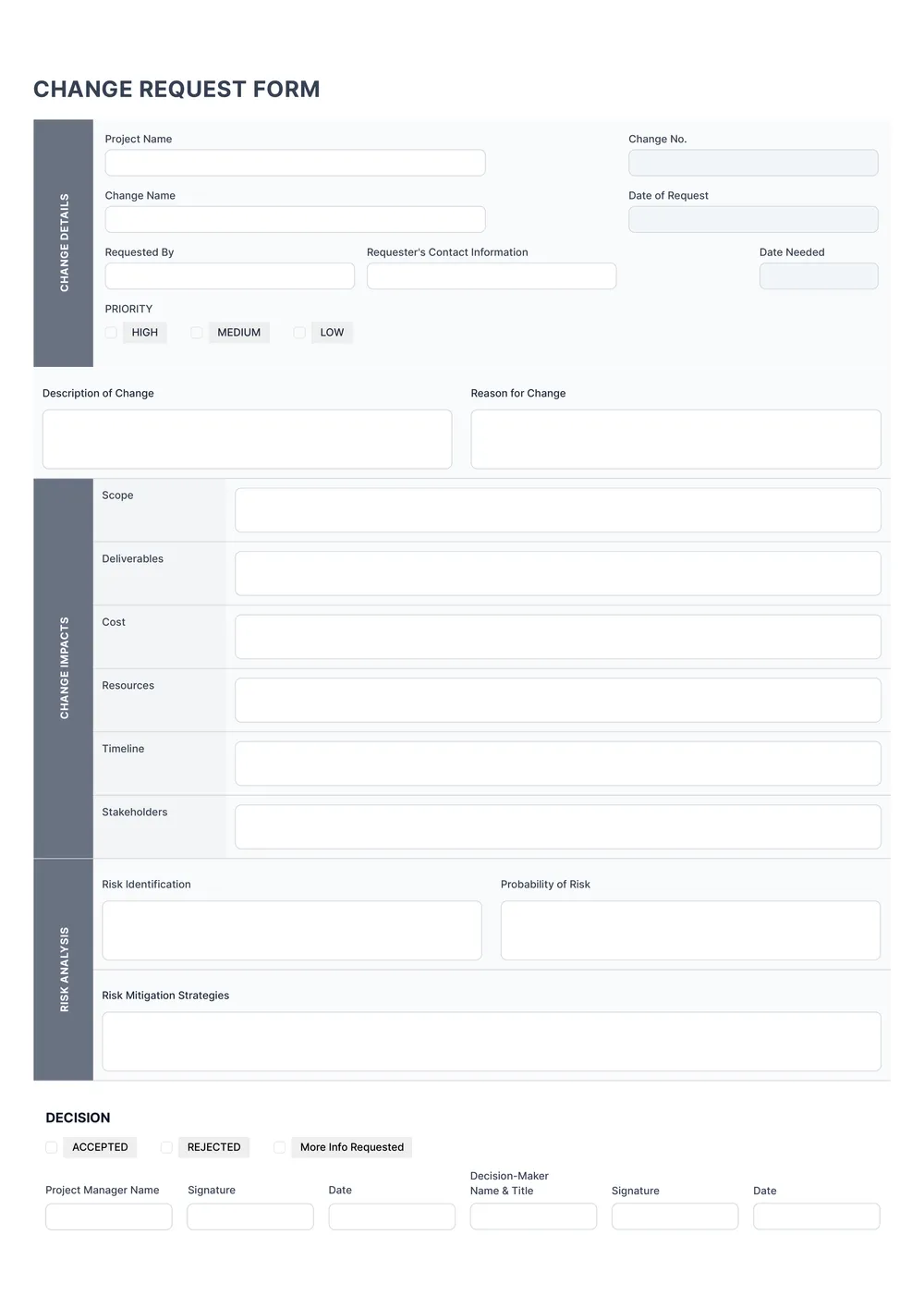
A change request is used to document a proposed change to a project, task, scope, process, or plan in a structured way. Teams, managers, contractors, and service providers use change request forms to explain what needs to change, why it matters, and how it may affect timing, cost, or approvals.
Our template includes sections for request details, description of the change, reason, impact, approvals, and notes. In the PDF Guru editor, you can tailor the layout, add custom fields, and adapt the form to project management, operational updates, or client-facing change workflows.
Download your first file for free. To continue using PDF Guru, choose one of our subscription plans.
Frequently asked questions
What is this change request template used for?

This template is useful when you need to record a change to a plan, project, scope, or process in a clear written format. It helps make the request easier to review before the change is approved or implemented.
What details can I include in the change request?
You can include the request summary, description of the change, reason, impact, approvals, dates, and notes. You can also add more fields if your workflow needs sections for cost, timing, or responsible teams.
Can I adapt this change request template to different workflows?
Yes. In PDF Guru you can revise the wording and structure so the form fits project management, operations, construction, product updates, client work, or internal approval processes. The editable format makes it easier to shape the request around your process.
Can I export this change request template in different formats?
Yes. After editing the form in PDF Guru, you can export it as PDF, DOC, XLSX, PPTX, JPG, or PNG. This gives you a shareable request form, a printable version, and another file for records or revisions.
How do I edit the change request template in PDF Guru?
Open the template in the PDF Guru editor and fill in the request details, change description, notes, and approval sections. You can update the labels, adjust the layout, and review the form before saving. When it is ready, export it in the format you need for review, approval, or storage.
How do I cancel PDF Guru?
You can cancel your active plan from your PDF Guru account settings, or contact support and ask them to cancel the subscription for you. Account access stays in place until the billing period you already paid for comes to an end.