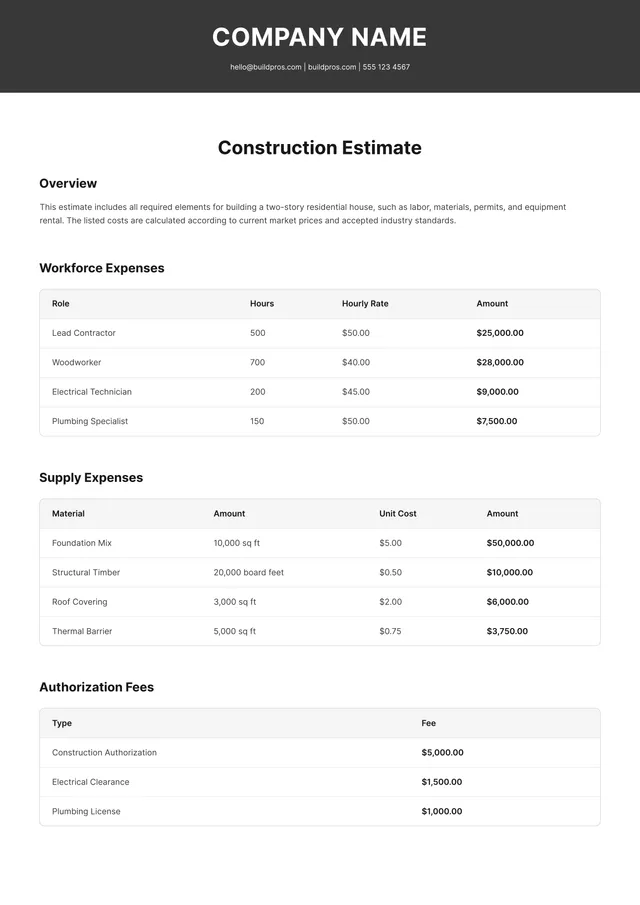
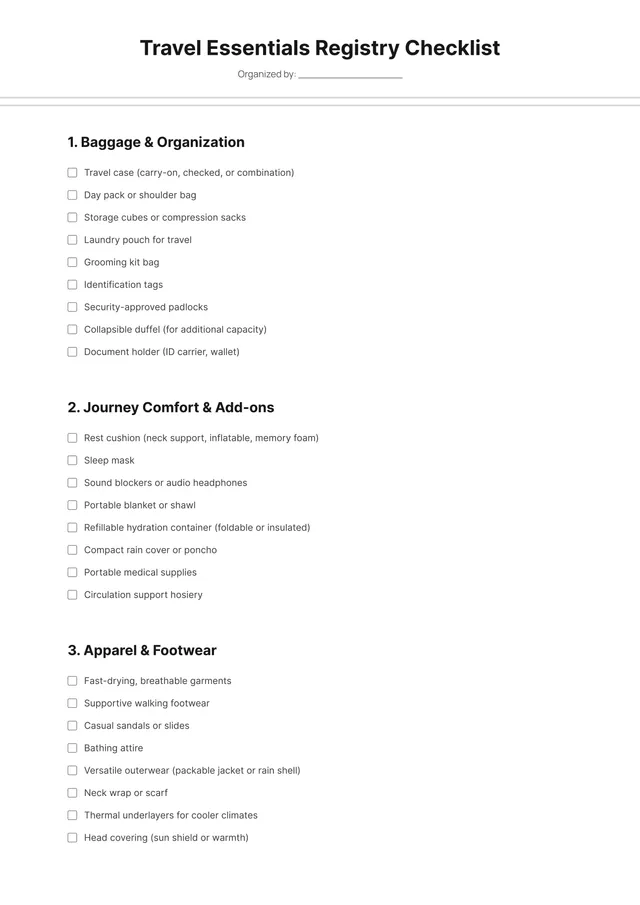
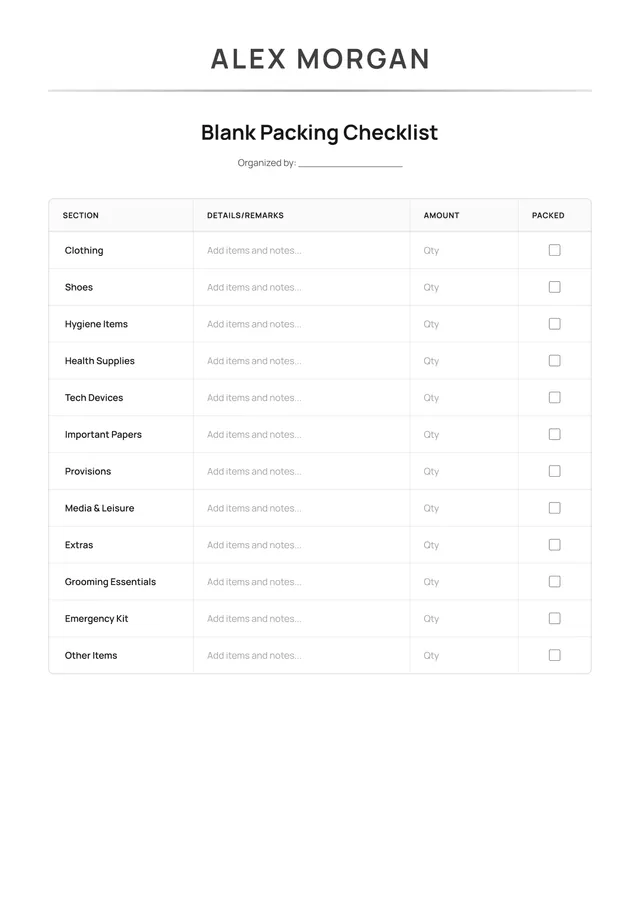
Contractor Estimate Template
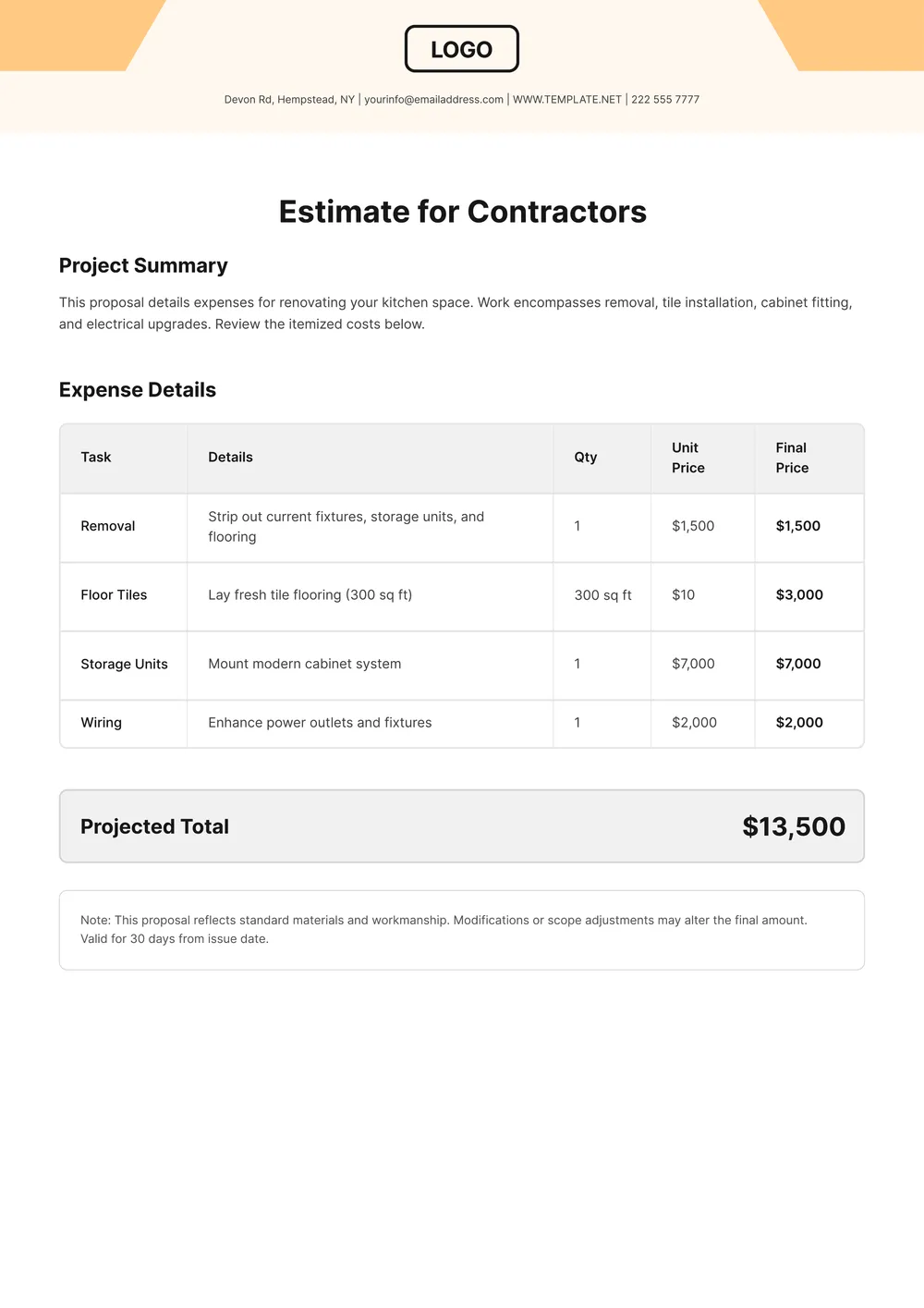
About contractor estimate template
Creating contractor estimates can be time-consuming and stressful. You want to ensure your estimates are professional while capturing all the necessary details. Our contractor estimate template takes the hassle out of this process; it comes with clear sections where you can input project information efficiently. Get rid of the chaos and replace it with a polished estimate in no time.
Whether you're preparing a blank estimate for a new client or using a sample for a similar project, our template adapts to your needs. It simplifies the way you present your bids without missing crucial information. We've analyzed the necessary fields and included them in our templates, helping you create an effective estimate that speaks to your clients with confidence.
Download your first file for free. To continue using PDF Guru, choose one of our subscription plans.
Frequently asked questions
What is a contractor estimate template?

A contractor estimate template is a document designed to provide a clear outline of project costs and expected pricing. It allows you to detail the materials, labor, and services included in a project, helping clients understand potential expenses up front. This template can be filled out based on specific project details, making it useful for presenting a formal estimate to clients before work begins.
When should I use a contractor estimate template?
If you're wondering when a contractor estimate template might come in handy, consider the following situations:
- When starting a new project and needing cost clarity
- Before submitting bids to potential clients
- During discussions about project budgets
- When comparing pricing options from different contractors
- When maintaining records for future projects, the editable template allows quick updates.
What information is typically found in a contractor estimate template?
A typical contractor estimate template includes details like project description, materials cost, labor charges, timelines, and payment terms. You can edit the template to add your business name and any specific project notes. Having a clear itemization helps both you and the client understand the total costs involved.
How to edit the contractor estimate template?
- Click on 'Use Template' to open the contractor estimate template.
- A draft with editable fields will load in the PDF editor.
- Update the information as needed, adjusting the details in each placeholder field.
- When you are satisfied with your edits, click 'Done' to save and download your updated estimate.
- Your edited version will also be saved in your account for future access.
Who can use a contractor estimate template?
Anyone involved in contracting work can use a contractor estimate template. This includes general contractors, subcontractors, freelancers, and business owners who need to provide estimates for construction projects or services. It's also helpful for property managers and real estate professionals seeking to give clear cost predictions to clients.
Can I export the contractor estimate template to PDF or other formats?
Yes, you can download the contractor estimate template as a PDF or other formats like Word, Excel, PowerPoint, PNG, or JPG. This makes it easy to create a printable version for your records or sharing. Just edit the template and choose your preferred format when downloading.
What are the best practices for writing a contractor estimate?
To write a contractor estimate, be clear and detailed; outline all project components, materials, and labor costs. Include timelines, payment terms, and any conditions. Review your estimates for accuracy; communicate openly with clients, and be prepared to adjust based on their feedback. This builds trust and ensures satisfaction.
How can I make my contractor estimates more accurate?
To make your contractor estimates more accurate, gather detailed information about the project; include material costs, labor hours, and potential issues. You can use PDF Guru templates to create professional estimates, edit them as needed, and save all versions for future reference, improving accuracy over time.
How do I cancel PDF Guru?
You can cancel your active plan from your PDF Guru account settings, or contact support and ask them to cancel the subscription for you. Account access stays in place until the billing period you already paid for comes to an end.