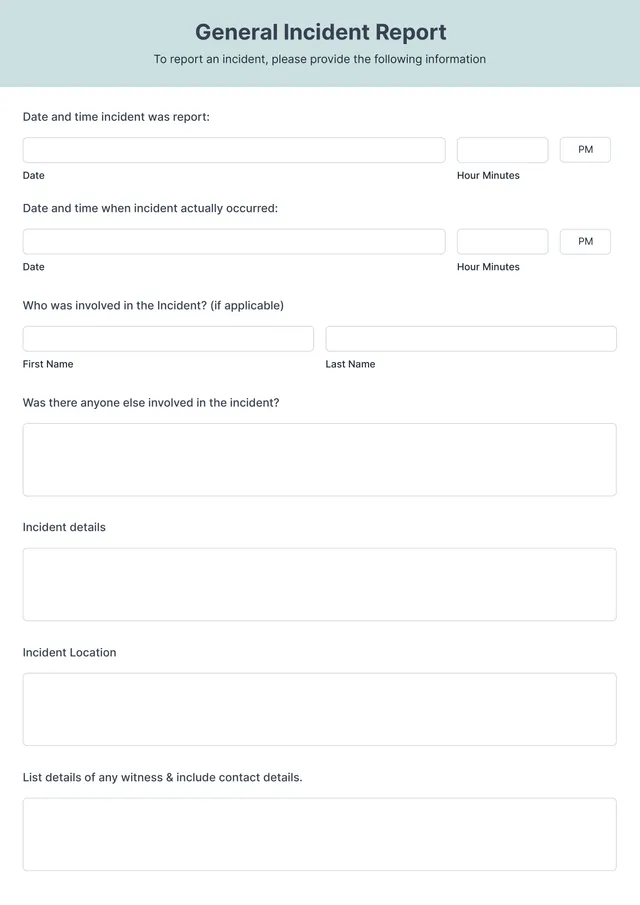
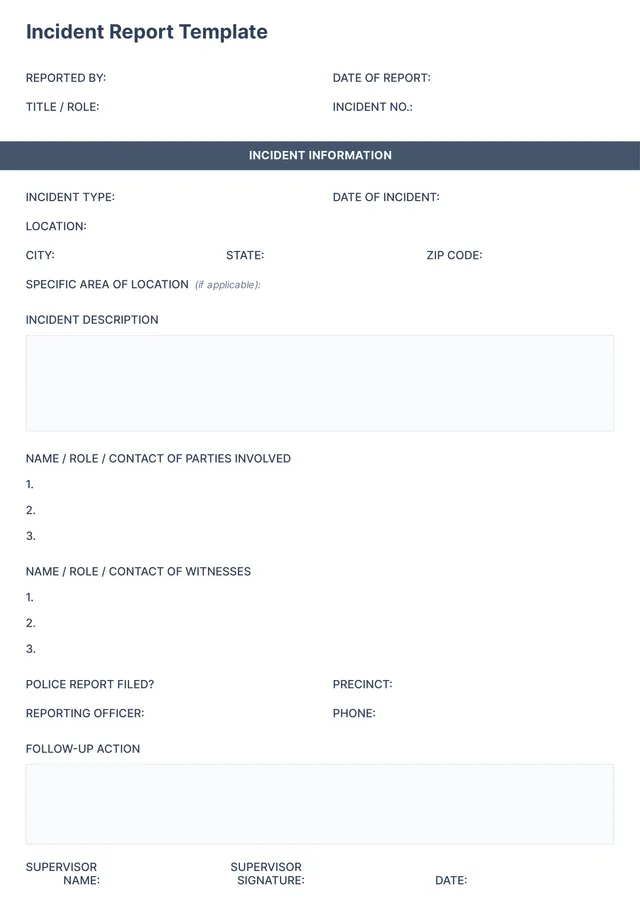
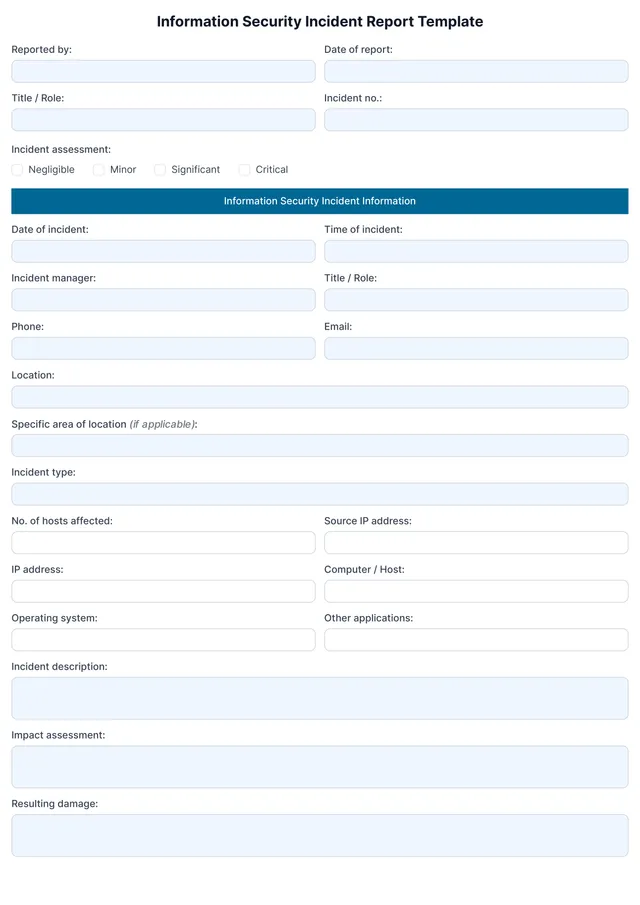
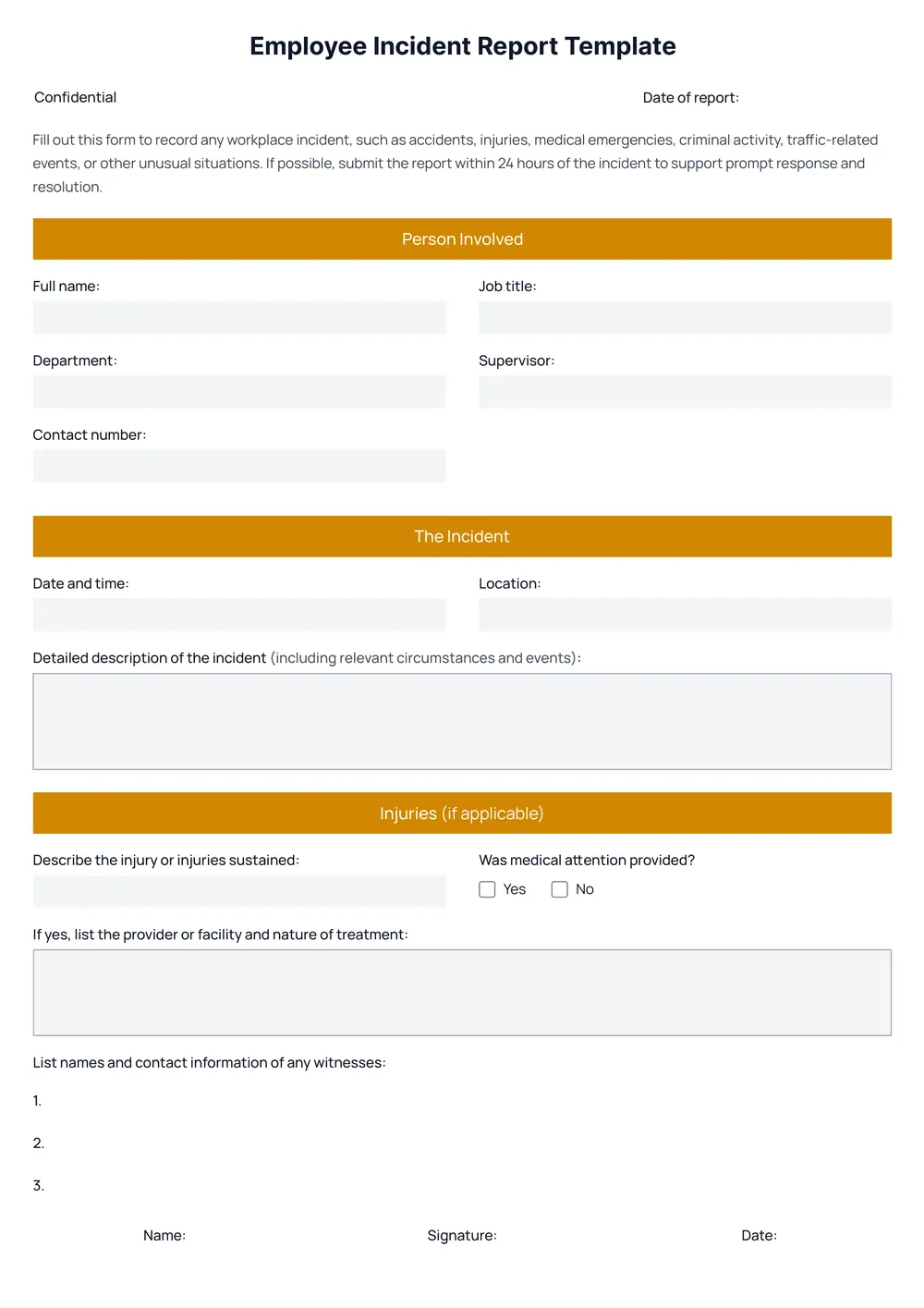
Employee Incident Report Template
About employee incident report templates
When an incident happens at work, documenting it can feel overwhelming. You might worry about missing important details or using the wrong format. Our employee incident report template lifts this burden by providing clear sections for key information. Plus, we include prompt questions that guide you, making sure all vital points are covered.
With our template, crafting a report doesn’t have to be a headache. You can fill out the blank fields quickly, helping you focus on addressing the incident rather than formatting. Trust that we’ve analyzed what’s necessary for effective reporting and included important fields in ours; you won’t find yourself lost in the writing process. A sample will set you in the right direction.
Download your first file for free. To continue using PDF Guru, choose one of our subscription plans.
Frequently asked questions
What is an employee incident report template?

An employee incident report template is a document that provides an outline for recording details of workplace incidents. It typically includes sections for describing the event, the people involved, and any witnesses, as well as space for follow-up actions and recommendations. This template helps ensure all relevant information is captured, making it easier to analyze and address issues in the workplace.
When should I use an employee incident report template?
Using an employee incident report template can help in various situations, including:
- When an employee is injured on the job
- When there is noticeable destructive behavior in the workplace
- After an incident involving potential workplace harassment
- When internal procedures have been violated
- Following equipment failures that could impact safety
This editable template keeps all required details in one organized place for clarity and accountability.
What information is included in an employee incident report template?
An employee incident report template generally includes information like the date and time of the incident, location, names of those involved, descriptions of what happened, and any witnesses. You can edit this template to add specific details relevant to your situation and organization’s policies.
How to edit an employee incident report template?
- Click on 'Use Template' for the employee incident report.
- Wait for the editable draft to appear in the PDF editor.
- Fill in the necessary information in the placeholder fields.
- Review your edits for accuracy, making any changes needed.
- Once you’re satisfied, click 'Done' to download your completed report.
- Your edited version will also be saved in your account for future access.
Who might need an employee incident report template?
If you're a business owner, manager, or HR professional, you might need an employee incident report template. It's useful for documenting workplace accidents, injuries, or misconduct. This template helps maintain clear records and provides necessary details for investigations or follow-up actions, fostering a safer work environment.
Can I export the employee incident report template to PDF or another format?
Yes, you can download the employee incident report template as a PDF or in other formats like Word, Excel, PowerPoint, PNG, or JPG. After editing, simply choose your desired format; the template will be available as a printable document, ready for your needs.
What are the best practices for filling out an employee incident report?
When filling out an employee incident report, keep it clear and factual: write in chronological order, include all details like time, date, and parties involved; use precise language, avoid assumptions, and describe witness statements; finally, review for accuracy before submission, as this document is vital for further actions.
What should I do after completing the employee incident report template?
After completing the employee incident report template, make sure to review your entries for accuracy. Once satisfied, click 'Done' to download your report. It will also be saved in your account for future reference. This allows you to access it anytime you need.
How do I cancel PDF Guru?
You can cancel your active plan from your PDF Guru account settings, or contact support and ask them to cancel the subscription for you. Account access stays in place until the billing period you already paid for comes to an end.