IT Service Ticket Form Template
About IT service ticket form templates
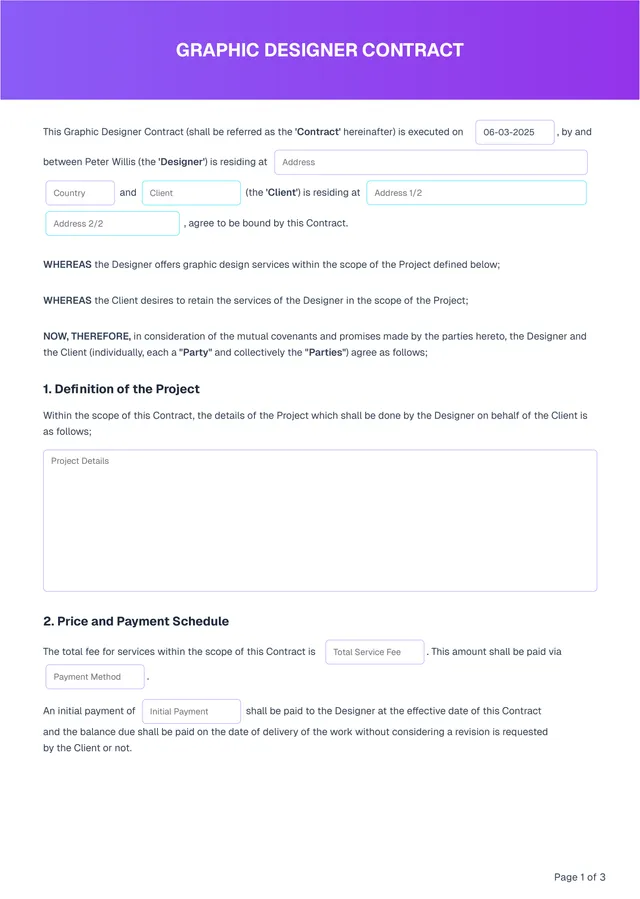
If you've ever struggled with managing IT service tickets, our IT service ticket form templates bring relief. Imagine having a blank, ready-to-use form that guides you through the ticket creation process; you can focus on solving problems rather than getting bogged down by paperwork. One standout feature is the ability to customize each ticket to fit your specific needs, streamlining communication and improving resolution times.
Many tech teams face confusion and delays from unclear ticket requests. By using our template, you can quickly create a sample ticket that captures all the essential information without the headaches. It’s designed to cover multiple scenarios, making ticket tracking a breeze. We have analyzed the necessary fields and included them in ours, ensuring you have a solid starting point for your IT service needs.
Download your first file for free. To continue using PDF Guru, choose one of our subscription plans.
Frequently asked questions
What is an IT service ticket form template?

An IT service ticket form template is a structured document that helps you report and track issues related to IT services. It typically outlines necessary information such as the type of problem, urgency level, and user details. By using this template, you can submit requests for technical assistance, ensuring that all relevant data is collected for efficient problem resolution and efficient service management.
When should you use an IT service ticket form template?
Using an IT service ticket form template can make submitting requests easier at the right times, such as:
- When you need technical support
- During system outages or failures
- When software updates cause issues
- When onboarding new employees
- To track ongoing IT projects
These editable templates help streamline your requests for better management and faster resolution.
What details are needed in an IT service ticket form template?
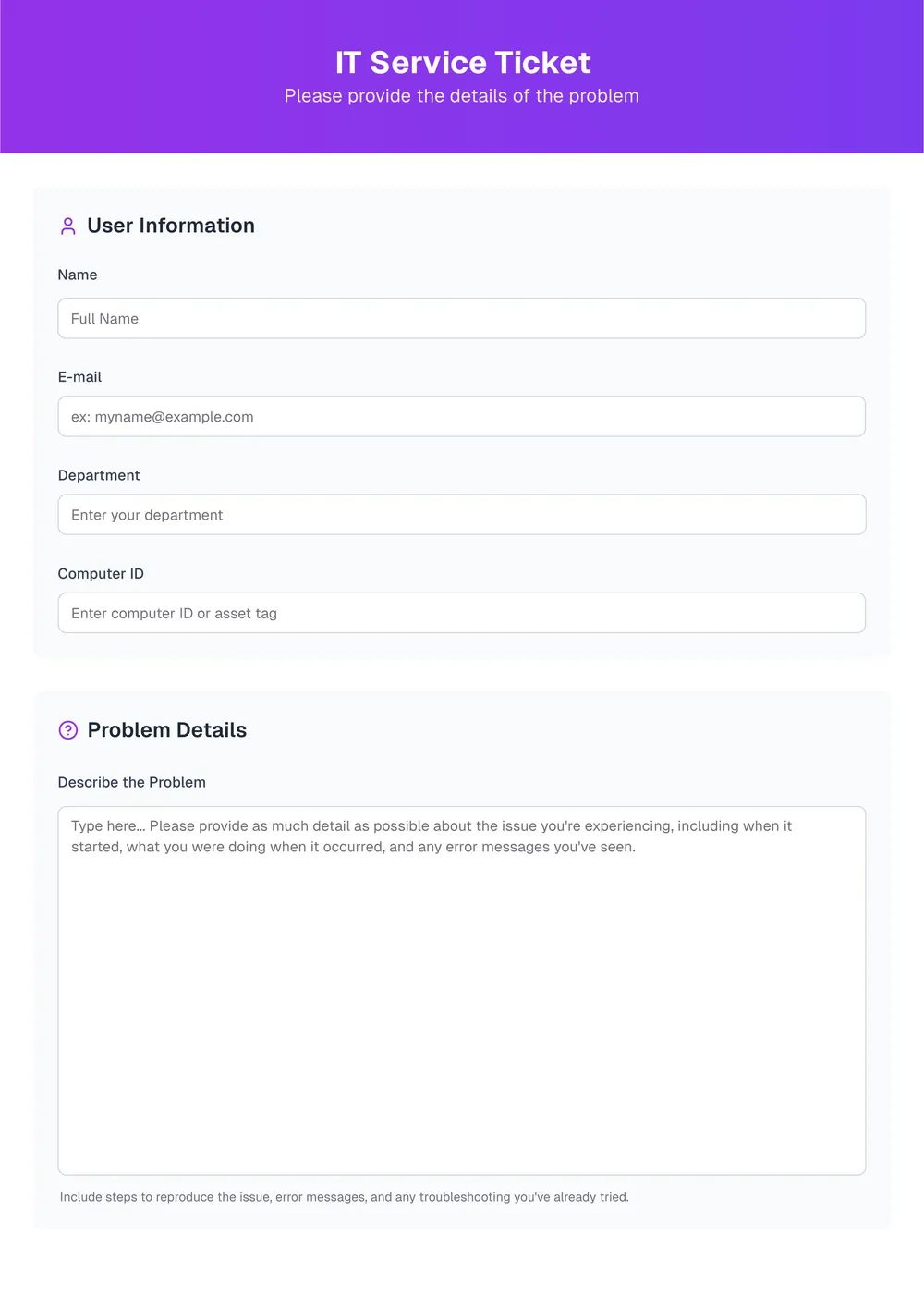
For an IT service ticket form template, include: user contact information, device details, issue description, priority level, and date. You may want to edit the template for specific requirements depending on your organization’s needs, ensuring all relevant information is collected for timely support.
How to edit the IT service ticket form template?
- Click on 'Use Template' to load the IT service ticket form in the PDF editor.
- Fill in the required fields with the requested information.
- Review your entries for accuracy.
- Once finished, click 'Done' to download the edited form.
- Your filled-out form will also be saved in your account for future access.
Who can benefit from using an IT service ticket form template?
Anyone in a business that handles IT services can benefit from an IT service ticket form template. This includes IT teams, support departments, and companies of all sizes looking to streamline their reporting processes. It's useful for technicians, managers, and any staff involved in IT support.
Can I download the IT service ticket form template as a PDF or in another format?
Yes, you can download the IT service ticket form template as a PDF. You also have the option to download it in other formats like Word, Excel, PowerPoint, PNG, or JPG. This makes the template versatile for both printable and digital use.
How can I ensure my IT service ticket form is effective?
To make your IT service ticket form effective, focus on clarity and simplicity. Use clear language, ask relevant questions, and keep it organized. Include fields like contact info, issue type, and urgency. Test the form with a few users for feedback, making adjustments as needed for better results.
How can I share my completed IT service ticket form with my team?
You can share your completed IT service ticket form by downloading it after filling it out. Click 'Done' to get your edited version, then send it via email or file-sharing apps to your team. Each form will also be saved in your PDF Guru account for future access.
How do I cancel PDF Guru?
You can cancel your active plan from your PDF Guru account settings, or contact support and ask them to cancel the subscription for you. Account access stays in place until the billing period you already paid for comes to an end.