About job quote templates
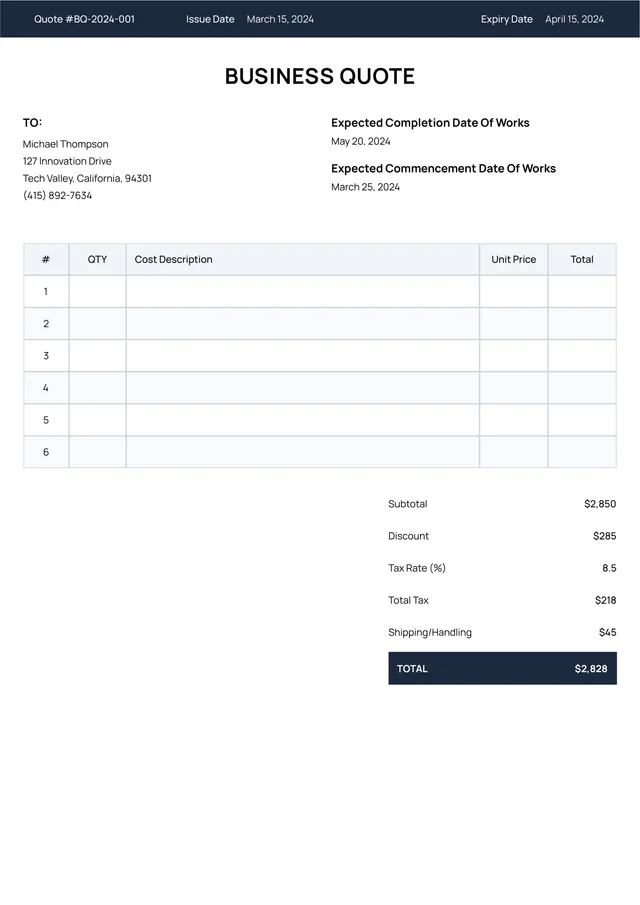
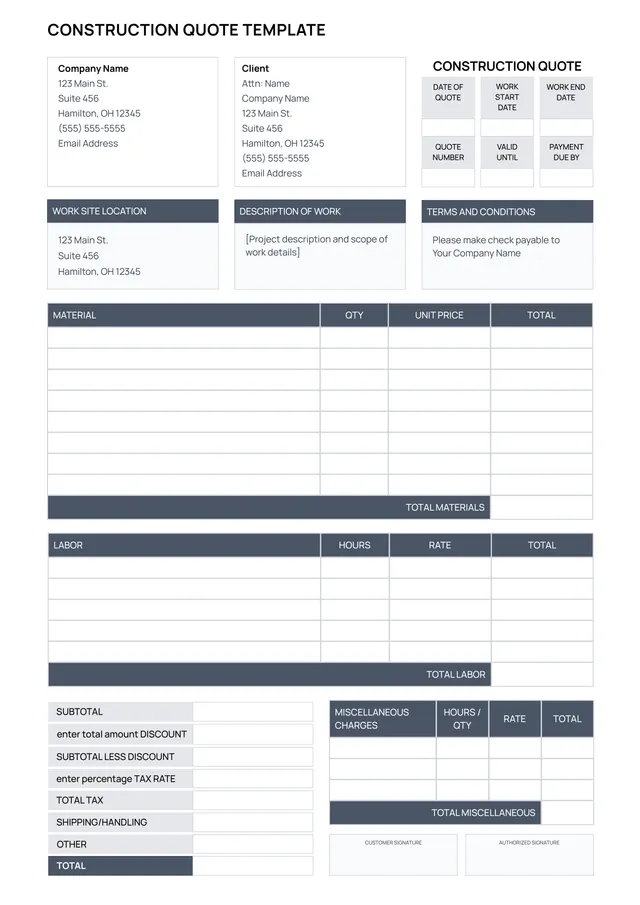
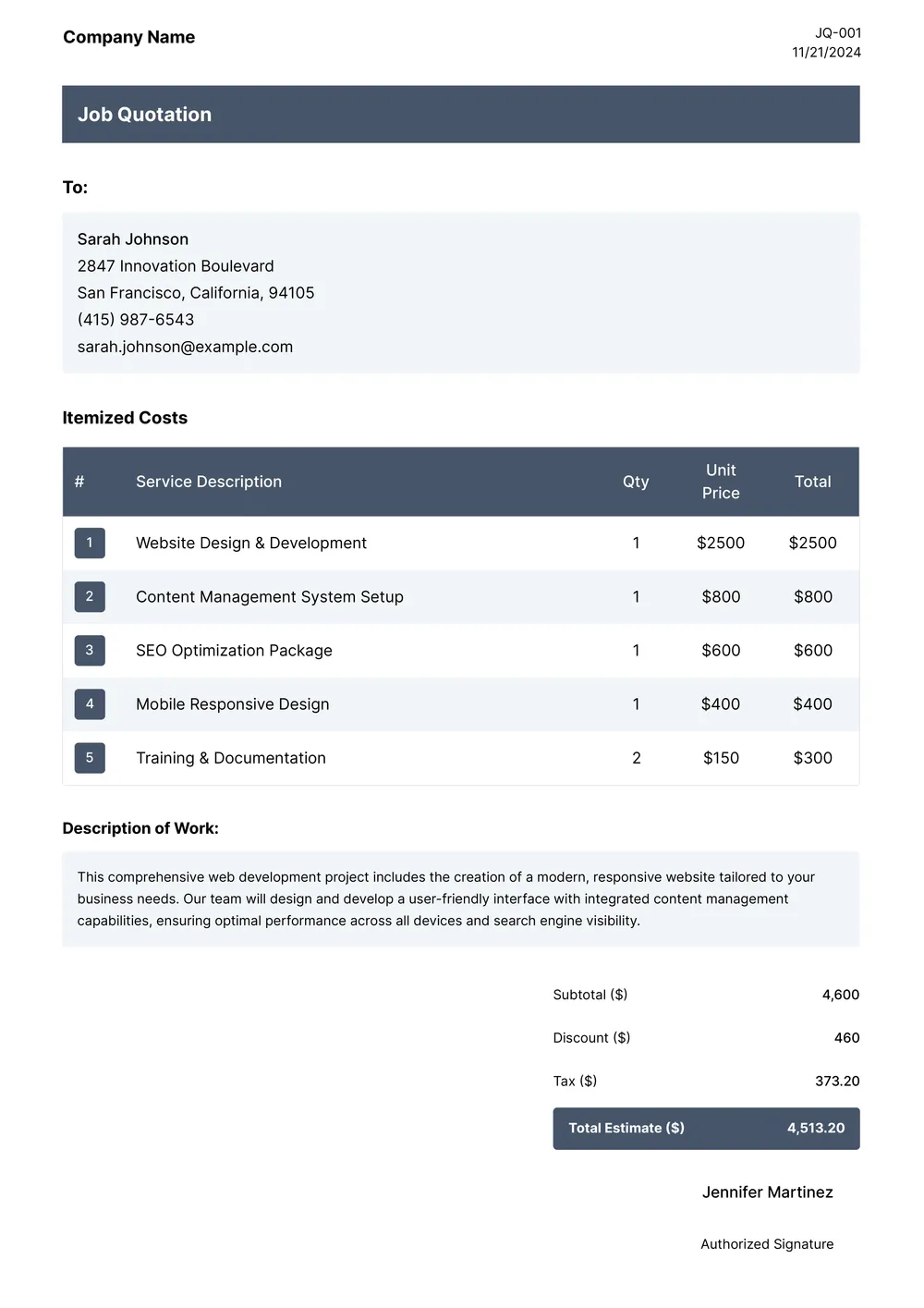
Creating job quotes can be stressful. You often need to gather all necessary details, which takes time and effort. But with our job quote templates, you can simplify this process. These templates have been designed to help you quickly fill out the essential information and present a professional estimate to your clients. One standout feature is the ability to customize the quotes to fit your business's unique style.
No one enjoys the back-and-forth delays that come with job quotes. Our templates allow you to generate a customized job quote instantly. They come with sample fields to give you an idea of what’s needed, plus blank spaces where you can add your specific details. We’ve analyzed the necessary fields and carefully included them in our templates, giving you a solid foundation to work from.
Download your first file for free. To continue using PDF Guru, choose one of our subscription plans.
Frequently asked questions
What is a job quote template?

A job quote template is a document that provides an outline for detailing the costs and services of a specific project or job. It typically includes areas for your contact information, project details, timelines, and pricing. This template helps you present your quotes in a professional way, making it easier for clients to understand your offerings and for you to maintain consistency in your proposals.
When should I use a job quote template?
Using a job quote template can be very helpful in various situations. Consider this when you need to:
- Provide an estimate for a new project
- Respond to a client's request for pricing
- Record costs for materials and labor
- Outline the scope of work for specific tasks
- Create an editable document for follow-up discussions
What information do I need to include in a job quote template?
To create a job quote template, include the client's name, contact details, job description, pricing, any terms and conditions, due dates, and your company's information. You can also add space for notes. After you edit the template, ensure all relevant details are accurately reflected for clarity.
How to edit a job quote template?
- Click on 'Use Template' to open the job quote template.
- In the PDF editor, find the fields that need editing.
- Enter your information, such as job details and client information.
- Review the changes, and make any additional edits if necessary.
- Once satisfied, click 'Done' to download your edited job quote and save it in your account for future use.
Who can use a job quote template?
A job quote template is perfect for freelancers, small business owners, contractors, and anyone who provides services. If you need to offer potential clients a detailed estimate or proposal for work, this template is designed for you. It's an effective tool to clarify costs and services quickly.
Can I export the job quote template to PDF or other formats?
Yes, you can download the job quote template as a PDF or other formats. You have options like Word, Excel, PowerPoint, PNG, and JPG. Each format is fully printable and ready for your needs, making it simple to choose what works best for you.
How can I make my job quote stand out?
To make your job quote stand out, focus on clear, detailed descriptions; outline your services, timeline, and costs. Use visually appealing templates from PDF Guru, and add personal touches like your logo. Highlight unique aspects of your offer, which will catch attention and boost your professionalism.
What are the best practices for presenting a job quote?
To present a job quote, keep it clear and concise; list all services and costs; include any terms or conditions; use a professional layout, and personalize it for the client. Follow up to confirm receipt and clarify any questions; this builds trust and ensures a smoother process.
How do I cancel PDF Guru?
You can cancel your active plan from your PDF Guru account settings, or contact support and ask them to cancel the subscription for you. Account access stays in place until the billing period you already paid for comes to an end.