Marketing Proposal Template
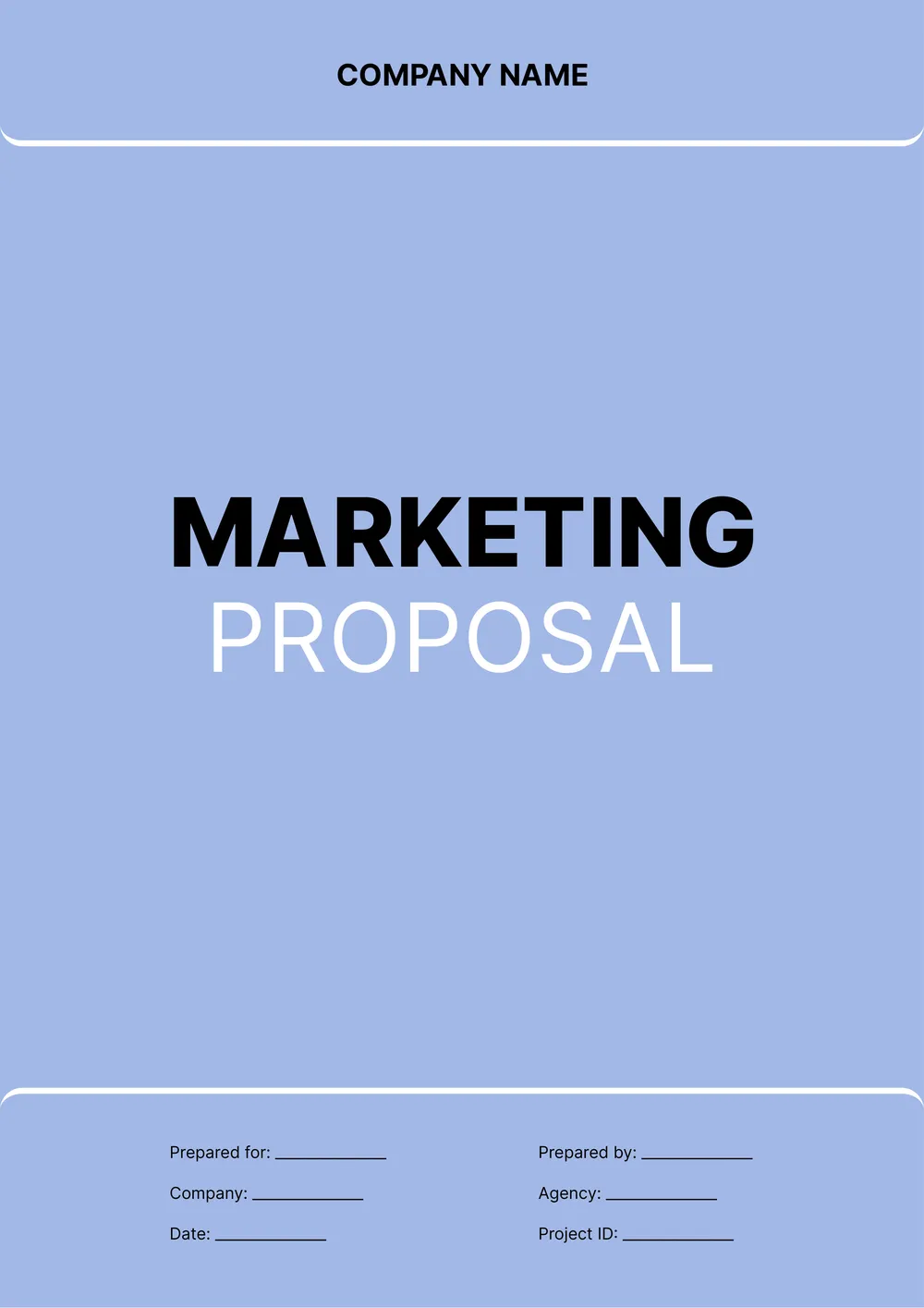
About the marketing proposal template
A marketing proposal is used to present a marketing plan, campaign idea, or service offer in a more structured format before the work begins. Agencies, consultants, freelancers, and internal teams use proposals to explain the goals, audience, deliverables, timeline, and budget of the planned work.
Our template includes sections for project overview, audience, services, campaign goals, timeline, pricing, and notes. In the PDF Guru editor, you can adapt the proposal to social media, content, paid ads, brand strategy, email marketing, or other marketing-related services.
Download your first file for free. To continue using PDF Guru, choose one of our subscription plans.
Frequently asked questions
Who can use this marketing proposal template?

This template is useful for agencies, consultants, freelancers, internal marketing teams, and service providers who need to present a campaign or strategy in a cleaner format. It works well when the goal is to show the planned services and pricing clearly before work starts.
What sections can I include in the marketing proposal?
You can include the project overview, target audience, campaign goals, services, deliverables, schedule, pricing, and notes. If needed, you can also add sections for strategy, reporting, channels, or optional recommendations.
Can I adapt this marketing proposal for different services or campaigns?
Yes. In PDF Guru you can adjust the wording and structure to fit social media work, SEO, content, paid advertising, branding, email campaigns, and more. This makes the same template flexible across different marketing use cases.
Can I export this marketing proposal template in multiple formats?
Yes. After editing the proposal in PDF Guru, you can export it as PDF, DOC, XLSX, PPTX, JPG, or PNG. That gives you a file for client review, another for revisions, and another for printing or presenting.
How do I edit and send the marketing proposal template in PDF Guru?
Open the template in the PDF Guru editor and fill in the campaign details, services, timeline, pricing, and any supporting notes. You can add branding, update the layout, and review the draft before saving. When it is ready, export it in the format you need and send it to the client or team.
How do I cancel PDF Guru?
You can cancel your active plan from your PDF Guru account settings, or contact support and ask them to cancel the subscription for you. Account access stays in place until the billing period you already paid for comes to an end.