About the payment receipt template
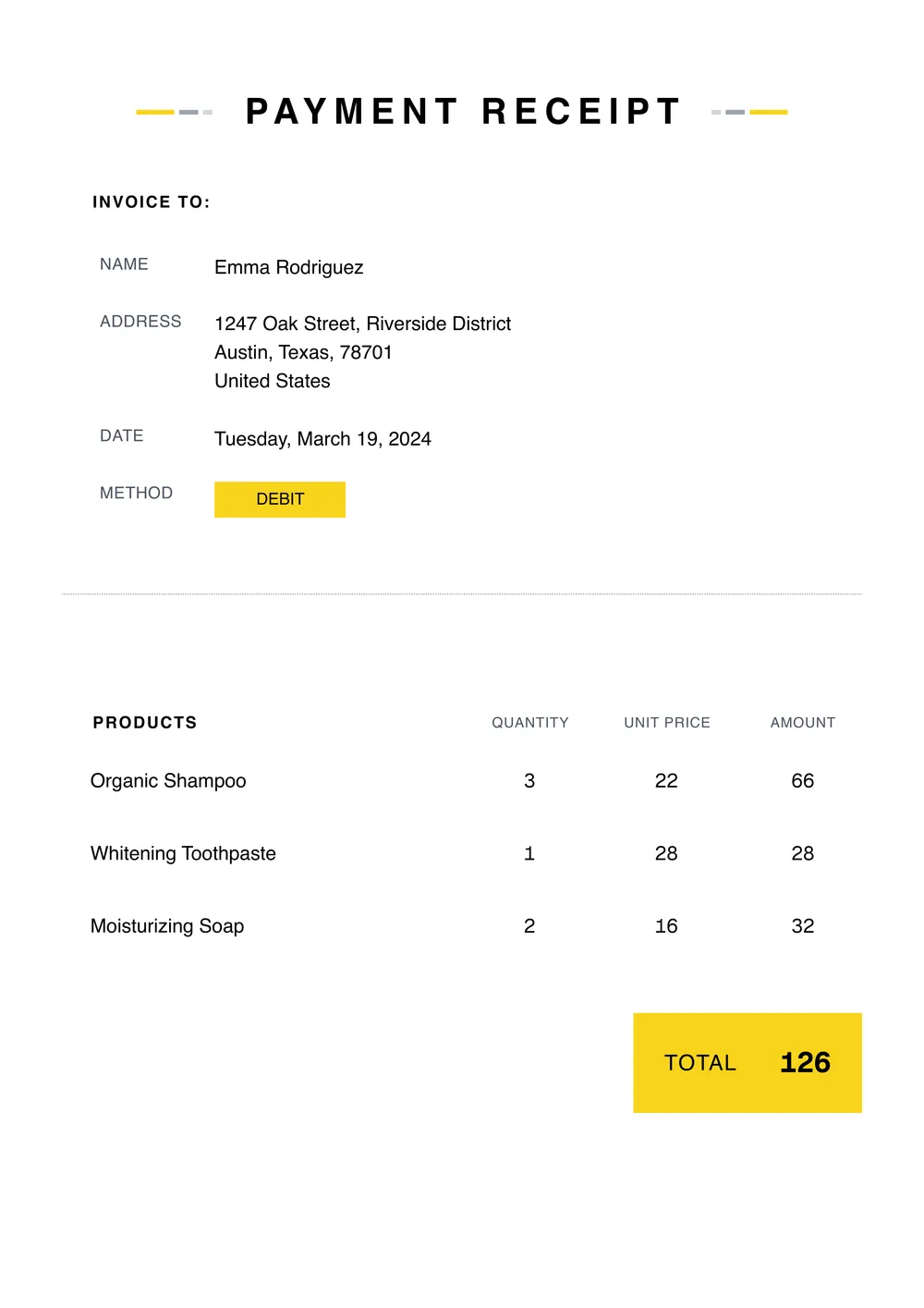
A payment receipt is used to confirm that money was received for a product, service, deposit, or other transaction. Businesses, freelancers, landlords, and individuals use receipts to keep a written record of payments and give the payer proof that the transaction was completed.
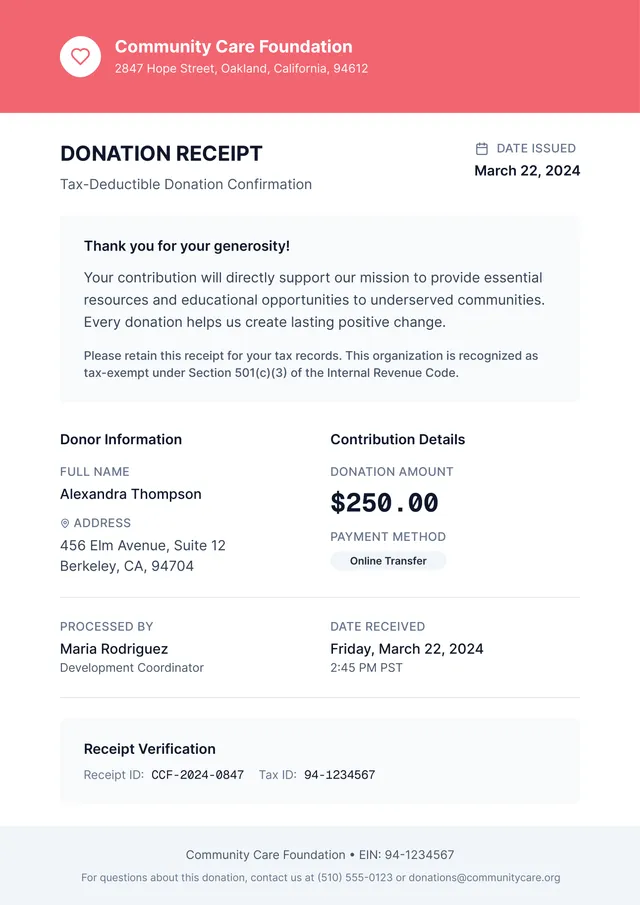
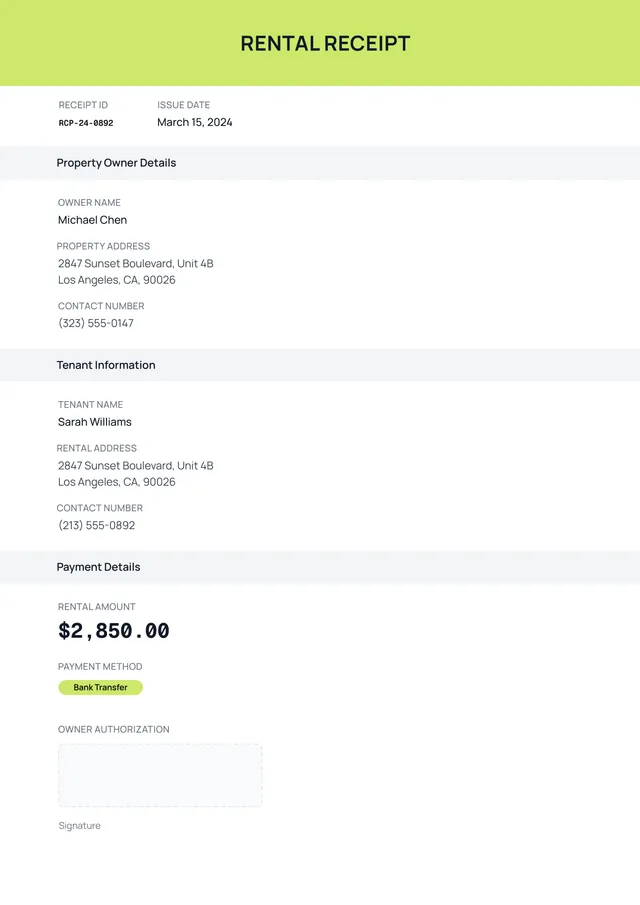
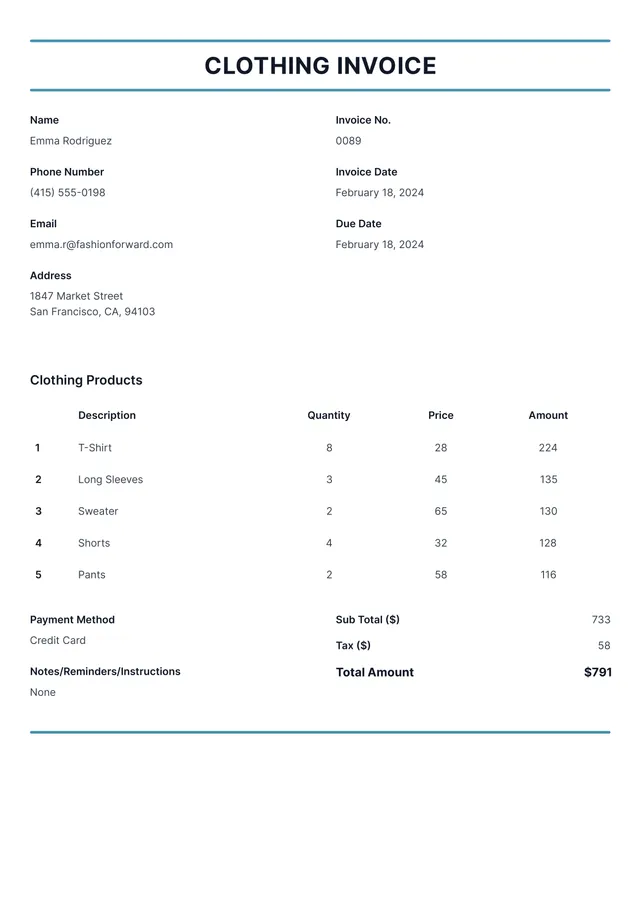
Our template includes the standard receipt details, such as payer information, payment date, amount received, payment method, reference number, and notes. In the PDF Guru editor, you can add branding, edit the layout, and tailor the receipt to the type of payment you are documenting.
Download your first file for free. To continue using PDF Guru, choose one of our subscription plans.
Frequently asked questions
What is this payment receipt template useful for?

This template is useful any time you need written proof that a payment was received. It works well for service payments, rent, deposits, one-time sales, invoice payments, and other transactions where a receipt is needed for records.
What information can I add to the payment receipt?
You can add the payer details, amount received, date, payment method, transaction reference, notes, and any business information you want displayed. You can also include a logo or extra fields if your process requires them.
Can I customize the payment receipt for different transaction types?
Yes. You can adjust the labels and wording to fit rent, service payments, deposits, freelance invoices, or general business receipts. That makes the template easier to reuse across different payment situations.
Can I export this payment receipt template in different formats?
Yes. After editing the receipt in PDF Guru, you can export it as PDF, DOC, XLSX, PPTX, JPG, or PNG. This gives you a file for printing, a digital copy for records, and another format for sharing with the payer.
How do I edit and download the payment receipt template in PDF Guru?
Open the template in the PDF Guru editor and fill in the payment details, amount, date, and payer information. You can add branding, update the layout, and review the receipt before saving. When it is ready, export it in the format you need and send or print the file.
How do I cancel PDF Guru?
You can cancel your active plan from your PDF Guru account settings, or contact support and ask them to cancel the subscription for you. Account access stays in place until the billing period you already paid for comes to an end.