About the sign-out sheet template
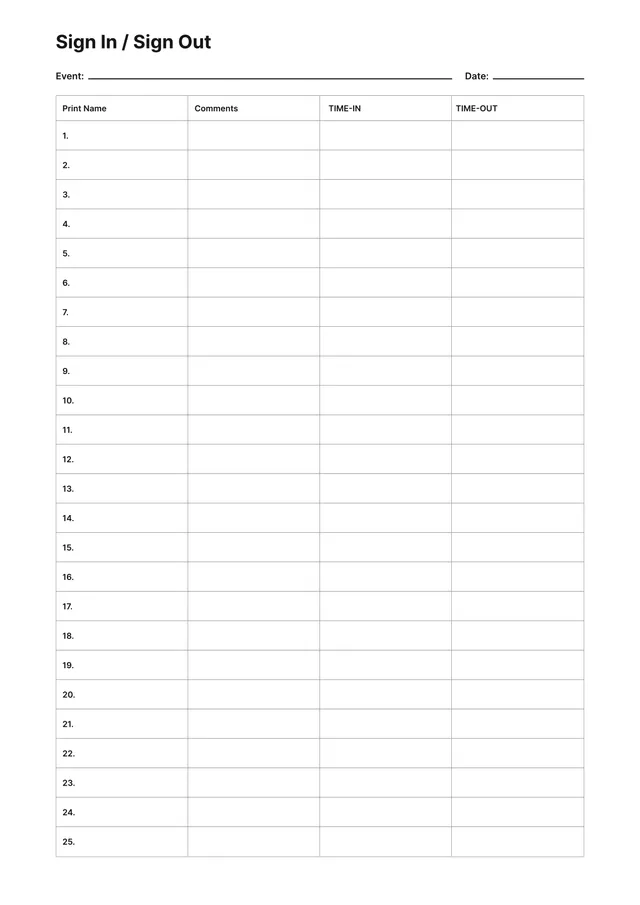
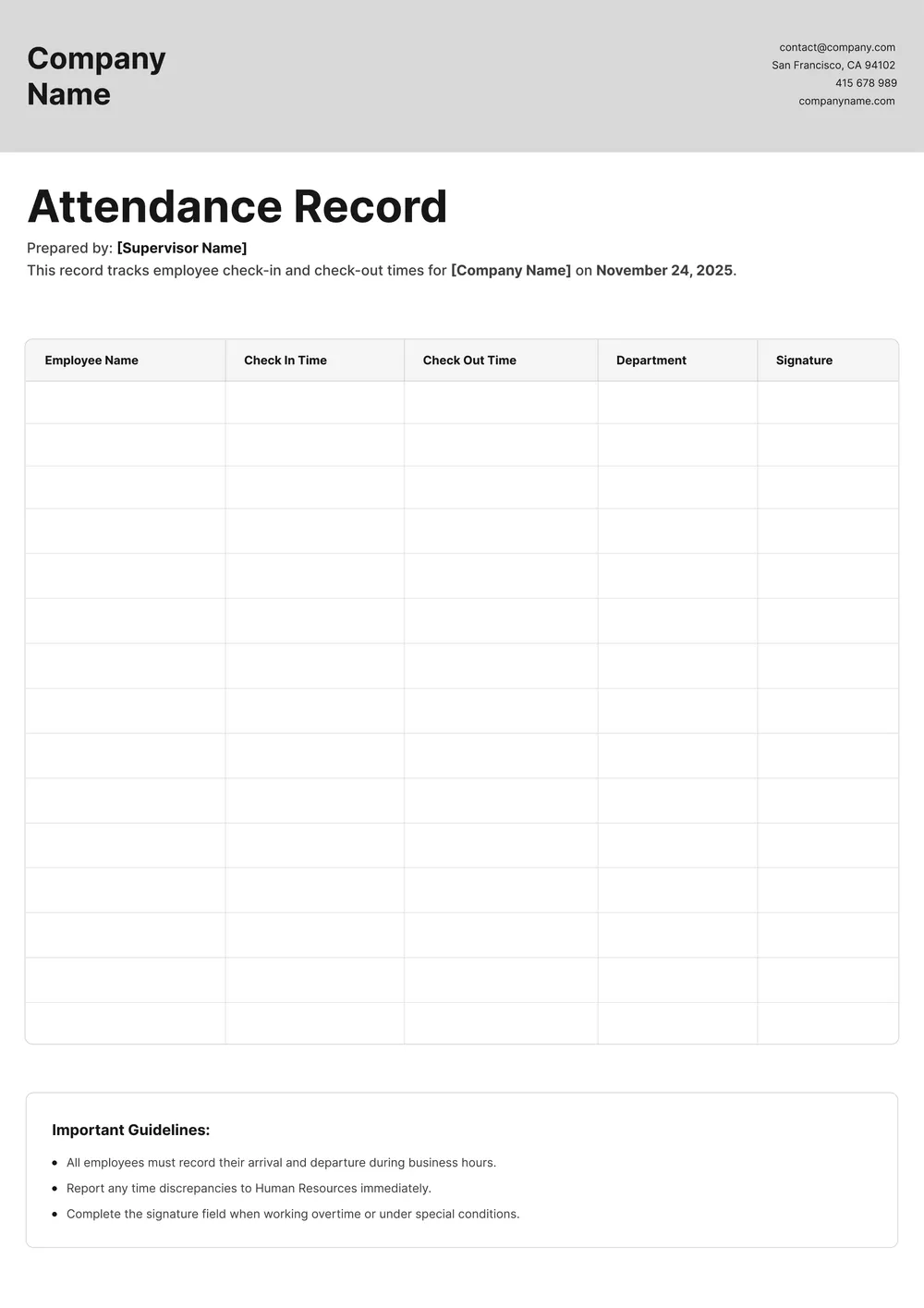
A sign-out sheet is used to record when a person leaves a building, classroom, workplace, or event. It helps schools, offices, clinics, and other organizations keep a clearer attendance or visitor log by showing who signed out, when they left, and sometimes where they were going.
Our template includes fields for names, dates, time out, destination or reason, and signature. In the PDF Guru editor, you can update the column titles, add or remove fields, and tailor the layout to visitor tracking, student sign-out, staff movement, or event attendance records.
Download your first file for free. To continue using PDF Guru, choose one of our subscription plans.
Frequently asked questions
What can I use this sign-out sheet template for?

This template is useful for visitor logs, student sign-out records, workplace tracking, event attendance, and other situations where you want a written record of who left and when. It helps keep those details in one simple, structured format.
What information can I add to the sign-out sheet?
You can include names, dates, time out, destination, reason for leaving, signatures, and any extra notes your process requires. You can also add custom columns if you need to track more detailed check-out information.
Can I customize this sign-out sheet for different settings?
Yes. In PDF Guru you can rename the fields, adjust the layout, and tailor the sheet to a school office, clinic, event desk, workplace, or another check-out workflow. The same template can be reused across different attendance or visitor scenarios.
Can I download this sign-out sheet template in different formats?
Yes. After editing the sheet in PDF Guru, you can export it as PDF, DOC, XLSX, PPTX, JPG, or PNG. This gives you a printable version, a digital copy for records, and another format for sharing or future edits.
How do I edit and print the sign-out sheet template in PDF Guru?
Open the template in the PDF Guru editor and fill in or update the fields you want to track, such as name, time out, destination, and notes. You can adjust the structure, add branding, and review the layout before saving. When it is ready, export it in the format you need and print or share the file.
How do I cancel PDF Guru?
You can cancel your active plan from your PDF Guru account settings, or contact support and ask them to cancel the subscription for you. Account access stays in place until the billing period you already paid for comes to an end.