Simple Lease Agreement Template
About simple lease agreement templates
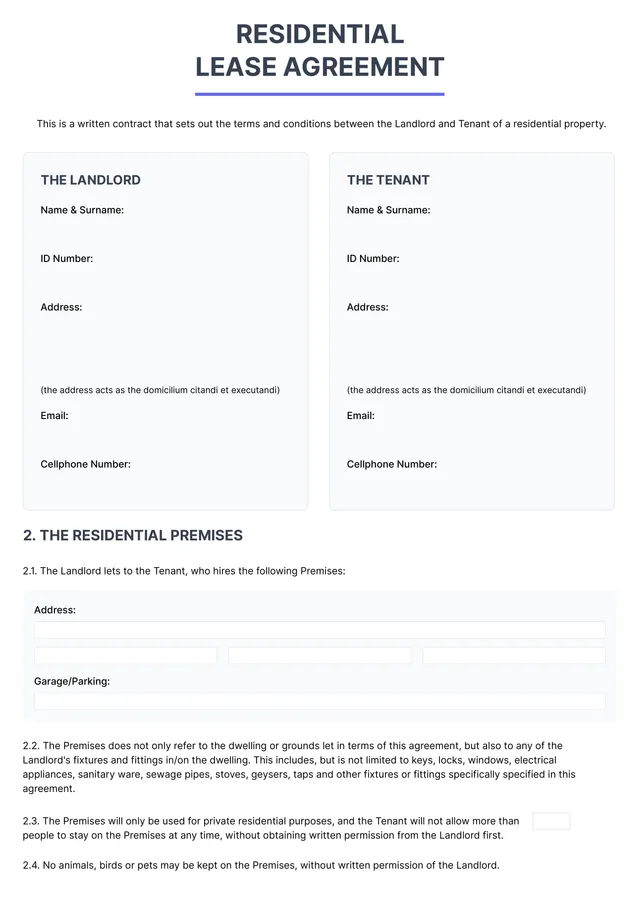
A simple lease agreement template can be a lifeline for anyone unsure how to draft one effectively. It helps to clarify important details, protecting both landlord and tenant while reducing potential conflicts. Instead of dealing with confusing legal jargon, our template presents you with clear fields to specify rental terms, payment dates, and responsibilities—taking the guesswork out of leasing property.
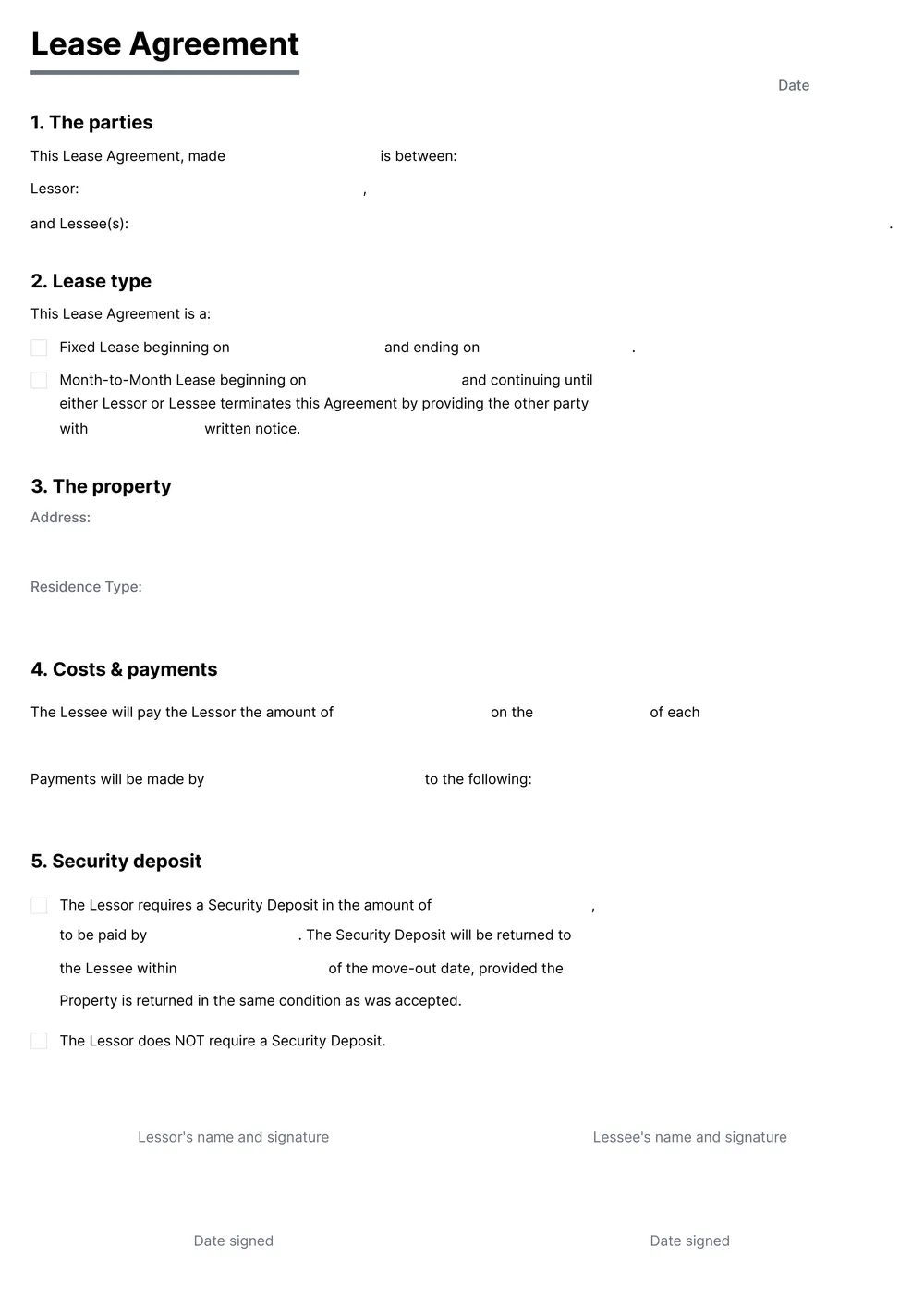
Our template stands out by offering a blank layout that you can edit right away, making it adaptable to your specific needs. You can fill in the details with confidence, knowing that we’ve analyzed the necessary fields and included them in ours for guidance. Whether you need a sample lease agreement or aim to create a personalized version, this tool helps simplify the process.
Download your first file for free. To continue using PDF Guru, choose one of our subscription plans.
Frequently asked questions
What is a simple lease agreement template?

A simple lease agreement template is a document that outlines the basic terms and conditions for renting property from a landlord. This template typically includes elements such as rental duration, payment amount, security deposits, and responsibilities of both the landlord and tenant. By using this template, you can create a clear agreement that protects the rights of all parties involved in the rental process.
When should I use a simple lease agreement template?
There are specific moments when using an editable simple lease agreement template is beneficial:
- When renting an apartment or house
- When renewing an existing lease
- When subleasing a property
- When formalizing terms with short-term renters
- Before entering into any tenant agreements during a property transition
What does the simple lease agreement template include?
A simple lease agreement template typically includes sections for tenant and landlord names, property address, lease term, rent amount, payment details, security deposit, utilities, maintenance responsibilities, and termination conditions. You can easily edit any part that fits your specific needs.
How to edit a simple lease agreement template?
- Click 'Use Template' to open the lease agreement.
- Find the editable fields within the template; click on each one to adjust the information as needed.
- Review your entries for accuracy; make any necessary changes.
- When satisfied, click 'Done' to download the edited lease agreement; it will also be saved in your account for future reference.
Who might need a simple lease agreement template?
If you’re a landlord, property manager, or tenant, a simple lease agreement template can help you clearly outline the terms of renting. It’s also useful for anyone who occasionally rents out property, like homeowners or investors, ensuring everyone understands their rights and responsibilities.
Can I download a simple lease agreement template as a PDF or in another format?
Yes, you can download a simple lease agreement template as a printable PDF or in other formats like Word, Excel, PowerPoint, PNG, or JPG. After customizing your template, just click 'Done' to download it in your preferred format.
What are the key terms to include in a lease agreement?
A lease agreement should include: names of the landlord and tenant, property address, rental amount, payment terms, duration of the lease, security deposit details, maintenance responsibilities, and conditions for terminating the lease. It's also helpful to add any restrictions, like pets or smoking.
What should I consider before using a simple lease agreement template?
Before using a simple lease agreement template, consider the legal requirements in your area, the specific needs of your rental situation, and whether any custom terms are necessary. Review the template carefully, and be ready to make adjustments to reflect your agreement accurately.
How do I cancel PDF Guru?
You can cancel your active plan from your PDF Guru account settings, or contact support and ask them to cancel the subscription for you. Account access stays in place until the billing period you already paid for comes to an end.