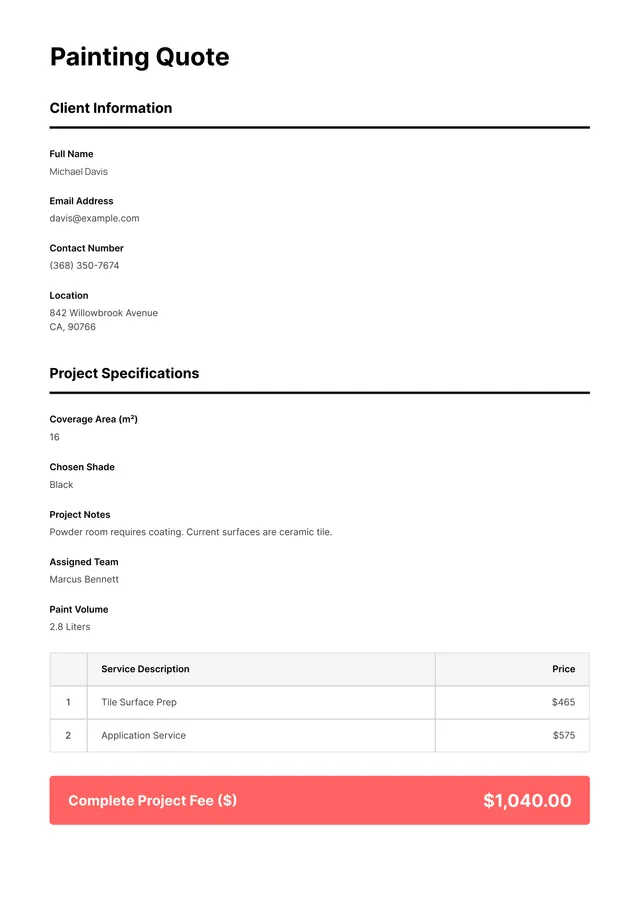
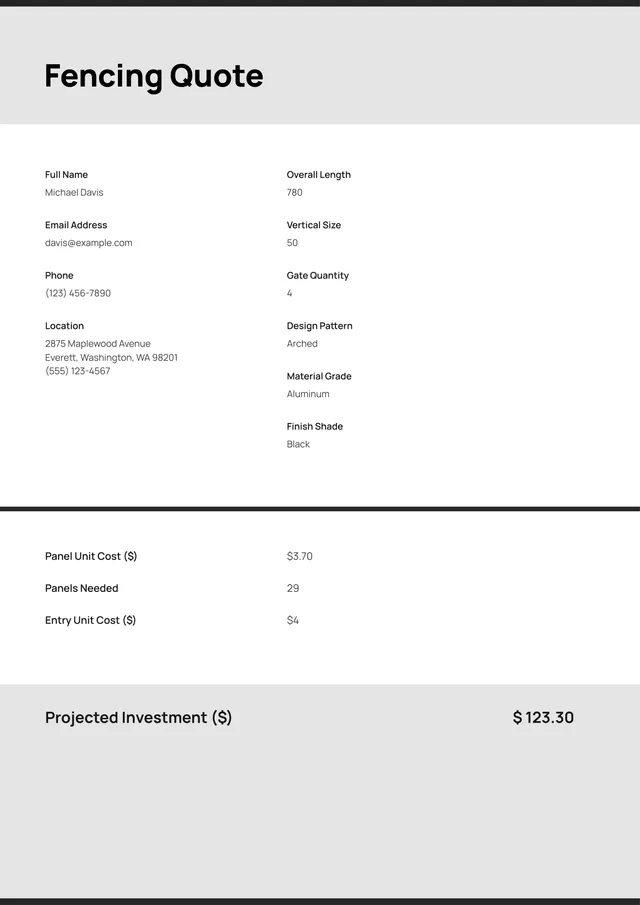
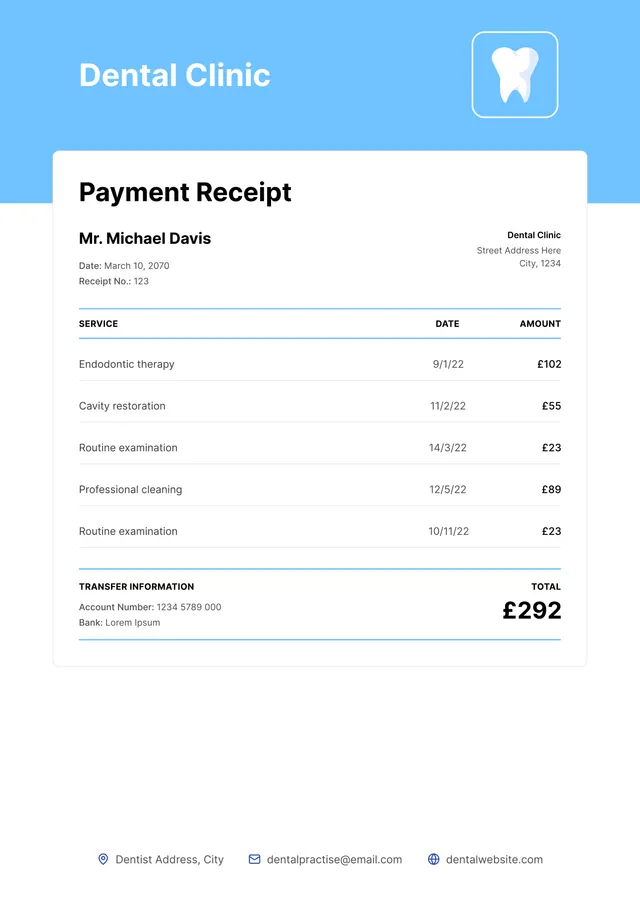
Small Business Quote Template
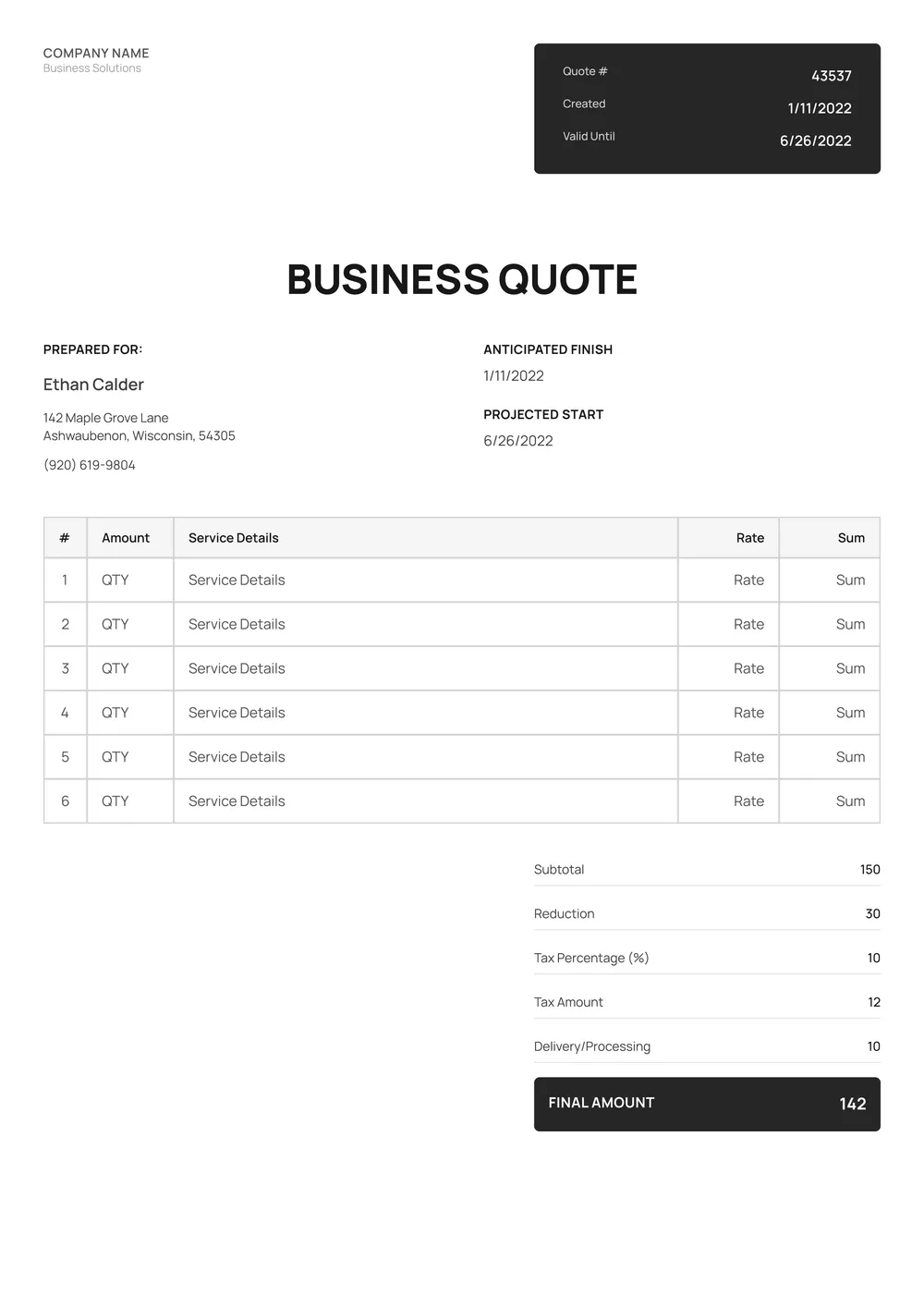
About small business quote template
Finding the right small business quote template can often feel overwhelming. Creating professional quotes takes time and can be difficult, especially if you’re not sure what to include. Our template streamlines this process; it’s designed to help you focus on your services while projecting a polished image, ensuring you never miss crucial information.
Our templates come equipped with key fields for you to fill in, making it easier to present clear and concise quotes tailored to your clients. You can begin with a blank slate and make adjustments as needed or reference a sample quote for inspiration. We've analyzed the necessary fields to help you craft perfect quotes that match your business needs.
Download your first file for free. To continue using PDF Guru, choose one of our subscription plans.
Frequently asked questions
What is a small business quote template?

A small business quote template is a preformatted document designed to help you create professional quotes for your services or products. This template provides an outline for key information, like pricing, services offered, and terms of service. By using this template, you can save time while ensuring that your quotes are clear and consistent. Once tailored to your needs, you can print or send it to clients.
When to use a small business quote template?
A small business quote template is ideal for various situations:
- When you're providing a price estimate to potential clients
- If you want to formalize the terms of a service agreement
- At the start of a new project or job
- When responding to inquiries from customers
- To keep a record of quotes for future reference with editable fields for adjustments.
What information is needed in a small business quote template?
A small business quote template should generally include the business name and contact information, customer details, item descriptions, quantities, unit prices, total amount, payment terms, and expiration date. Remember to edit the template with the correct information before sending it to ensure accuracy and clarity.
How to edit the small business quote template?
- Click "Use Template" to open the small business quote template in the PDF editor.
- Fill in the placeholder fields with your relevant information; you can adjust text as needed.
- Review your changes to make sure all details are accurate.
- Once satisfied, click "Done" to download your edited quote and save it in your account for later access.
Who can benefit from a small business quote template?
Small business owners, freelancers, and entrepreneurs can benefit from a small business quote template. It helps in providing clear pricing to clients, streamlining communication, and saving time. This tool is perfect for anyone looking to present a professional image while managing project finances efficiently.
Can I download the small business quote template as a PDF or in other formats?
Yes, you can download the small business quote template as a PDF or in other formats. The available options include Word, Excel, PowerPoint, PNG, and JPG. Once you've made your edits, you can choose your preferred format for a printable version.
How can I make my quotes stand out using this template?
To make your quotes stand out using this template, focus on choosing bold fonts and adjusting font sizes in the template editor. You can also add colors, adjust line spacing, or use text boxes to highlight important sections. Personalizing these aspects helps your message pop and grabs attention.
What are the best practices for writing effective quotes for small businesses?
Focus on clarity; keep your quotes concise and to the point. Tailor them to meet the specific needs of your clients, showing your understanding of their requirements. Clearly outline costs, services, and deadlines, and make it easy to read to help clients make informed decisions.
How do I cancel PDF Guru?
You can cancel your active plan from your PDF Guru account settings, or contact support and ask them to cancel the subscription for you. Account access stays in place until the billing period you already paid for comes to an end.