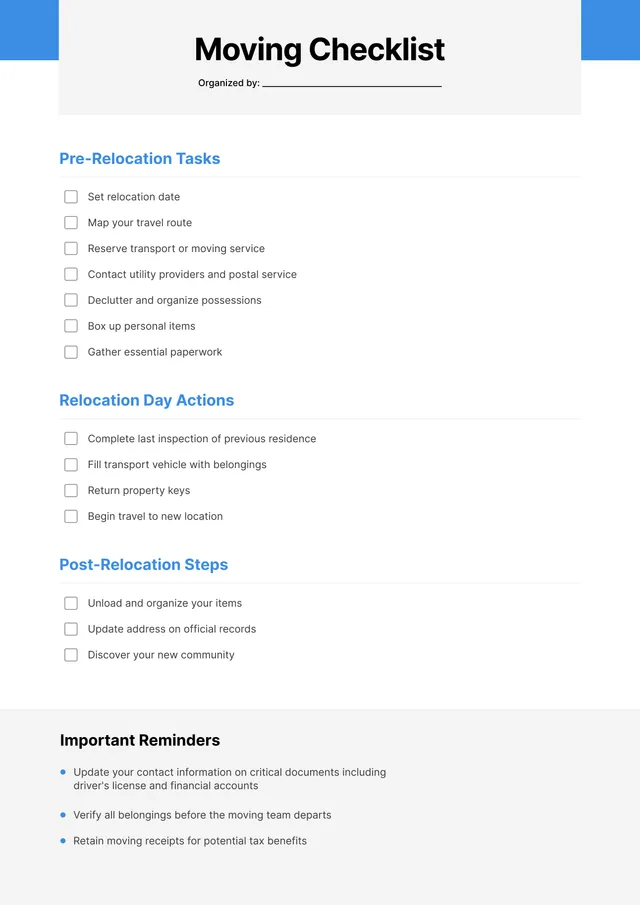
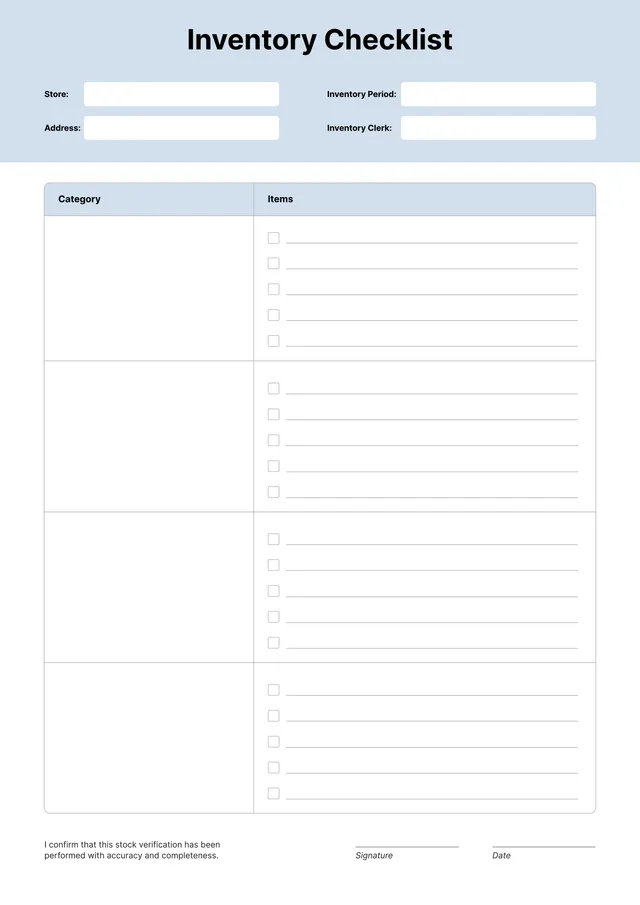
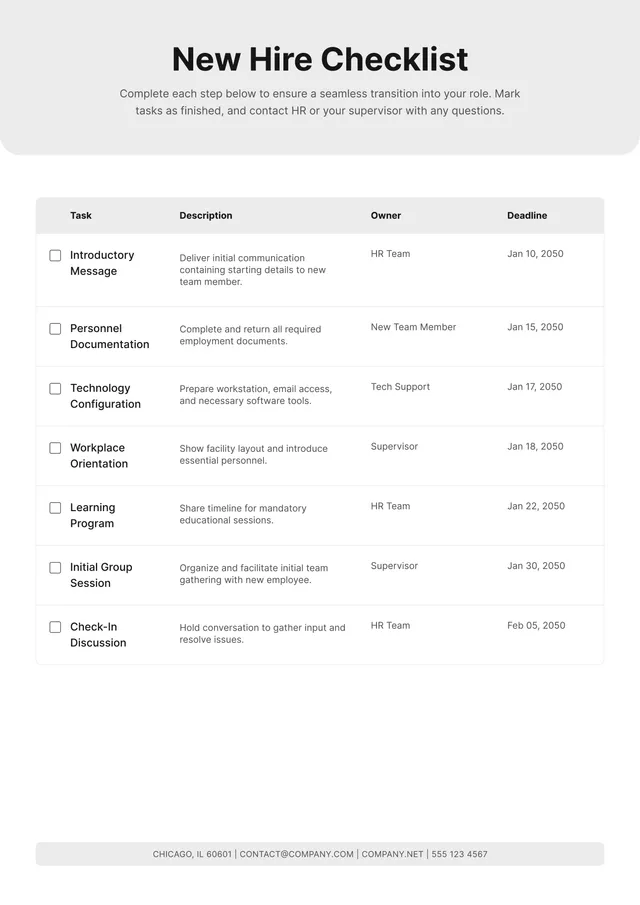
Training Checklist Template
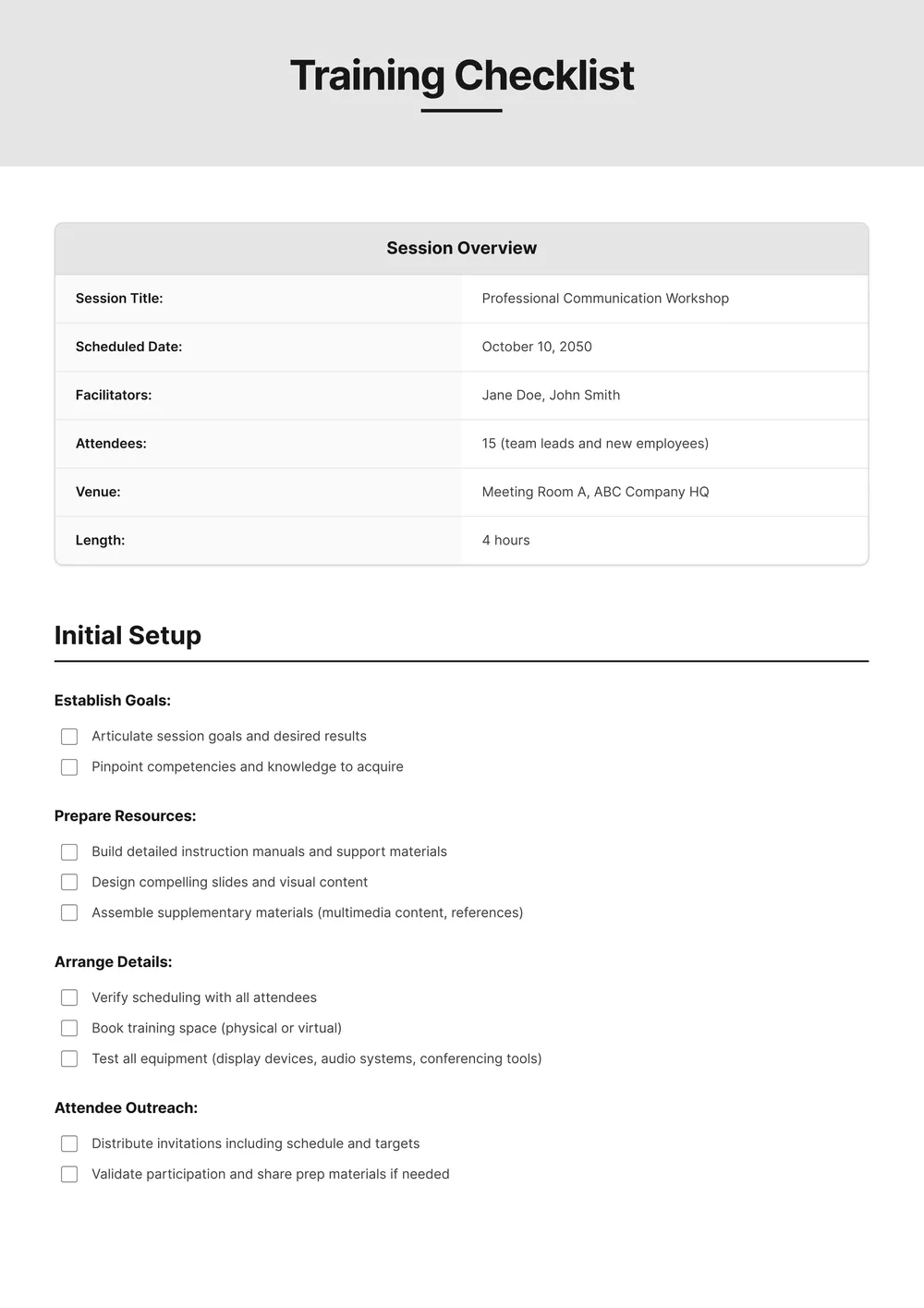
About training checklist template
Creating a training checklist can feel overwhelming, especially when trying to remember everything essential for effective training sessions. Our training checklist template helps you organize all necessary tasks in one place. It guides you through the process, easing the burden so you can focus on delivering impactful training rather than wrestling with details. One valuable feature is how easy it is to modify the template based on your training needs.
With our template, you can start with a blank slate, quickly customizing it to your goals. Whether you want a sample checklist for a workshop or an in-depth training program, the structure allows for smooth adjustments. You can also save and revisit your updated checklists at any time. We’ve analyzed the necessary fields and worked to cover important aspects in our template.
Download your first file for free. To continue using PDF Guru, choose one of our subscription plans.
Frequently asked questions
What is a training checklist template?

A training checklist template is a structured outline that helps manage and track training activities. It typically includes sections for tasks, objectives, and deadlines. By filling out this template, you can keep a record of progress, ensure all necessary skills are covered, and identify areas that may need additional focus, making the training process more organized and effective.
When should I use a training checklist template?
A training checklist template is perfect for several occasions, including:
- Before starting a new employee onboarding session
- During planning for a skills development workshop
- When preparing for a compliance training update
- At the beginning of a project requiring specific training steps
You can customize the editable template to match your needs and effectively track progress.
What should be included in a training checklist template?
A training checklist template should include essential items like training objectives, participant details, materials needed, instruction methods, duration, and evaluator notes. Also, leave space to edit as needed for each training session; tracking completed tasks and feedback can help improve future trainings.
How to edit a training checklist template?
- Click on the 'Use Template' button for the training checklist template.
- A draft version loads in the PDF editor.
- Make your changes by filling out the editable placeholder fields.
- When you're done editing, click 'Done' to save your changes.
- The updated checklist will download, and a copy will save in your account for future access.
Who can benefit from a training checklist template?
A training checklist template benefits managers, trainers, and HR professionals planning employee development. It also helps new employees to stay organized and track their progress. Any team working on specific skills or certifications can find value in using a checklist to ensure consistency and thoroughness in training.
Can I export the training checklist template to PDF or other formats?
Yes, you can download the training checklist template in various formats, including PDF. This allows you to have a printable version handy, and you can also choose other formats like Word, Excel, PowerPoint, PNG, or JPG for your convenience.
How can I make my training checklist more effective?
To make your training checklist more effective, focus on clarity; use simple language, and break tasks down into smaller steps. Add specific deadlines, and consider including follow-up questions. Using templates helps maintain consistency, so take advantage of PDF Guru’s tools for easy updates and accessibility.
Can I share my training checklist with others?
Yes, you can share your training checklist with others. After you edit and save your checklist, simply download it and send the file via email or any file-sharing platform. This makes it easy for others to access and use the checklist you created.
How do I cancel PDF Guru?
You can cancel your active plan from your PDF Guru account settings, or contact support and ask them to cancel the subscription for you. Account access stays in place until the billing period you already paid for comes to an end.