About wedding contract templates
Planning your wedding involves managing countless details, often leading to stress. With our wedding contract templates, you can tackle agreements with vendors and ensure everything stays organized. Having clear contracts means less confusion and more time for what really matters—your special day. One standout feature is the editable placeholder fields that let you tailor each contract to suit your unique needs.
By using our wedding contract template, you resolve uncertainties, which can help all parties feel secure. Whether it’s outlining services, payment schedules, or cancellation policies, we've created a sample format that fits typical scenarios. Plus, with a blank template format, you can modify it easily. We’ve analyzed the necessary fields and included them in ours to support your contracting process, providing you with a solid starting point.
Download your first file for free. To continue using PDF Guru, choose one of our subscription plans.
Frequently asked questions
What is a wedding contract template?

A wedding contract template is a pre-made document that outlines the key details and agreements between you and your service providers for your wedding. This can include things like costs, payment schedules, timelines, and other important elements. By using a template, you can fill in the specifics to match your needs, making it easier to create a clear agreement with vendors.
When should you use a wedding contract template?
When planning your wedding, using a wedding contract template can be beneficial in various scenarios, including:
- When booking vendors like a photographer or florist
- When establishing agreements with the venue
- When detailing services with a wedding planner
- Before making any initial payments or deposits
This editable template helps set clear expectations and protects all parties involved.
What details are in a wedding contract template?
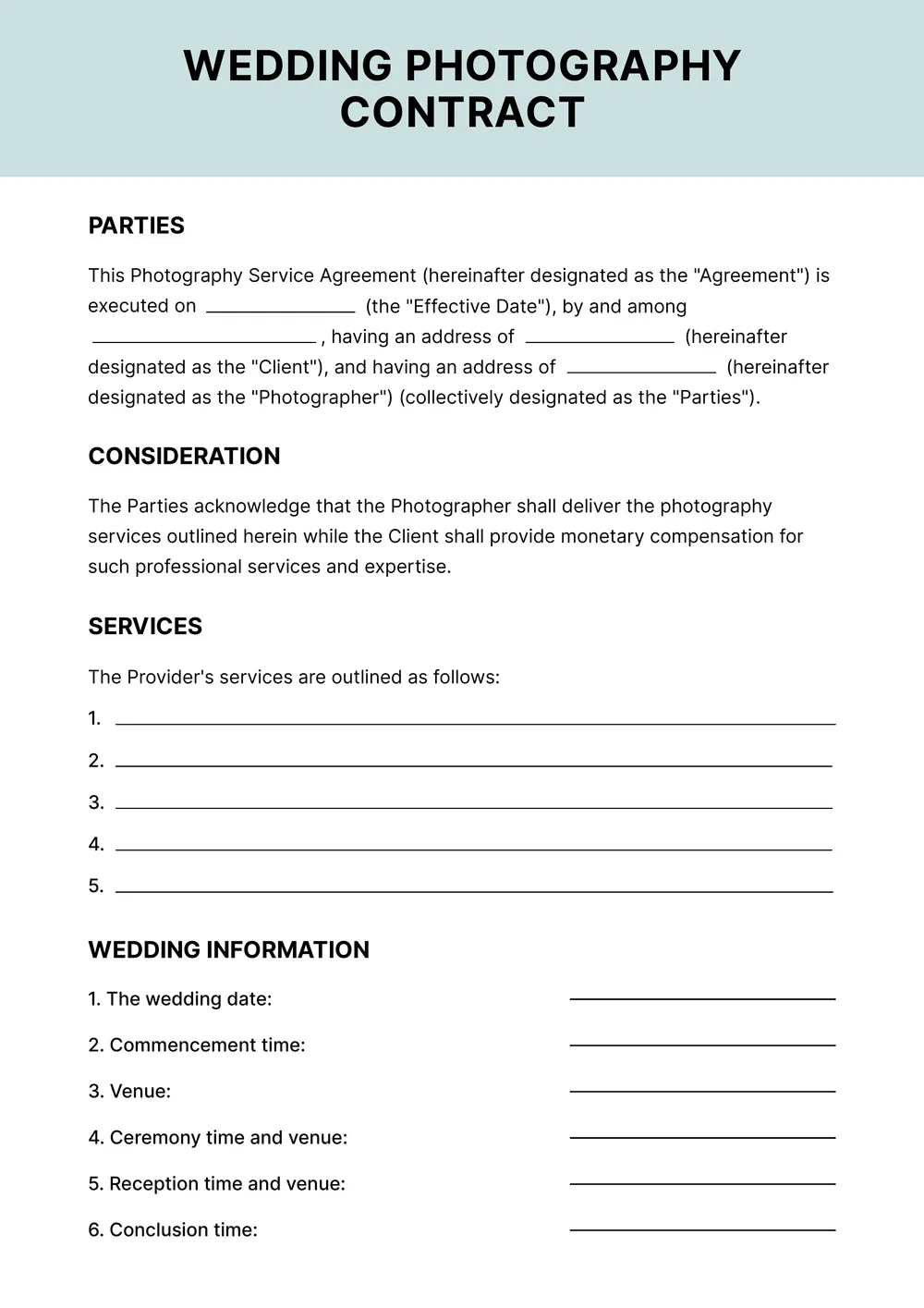
A wedding contract template should generally include details like names of the couple, wedding date, venue information, services provided, payment terms, and cancellation policies. You can edit the template to add specific requirements, including photographer details, guest count, and any special requests.
How to edit a wedding contract template?
- Click "Use Template" to start.
- The wedding contract template will open in the PDF editor.
- Look for the placeholder fields; these can be edited.
- Fill in your specific details, such as names, dates, and services.
- Review your changes carefully.
- Once you’re satisfied, click "Done" to download the contract and save a copy in your account.
Who should consider using a wedding contract template?
If you're planning a wedding, a wedding contract template is ideal for engaged couples, wedding planners, or vendors. It helps clarify terms, expectations, and responsibilities between parties involved, ensuring everyone is on the same page as you prepare for your special day.
Can I export the wedding contract template to PDF or another format?
Yes, you can download the wedding contract template as a PDF or in other formats like Word, Excel, PowerPoint, PNG, or JPG. After editing, choose the desired format for a printable version that suits your needs. Your linked account will save the edited template for future access.
How can I make my wedding contract legally binding?
To make your wedding contract legally binding, include essential elements like clear terms, signatures from both parties, and consider having a witness. You may also want to consult a legal expert in your area to meet local laws. Keeping a copy for your records is a good practice.
What should I consider when creating a wedding contract?
When creating a wedding contract, consider key details like date, time, venue, and services needed. Include payment terms, cancellation policies, and who is responsible for what. Be clear about any extra fees, and ensure both parties sign it to protect everyone’s interests.
How do I cancel PDF Guru?
You can cancel your active plan from your PDF Guru account settings, or contact support and ask them to cancel the subscription for you. Account access stays in place until the billing period you already paid for comes to an end.