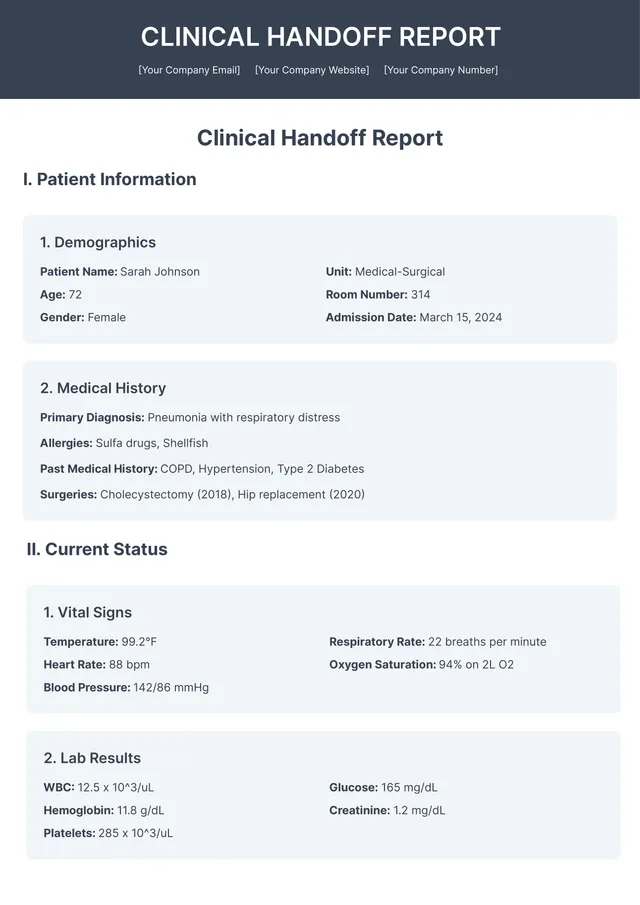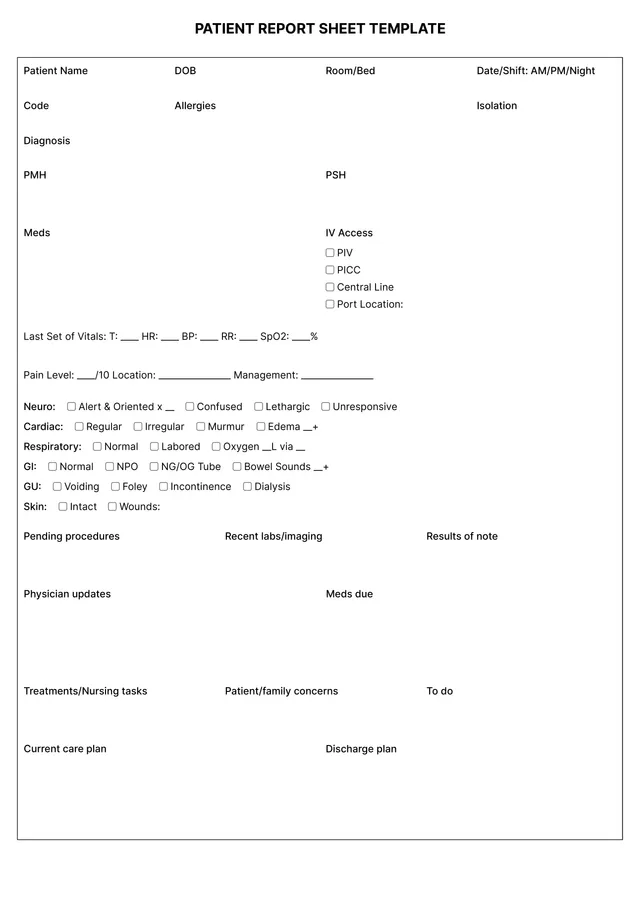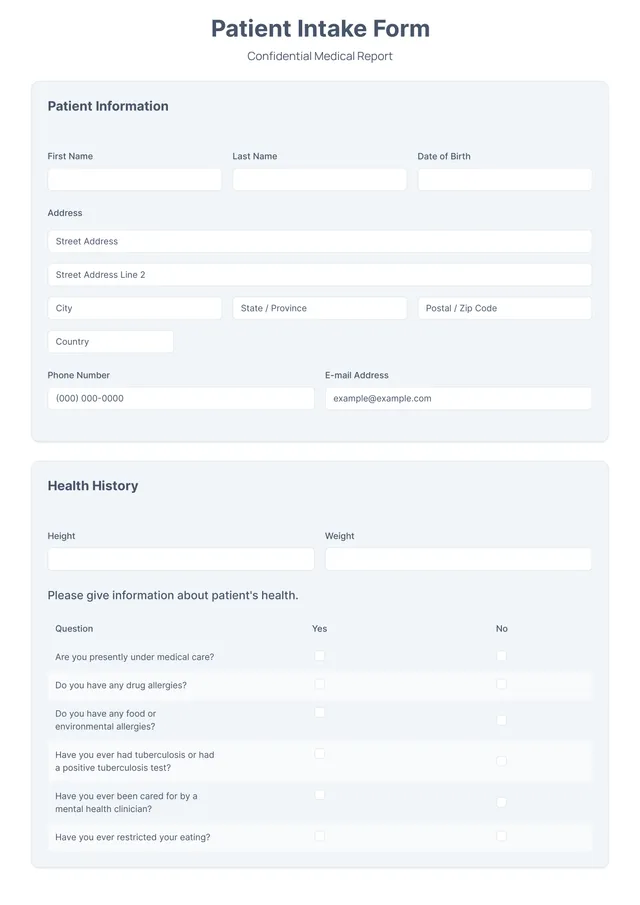
About weekly report templates
Keeping track of your weekly activities can often feel overwhelming. You need a reliable system to organize your plans, tasks, and progress; the pressure to deliver reports on time adds to the stress. Our weekly report template helps you simplify this process by providing a structured way to compile information, making sense of your workload. One standout feature is the customizable fields, which let you tailor the report to fit your specific needs.
Whether you prefer a blank slate for your own input or a pre-filled sample format for quick reference, the flexibility of our template supports your workflow. By focusing on what matters most, you can make reporting less of a chore and more of a breeze. We've taken the time to analyze the necessary fields and carefully included them in our template, aiming to make your reporting process smoother and more efficient.
Download your first file for free. To continue using PDF Guru, choose one of our subscription plans.
Frequently asked questions
What is a weekly report template?

A weekly report template serves as a structured outline for creating reports that summarize activities, progress, and key results over a week. This type of template typically includes sections for goals, achievements, challenges, and future plans, allowing you to organize your thoughts and present information clearly. Using it can help in tracking performance and ensuring accountability throughout the week.
When should I use a weekly report template?
A weekly report template can help you stay organized; here are some ideal times to use it:
- At the end of each week to summarize your achievements
- When you need to track project progress over a short period
- If you're preparing for team meetings or presentations
- To keep stakeholders updated on ongoing activities
This editable template makes noting important details simple.
What information is typically found in a weekly report template?
A weekly report template usually includes sections like objectives, progress updates, challenges faced, and next steps. You can edit the template to add specific details relevant to your project or team. It helps track performance and facilitates communication among team members.
How to edit a weekly report template?
- Click on 'Use Template' to load the weekly report template.
- The template will open in the PDF editor with placeholders ready for you to fill.
- Customize the fields as needed: add your information, adjust any sections, or delete unneeded items.
- Once you are satisfied with your edits, click 'Done' to download your report.
- Your edited version will also save in your account.
Who can use a weekly report template?
Anyone who needs to track and present progress can use a weekly report template. This includes managers, team leads, students, project coordinators, and business owners. If you want to organize information for meetings, projects, or personal tasks, this template is designed for you.
Can I export the weekly report template to PDF or other formats?
Yes, you can download the weekly report template in various formats, including PDF, Word, Excel, PowerPoint, PNG, and JPG. This way, your file will be ready for printing or turning into a printable format that suits your needs. Just choose your preferred option at download.
How can I make the most out of my weekly report template?
To make the most out of your weekly report template, first, fill in all relevant information accurately; break down tasks and accomplishments clearly. Review past reports for trends; use bullet points for clarity. Regularly save edited versions to track progress. This helps streamline future reporting and improve overall efficiency.
What types of information can I track with the weekly report template?
With the weekly report template, you can track various details like project updates, tasks completed, deadlines, hours worked, and any outstanding issues. This helps you get a clear view of progress, challenges, and overall productivity for better planning and improvements in your workflow.
How do I cancel PDF Guru?
You can cancel your active plan from your PDF Guru account settings, or contact support and ask them to cancel the subscription for you. Account access stays in place until the billing period you already paid for comes to an end.