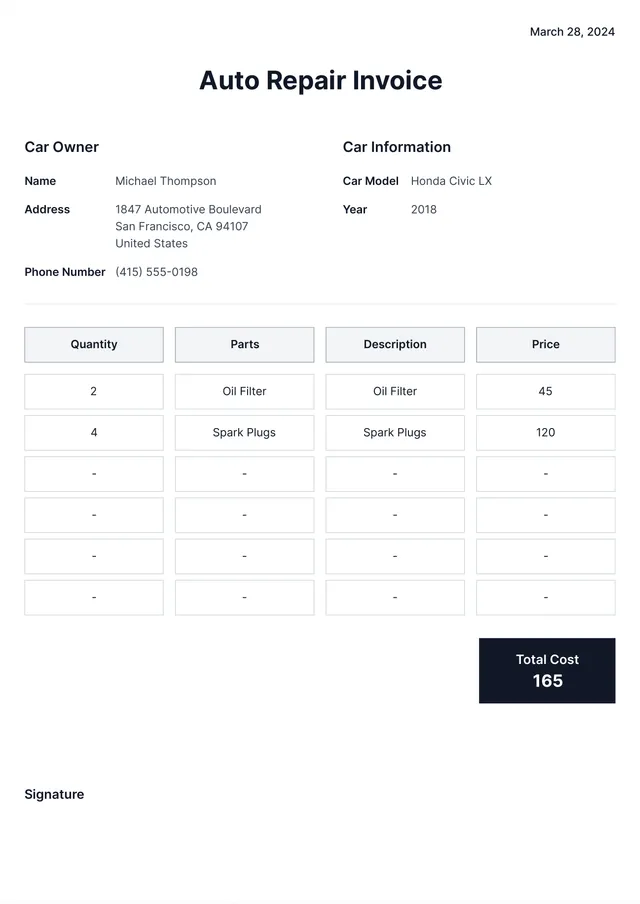
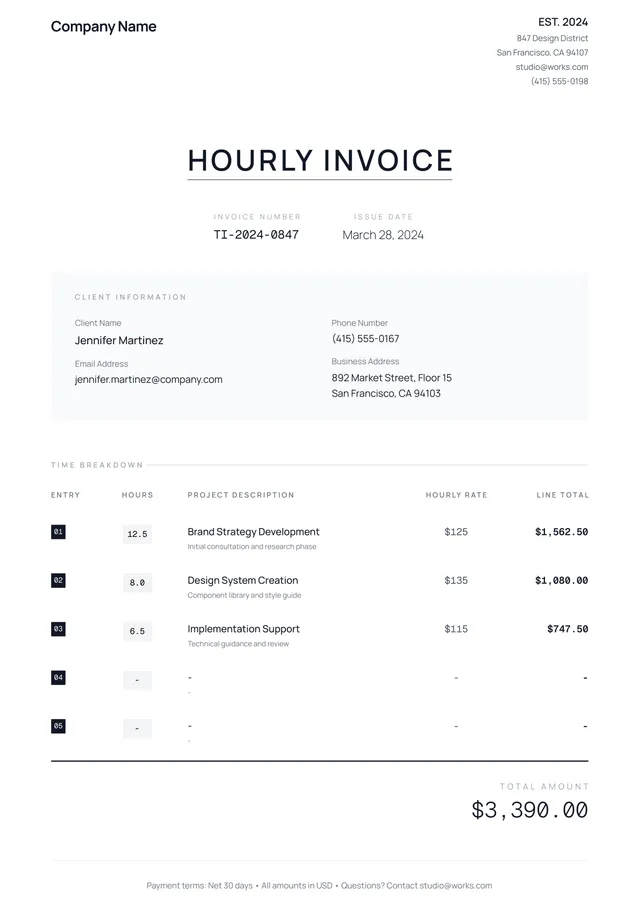
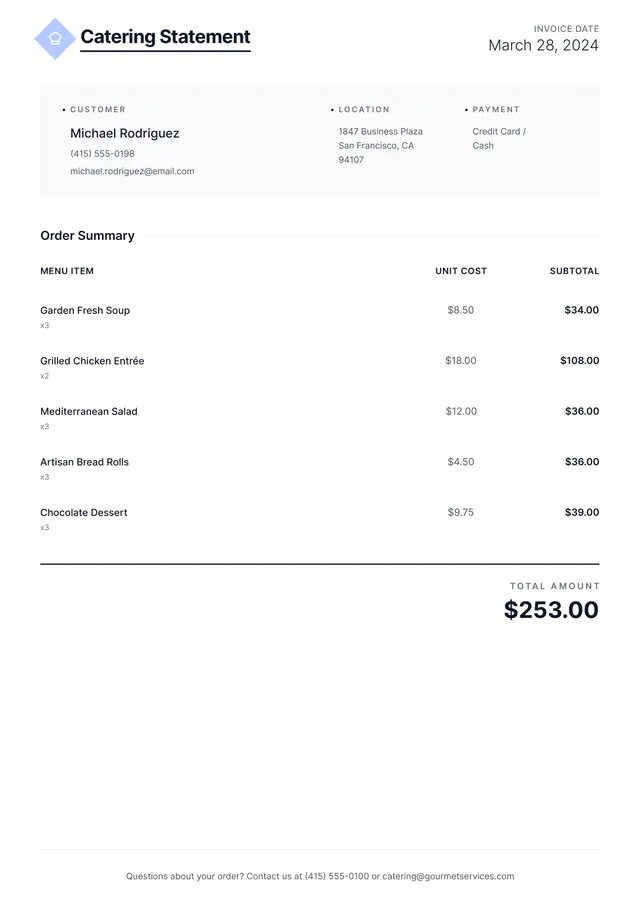
Consultant Invoice Template
About consultant invoice templates
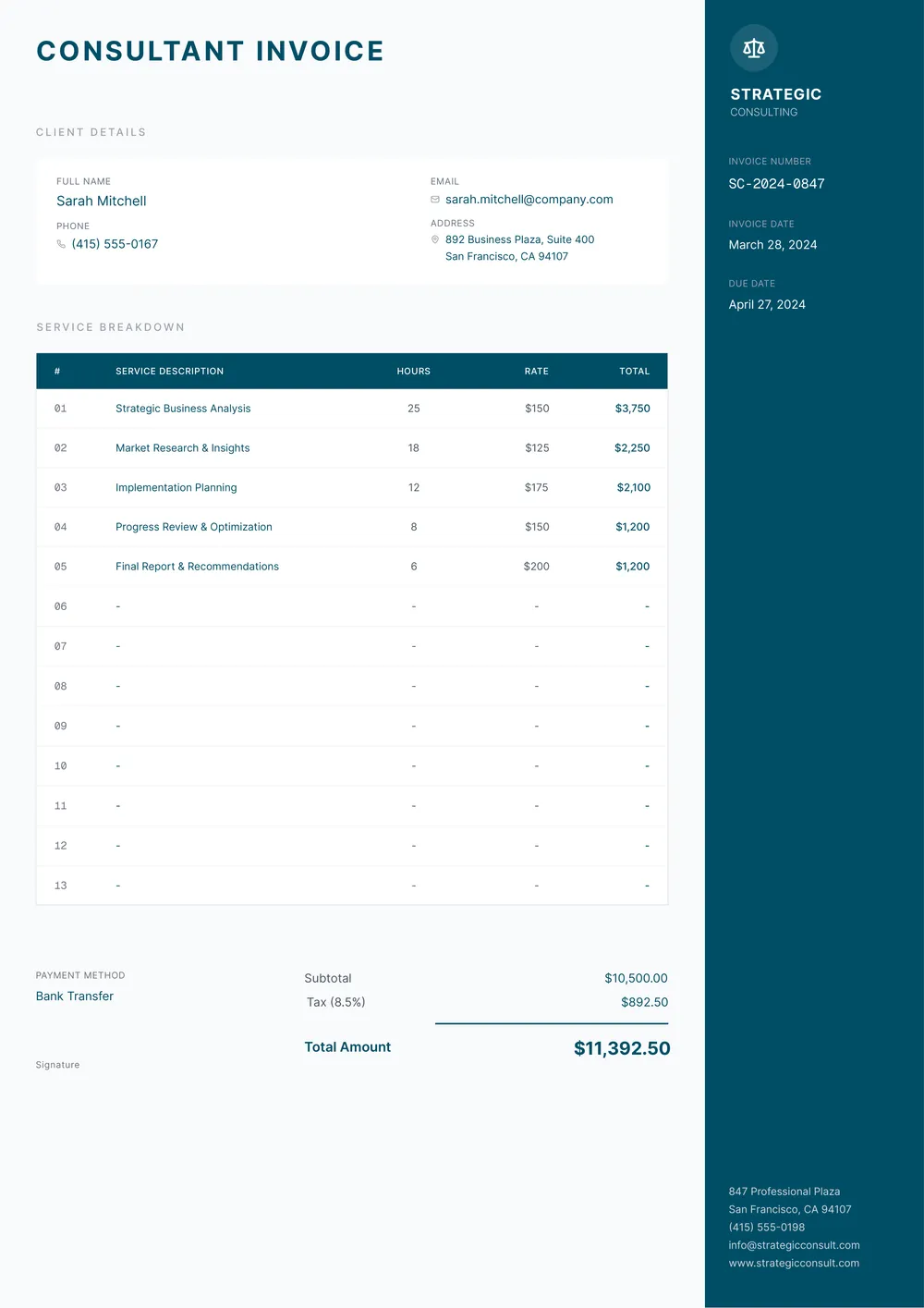
Creating consultant invoices can be a headache; tracking your work and expenses can feel overwhelming. But with our consultant invoice template, you’ll find relief in reducing that stress. This blank template allows you to fill in your details quickly and organize your services clearly and professionally. A standout feature is its designed layout, which makes it easy to read—which is a game-changer when presenting your work to clients.
Imagine spending less time on paperwork and more time focusing on your clients. Our sample consultant invoice template helps you achieve that by being ready to tailor for your specific needs. While we've identified common fields that most clients require, rest assured the template is flexible to adapt to your unique services, providing a helpful resource for your invoicing process.
Download your first file for free. To continue using PDF Guru, choose one of our subscription plans.
Frequently asked questions
What is a consultant invoice template?

A consultant invoice template is a tool that helps you create professional invoices for your consulting services. It typically includes an outline of your business details, client information, services provided, and prices. You can easily fill in the necessary fields, personalizing it to reflect your work. This template streamlines the invoicing process, making it simple to bill your clients accurately.
When should I use a consultant invoice template?
Using a consultant invoice template can be helpful in various situations, including:
- After completing a project or task for a client
- When billing for hourly work or ongoing services
- At month-end or when reaching milestones
- When tracking expenses and payments
- If you need an editable document to adapt for different clients and services
What information is typically found in a consultant invoice template?
A consultant invoice template usually includes your name, address, and contact information, the client's details, an invoice number, description of services, costs, payment terms, and due date. When you edit the template, you can customize these details to fit your specific client and services provided.
How to edit a consultant invoice template?
- Click on 'Use Template' for the consultant invoice template.
- Fill in the necessary fields that apply to your consultation.
- Review the information for accuracy.
- Once you’re ready, click 'Done' to download your edited invoice.
- Your completed invoice will also be saved in your account for future access.
Who can use a consultant invoice template?
A consultant invoice template is perfect for freelancers, independent contractors, coaching professionals, and service providers. If you offer consulting services and need to bill clients for your work, this template can help organize your billing details in a clear and professional manner.
Can I download the consultant invoice template as a PDF or in another format?
Yes, you can download the consultant invoice template in different formats, including PDF. The template is also printable, so you can easily create physical copies if needed. Choose the format that works best for you during the download process.
How can I ensure my consultant invoice looks professional?
To make your consultant invoice look professional, start by using a clean template from PDF Guru. Include your contact info, the client's details, a clear title, itemized services, and payment terms. Choose a neat font and save it as a PDF for sharing; it boosts your credibility.
How do I add my business logo to the consultant invoice template?
To add your business logo to the consultant invoice template, click "Use Template" to open the editor. Look for the logo field, then upload your image. Adjust its size as needed. When you're satisfied, click "Done" to save and download your personalized invoice with your logo included.
How do I cancel PDF Guru?
You can cancel your active plan from your PDF Guru account settings, or contact support and ask them to cancel the subscription for you. Account access stays in place until the billing period you already paid for comes to an end.