About doctor letterhead template
Creating a professional doctor letterhead can feel daunting. You want it to look polished and convey the right information, but designing from scratch can take time and effort. Our doctor letterhead templates protect you from this hassle. With a simple click, you have a professional format ready for you to fill in with your details, relieving stress when you need to send official communication.
Not only do these templates save you time, but you can edit them to fit your specific needs. They come with well-thought-out placeholders that make customization easy. You can simply fill in the crucial information and download your completed letterhead. We have analyzed important fields and included them in our templates, providing a sample doctor letterhead layout for inspiration, along with a blank option to start fresh.
Download your first file for free. To continue using PDF Guru, choose one of our subscription plans.
Frequently asked questions
What is a doctor letterhead template?

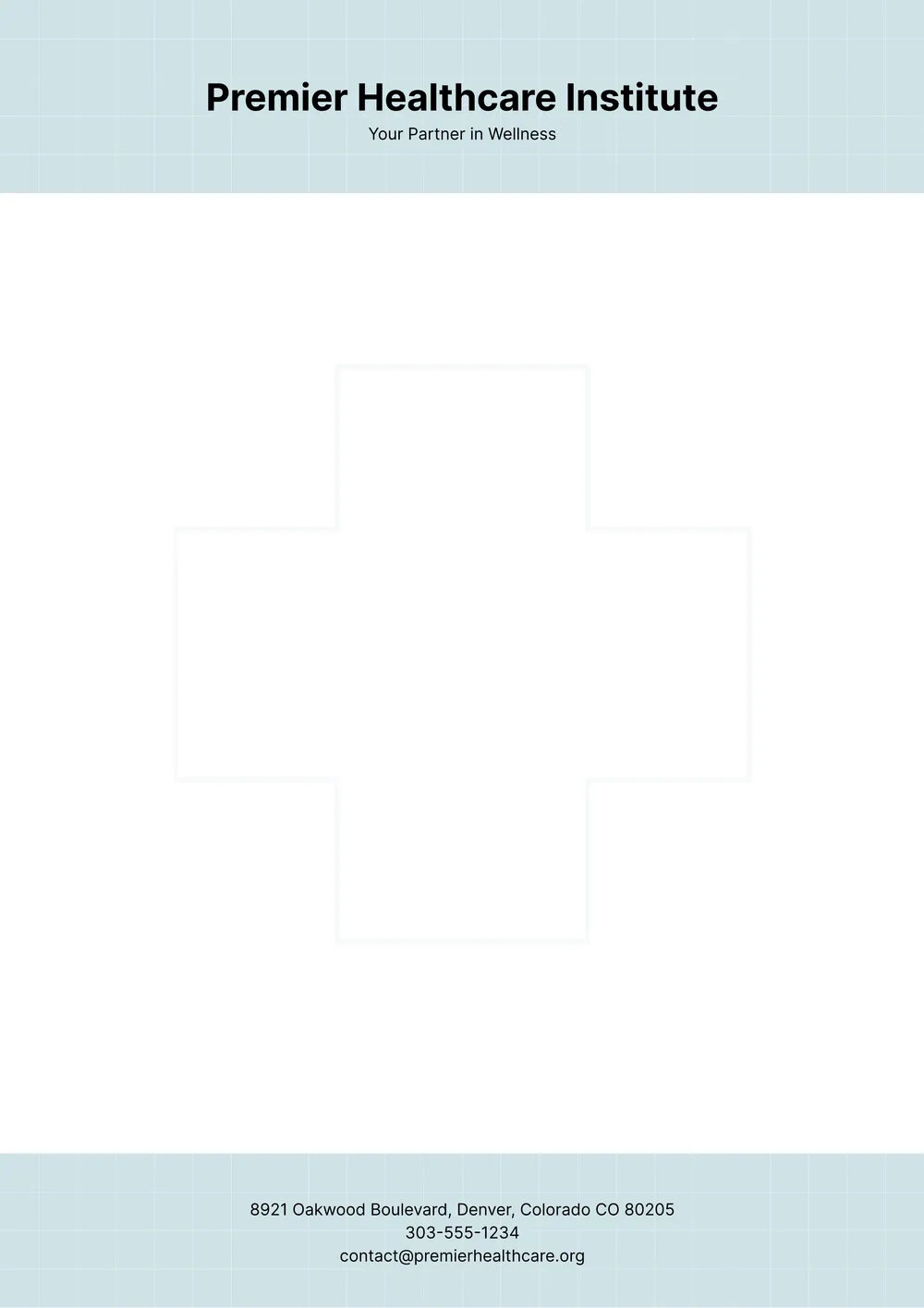
A doctor letterhead template is a pre-formatted document that features a specific layout for your practice's correspondence. It typically outlines sections for your name, title, medical practice information, and contact details. This template serves as a consistent branding tool for communicating with patients, insurance companies, and other healthcare professionals, enhancing professionalism in all your official letters.
When should you use a doctor letterhead template?
Using a doctor letterhead template can be beneficial in various situations, such as:
- When sending formal communication to patients.
- For coordinating with healthcare providers or insurance companies.
- During legal matters requiring verification of medical details.
- For scheduling appointments, referrals, or follow-ups.
- When completing medical certification forms; the editable template allows you to customize as needed.
What should be included in a doctor letterhead template?
A doctor letterhead template should include the doctor's name, title, and specialty; clinic name; address; phone number; email; and website. You can edit the template to add a logo and professional affiliations, if desired. This will help create a professional appearance for correspondence and paperwork.
How to edit a doctor letterhead template?
- Click on the "Use Template" button to open the doctor letterhead template in the PDF editor.
- Locate the editable fields in the template.
- Enter your information in the designated sections, like name, address, and contact details.
- Review your edits to make sure everything is accurate.
- Click "Done" to save and download your customized letterhead, which will also be saved in your account for future access.
Who can use a doctor letterhead template?
Anyone in the medical field can use a doctor letterhead template, including doctors, nurses, office staff, and administrators. These templates are perfect for clinics, hospitals, and private practices to create professional communications, such as letters to patients, referrals, or insurance claims, ensuring a polished and official appearance.
Can I download the doctor letterhead template as a PDF or in another format?
Yes, you can download the doctor letterhead template as a PDF or in other formats such as Word, Excel, PowerPoint, PNG, or JPG. The template is also fully editable, making it a printable, customizable solution for your needs. Just choose your preferred format upon download.
How can I make my doctor letterhead stand out?
To make your doctor letterhead stand out, choose a clean, professional design, use high-quality paper, and incorporate your logo. Consider including your contact information and medical specialty. A unique layout or formatting, like color accents or special fonts, can catch attention while maintaining professionalism.
What are the best practices for using a doctor letterhead template?
To use a doctor letterhead template effectively, include your medical practice's name and contact details prominently; use a professional font and colors that reflect your brand; ensure there's enough space for the letter's content; and, proofread for accuracy before printing or sending it digitally.
How do I cancel PDF Guru?
You can cancel your active plan from your PDF Guru account settings, or contact support and ask them to cancel the subscription for you. Account access stays in place until the billing period you already paid for comes to an end.