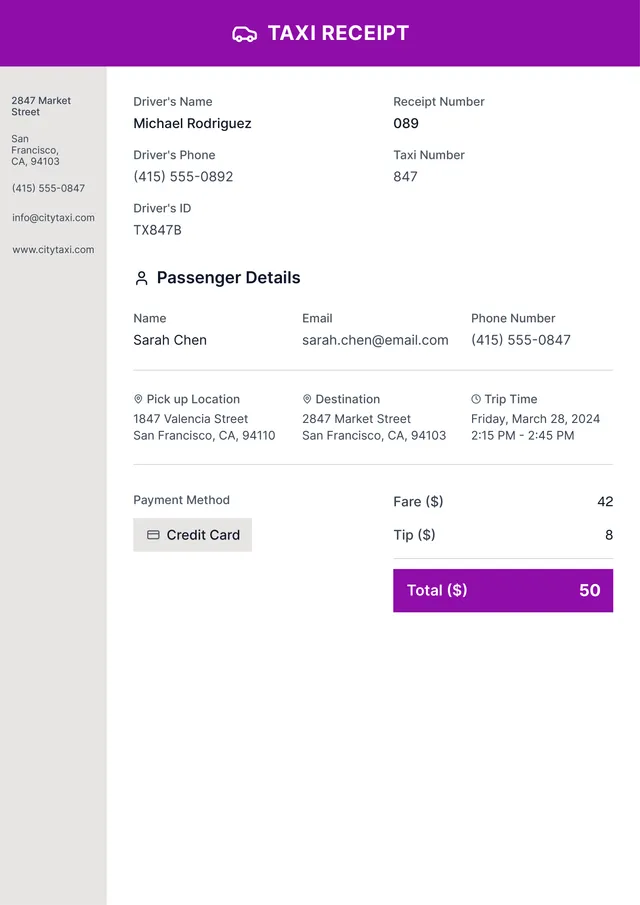
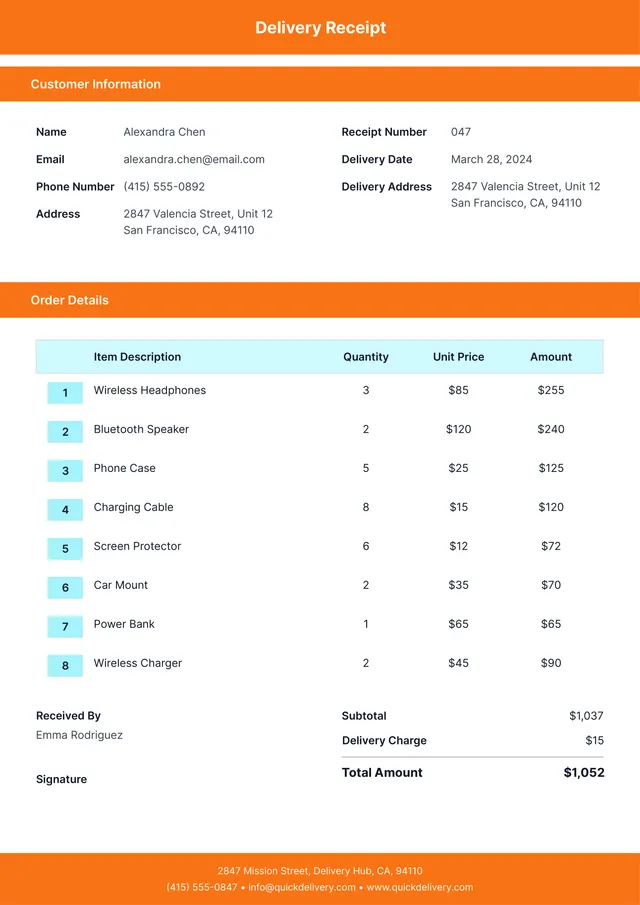
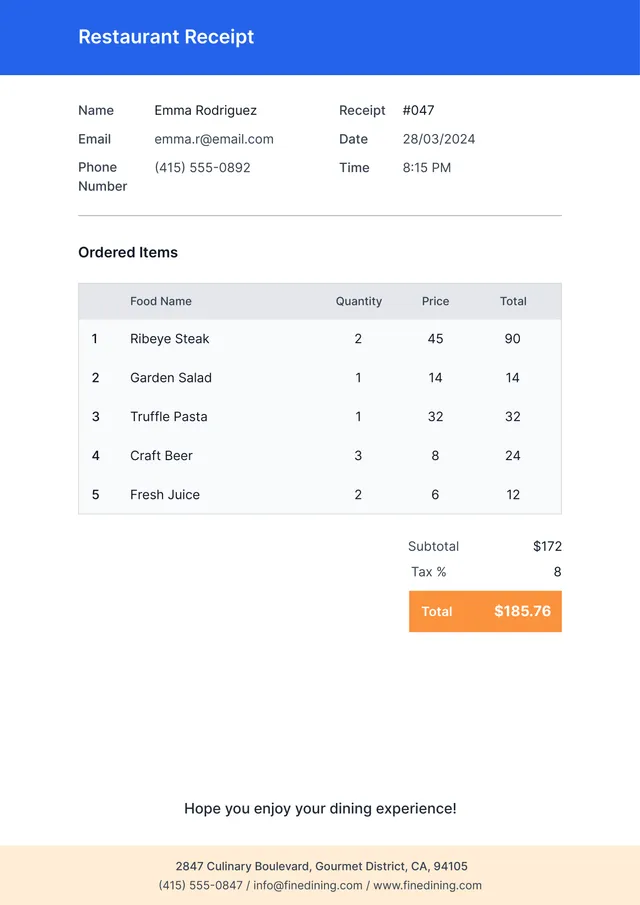
Fillable Rent Receipt Template
About fillable rent receipt templates
Managing rental transactions can often feel overwhelming, especially when it comes to keeping track of payments. Our fillable rent receipt templates make this process smoother and more organized. With a blank version at your fingertips, you can fill in the details as needed, ensuring that renters receive proof of their payments without any hassle. This means you can focus on other important tasks, knowing you have a reliable solution ready to go.
What sets our templates apart is their clarity and ease of use, allowing you to create a professional-looking receipt quickly. No more scrambling for paper receipts or worrying about lost documentation; with our sample design, everything you need is in one convenient place. We've analyzed the necessary fields and included them in ours, giving you the key elements to capture all the important details securely.
Download your first file for free. To continue using PDF Guru, choose one of our subscription plans.
Frequently asked questions
What is a fillable rent receipt template?

A fillable rent receipt template is a document that helps landlords and tenants keep track of rent payments. It usually includes fields to outline payment dates, amounts, and tenant details. After filling it out, you can save and download it for your records. This type of template simplifies record-keeping and provides proof of payment for tenants.
When should I use a fillable rent receipt template?
If you’re considering when to use an editable rent receipt template, here are some key situations:
- When collecting rent payments from tenants,
- At the end of each month or rental period,
- After receiving a rent payment,
- During tax season to document rental income.
Using the template helps keep your records organized and accurate.
What information is included in a fillable rent receipt template?
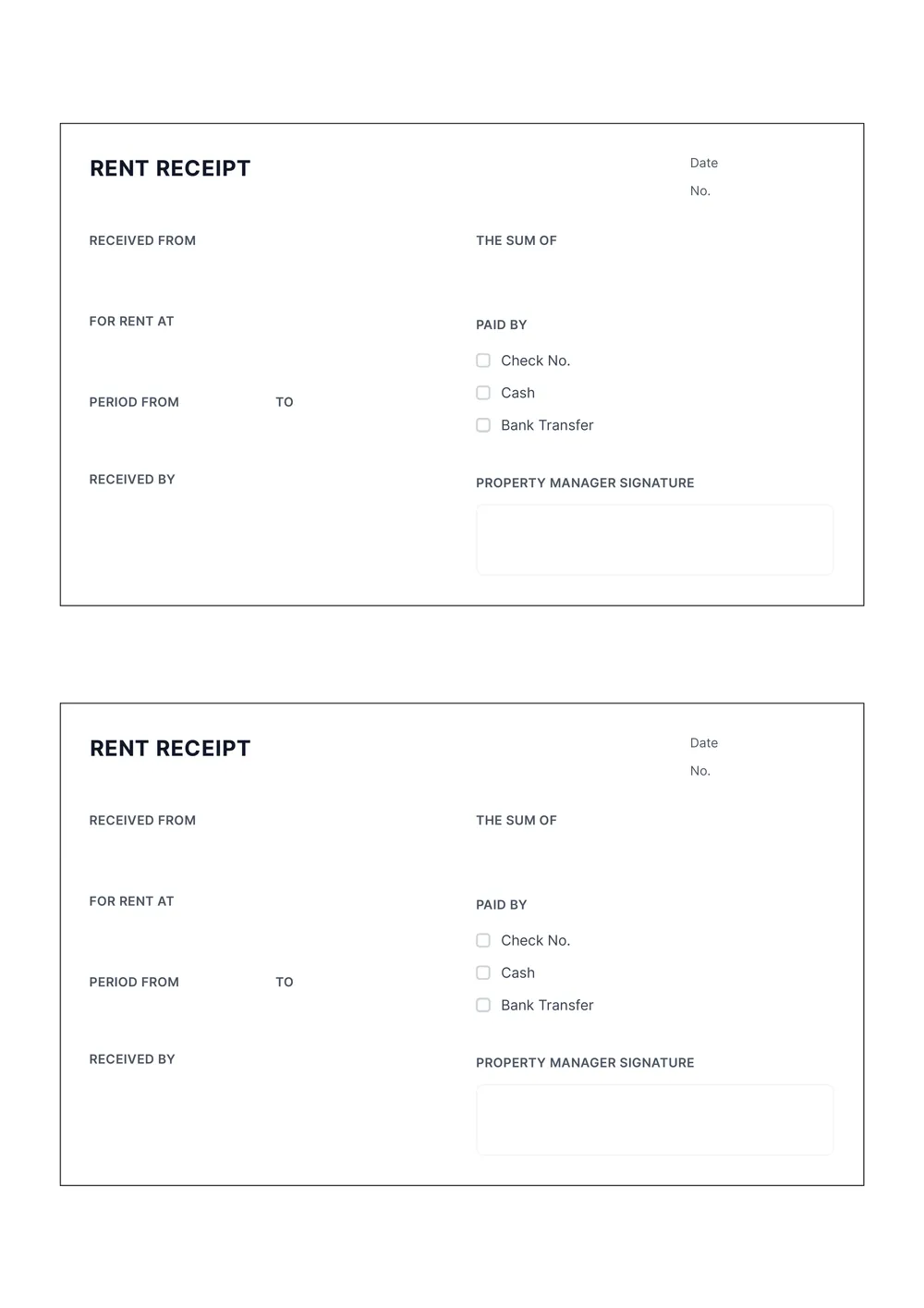
A fillable rent receipt template typically includes the tenant's name, landlord's name, property address, rent amount paid, payment date, payment method, and any additional notes. You can edit the template to fit your specific needs, making it easy to customize for each transaction.
How to edit a fillable rent receipt template?
- Click on 'Use Template' for the rent receipt.
- A blank template will open in the PDF editor.
- Fill in the necessary fields like date, tenant name, and amount received.
- After completing all fields, click 'Done.'
- Download the edited receipt to your device.
- The filled template will also save in your account for future use.
Who can use a fillable rent receipt template?
Anyone managing rental properties can use a fillable rent receipt template: landlords, property managers, and real estate investors. Tenants can also benefit by keeping a record of their payments, fostering good communication with landlords, and providing proof of payment if needed.
Can I export the fillable rent receipt template to PDF or other formats?
Yes, you can download the fillable rent receipt template as a PDF or in other formats such as Word, Excel, PowerPoint, PNG, or JPG. This makes it easy to have a printable copy for your records. Just fill out the template and choose your preferred format to download.
How can I make sure my rent receipt is accurate and complete?
To make sure your rent receipt is accurate and complete, check these details: your name, landlord's name, property address, rental period, amount paid, and payment date. Always keep a copy for your records; this can be important for taxes and disputes. PDF Guru templates can help create receipts easily.
What should I do if I need to make changes to my rent receipt?
To make changes to your rent receipt, click 'Use Template' to open your editable receipt in our PDF editor. Fill in the necessary changes, then click 'Done' to download the updated receipt. Your edited version will also save in your account for future use.
How do I cancel PDF Guru?
You can cancel your active plan from your PDF Guru account settings, or contact support and ask them to cancel the subscription for you. Account access stays in place until the billing period you already paid for comes to an end.