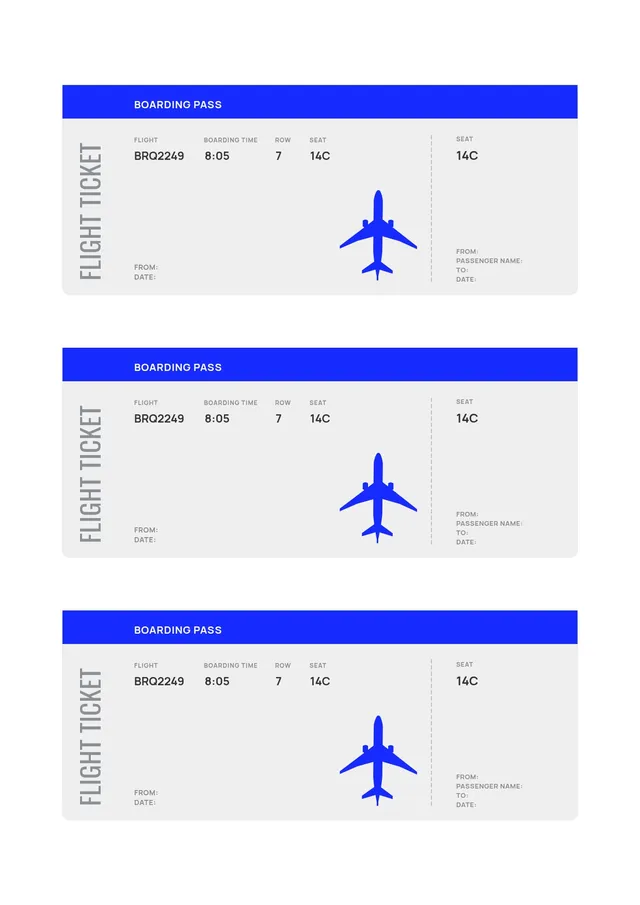
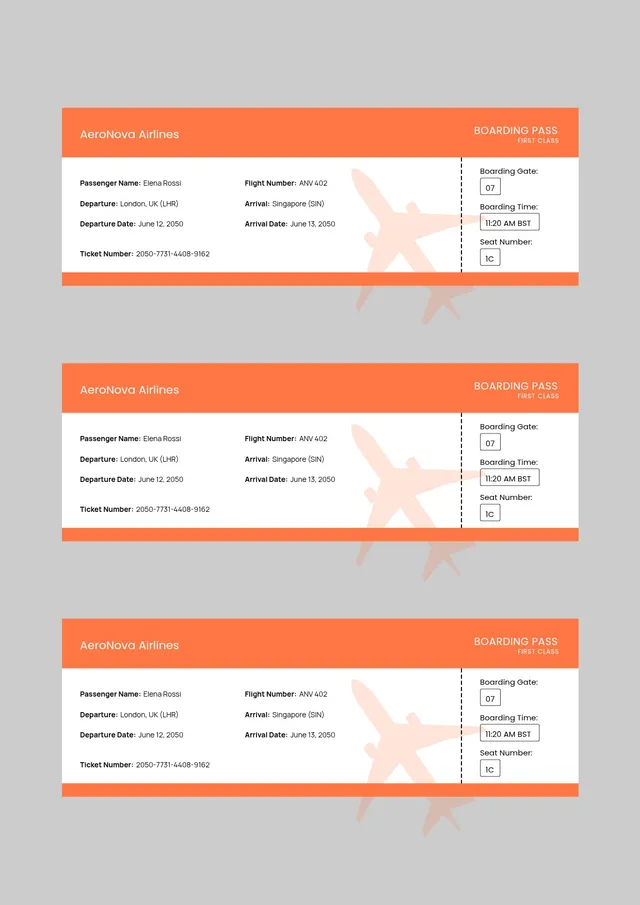
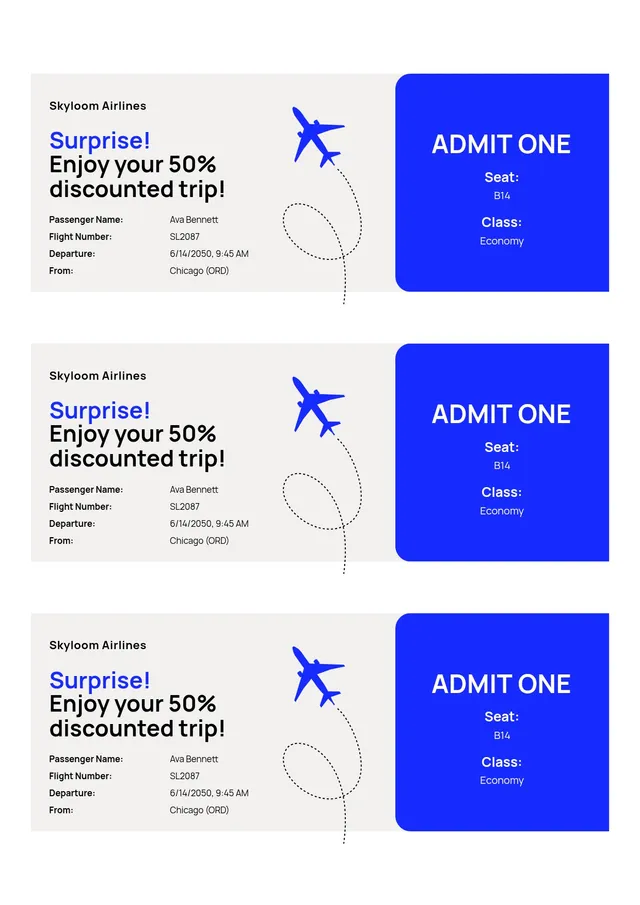
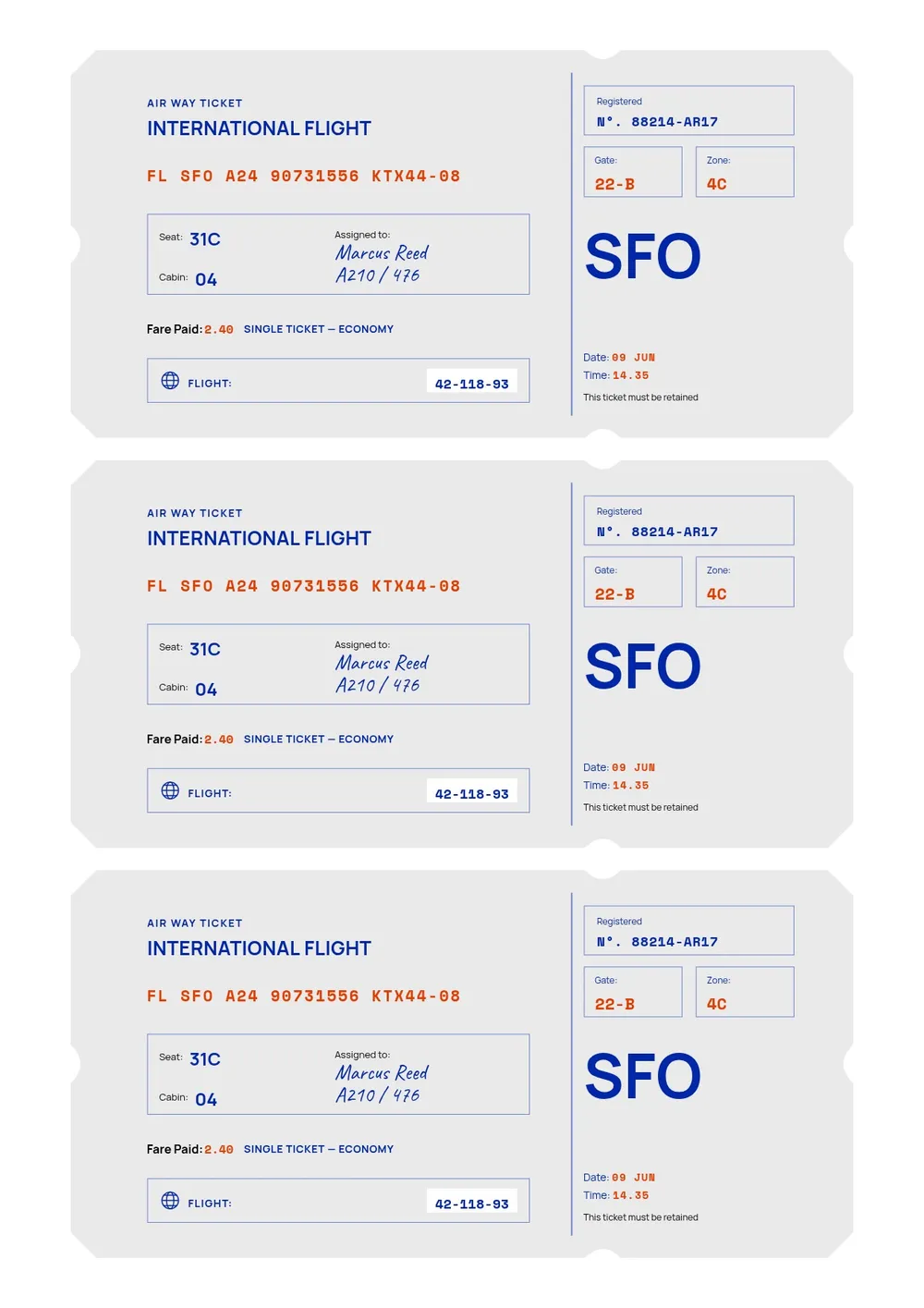
International Flight Ticket Template
Personalize the international flight ticket online
Download your first file for free. To continue using PDF Guru, choose one of our subscription plans.
Frequently asked questions
Is it good for a surprise trip reveal?

Absolutely. Fill in the destination and hand over a realistic pass to announce a trip, which makes the surprise feel official and exciting.
What file formats can I download?
You can save the International Flight Ticket Template as a PDF, DOC, PNG, JPG, PPTX, or Excel file, so it fits both print and digital use.
How do I make a boarding pass with this template?
Open the International Flight Ticket Template in the browser editor, replace the sample text with your passenger name, route, date, gate, and seat, then download it to print or share. No design experience is needed.
Can I use it as a party invitation?
Yes. Swap the flight details for your event date, time, and location, then customize the colors and text. The boarding pass format makes a memorable travel-themed invitation.
What details can I add to the pass?
You can include the passenger name, departure and destination cities, date, boarding time, gate, seat, class, and a barcode strip. Every field is editable.
How do I cancel PDF Guru?
You can cancel your active plan from your PDF Guru account settings, or contact support and ask them to cancel the subscription for you. Account access stays in place until the billing period you already paid for comes to an end.