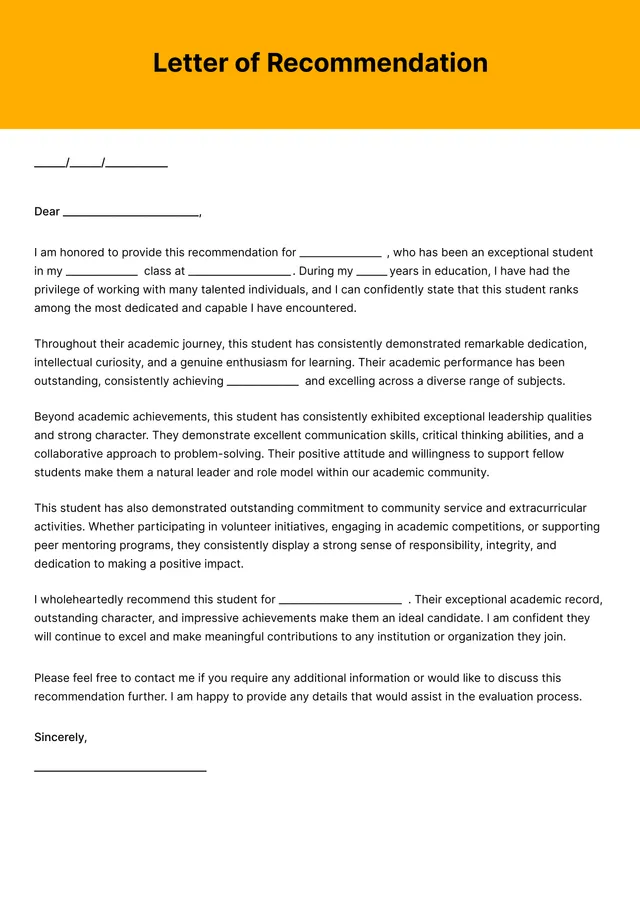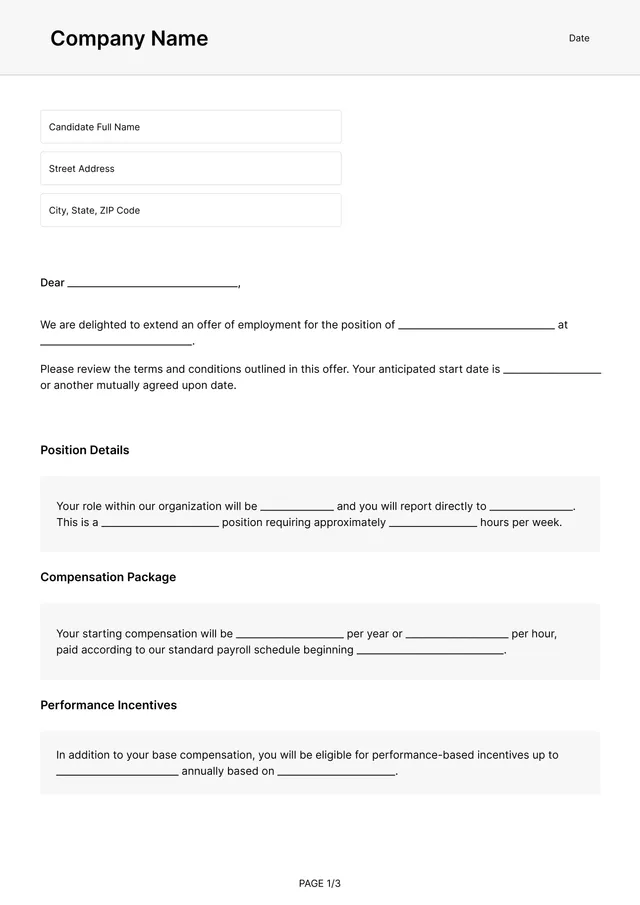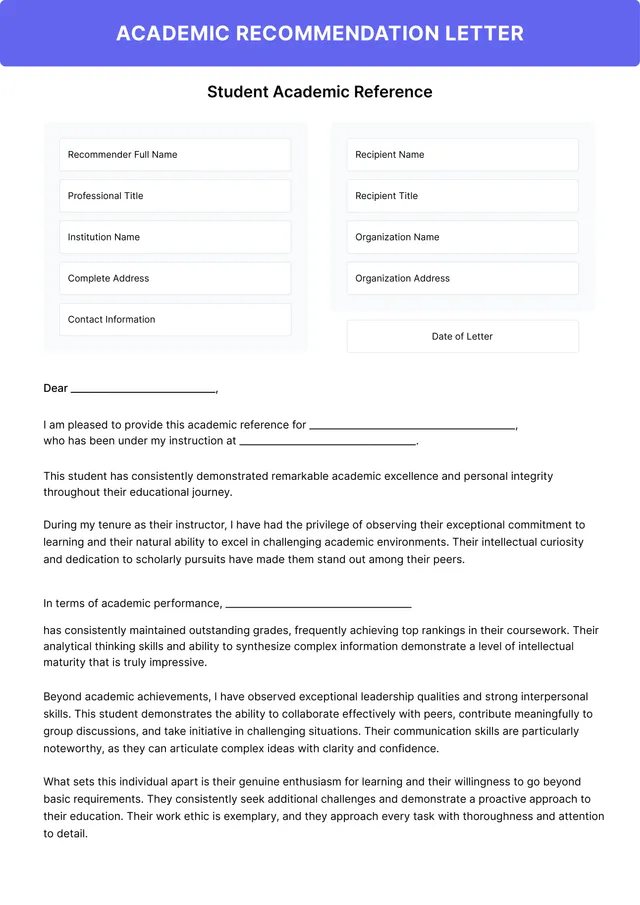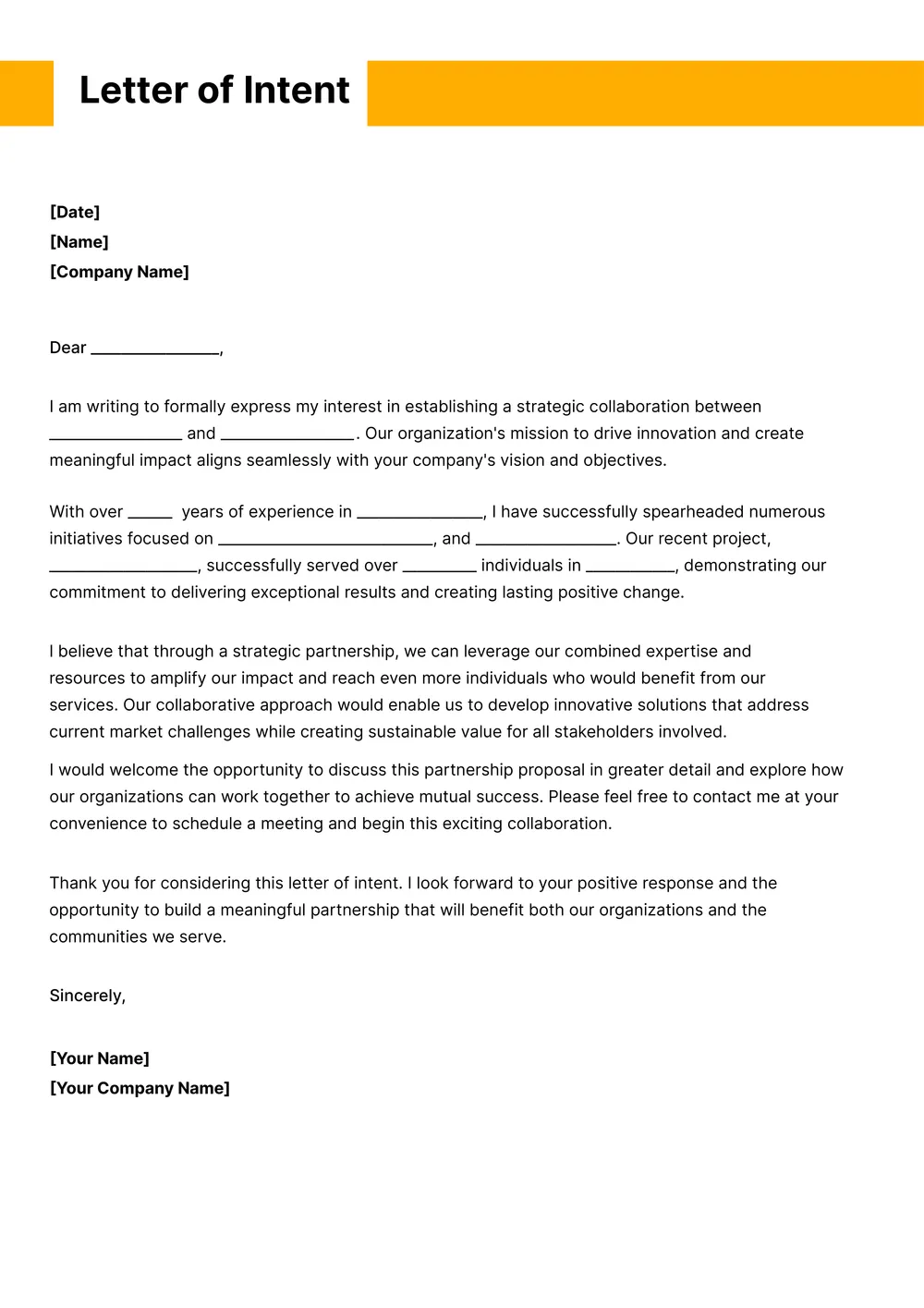
About the letter of intent template
A letter of intent (LOI), sometimes called a memorandum of intent, is a document one party sends to another to outline the key terms of a deal they plan to finalize in a formal contract. It is most often used in business acquisitions, commercial and residential real-estate purchases, joint ventures, employment offers, and graduate-school applications.
The template includes sections for the parties, the proposed transaction or role, key commercial terms, exclusivity and confidentiality clauses, expiration date, and signature blocks. All fields are editable in the PDF Guru editor, so you can tailor the LOI to your specific deal and mark which provisions you want to be binding.
Download your first file for free. To continue using PDF Guru, choose one of our subscription plans.
Frequently asked questions
When does a letter of intent template make sense?

A letter of intent template is useful when you want to put the main terms of a deal, offer, or arrangement into writing before a final agreement is drafted. It gives both sides a simple document to review before moving on to a more formal contract.
What terms can I customize in this letter of intent?
You can edit the party details, deal summary, dates, proposed terms, timelines, and signature sections. If needed, you can also expand the wording to include extra notes or remove sections that do not apply to your situation.
Can I use this LOI template for business, real estate, or job-related use cases?
Yes. The template is flexible enough for business discussions, property-related situations, job offers, and other early-stage agreements. You can adjust the title, wording, and section labels so the document fits the type of arrangement you are working on.
What formats can I download for this letter of intent template?
Once the LOI is edited in PDF Guru, you can export it as PDF, DOC, XLSX, PPTX, JPG, or PNG. That gives you a convenient file for sharing, another for revisions, and another for printing if someone wants a hard copy.
How do I edit and send the letter of intent template in PDF Guru?
Open the template in the PDF Guru editor, fill in the parties, key terms, dates, and any notes you want to include. You can refine the layout, remove unused sections, and review the wording before saving. When it is ready, export it in the format you need and send it for review or signature.
How do I cancel PDF Guru?
You can cancel your active plan from your PDF Guru account settings, or contact support and ask them to cancel the subscription for you. Account access stays in place until the billing period you already paid for comes to an end.