About the nanny contract template
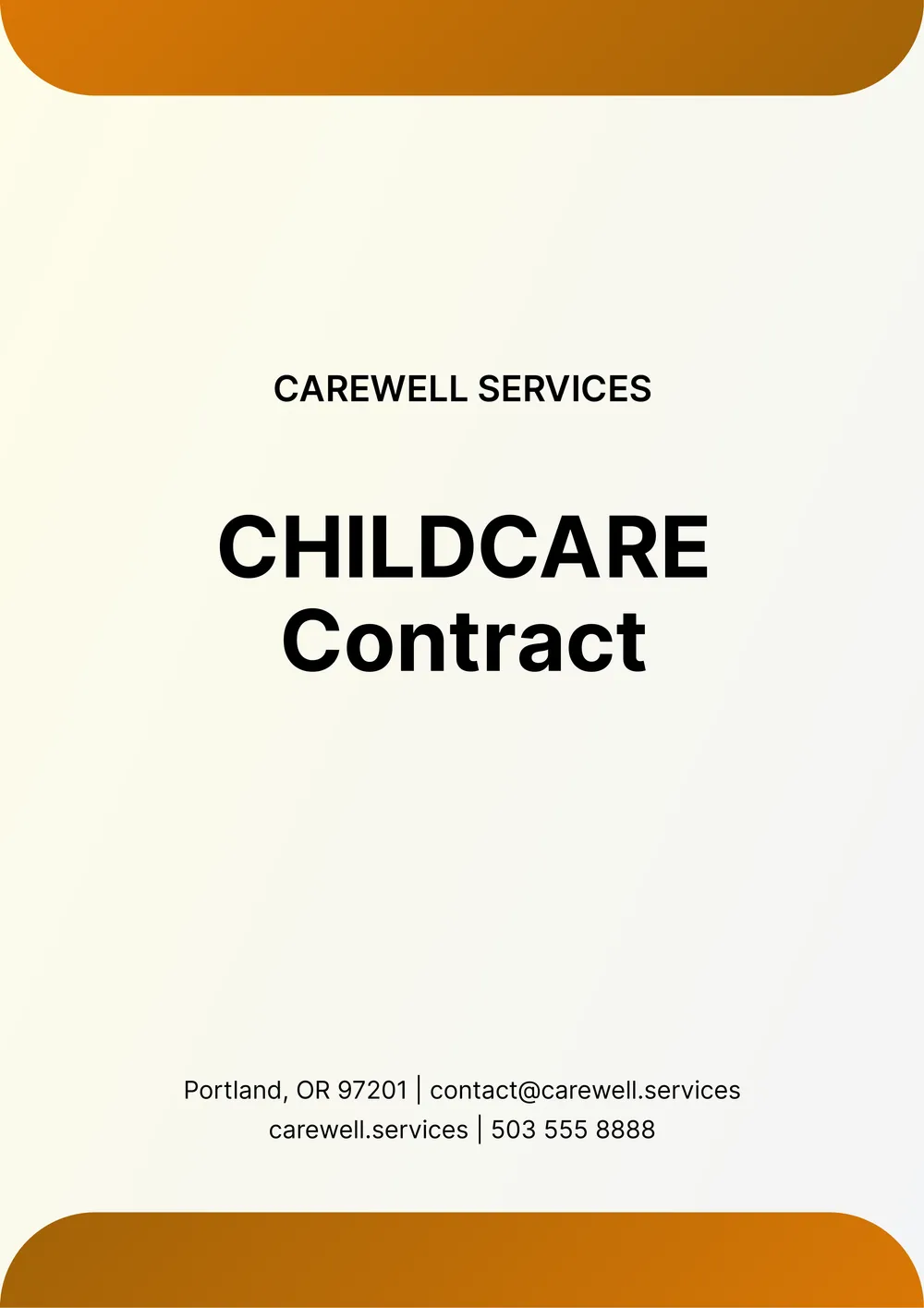
A nanny contract is used to organize the terms of a childcare arrangement between a family and a nanny in one written document. It helps put the expected schedule, duties, pay, routines, and household expectations into a clear structure before the working relationship begins.
Our template includes sections for the family and nanny details, work schedule, responsibilities, pay terms, household notes, and signatures. In PDF Guru, you can edit the wording, adjust the responsibilities, and tailor the contract to part-time, full-time, temporary, or recurring childcare arrangements.
Download your first file for free. To continue using PDF Guru, choose one of our subscription plans.
Frequently asked questions
What can I include in this nanny contract template?

You can include the work schedule, childcare duties, household expectations, pay details, time-off notes, and contact information. The template gives you a structured place to record the main parts of the arrangement in writing.
Can I customize the nanny contract for different childcare needs?
Yes. In PDF Guru you can update the duties, schedule, compensation terms, and notes so the contract fits infant care, after-school support, weekend help, full-time care, or another childcare setup. That makes the draft easier to shape around your family's routine.
Can I add family-specific rules or routines to the contract?
Yes. You can add custom notes about meals, nap routines, pickup instructions, travel expectations, house rules, or anything else you want included. This helps make the contract feel more practical for everyday use.
Can I download this nanny contract template in different formats?
Yes. After editing the contract in PDF Guru, you can export it as PDF, DOC, XLSX, PPTX, JPG, or PNG. That gives you a printable version for signing, a shareable copy, and another format for later edits or storage.
How do I edit and sign the nanny contract template in PDF Guru?
Open the template in the PDF Guru editor and fill in the schedule, duties, pay terms, family details, and notes. You can revise the structure, add signature fields, and review the formatting before saving. When it is ready, export it in the format you need and share it for signing or printing.
How do I cancel PDF Guru?
You can cancel your active plan from your PDF Guru account settings, or contact support and ask them to cancel the subscription for you. Account access stays in place until the billing period you already paid for comes to an end.