About the price quote template
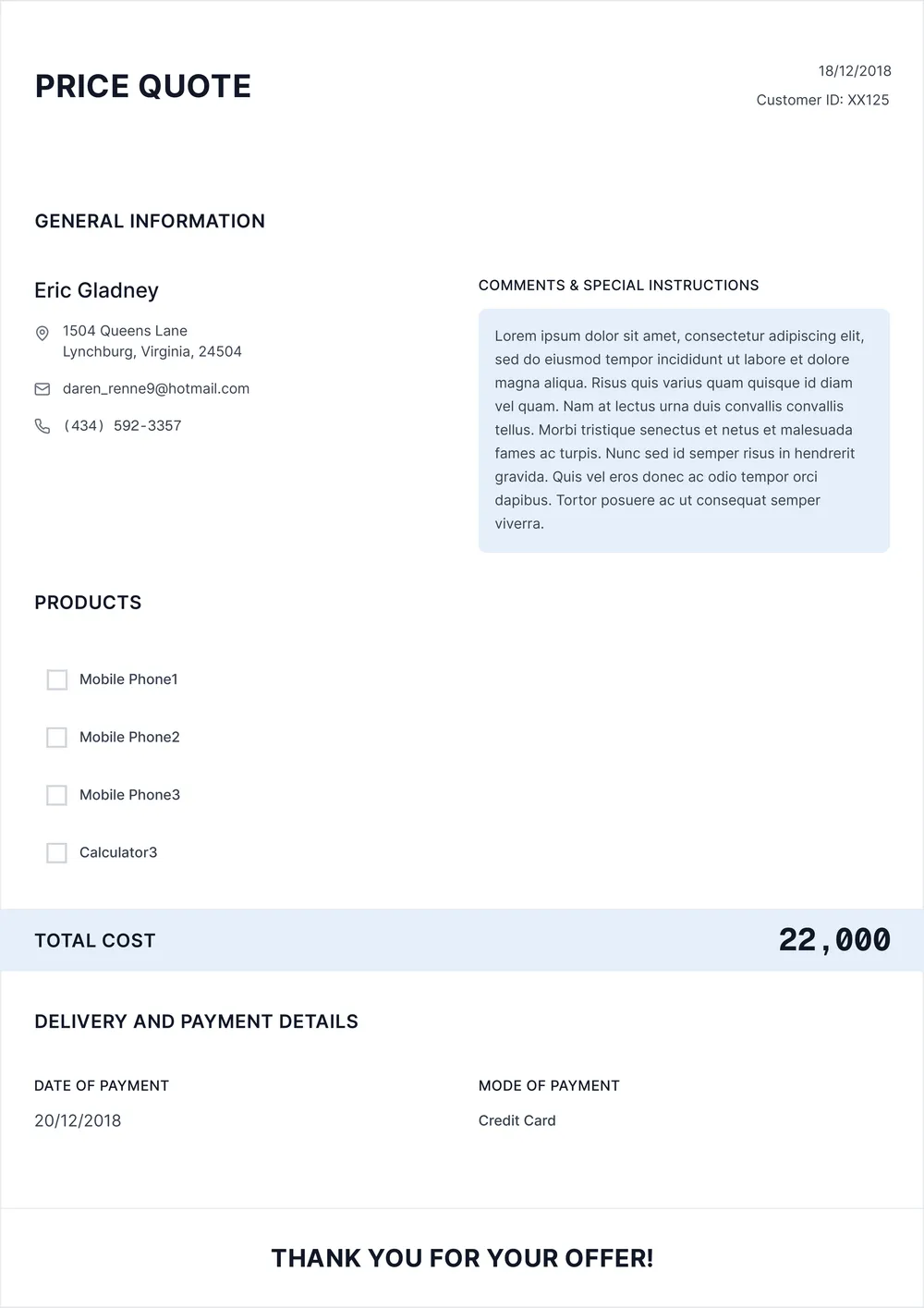
A price quote is used to show a customer the expected cost of goods or services before the sale is finalized. It helps businesses, freelancers, and service providers present pricing, item details, and totals in a more professional format.
Our template includes sections for customer details, item descriptions, quantities, pricing, totals, and notes. In the PDF Guru editor, you can tailor the quote to product sales, project pricing, service packages, or custom work by adjusting the line items and wording.
Download your first file for free. To continue using PDF Guru, choose one of our subscription plans.
Frequently asked questions
What can I use this price quote template for?

This template is useful when you need to show estimated pricing before a sale, booking, or project starts. It works well for products, services, custom jobs, and other situations where the customer needs a clear quote in advance.
What details can I include in the price quote?
You can include customer information, item descriptions, quantities, rates, totals, and notes. You can also add extra lines for taxes, discounts, optional services, or terms if you want the quote to be more detailed.
Can I adapt this price quote template to different businesses?
Yes. In PDF Guru you can update the layout and wording so the quote fits retail sales, freelance work, service pricing, project estimates, or custom orders. The same template can be reused across different pricing workflows.
Can I export this price quote template in multiple formats?
Yes. After editing the quote in PDF Guru, you can export it as PDF, DOC, XLSX, PPTX, JPG, or PNG. This gives you a shareable quote, a printable version, and another file for future edits or records.
How do I edit and send the price quote template in PDF Guru?
Open the template in the PDF Guru editor and fill in the customer details, item lines, pricing, and notes. You can add or remove rows, update the totals, and review the layout before saving. When it is ready, export it in the format you need and send it to the client or customer.
How do I cancel PDF Guru?
You can cancel your active plan from your PDF Guru account settings, or contact support and ask them to cancel the subscription for you. Account access stays in place until the billing period you already paid for comes to an end.