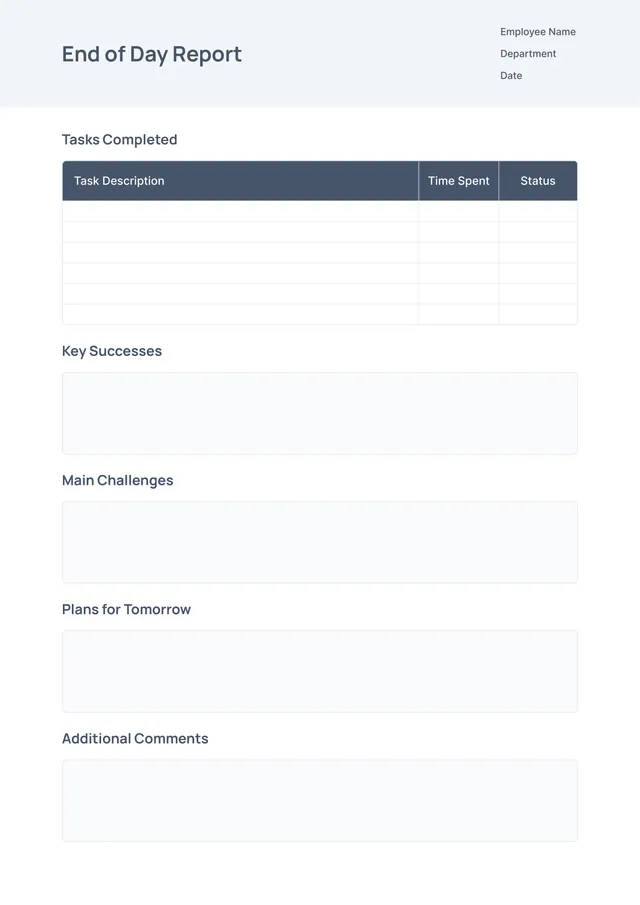
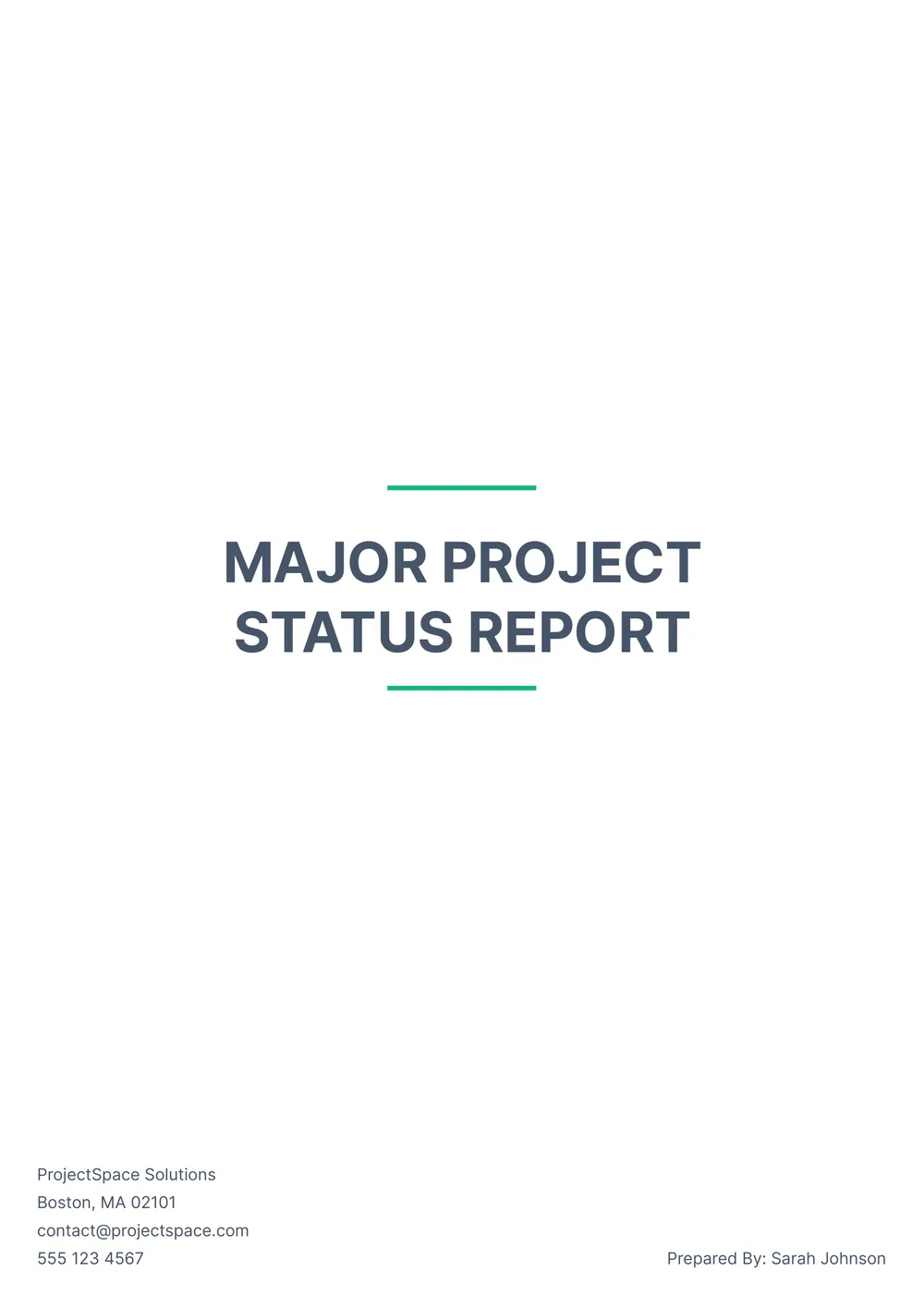
Professional Report Template
About professional report templates
Creating a professional report can be overwhelming, especially when you have to format it perfectly and fill in all the necessary information. The pressure to present your findings clearly, without missing a single detail, might be a source of stress. A blank template from PDF Guru can transform your workload; with pre-set fields, you can simply input your data and focus on the content.
Our report templates take the hassle out of formatting, allowing you to develop a polished document in no time. You can customize each section to reflect your unique needs. Plus, our sample report templates serve as a great starting point; it’s about making your job easier and more efficient. We’ve analyzed the necessary fields and included them in ours, making it a breeze to get your report looking just right.
Download your first file for free. To continue using PDF Guru, choose one of our subscription plans.
Frequently asked questions
What is a professional report template?

A professional report template is a structured format designed to help you create clear and concise reports. It typically includes sections such as the title page, introduction, methodology, findings, and conclusion. This type of template serves as an outline that guides you in organizing your information effectively. With editable fields, you can personalize it to suit your specific report requirements, making the process smoother and more efficient.
When to use a professional report template?
If you’re wondering when to use a professional report template, consider the following situations:
- During annual performance reviews
- When compiling quarterly business updates
- At the end of a project to present findings
- For monthly financial summaries
- When preparing grant proposals
An editable template can help you stay organized and focused, allowing you to present information clearly.
What does a professional report template include?
A professional report template typically includes a title page, table of contents, introduction, methodology, findings, analysis, conclusion, and references. These sections guide your writing flow. You can edit the template to match your specific content needs, ensuring clarity and organization throughout your report.
How to edit a professional report template?
- Click on 'Use Template' to load the professional report template in the PDF editor.
- Identify and click on the placeholder fields to start making your changes.
- Input your specific information where needed; you can add, remove, or adjust text as required.
- Once you are satisfied with your edits, click 'Done' to download your customized report. Your edited version will be saved in your account for future access.
Who can benefit from a professional report template?
Anyone who needs to present information clearly can benefit from a professional report template; this includes students, business professionals, researchers, and academics. It helps you organize your thoughts, display data effectively, and create a trustworthy document for presentations, assignments, or evaluations.
Can I export the professional report template to PDF or other formats?
Yes, you can download the professional report template in various formats, including PDF, Word, Excel, PowerPoint, PNG, or JPG. This makes it printable for your needs, allowing you to choose the best format for your project or presentation.
What are the best tips for writing a professional report?
Keep your report clear and concise, use logical organization with headings and bullet points, support your claims with data, and proofread for errors. Make sure to include an introduction and conclusion to guide readers. Tailor the content to your audience for maximum impact and relevance.
Can I share my completed professional report with others?
Yes, you can share your completed professional report with others. After you finish editing the template and download it, feel free to email, print, or upload the document wherever you need it. Plus, you can access the report later from your PDF Guru account if you need it again.
How do I cancel PDF Guru?
You can cancel your active plan from your PDF Guru account settings, or contact support and ask them to cancel the subscription for you. Account access stays in place until the billing period you already paid for comes to an end.