

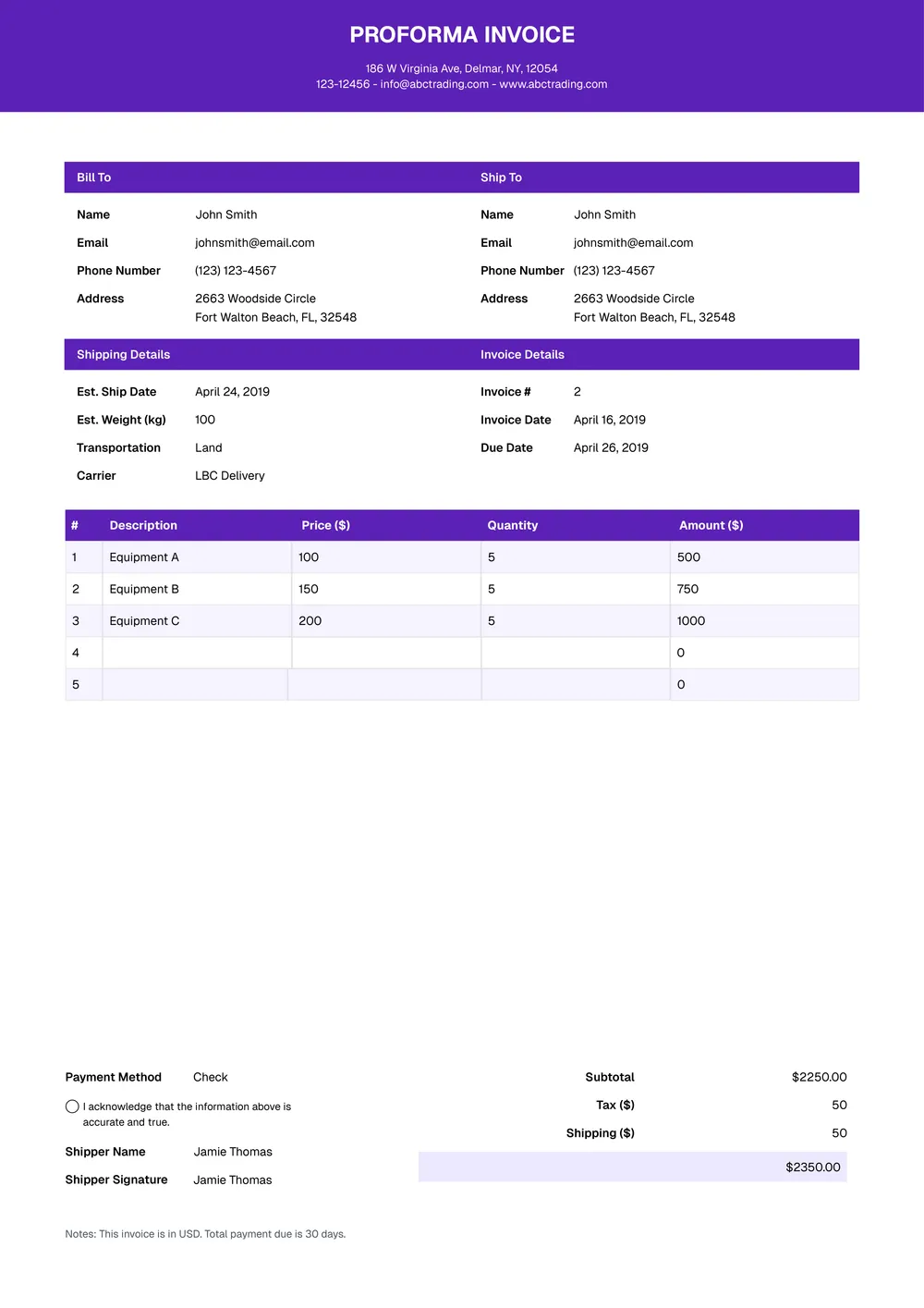
About the proforma invoice template
A proforma invoice is used to show the expected cost of goods or services before the final invoice is issued. Businesses often use it to share pricing in advance, confirm order details, or present an invoice-style quote before payment or shipment happens.
Our template includes sections for buyer and seller details, item descriptions, quantities, pricing, totals, and notes. In the PDF Guru editor, you can update the layout, add extra lines, and tailor the proforma invoice to product sales, service quotes, deposits, or pre-shipment documentation.
Download your first file for free. To continue using PDF Guru, choose one of our subscription plans.
Frequently asked questions
When should I use this proforma invoice template?

Use this template when you want to present expected charges before sending a final invoice. It is useful for quotes, order confirmations, prepayment requests, and situations where the buyer needs a document showing the planned pricing in advance.
What can I include in the proforma invoice?
You can include buyer and seller details, item descriptions, quantities, rates, totals, terms, and notes. If needed, you can also add tax fields, shipping charges, deposit lines, or internal references.
Can I adapt this proforma invoice template for products or services?
Yes. In PDF Guru you can update the labels, adjust the pricing table, and tailor the invoice to physical products, freelance work, project fees, custom orders, or service-based billing. The same structure can be reused across different quote styles.
Can I export this proforma invoice template in multiple formats?
Yes. After editing the invoice in PDF Guru, you can export it as PDF, DOC, XLSX, PPTX, JPG, or PNG. This gives you one version for sharing, another for internal edits, and another for printing or records.
How do I edit and send the proforma invoice template in PDF Guru?
Open the template in the PDF Guru editor and fill in the item details, pricing, totals, and any notes or terms you want to include. You can add more rows, update the layout, and review the invoice before saving. When it is ready, export it in the format you need and send it to the buyer or client.
How do I cancel PDF Guru?
You can cancel your active plan from your PDF Guru account settings, or contact support and ask them to cancel the subscription for you. Account access stays in place until the billing period you already paid for comes to an end.
