About simple receipt templates
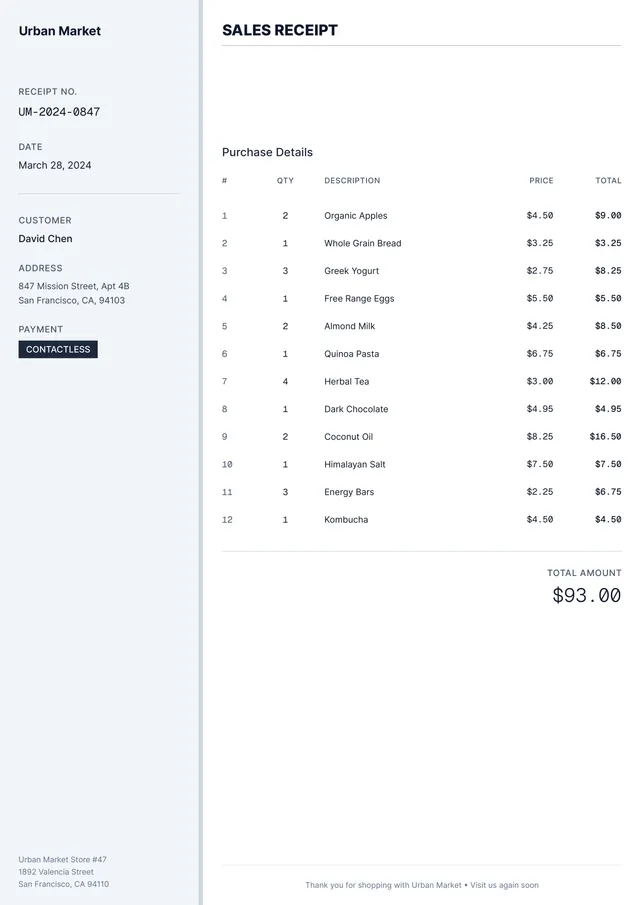
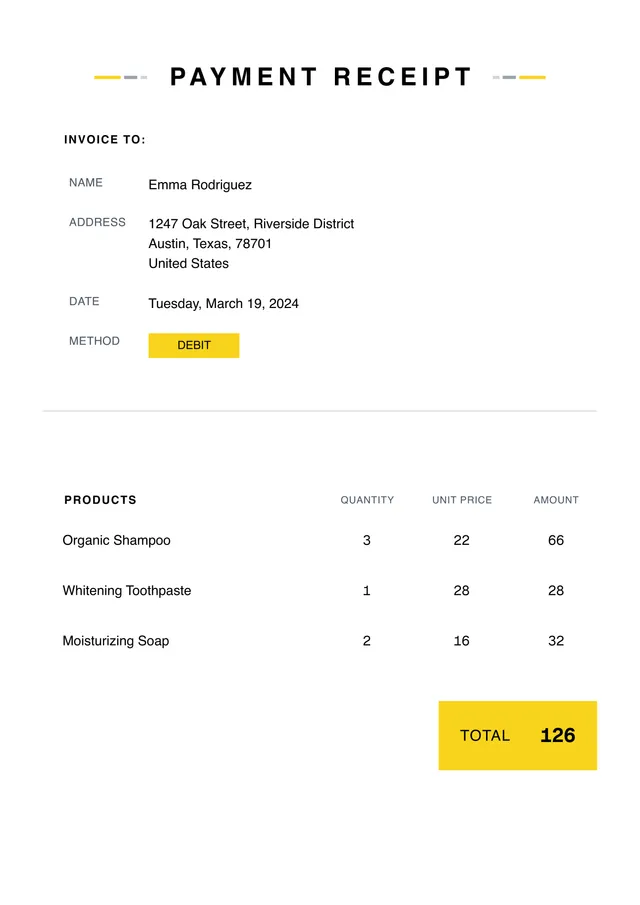
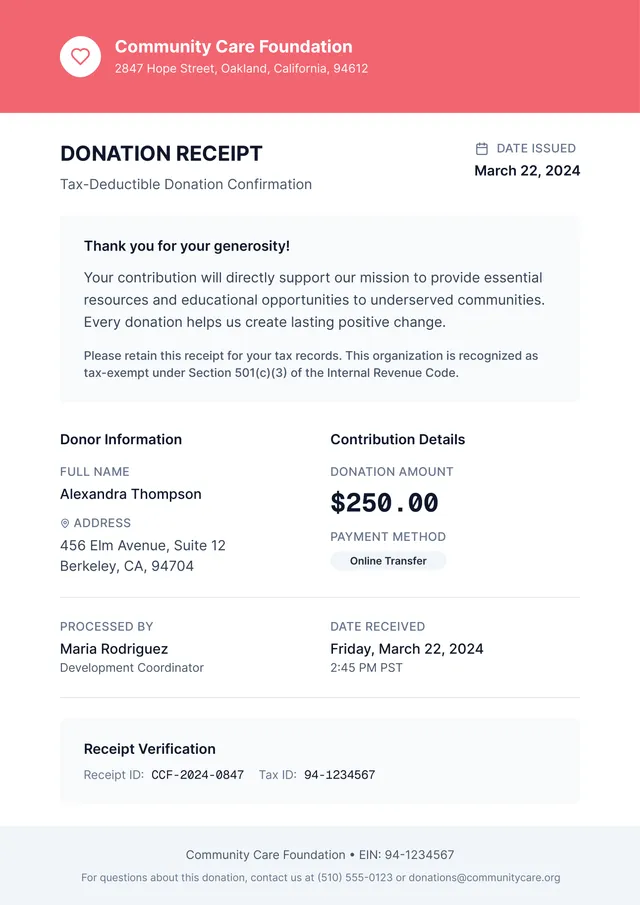
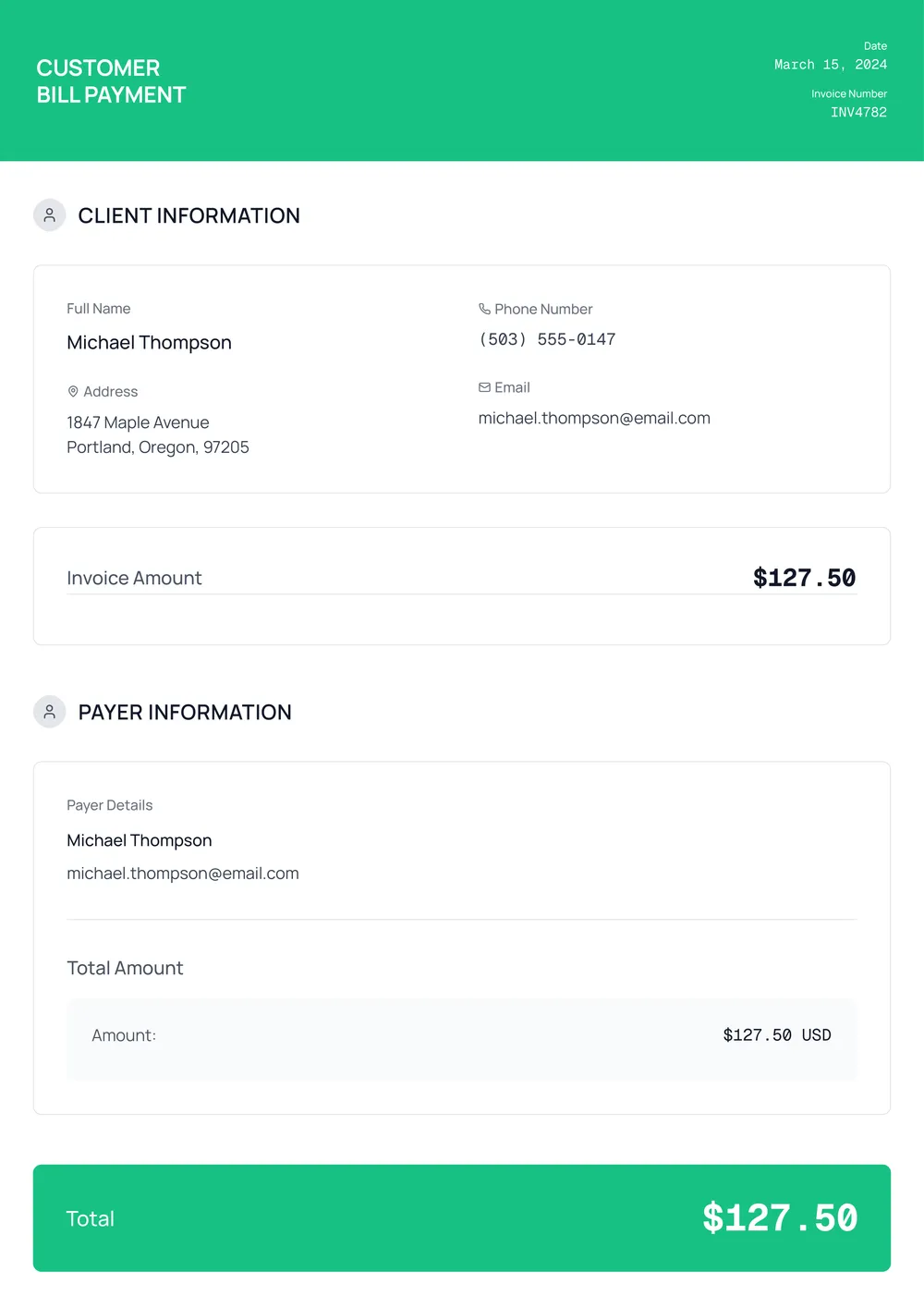
Simple receipt templates are a must when tracking expenses and keeping things organized. Instead of struggling with messy receipts or confusing spreadsheets, you can fill out a neat version that makes sense. Our template helps you record your purchases clearly; this way, you won’t stress over misplacing important details come tax time. You’ll find it as a sample, so you know what to expect when you start.
With our blank template, you can fill in the essentials like date, amount, and items purchased. This feature transforms a tedious process into a quick task, allowing you to focus on what really matters. Plus, it’s stored in your account for easy access later. We've analyzed the necessary fields and included them in ours to help you cover all of your bases, while still giving you flexibility.
Download your first file for free. To continue using PDF Guru, choose one of our subscription plans.
Frequently asked questions
What is a simple receipt template?

A simple receipt template is a basic layout that helps you record sales and transactions. It typically includes sections for important details such as the date, items sold, prices, and payment methods. This outline ensures that you provide clear information to your customers while keeping your finance records organized. You can easily fill it out in PDF Guru and download it for future use.
When to use a simple receipt template?
Using a simple receipt template can be helpful in various situations; here are some common ones:
- When you sell goods or services directly, and need to provide a record for the buyer
- When accepting deposits for services, to give proof of payment
- When holding events or workshops, to confirm ticket purchases
- When refunding customers, to document the return transaction
- Anytime you require an editable option to maintain your financial records
What details are included in a simple receipt template?
A simple receipt template typically includes the following details: the seller's name and contact info, buyer's name, transaction date, items sold, quantities, prices, and total amount. You can edit this template to fit your needs by adding or removing specifics based on the transaction.
How to edit a simple receipt template?
- Click on 'Use Template' to open the simple receipt template in the PDF editor.
- Fill out the necessary fields, like date, item descriptions, quantity, and total amount.
- Review your entries to make sure everything is accurate.
- Once you're done, click 'Done' to download your edited receipt.
- Your completed receipt will also be saved in your account for later use.
Who can use a simple receipt template?
A simple receipt template is perfect for small business owners, freelancers, contractors, and anyone needing a record of transactions. It’s also useful for individuals selling items online or at local markets. If you need to document payments, this template helps keep things organized and professional.
Can I export the simple receipt template to PDF or other formats?
Yes, you can download the simple receipt template in various formats, including PDF, Word, Excel, PowerPoint, PNG, or JPG. This makes it easy to create a printable version of the receipt that meets your needs perfectly. Just click 'Download' when you're ready!
How can I make my receipt look professional?
To make your receipt look professional, choose a clean template from PDF Guru. Fill in all necessary details, such as your business name, logo, date, and amount. Use a clear font and layout. Download the finished PDF and store it for future use, adding a polished touch to your transactions.
Can I print my completed receipt?
Yes, you can print your completed receipt directly from PDF Guru. After filling out your template and downloading it, open the PDF file and select the print option. This gives you a physical copy for your records.
How do I cancel PDF Guru?
You can cancel your active plan from your PDF Guru account settings, or contact support and ask them to cancel the subscription for you. Account access stays in place until the billing period you already paid for comes to an end.