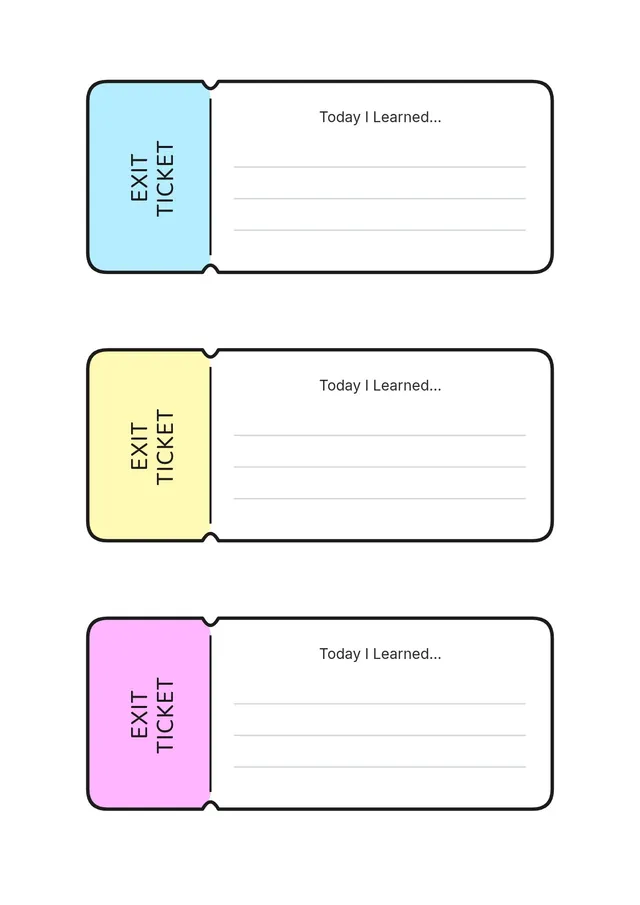
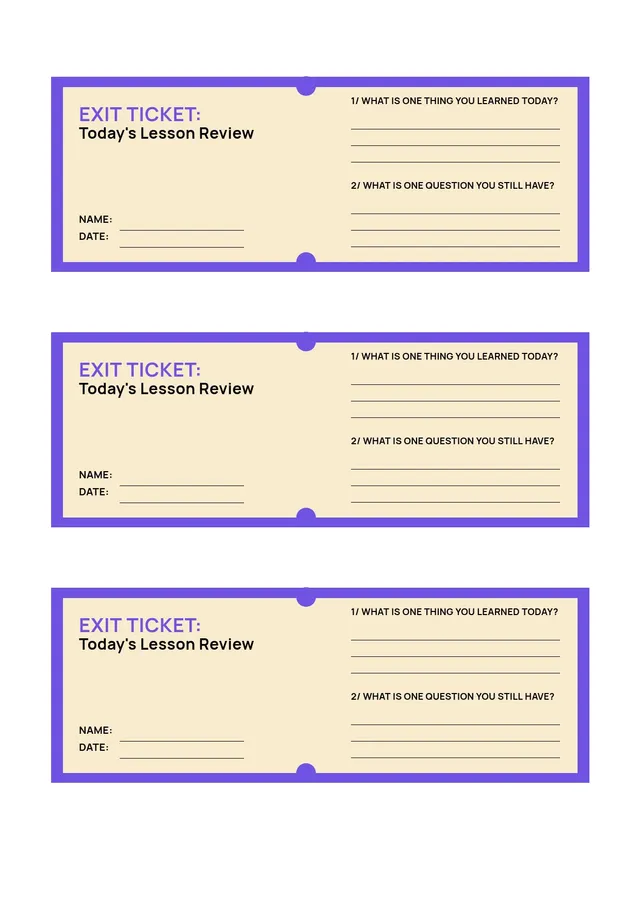
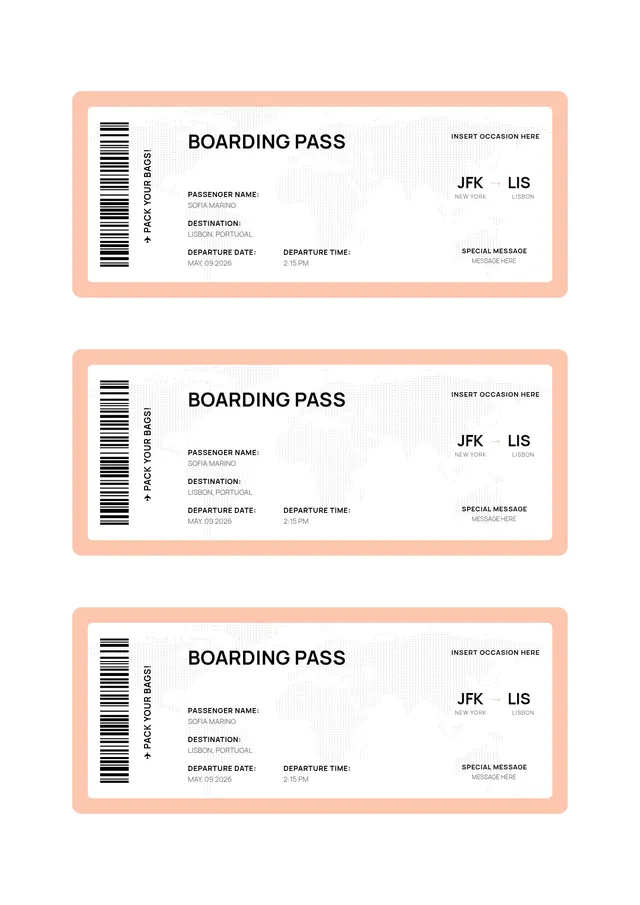
Student Exit Ticket Template
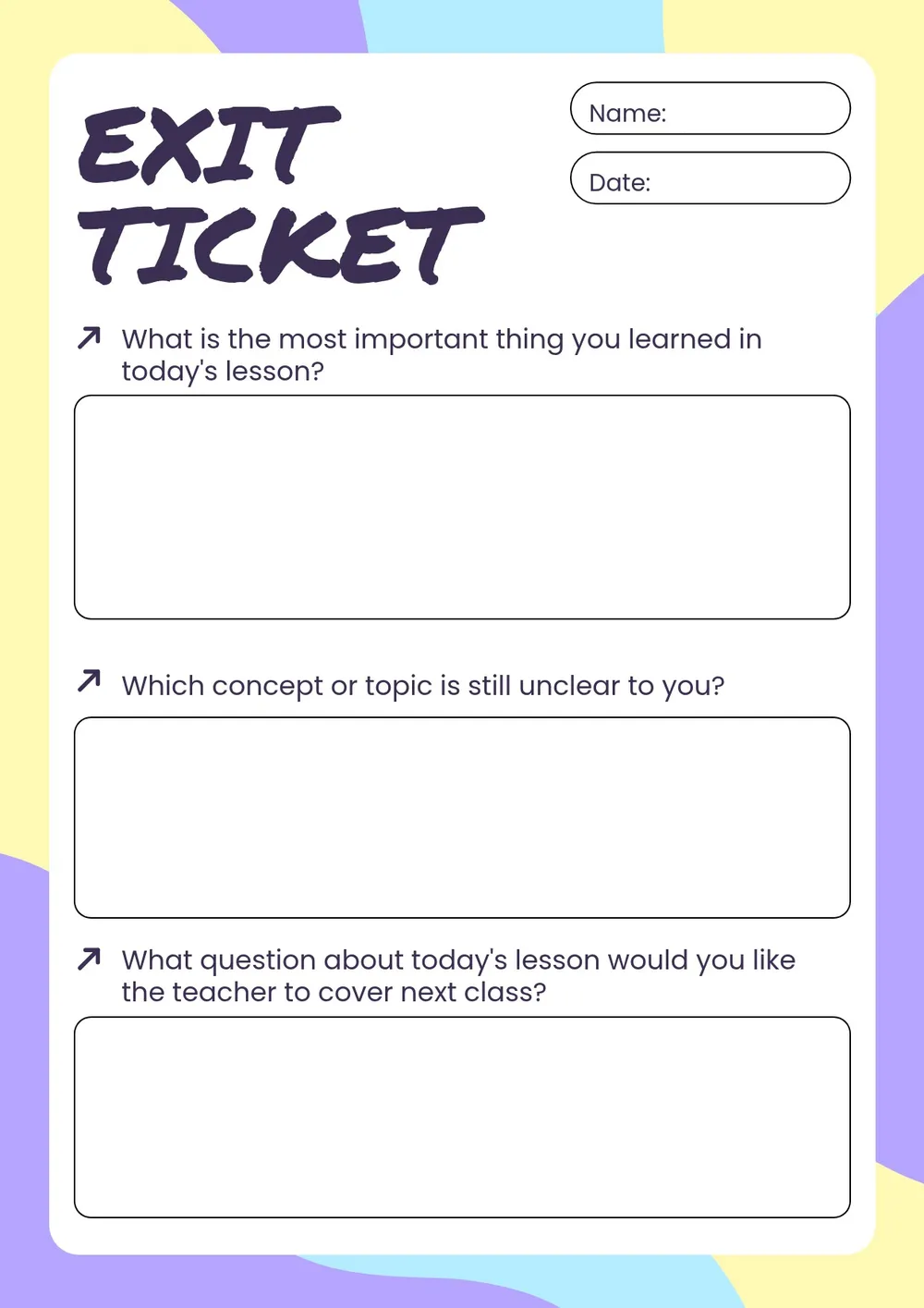
Personalize the student exit ticket online
Download your first file for free. To continue using PDF Guru, choose one of our subscription plans.
Frequently asked questions
Can I use it digitally?

Yes. Share the Student Exit Ticket Template as a PDF or image so students can respond on a device, or print it for a quick, screen-free check.
What makes a good exit ticket prompt?
Short, focused questions work best. Ask students to summarize, apply, or reflect on one key idea so you get clear, comparable responses.
How many exit tickets fit on a page?
You can fit several tickets on a single page to save paper, which is handy when you need a set for the whole class.
What formats can I download?
Save the Student Exit Ticket Template as a PDF, DOC, PNG, JPG, PPTX, or Excel file for printing or digital sharing.
How do I use the Student Exit Ticket Template in class?
Hand it out in the last few minutes of the lesson and ask students to answer the prompt before they leave. Collect the slips to see who understood the material.
How do I cancel PDF Guru?
You can cancel your active plan from your PDF Guru account settings, or contact support and ask them to cancel the subscription for you. Account access stays in place until the billing period you already paid for comes to an end.