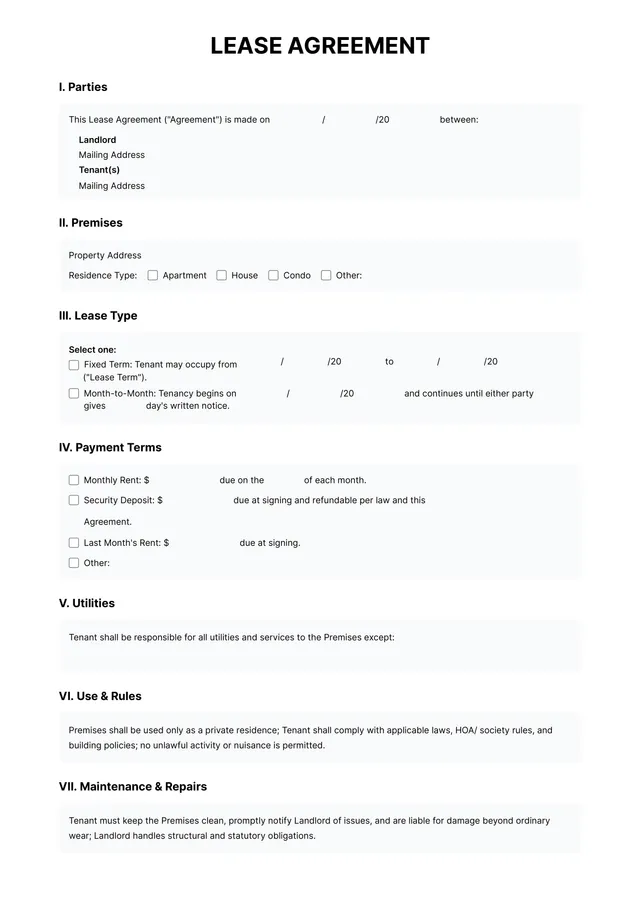
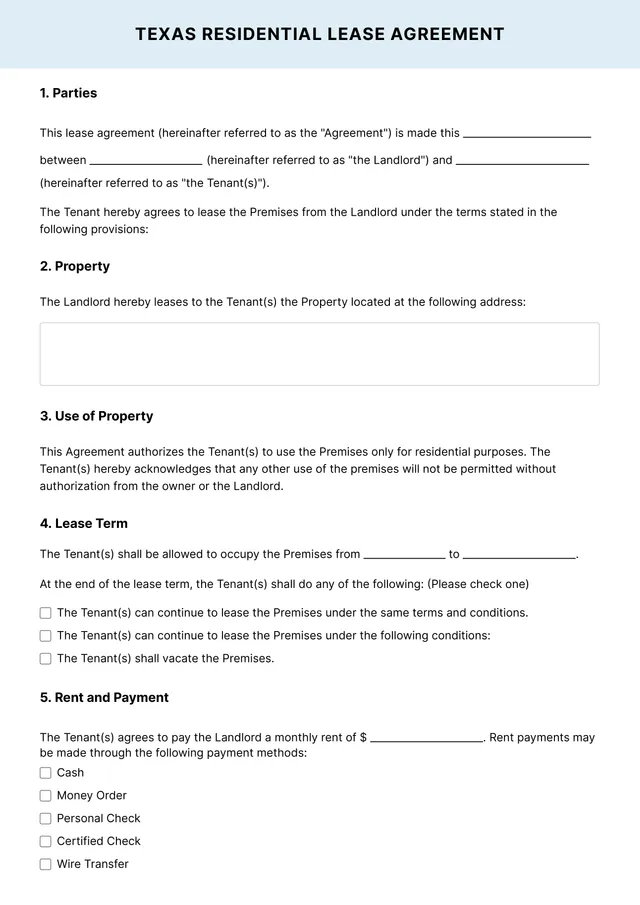
Tenancy Agreement Template
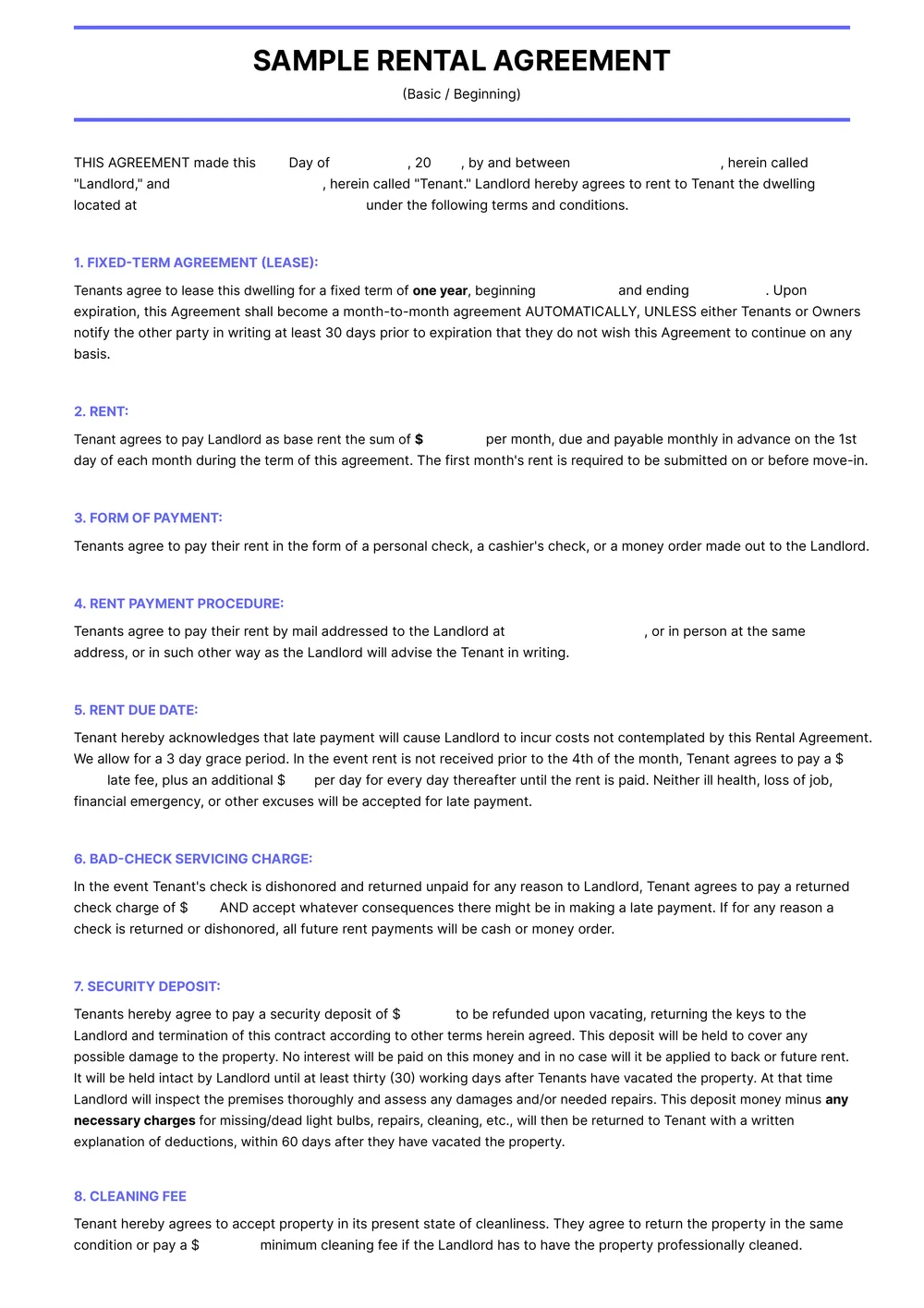
About tenancy agreement templates
Creating a tenancy agreement can be overwhelming, but it doesn't have to be. Our tenancy agreement template offers a solution to your worries. You can easily fill in your specific details while having peace of mind knowing that you're covering all the essentials needed. One standout feature of our templates is that they're available for immediate edit and download, allowing you to get on with things you enjoy.
Whether you need a sample lease or a blank template, our resources are designed to help you create a comprehensive agreement without confusion. You can save and revisit your work at any time. We've researched and considered the essential components, so while we’ve included many necessary fields, you can adapt them according to your own requirements.
Download your first file for free. To continue using PDF Guru, choose one of our subscription plans.
Frequently asked questions
What is a tenancy agreement template?

A tenancy agreement template is a pre-formatted document that outlines the terms and conditions between a landlord and a tenant. It typically includes important details such as rental payment amounts, lease duration, and maintenance responsibilities. Using this template can simplify creating contracts and help ensure that both parties understand their rights and obligations in a rental relationship.
When to use a tenancy agreement template?
You may want to use an editable tenancy agreement template in several situations:
- When starting a new rental agreement with a tenant
- If you're renewing an existing lease
- During property management transitions or changes
- When specifying new terms or conditions in an agreement
- If needing a formal document to resolve rental disputes.
What information is found in a tenancy agreement template?
A tenancy agreement template typically includes the tenant's name, landlord's details, property address, rental price, payment terms, security deposit, lease duration, maintenance responsibilities, and any rules on pets or smoking. You can edit this template to fit your specific situation when needed.
How to edit a tenancy agreement template?
- Click on the tenancy agreement template you want to edit.
- A draft will open in the PDF editor, showing placeholder fields you can fill out.
- Enter the required information in each editable field.
- Once you’re finished, click 'Done' to save your changes.
- Your edited template will be available for download and in your account for later access.
Who can use a tenancy agreement template?
Anyone involved in renting a property can use a tenancy agreement template. This includes landlords, property managers, and tenants looking to establish clear terms. Whether you’re a seasoned real estate professional or a first-time renter, this template provides an efficient way to create a legal agreement.
Can I export the tenancy agreement template to PDF or another format?
Yes, you can download the tenancy agreement template as a PDF or other formats like Word, Excel, PowerPoint, PNG, or JPG. After editing the template, just click 'Done' to get your printable version ready for use.
What are the common mistakes to avoid when filling out a tenancy agreement?
When filling out a tenancy agreement, avoid printing in small spaces; overlooking crucial details, like rent due dates, security deposit terms, or maintenance obligations; and failing to read the entire document before signing. Always double-check for completeness and clarity to prevent misunderstandings later on.
How do I ensure my tenancy agreement is legally binding?
To make your tenancy agreement legally binding, include essential details such as the names of all parties, property address, rent amount, and duration. Both parties should sign and date the agreement. Keeping a copy for yourself and your landlord can help prevent any misunderstandings later.
How do I cancel PDF Guru?
You can cancel your active plan from your PDF Guru account settings, or contact support and ask them to cancel the subscription for you. Account access stays in place until the billing period you already paid for comes to an end.