Wedding Itinerary Template
About the wedding itinerary template
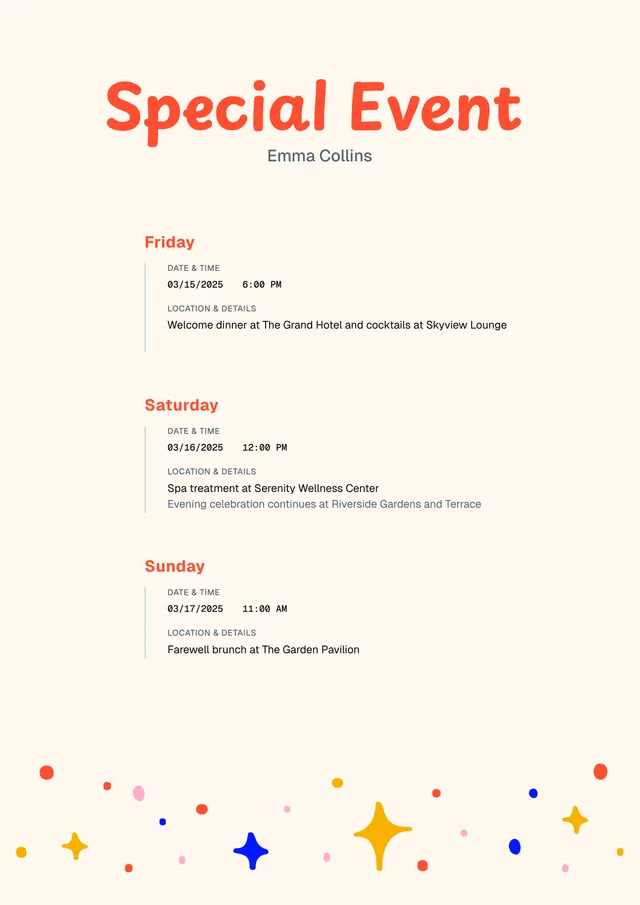
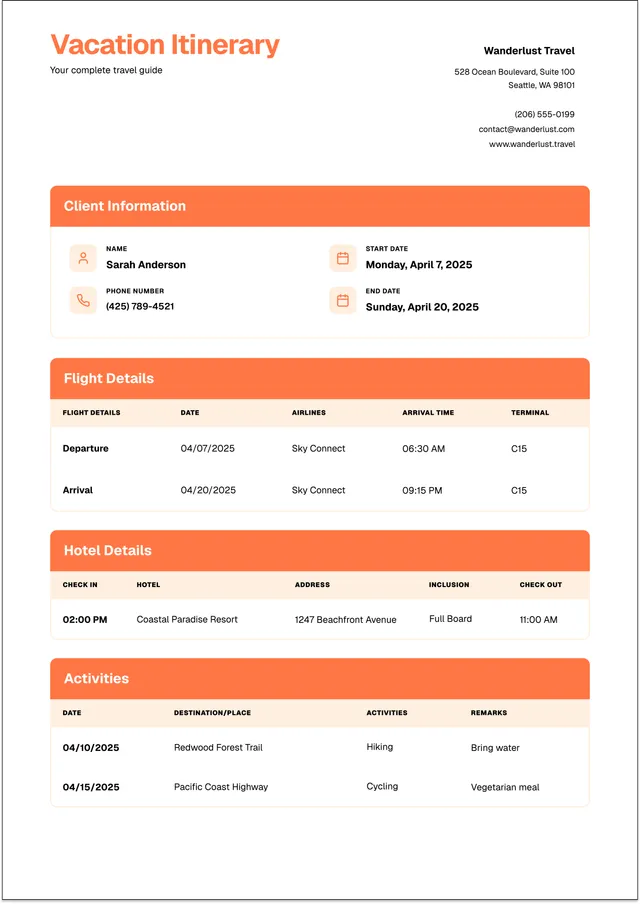
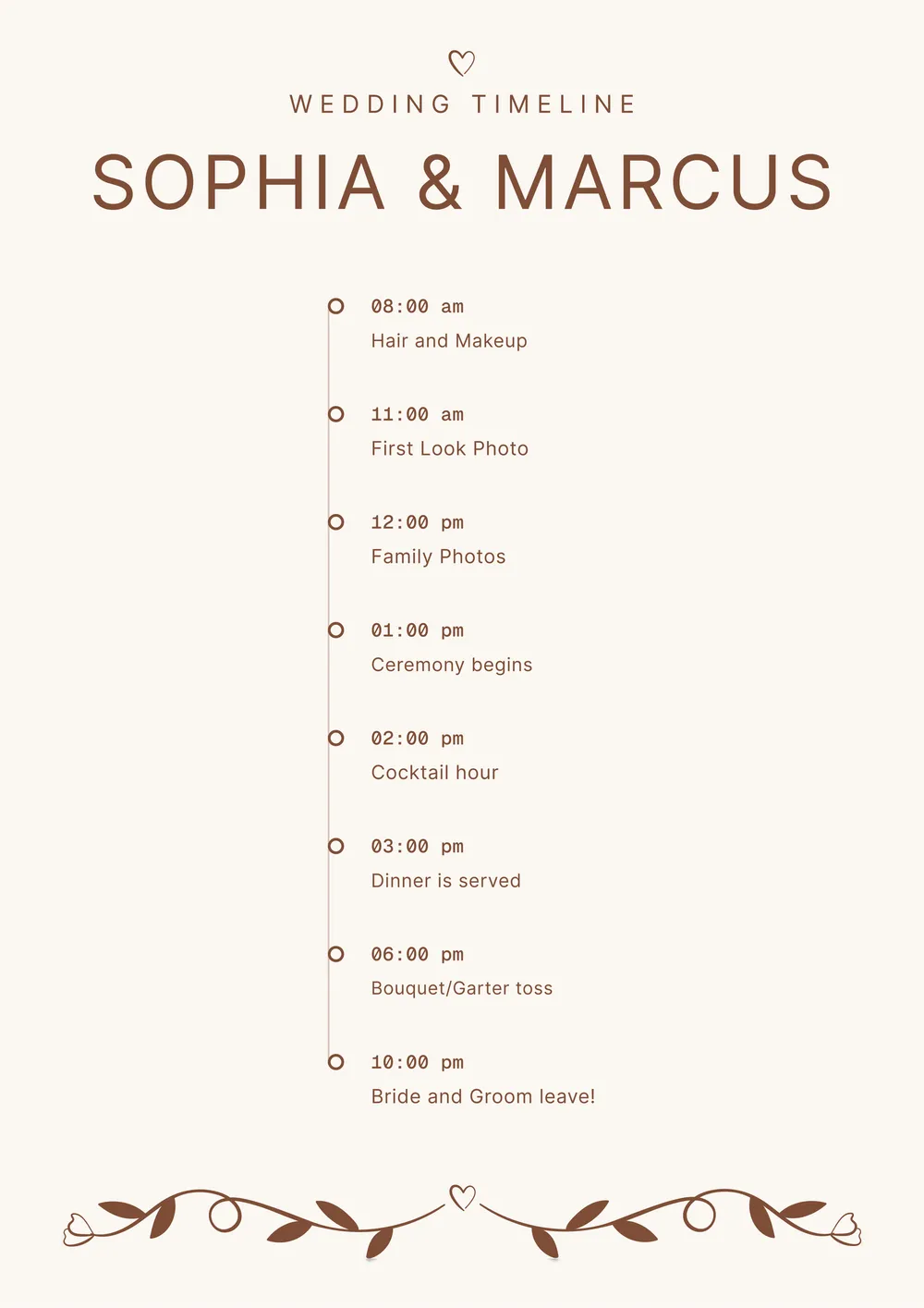
A wedding itinerary is used to organize the schedule of the wedding day or wedding weekend in one clear plan. It helps couples, planners, vendors, and the wedding party keep track of timings, locations, transitions, and important details so the event runs more smoothly.
Our template includes sections for the event title, date, timeline, ceremony details, photo schedule, reception plans, vendor notes, and contacts. In PDF Guru, you can personalize the wording, move sections around, and tailor the itinerary to a simple ceremony, a full reception day, or a multi-day wedding event.
Download your first file for free. To continue using PDF Guru, choose one of our subscription plans.
Frequently asked questions
What can I plan with this wedding itinerary template?

You can use the template to plan the ceremony, getting-ready schedule, photo sessions, transportation, reception timeline, and any extra events around the wedding. It helps keep all the key parts of the day in one organized place.
What details can I add to the wedding itinerary?
You can add times, locations, activity names, vendor details, contact information, travel notes, and reminders for the wedding party. If needed, you can also include separate sections for rehearsal dinner, brunch, or post-event plans.
Can I personalize this wedding itinerary for a specific type of event?
Yes. In PDF Guru you can adjust the section order, rewrite the headings, and tailor the design to match a formal wedding, destination event, intimate ceremony, or multi-day celebration. The layout can be adapted to fit different wedding styles and schedules.
Can I download this wedding itinerary template in other formats?
Yes. After editing the itinerary in PDF Guru, you can export it as PDF, DOC, XLSX, PPTX, JPG, or PNG. That gives you a shareable version for guests or vendors, a printable copy, and another file for future edits.
How do I edit and share the wedding itinerary template in PDF Guru?
Open the template in the PDF Guru editor and fill in the schedule, locations, contacts, and notes for the wedding day or weekend. You can adjust the layout, add your own sections, and review the full plan before saving. When it is ready, export it in the format you need and share it with the couple, wedding party, or vendors.
How do I cancel PDF Guru?
You can cancel your active plan from your PDF Guru account settings, or contact support and ask them to cancel the subscription for you. Account access stays in place until the billing period you already paid for comes to an end.