

Travel Itinerary Templates
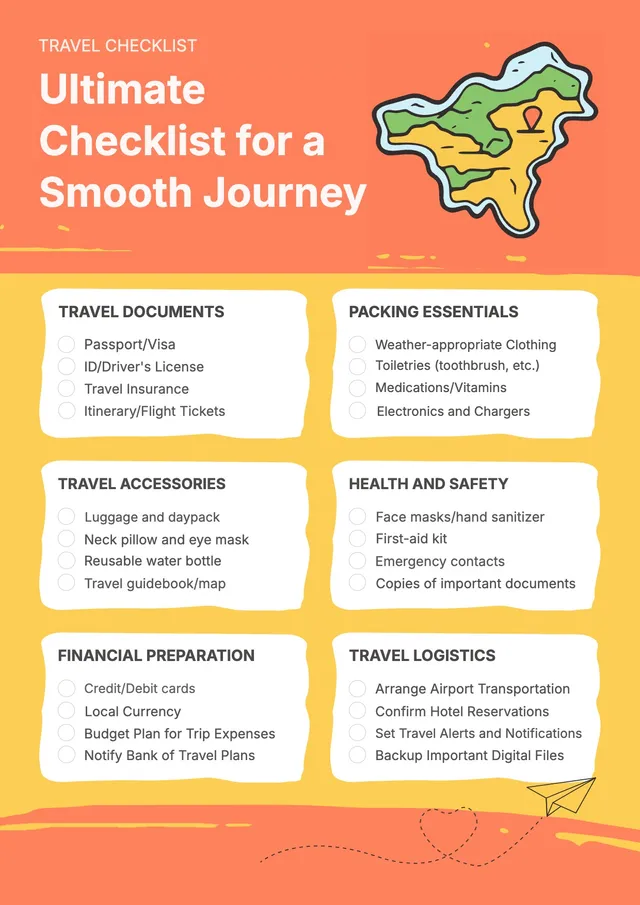
Bright Travel Checklist
Use template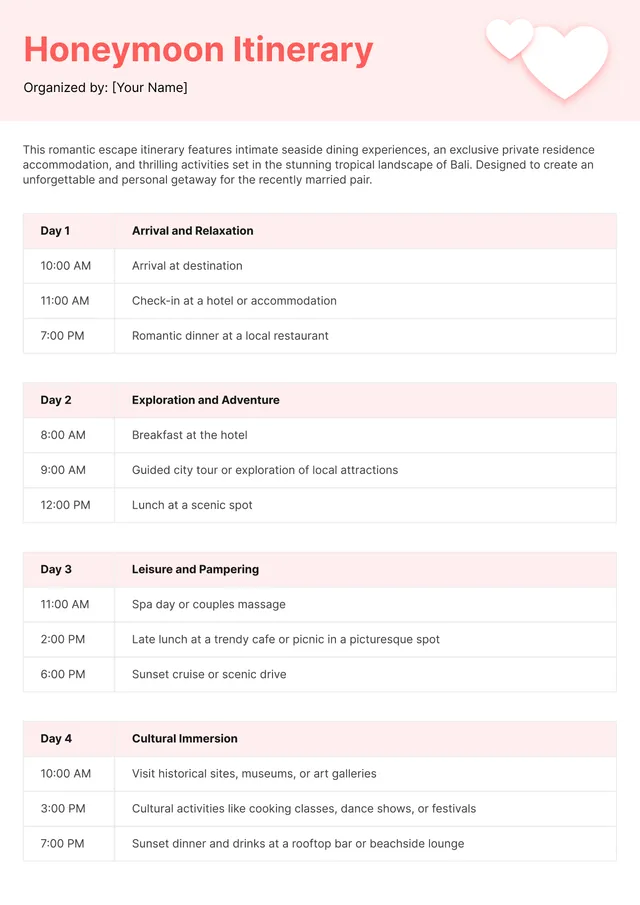
Honeymoon Itinerary Template
Use template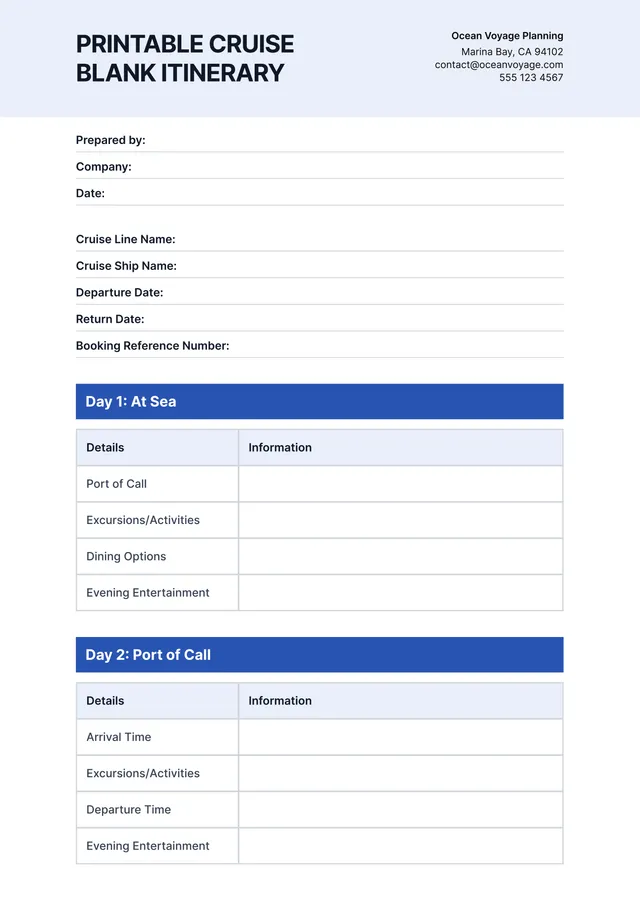
Cruise Itinerary Template
Use template
Girls Trip Itinerary Template
Use template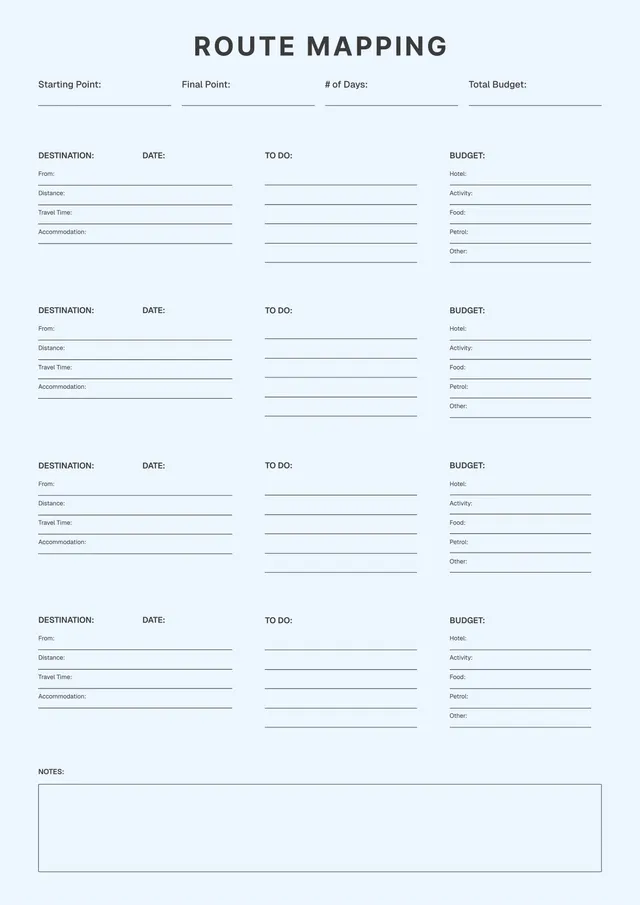
Road Trip Itinerary Template
Use template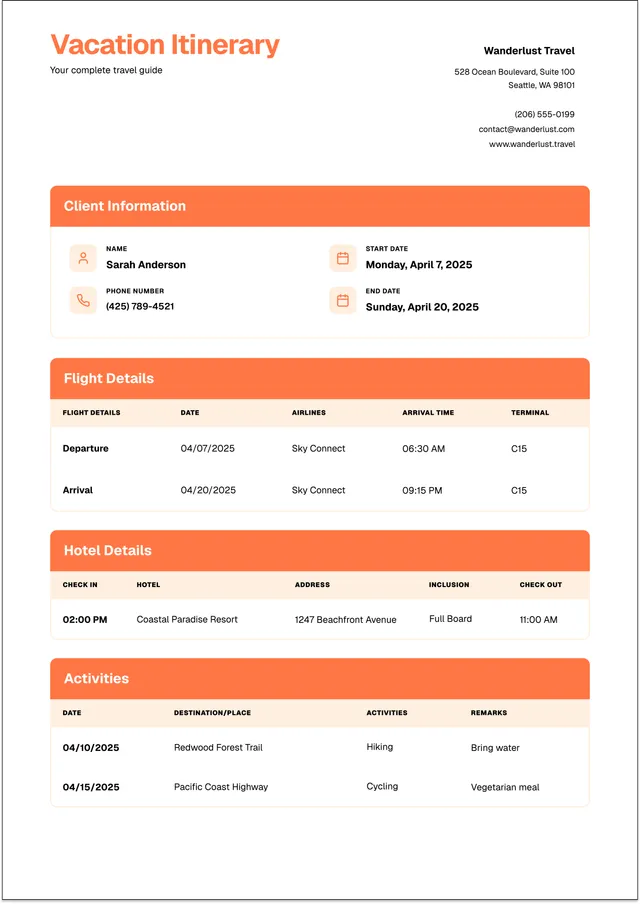
Vacation Itinerary Template
Use template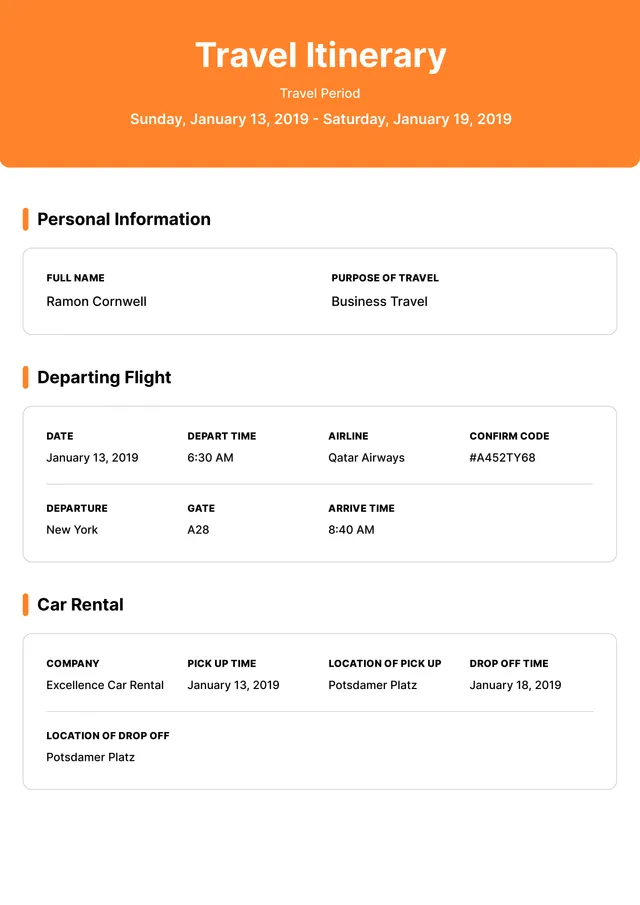
Business Travel Itinerary Template
Use templateOrganize every detail of your trip
PDF Guru provides editable travel itinerary templates to help you plan and organize trips of any kind - family vacations, business travel, group tours, road trips, and weekend getaways. Our templates include daily itinerary planners, flight and hotel schedules, activity planners, packing checklists, and comprehensive trip itinerary organizers. Each travel itinerary template gives you a structured layout to list destinations, transportation details, accommodation info, planned activities, reservations, and emergency contacts. Use our templates as a travel planner to keep all your trip details in one place - from flight numbers to restaurant reservations - and enhance your overall travel experience with better planning.
Open any template in the PDF Guru editor to create an itinerary that fits your needs: edit all text, insert maps and images, adjust the layout, change fonts and colors, and add as many days and activities as your trip requires. Download the completed detailed itinerary as a printable PDF - perfect to share with travel companions or keep on your phone as a handy travel planner.
Frequently asked questions
What is a travel itinerary template?

It's a ready-made solution for busy travelers who don’t have time to create a trip structure from scratch. Anytime you need to plan something travel-related, whether a quick getaway or a detailed multi-stop trip, our tool has you covered. You also have the flexibility to add final touches and personalize your travel plan template the way you need.
How can an itinerary template make trip planning easier?
It helps you stay organized and stress-free when planning a trip. It puts everything — flights, hotels, activities, maps, and budgets — in one easy-to-access place. You won’t miss bookings or waste time hunting for details. Plus, that's how you make sharing plans with family, friends, or travel partners simple and clear.
How to create an itinerary for travel?
You can create your custom trip planner template in three simple steps:
- Choose your template from our library.
- Once in the editor, customize it: add text, adjust formatting, insert images, and leave comments if collaborating.
- Review and download your itinerary, then share it with your travel group or save it for offline use.
Flight itinerary template? Check. Weekend itinerary template? Check. And there’s more to come. We keep updating our library so you can find the perfect fit every time.
How to customize a travel itinerary template?
With our itinerary maker, customization is quick and flexible. Here’s how:
- Explore the top menu and start by adding your text and adjusting formatting options.
- Highlight important sections with different colors for clarity.
- Insert images and shapes. Then, easily resize and move them to fit your layout.
- Add a signature if needed. Use the Sign tool and choose from three signature options.
- Leave comments for collaborators or anyone who needs to review your trip outline.
What details should I include to keep track of my group trip itinerary?
A good travel itinerary should cover all key trip details. Include your travel dates, destinations, confirmation numbers, transportation info (flights, trains, boarding times), and lodging details (hotel address, check-in/out times). Add a daily schedule with activities, important contact numbers, and a budget overview. You can also include extras like packing lists, weather forecasts, or local tips to make your trip smoother.
Where can I get a customizable template online?
Stay here! We offer a wide selection of customizable travel itinerary templates and constantly update the library with new, helpful options for every type of trip. Just pick a template, add your details, and download it in the format that works best for you. You can choose PDF, Word, JPG, Excel, PNG, or PPTX.
How can I add transportation and accommodation details to my itinerary?
Start by adding dedicated fields or rows for each part of your trip. For transportation, include departure and arrival dates, times, company names, booking references, and addresses. For accommodations, list the property name, address, check-in and check-out times, booking ID, and contact phone number.
Organize everything in chronological order so it’s easy to follow. To make important bookings stand out, highlight or color-code them.
Is it possible to share my travel itinerary with others?
Absolutely! Once your itinerary is ready, you can easily save it as a PDF and share it by email, chat apps, or cloud drives. If you’re planning with a group, you can upload it to a shared drive or travel app and give others permission to view or edit. Stay in sync!
Can I create one itinerary template for multiple destinations?
Yes, and it’s easy to do. Just create separate sections or pages for each destination. In each section, include details like arrival and departure times, daily plans, and anything specific to that location. Think of your template as modular: you can duplicate sections as needed to match the number of stops on your trip. This helps keep everything organized and easy to follow.
How does a travel template help me stay organized while traveling?
A trip planner is like your personal assistant. It keeps all your important details in one spot, so you’re never scrambling to find information. You can quickly check what’s next, stay on top of your time, and easily adjust plans if something changes. It helps your trip run smoother from start to finish.
How do I cancel PDF Guru?
You can cancel your active plan from your PDF Guru account settings, or contact support and ask them to cancel the subscription for you. Account access stays in place until the billing period you already paid for comes to an end.