Weekly Itinerary Template
About weekly itinerary template
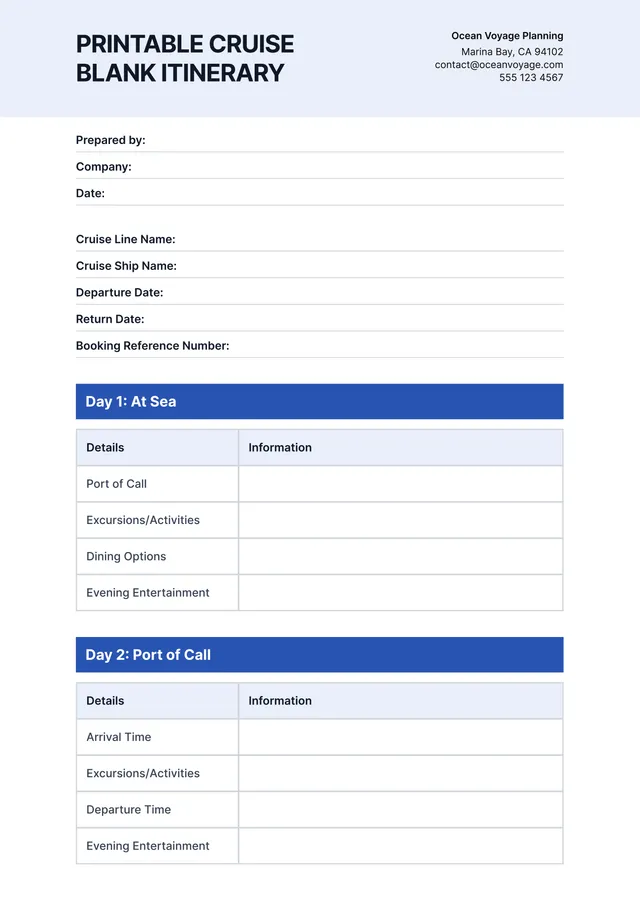
A weekly itinerary can feel overwhelming, especially with so many tasks and commitments vying for your attention. Our weekly itinerary templates help you prioritize everything from work deadlines to family appointments. You can easily customize each blank section to fit your needs, providing you the clarity you desire, which leads to a more organized and productive week.
Imagine starting your week with a clear plan rather than a puzzled mind. You'll find that each sample worksheet prompts you to enter crucial details, making sure you don’t overlook a thing. No more stress over where to fit everything in your schedule; you can experience the relief of a well-organized agenda. We've analyzed the necessary fields and included them to cover what you need, providing you with a practical foundation.
Download your first file for free. To continue using PDF Guru, choose one of our subscription plans.
Frequently asked questions
What is a weekly itinerary template?

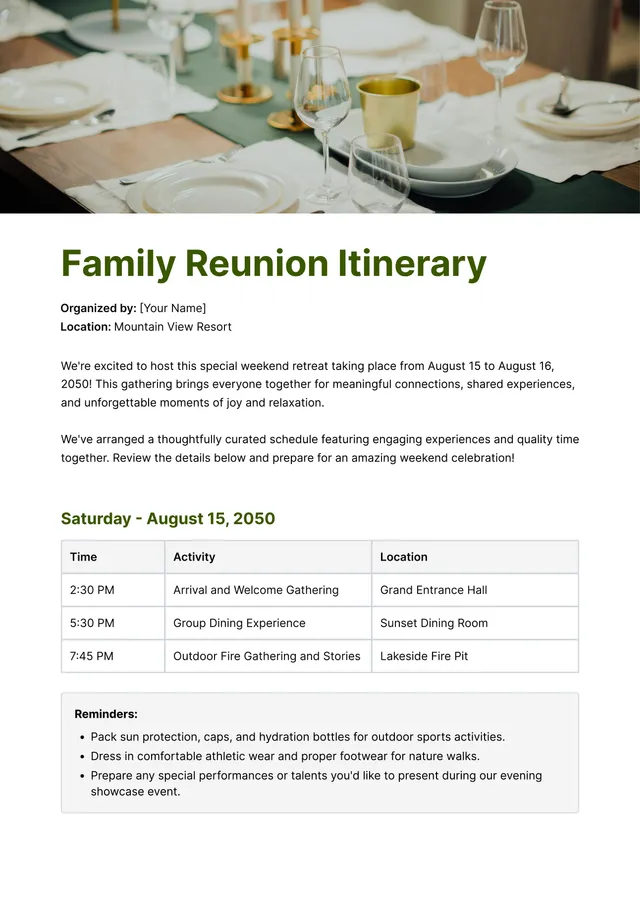
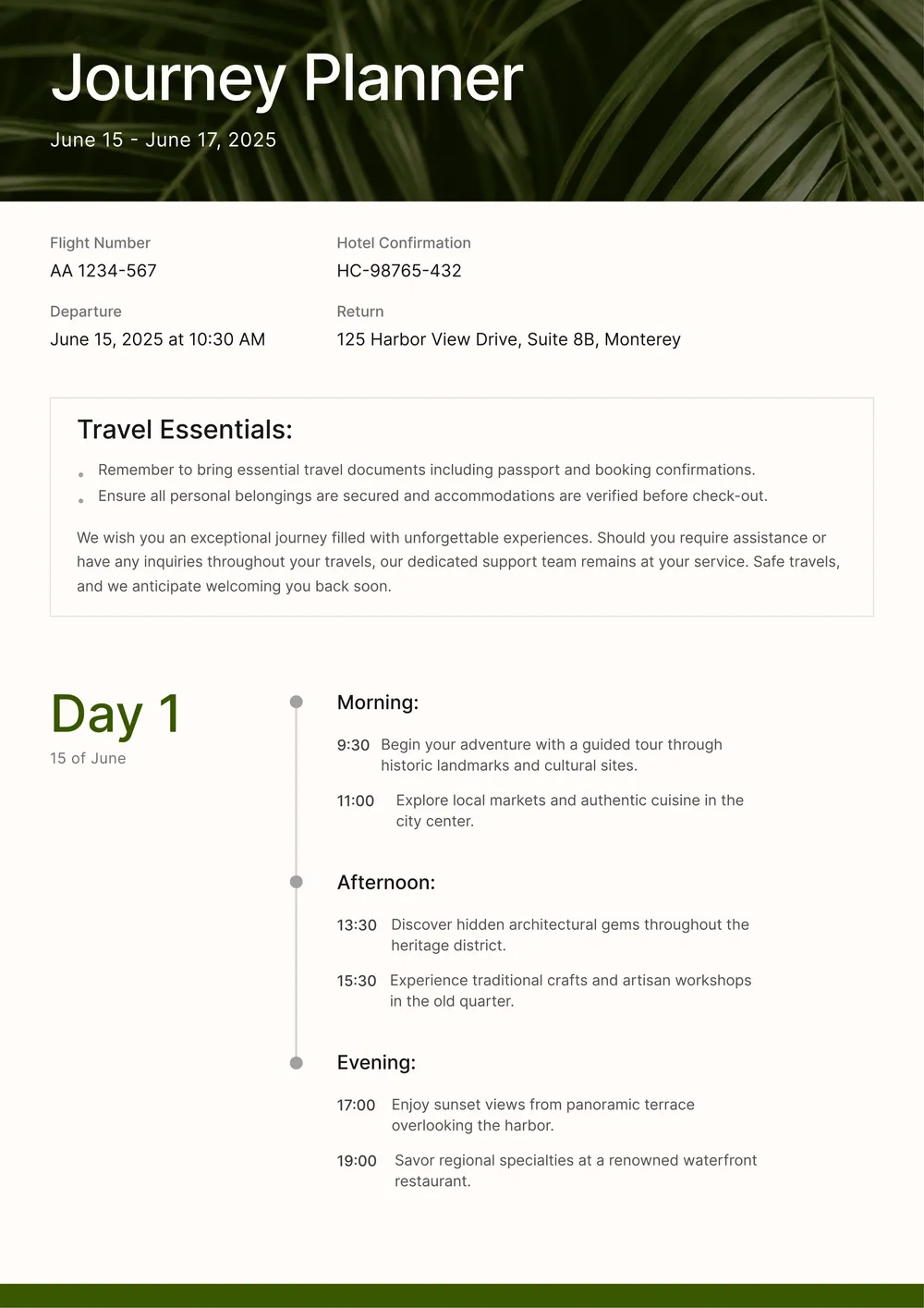
A weekly itinerary template is a structured outline that helps you plan your week efficiently. This type of template includes designated areas for each day, allowing you to organize tasks, appointments, and activities. You can fill in what you need to manage your time better, keeping every crucial detail in one spot. It's a great way to stay on track and maximize productivity throughout the week.
When should I use a weekly itinerary template?
Using a weekly itinerary template can help you stay organized and focused. Consider it when:
- Planning your week ahead on a Sunday or Monday
- Preparing for vacations or business trips
- Coordinating multiple appointments or events
- Managing family schedules or activities
- Setting goals for work projects
The editable template makes keeping track of your time simple.
What information is included in a weekly itinerary template?
A weekly itinerary template typically includes sections for each day of the week, time slots for activities, locations, notes, and priority levels. You can edit the template to fit your schedule, adding or removing items as needed to help you stay organized throughout the week.
How to edit a weekly itinerary template?
- Click on the 'Use Template' button for the weekly itinerary.
- The template will open in the PDF editor, showing placeholder fields that you can fill out.
- Type your information into the editable sections.
- When you're satisfied with your changes, click 'Done' to download the updated version.
- Your edited itinerary will also be saved in your account for future access.
Who can benefit from a weekly itinerary template?
Individuals planning their weekly schedules, busy professionals organizing tasks, families coordinating activities, students balancing study sessions, and travelers arranging trips can all benefit from a weekly itinerary template. It simplifies planning by offering a clear layout for managing appointments, tasks, and events for better time management.
Can I export my weekly itinerary template to PDF or other formats?
Yes, you can download your weekly itinerary template as a PDF or other formats like Word, Excel, PowerPoint, PNG, or JPG. This makes it easy to create a printable version for your needs, allowing you to access your information anytime, anywhere.
How can I organize my weekly plans with this template?
You can organize your weekly plans by clicking 'Use Template' to load an editable PDF. Once it opens, fill in your tasks, appointments, and goals for the week. After you click 'Done,' you can download your schedule and save it in your account for future reference and adjustments.
Can I share my completed weekly itinerary with others?
Yes, you can share your completed weekly itinerary with others. Once you finish editing your template, download it and then send the file directly via email or messaging apps. Your saved itinerary is also stored in your account for you to access anytime.
How do I cancel PDF Guru?
You can cancel your active plan from your PDF Guru account settings, or contact support and ask them to cancel the subscription for you. Account access stays in place until the billing period you already paid for comes to an end.