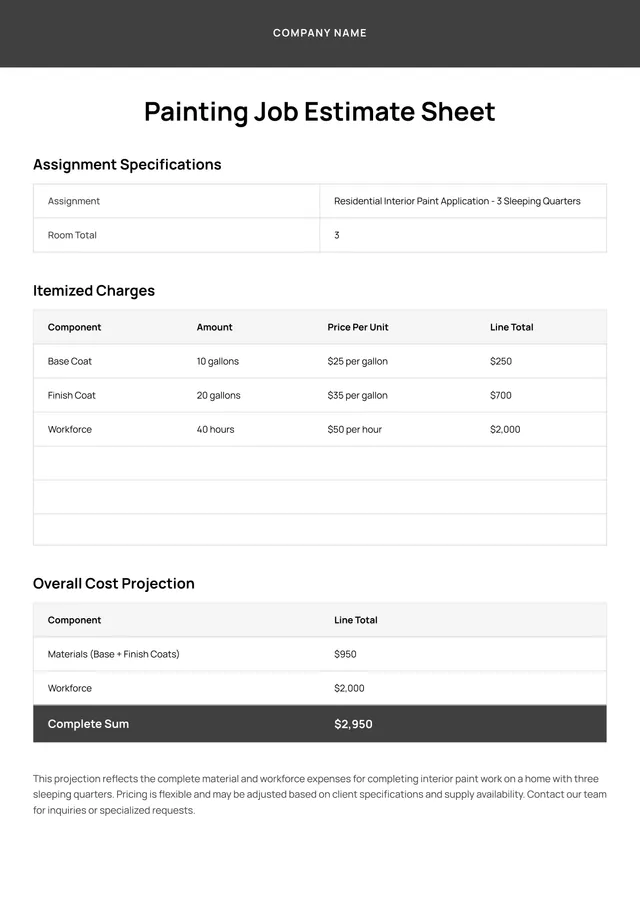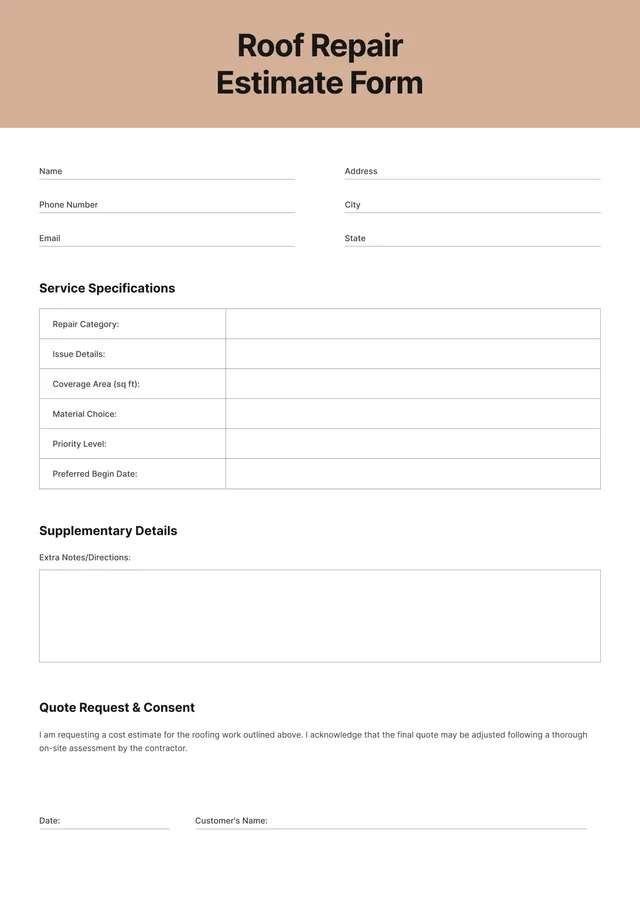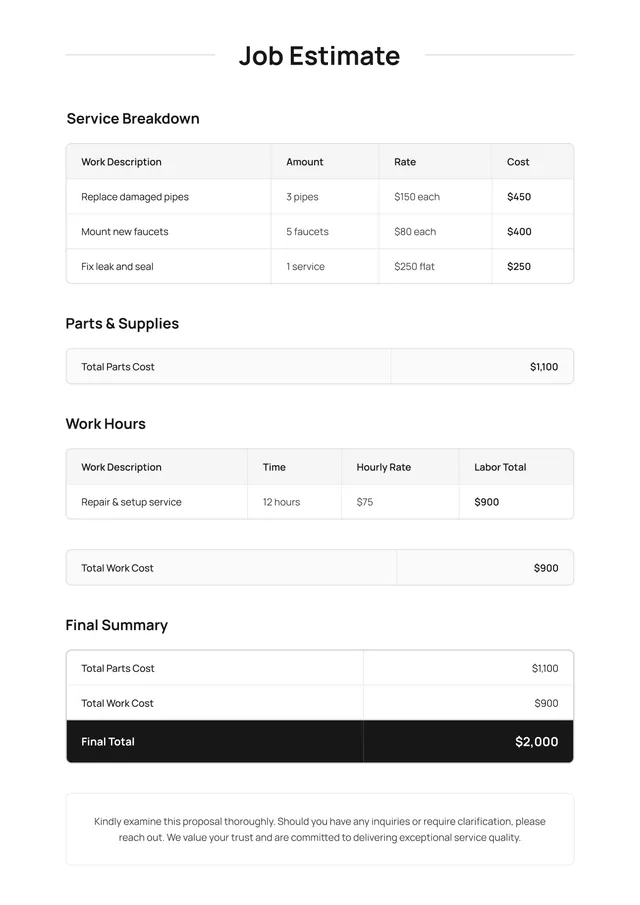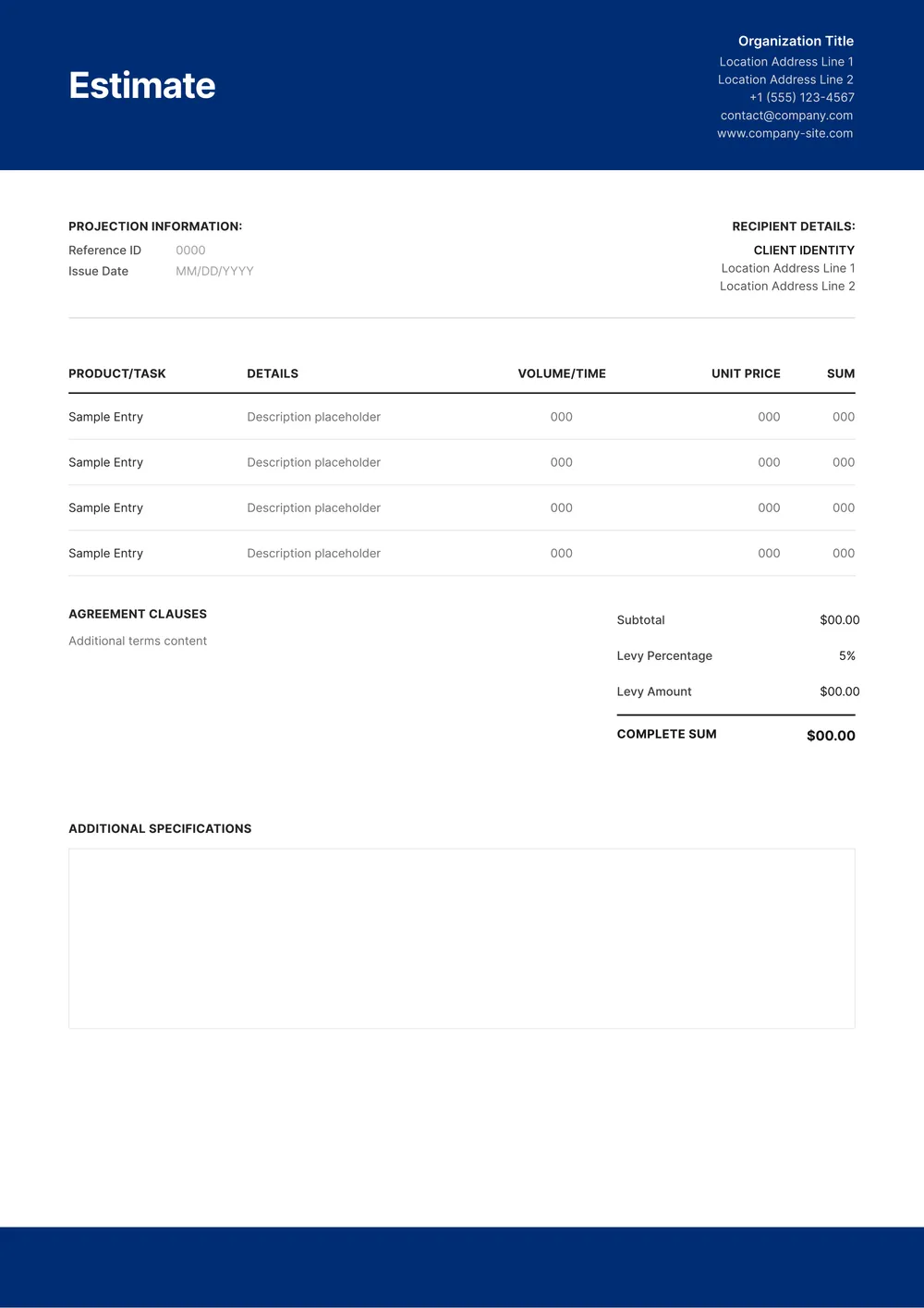
About work estimate template
Preparing a work estimate can be time-consuming and stressful; you want to nail every detail to keep your clients satisfied. With our work estimate templates, you can tackle common pain points head-on. They come with clear sections that allow you to input essential data easily. One standout feature is the ability to save your work while you edit; this means no lost information while you create the best estimate for your project.
Our template provides both a sample design and blank fields tailored for your unique needs. This means you can focus less on formatting and more on accuracy. The good news is, we’ve analyzed the necessary fields for estimates and included them in our templates for your convenience, although exact details may vary. Start turning those estimates into winning contracts today!
Download your first file for free. To continue using PDF Guru, choose one of our subscription plans.
Frequently asked questions
What is a work estimate template?

A work estimate template is a document used to provide a detailed outline of the costs and resources needed for a specific project or task. It typically includes sections for labor, materials, and other expenses, helping you present a clear financial expectation to clients or team members. By using this template, you can save time and present a professional estimate that covers all necessary aspects.
When should you use a work estimate template?
A work estimate template is helpful in various situations, including:
- Before starting a new project to outline potential costs
- When you need to compare estimates from different vendors
- When discussing budgets with clients or management
- If you are preparing for seasonal work and need to calculate expenses
- Anytime you want an editable document for clear communication on project scope and pricing.
What details are typically found in a work estimate template?
A work estimate template usually includes fields for project description, itemized services, costs, timeline, and client information. You can edit the details to match your specific project needs. This helps create a clear overview of the expected expenses and services for clients.
How to edit a work estimate template?
- Click 'Use Template' for the work estimate.
- Your editable draft will open in the PDF editor.
- Fill in the placeholder fields with your details.
- Adjust any text or numbers as needed.
- After finishing, click 'Done' to download your edited template.
- Your changes will be saved in your account for future access.
Who can use a work estimate template?
A work estimate template is perfect for freelancers, contractors, and small business owners. It's also great for project managers and anyone needing to provide detailed pricing for services. If you focus on specific projects or tasks and want to set clear costs, this template is for you.
Can I export the work estimate template to PDF or other formats?
Yes, you can download the work estimate template in multiple formats. It's available as a printable PDF, as well as in Word, Excel, PowerPoint, PNG, or JPG. You can choose the format that best suits your needs when finishing your template.
How can I make my work estimate stand out?
To make your work estimate stand out, focus on clarity and professionalism. Use visually appealing layouts and bold headings. Include specific details about the services offered and highlight any unique benefits. Personalize it for your client by addressing their needs directly; this shows you care about their project.
How can I share my work estimate with clients?
You can share your work estimate by downloading it from your PDF Guru account. Once you have finished editing the template, click 'Done' to get your file. You can then email it, print it, or use any other method to send it directly to your clients.
How do I cancel PDF Guru?
You can cancel your active plan from your PDF Guru account settings, or contact support and ask them to cancel the subscription for you. Account access stays in place until the billing period you already paid for comes to an end.