About work request templates
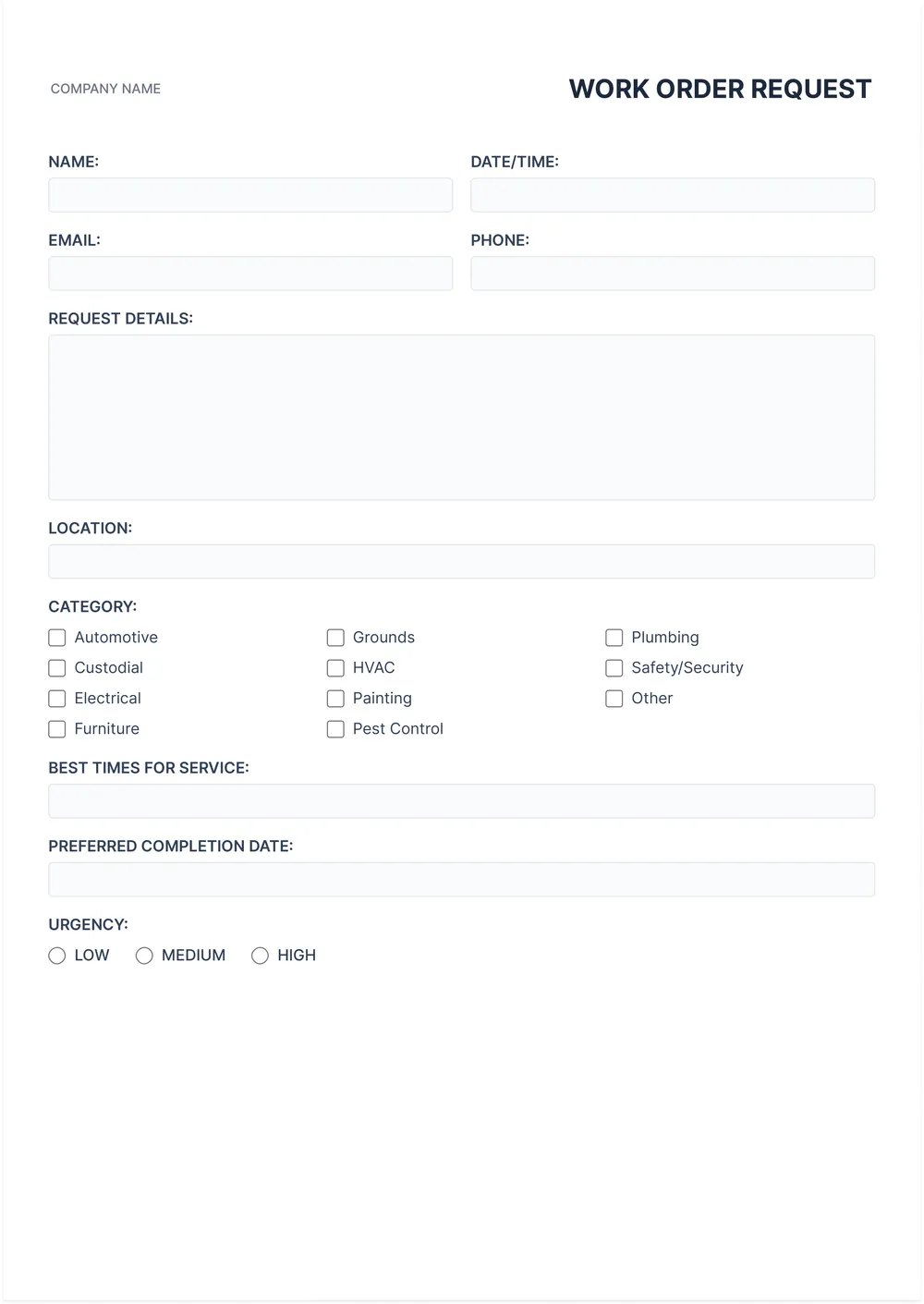
Creating a work request can be a bit of a hassle, especially when you’re not sure what information to include. Our work request templates take the stress out of this task. With designed fields tailored for clarity, you can fill in details quickly and keep everything organized. Plus, you have the option to create a blank version for any unique requests you might have.
Rather than struggling to remember what needs to be included in your request, you can focus on your projects. Our template serves as a comprehensive sample, providing a solid framework while giving you room for creativity. We’ve analyzed the necessary fields and included them in ours, so you can customize and modify as you go without the extra worry.
Download your first file for free. To continue using PDF Guru, choose one of our subscription plans.
Frequently asked questions
What is a work request template?

A work request template is a document that helps you outline and define tasks for projects or services. It typically includes necessary details like project goals, deadlines, resources needed, and responsible parties. By using a work request template, you can standardize requests, track progress, and clarify expectations between team members or departments, making project management smoother and more efficient.
When should I use a work request template?
If you’re considering using a work request template, here are specific situations to keep in mind:
- When starting a new project or task in your organization
- When coordinating workload between team members
- At the beginning of a month or quarter for new requests
- Prior to team meetings to gather all requests
- Any time you need an editable format to submit your needs formally
What information is included in a work request template?
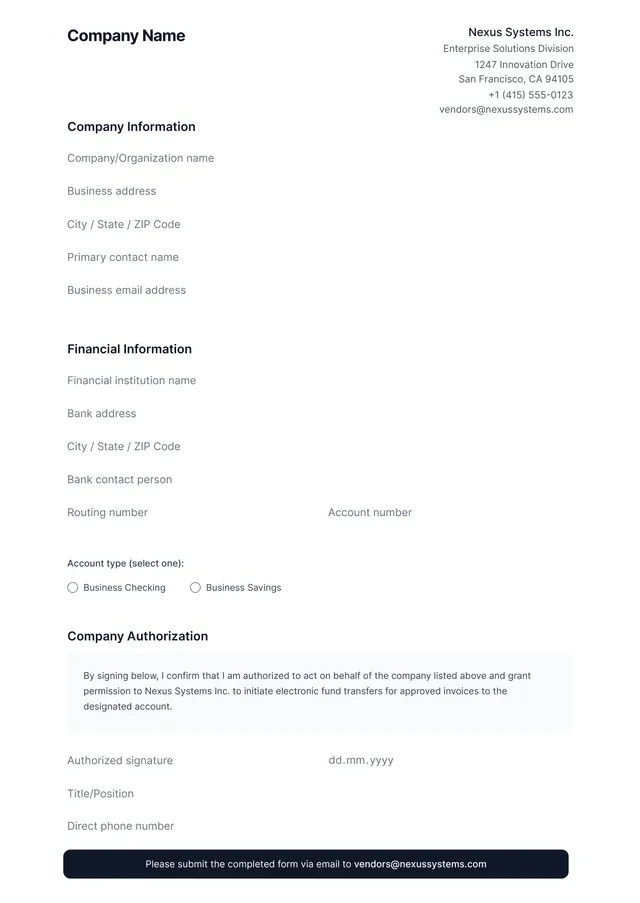
A work request template usually includes details like the requester’s contact information, project description, budget, timeline, and specific tasks needed. It allows you to edit essential information to fit your project's unique needs, helping to clarify requirements before any work begins.
How to edit a work request template?
- Click on 'Use Template' for the work request template you want.
- Wait for the editable draft to load in the PDF editor.
- Fill in the required fields as needed.
- Make any additional changes you wish.
- When done, click 'Done' to download your edited version.
- Your changes will also be saved in your account for future access.
Who can use a work request template?
Anyone can use a work request template: Managers seeking project approvals, teams needing to outline tasks, freelancers preparing client requests, and employees submitting ideas can all benefit. This tool helps streamline communication, making it easier to convey needs and expectations in a clear, organized manner.
Can I export the work request template to PDF or another format?
Yes, you can download the work request template in various formats. Choose from PDF, Word, Excel, PowerPoint, PNG, or JPG. This gives you a printable version that suits your needs, making it easy to share or keep for your records.
Can I share the completed work request template with my team?
Yes, you can share the completed work request template with your team. Once you've filled it out, simply download the PDF and send it via email or your preferred sharing method. Everyone can then access the template, making collaboration easy and efficient.
How can I ensure my work request template is effective?
To make your work request template effective, clearly define each section; be specific about what information you need. Use simple language and an organized layout to make filling it out quick. Test it with others to gather feedback and make adjustments as needed, ensuring it meets your requirements.
How do I cancel PDF Guru?
You can cancel your active plan from your PDF Guru account settings, or contact support and ask them to cancel the subscription for you. Account access stays in place until the billing period you already paid for comes to an end.