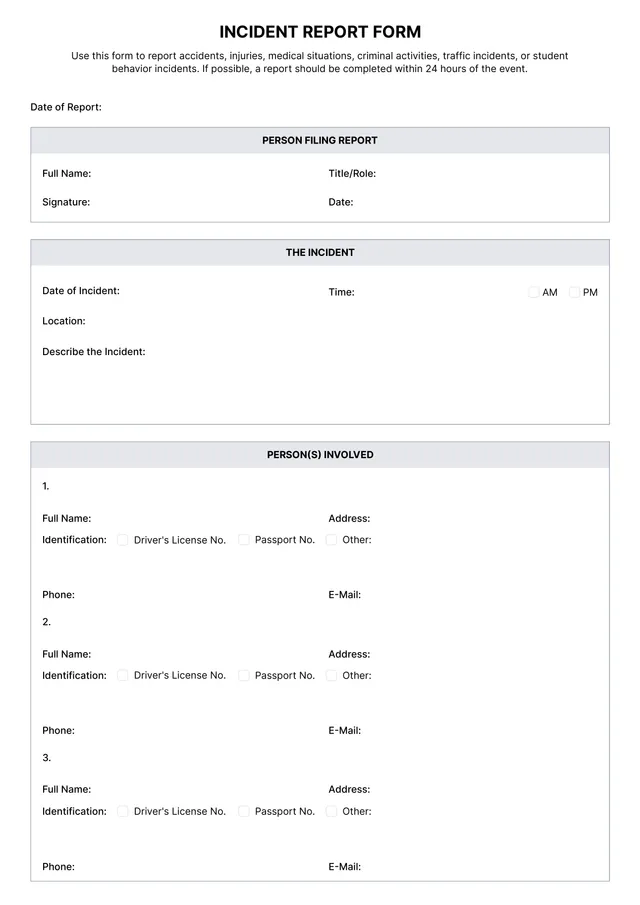
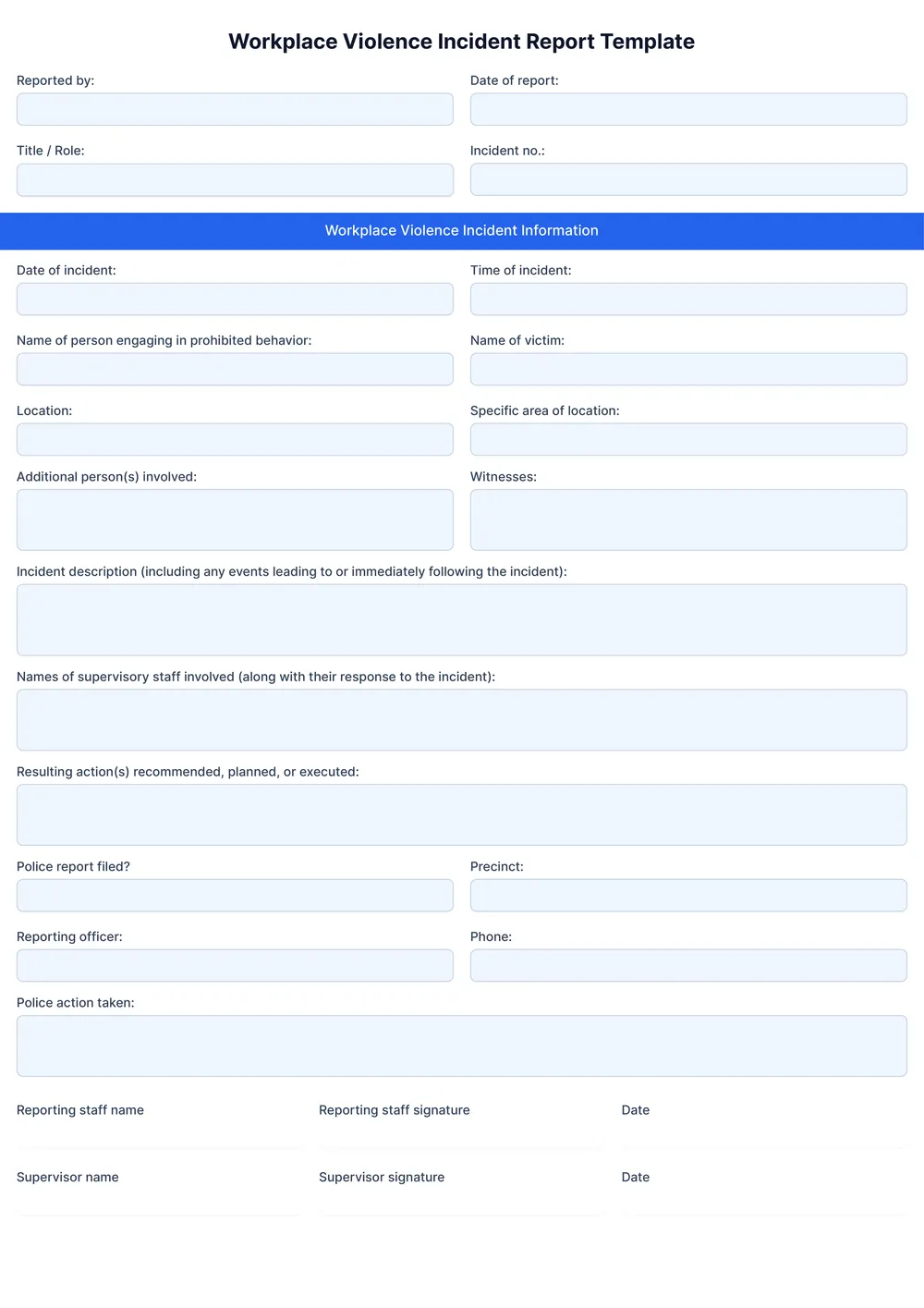
Workplace Incident Report Template
About workplace incident report templates
Workplace incidents can create confusion and stress, making it hard to keep track of important details. With a workplace incident report template from PDF Guru, you'll find it easier to document every essential piece of information promptly. One standout feature is the editable fields that allow you to add facts specific to each situation, making your report both personal and thorough.
No matter the scale of the incident, having a consistent way to report can save you time and frustration. Our template streamlines the process while providing a clear structure. You can use our sample report as in point of reference or start with a blank version. We've analyzed the necessary fields and included them in ours, making sure you have a reliable tool for effective reporting.
Download your first file for free. To continue using PDF Guru, choose one of our subscription plans.
Frequently asked questions
What is a workplace incident report template?

A workplace incident report template is a structured document designed to outline the details of an incident that occurs at work. It typically includes sections for describing the event, noting any injuries, identifying witnesses, and detailing the circumstances. This template helps organizations track incidents, improve safety measures, and serve as a record for investigations or follow-ups.
When should you use a workplace incident report template?
Using a workplace incident report template can be beneficial in various situations, including:
- Any time an accident or incident occurs at work
- When documenting safety hazards early in the process
- For training purposes, to review past incidents
- After resolving a workplace conflict, to reflect on the event
These editable templates help maintain clarity and consistency in reports.
What information is found in a workplace incident report template?
A workplace incident report template typically includes details like the date and time of the incident, location, people involved, a description of what happened, witness statements, and any actions taken afterward. You can edit the template to add any specific information needed for your situation.
How to edit a workplace incident report template?
- Click on 'Use Template' to open the workplace incident report form.
- Edit the editable fields as needed; add information such as the date, location, and details of the incident.
- After you finish editing, click on 'Done' to download your completed report.
- Your edited template will also be saved in your account for future access.
Who can use a workplace incident report template?
Anyone responsible for maintaining workplace safety can use a workplace incident report template; this includes managers, supervisors, safety officers, and human resource personnel. Employees reporting an incident can also use it. It helps create clear documentation for both reporting and analyzing workplace incidents to improve safety practices.
Can I convert a workplace incident report template to PDF or another format?
Yes, you can convert a workplace incident report template to PDF or other formats. After editing, you’ll be able to download it as a printable PDF, or choose from options like Word, Excel, PowerPoint, PNG, or JPG. Create your report and get it in the format that works for you.
How can I ensure my workplace incident report is accurate and thorough?
To make your workplace incident report accurate and thorough, gather all relevant details, including dates, times, and witness accounts. Use clear language, and include any supporting documents or images. Always review your report for clarity before submitting it, and consider having a colleague proofread it for additional accuracy.
What is the best way to address incidents reported in the workplace?
To address incidents reported in the workplace, start by listening carefully to the individual; investigate the situation by gathering all relevant information and evidence. After reviewing, take appropriate action—this can include making improvements, reporting it to management, or providing support. Always follow up to ensure the issue is resolved.
How do I cancel PDF Guru?
You can cancel your active plan from your PDF Guru account settings, or contact support and ask them to cancel the subscription for you. Account access stays in place until the billing period you already paid for comes to an end.