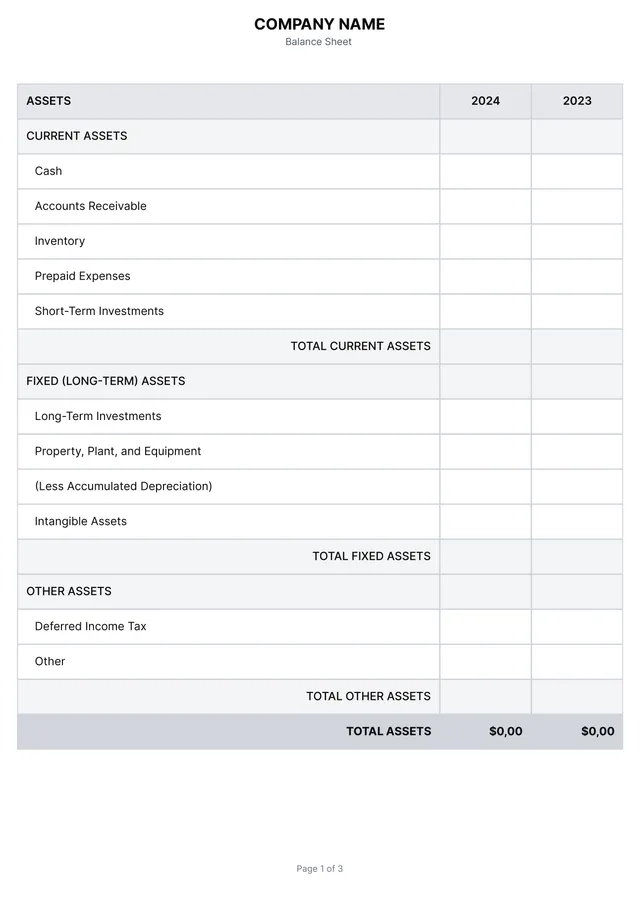
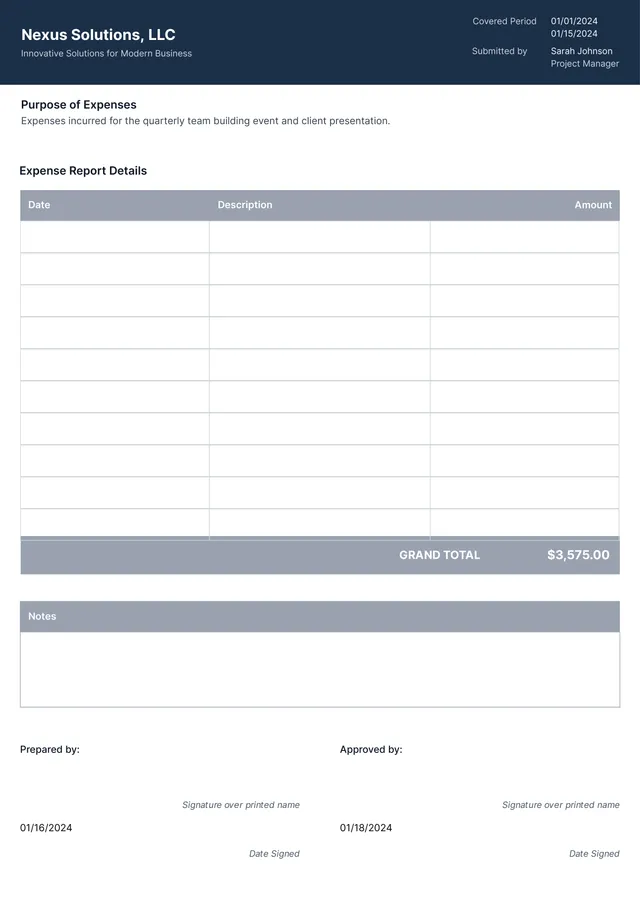
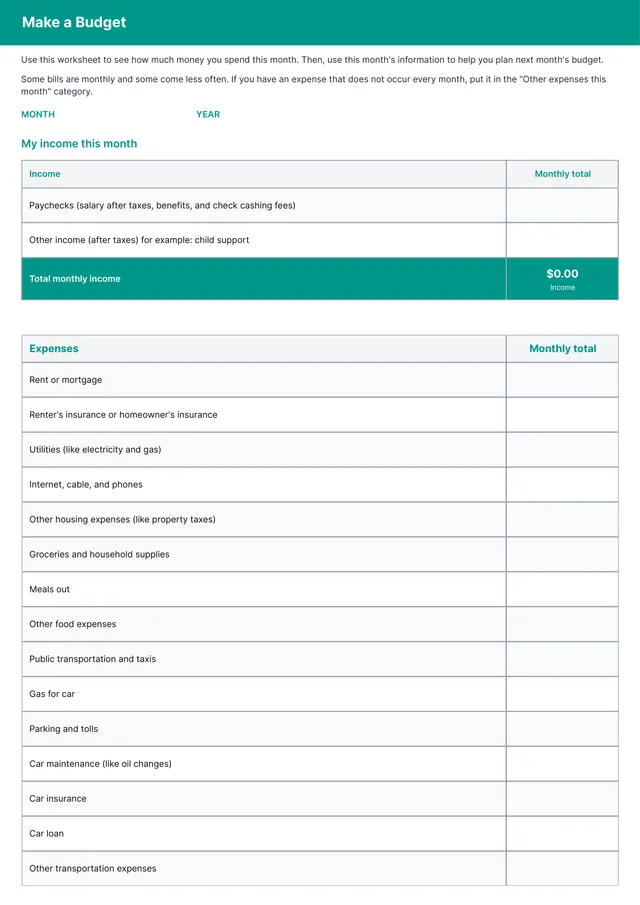
Travel Expense Report Template
About travel expense report templates
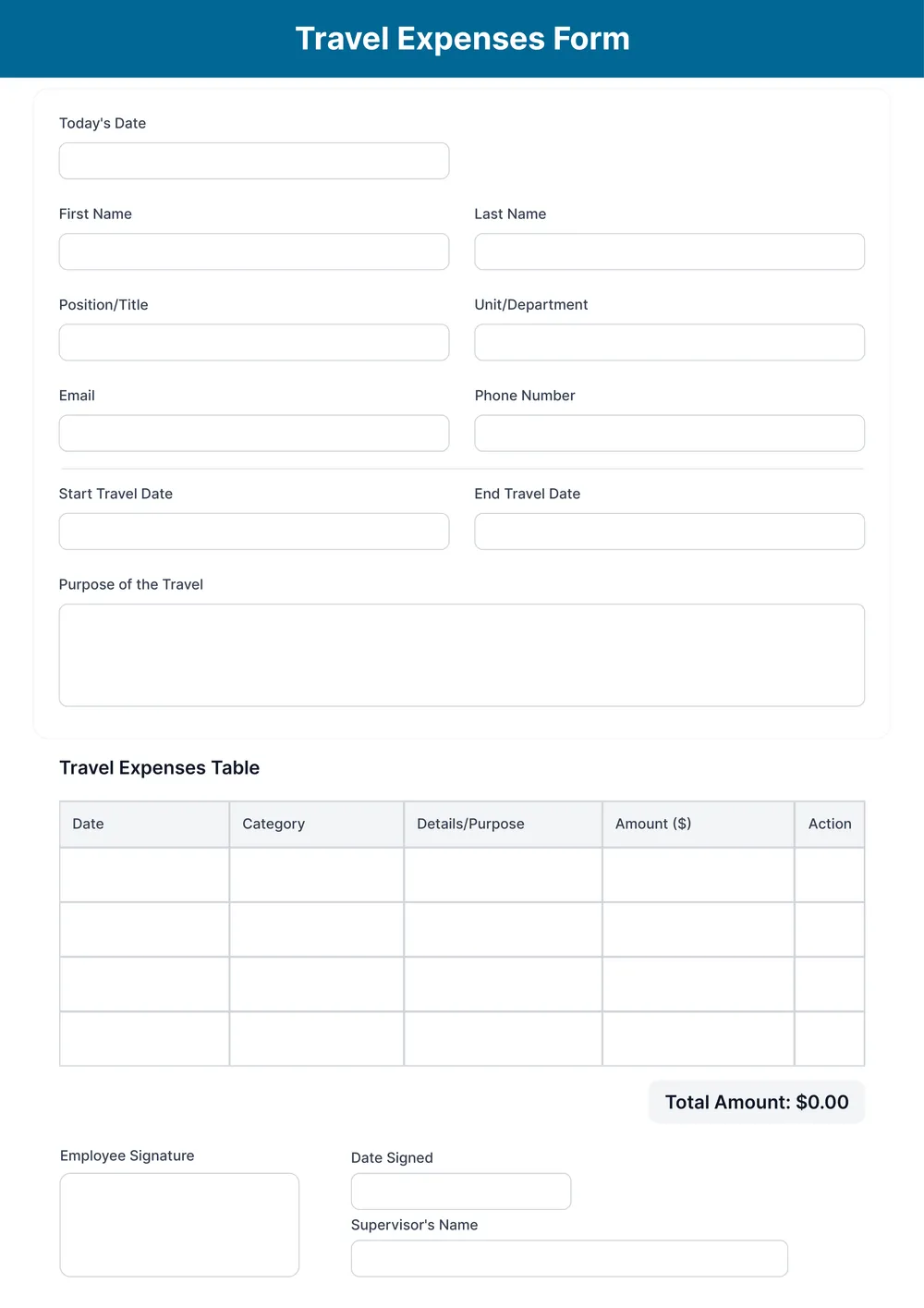
Traveling for work can lead to a pile of receipts and endless paperwork, which can make expense tracking feel overwhelming. Our travel expense report template is designed to simplify this process, making it easy to document and organize your expenses. With this template, you can quickly input your travel costs, from accommodations to meals, ensuring that every detail is accounted for without the stress of confusion.
Another standout feature is that our template offers both a blank form and sample layouts to guide you in filling it out. Whether you’re brainstorming new trip expenses or just looking to expedite your current reporting, you’ll find support at every step. We’ve analyzed the necessary fields and included them in ours, so you can stay focused on what matters most: getting your travel expenses in order.
Download your first file for free. To continue using PDF Guru, choose one of our subscription plans.
Frequently asked questions
What is a travel expense report template?

A travel expense report template is a document you can use to keep track of your travel costs. It provides an outline for listing expenses like flights, hotels, meals, and transportation. This template helps you organize your spending, making it easier to report and claim reimbursements. With customizable fields for specific costs, you can fill it out based on your travel details.
When should you use a travel expense report template?
A travel expense report template is helpful in various situations; here are some key moments when you might need it:
- After finishing a business trip to summarize costs
- Before submitting expenses to get reimbursed
- At year-end when reviewing travel expenses for tax purposes
- Whenever you're tracking expenses for a budget report
- Whenever you want to maintain an editable record of your travel spending
What information do I need to fill out a travel expense report template?
A travel expense report template usually requires: your name, destination, dates of travel, details of each expense (like meals, transportation, lodging), and total costs. You can edit the template to add any required receipts or notes to support your claims.
How to edit a travel expense report template?
- Click 'Use Template' on the travel expense report.
- A draft template will open in the PDF editor with empty fields.
- Fill in the required information; adjust any details as needed.
- Once you're satisfied with the report, click 'Done' to save your changes.
- You'll then have the option to download it or save it to your account for later access.
Who can use a travel expense report template?
A travel expense report template is perfect for employees, business owners, freelancers, and anyone who travels for work. Whether you often attend conferences, meet clients, or work remotely, this template helps keep track of expenses like travel, meals, and lodging for accurate reporting and reimbursements.
Can I export the travel expense report template to PDF or other formats?
Yes, you can download the travel expense report template in multiple formats including PDF, Word, Excel, PowerPoint, PNG, or JPG. Once you complete your edits, you'll have a printable version ready for your needs.
How can I track my travel expenses with this template?
To track your travel expenses, open the template and fill in your travel details; include dates, locations, and costs. As you complete each entry, the information stays organized. After saving, you can review your expenses anytime in your account, making tracking manageable and efficient.
How can I ensure my travel expenses are accurate with this template?
To keep your travel expenses accurate with this template, fill out all fields completely. Double-check your entries for amounts and details; use reliable records or receipts as your guide. After editing, review everything before downloading to confirm all information is correct for your records.
How do I cancel PDF Guru?
You can cancel your active plan from your PDF Guru account settings, or contact support and ask them to cancel the subscription for you. Account access stays in place until the billing period you already paid for comes to an end.