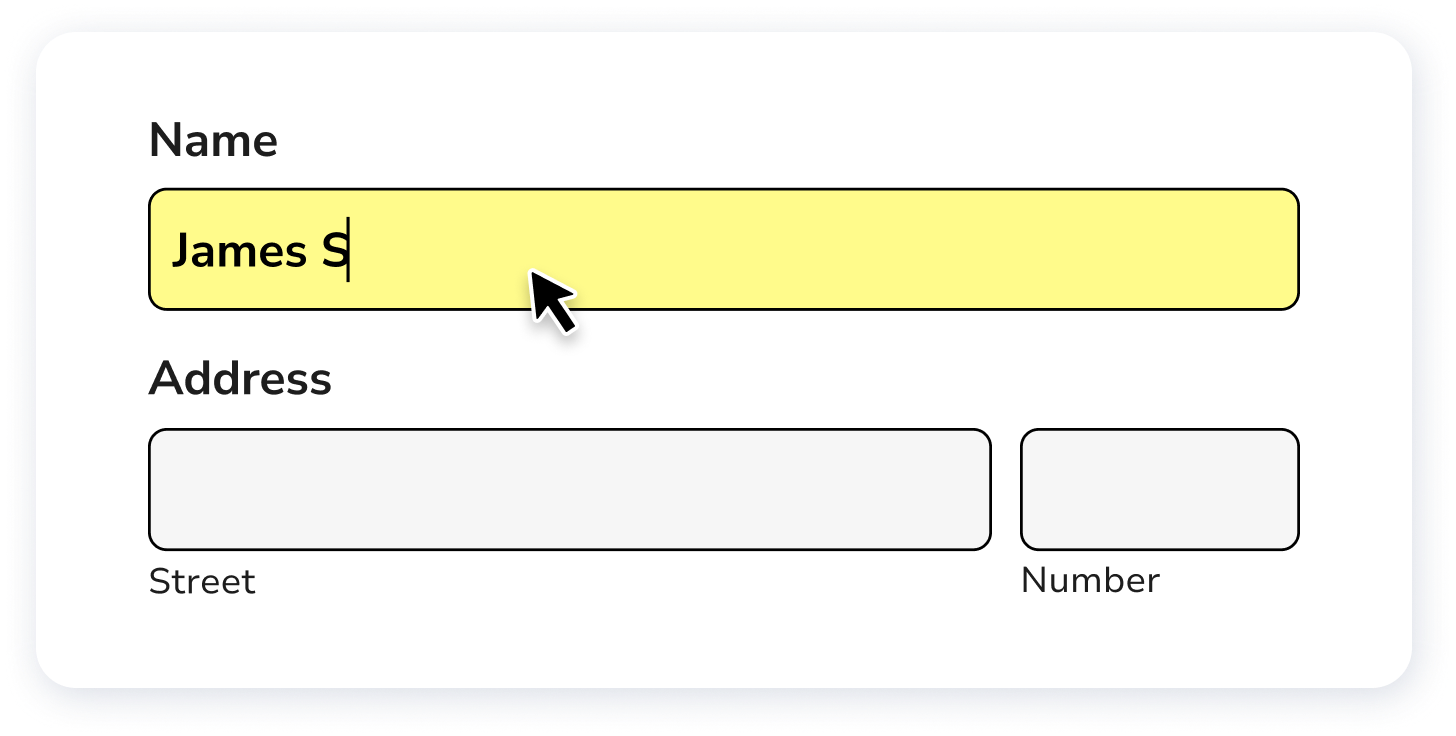
What is a DS-3053 form?
The DS-3053 form is a Statement of Consent for issuing a U.S. passport to a minor under the age of 16. It's required when one parent or guardian cannot be present during the passport application process. The form allows the absent parent to grant permission for the passport to be issued.
It’s essential for single parents, guardians, or parents living in different locations planning international travel and seeking to obtain a passport for minors under 16.
What is DS-3053 used for?
The DS-3053 Department of State form is essential for specific passport applications. Here's what it's used for:
- To provide written consent from a parent or guardian who cannot go with the child during the minor's application.
- In some cases, to authorize a third party to apply for the child’s passport on a parent/guardian’s behalf when the parent cannot be present.
How to fill out a DS-3053 form

- 1
Start by entering your child's name and date of birth in the designated sections at the top of the form.
- 2
Fill in your details as the non-applying parent/guardian, including your full name, address, and contact information.
- 3
Provide consent for the issuance of a passport (book and/or card) for your child by completing the Statement of Consent section.
- 4
If applicable, specify “book only” or “card only” in the consent statement (otherwise consent covers both).
- 5
Sign and date the form in front of a notary public (or a passport authorizing officer). Don’t sign it ahead of time.
- 6
Submit the completed form in person with the DS-11 form and other required documents at a passport acceptance facility, passport agency, or U.S. embassy/consulate (if applying abroad).
Be aware of these common rejection triggers:
- 1
Don’t sign the form early; sign in front of the notary/passport authorizing officer.
- 2
Make dates match; your signature date must be the same as the notary/passport authorizing officer’s date.
- 3
Include a clear photocopy of both sides of the ID used for notarization.
Who is required to fill out DS-3053?
Parents or guardians applying for a child's passport without the other parent's presence are responsible for filling out passport form DS-3053.
U.S. Department of State officials will use this form to verify parental consent for the child's passport application.
When is a DS-3053 not required?
The DS-3053 form is not required if both parents or legal guardians can appear in person with the child at the passport application center. This situation simplifies the process for families in which both guardians can be physically present.
Additionally, a parent with sole legal authority may not need to submit this form. They would, however, need to provide documentation showing sole authority (for example, a custody decree or court order), as required for the child’s passport application.
When is DS-3053 due?
The DS-3053 must be submitted with the child’s passport application. The consent is generally valid for 90 days from the notarization date, so it’s best to notarize it close to your appointment.
Where and how to get a blank DS-3053?
To get a blank DS 3053 form PDF file, visit our platform, where the template is pre-loaded in our editor, ready for you to complete. Just to note, PDF Guru is not affiliated with the U.S. Department of State. For official requirements, always check travel.state.gov.
How to sign a DS-3053
To properly sign and date DS-3053, the non-applying parent/guardian must do so in front of a notary (or a passport authorizing officer). If electronic notarization is allowed under your state’s law, it may be accepted, but you still need a printed copy when applying.
Where to file Form DS-3053?
DS-3053 can’t be submitted online. You submit it in person with the DS-11 form when you apply for the child’s passport at a passport acceptance facility, passport agency, or U.S. embassy/consulate (if applying abroad).
What other passport forms are related to DS-3053?
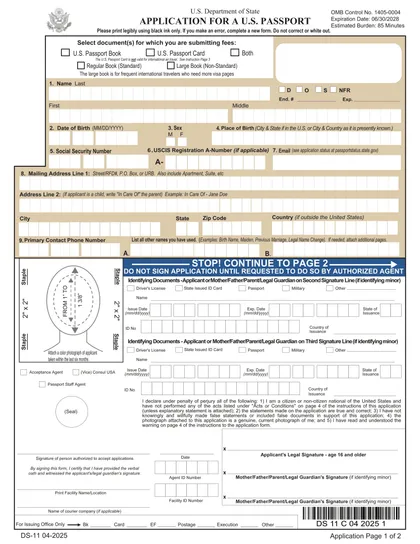
Apply for a U.S. passport in person (this is the main application DS-3053 is submitted with when a parent/guardian can’t appear).
Who uses it: First-time applicants and most children under 16 applying for a passport.
Explain special family circumstances when you cannot locate the other parent/guardian (used only in limited situations).
Who uses it: The applying parent/guardian who can’t reach or locate the other parent/guardian.
Report a valid U.S. passport as lost or stolen (often required before you can replace it).
Who uses it: Anyone whose passport book/card was lost or stolen and needs a replacement.