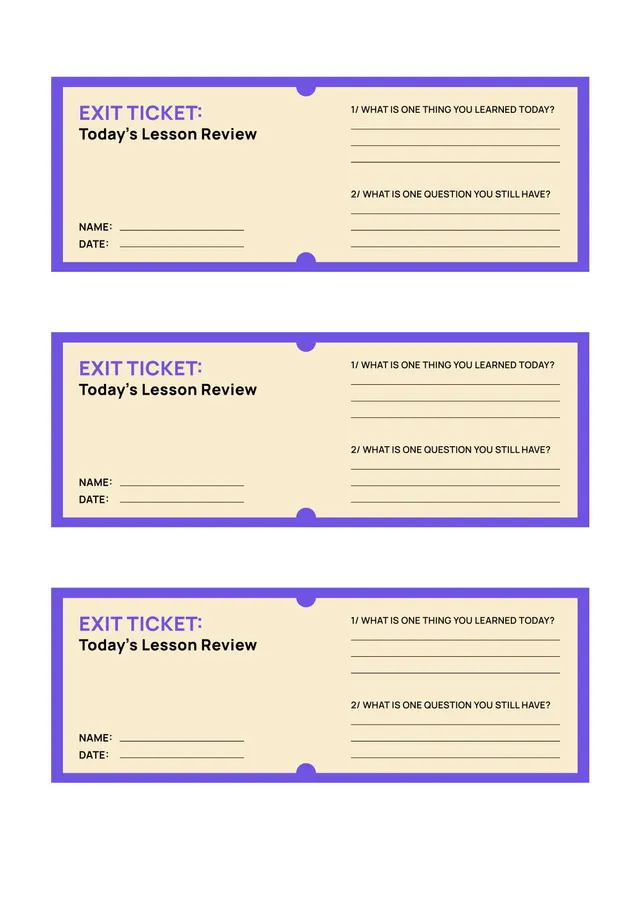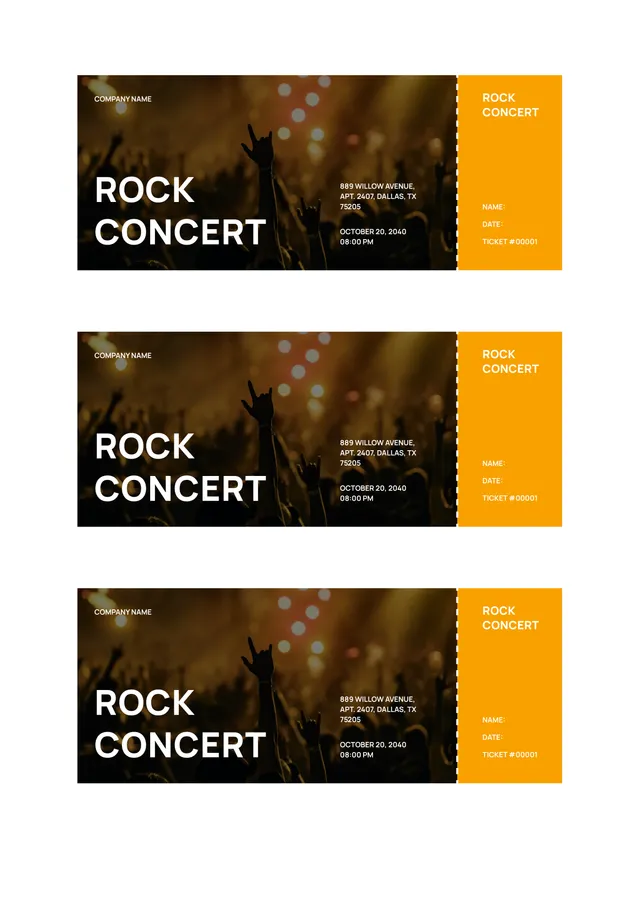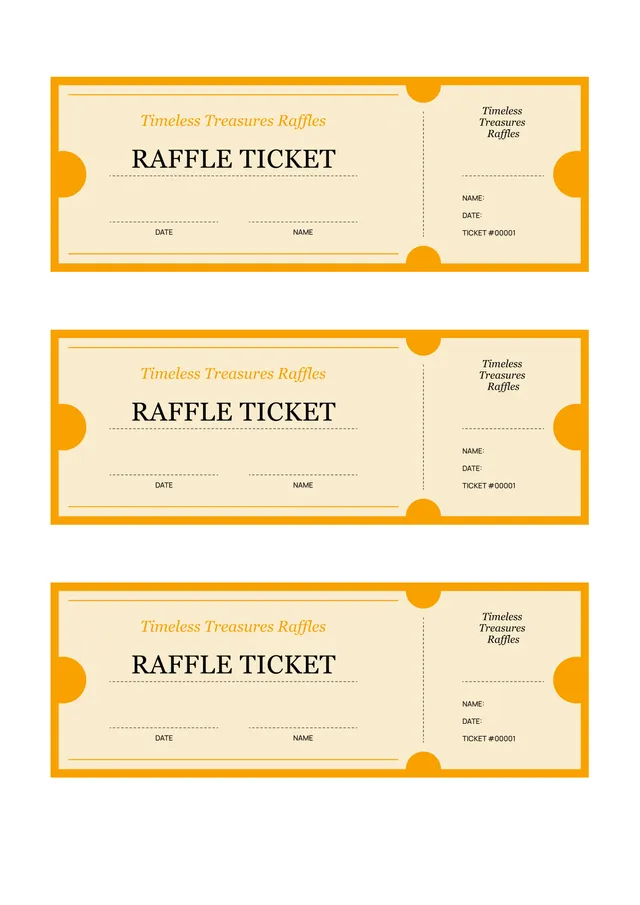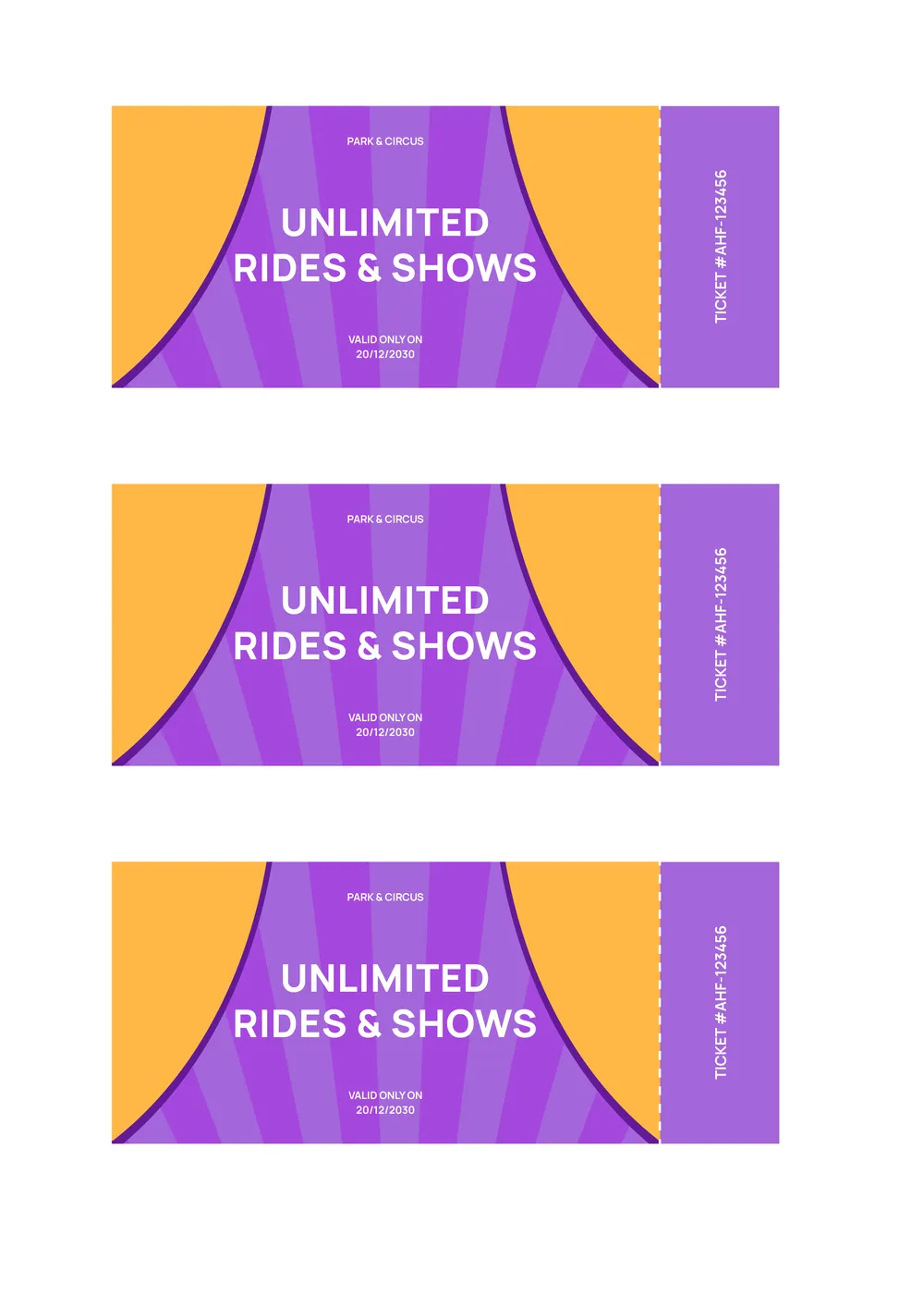
About admit one ticket templates
Planning an event can be stressful, but creating an admit one ticket doesn't have to be. With our admit one ticket templates, you can customize each detail quickly and efficiently, helping you focus on what truly matters. Imagine having all the key components, like event name and date, ready to fill in, so you can impress your guests without all the hassle.
Our template stands out because it allows you to produce both sample tickets and blank formats that fit your needs. Instead of starting from scratch, just edit what you've chosen and download it for printing or sharing. We've analyzed the necessary fields to include in our templates, which provides a solid starting point while giving you the flexibility to personalize your design.
Download your first file for free. To continue using PDF Guru, choose one of our subscription plans.
Frequently asked questions
What is an admit one ticket template?

An admit one ticket template is a customizable form designed for event access. It provides an outline for the essential details, such as the event name, date, location, and ticket holder information. You can fill in the specific information for your event and then download or save the ticket. This makes it easy to create professional-looking tickets tailored to your event needs.
When to use an admit one ticket template?
An admit one ticket template is great for various occasions; here are some situations to consider:
- When organizing events or festivities, such as concerts, festivals, or fairs
- For giveaways or contests, where winners receive access to activities
- In school events, like plays or sporting events, to track attendance
- For charity events, to raise funds and manage guest access
Using an editable template helps make adjustments as needed.
What information is typically found in an admit one ticket template?
An admit one ticket template generally includes the event name, date and time, venue details, ticket type, a unique ticket number, and space for the purchaser's name. You can edit these fields to match your specific event before downloading the final version for use.
How to edit an admit one ticket template?
- Click on 'Use Template' for the admit one ticket.
- Wait for the editable version to load in the PDF editor.
- Look for placeholder fields and fill in your information.
- Review your edits for accuracy.
- Click 'Done' when satisfied to download your ticket.
- Your edited ticket will also save in your account for later access.
Who can use an admit one ticket template?
Anyone hosting an event, party, or show can use an admit one ticket template. This includes event organizers, concert planners, businesses offering workshops, festivals, or even friends throwing a casual get-together. It's perfect for anyone needing a ticketing solution for their special occasion.
Can I export the admit one ticket template to PDF or other formats?
Yes, you can download the admit one ticket template in various formats, including PDF, Word, Excel, PowerPoint, PNG, and JPG. Once downloaded, the template becomes a printable document, ready for your use. Just pick your preferred format during the download process.
Can I personalize the admit one ticket template for different events?
Yes, you can personalize the admit one ticket template for different events. After clicking 'Use Template', fill in the specifics such as event name, date, and location in the editable fields. Once you finish, click 'Done' to download your customized ticket, which is also saved in your account.
What are the design options for the admit one ticket template?
You can personalize the admit one ticket template by adjusting its text, colors, and images. Add your event details, change font styles, and modify the layout to fit your needs. After editing, simply save it, and your custom ticket will be ready for download and future use.
How do I cancel PDF Guru?
You can cancel your active plan from your PDF Guru account settings, or contact support and ask them to cancel the subscription for you. Account access stays in place until the billing period you already paid for comes to an end.