

Concert Ticket Templates
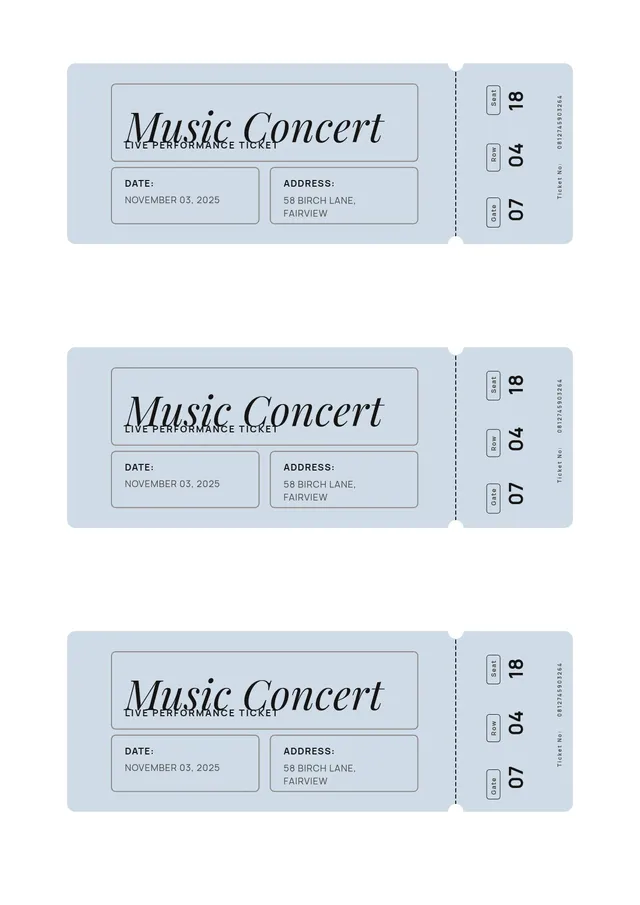
Vintage Concert Ticket Template
Use template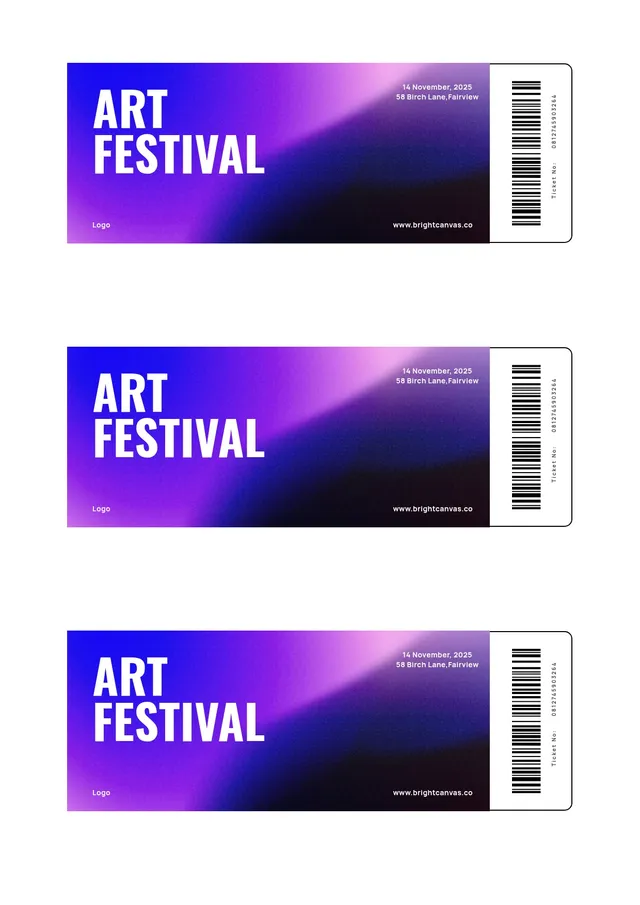
Festival Ticket Template
Use template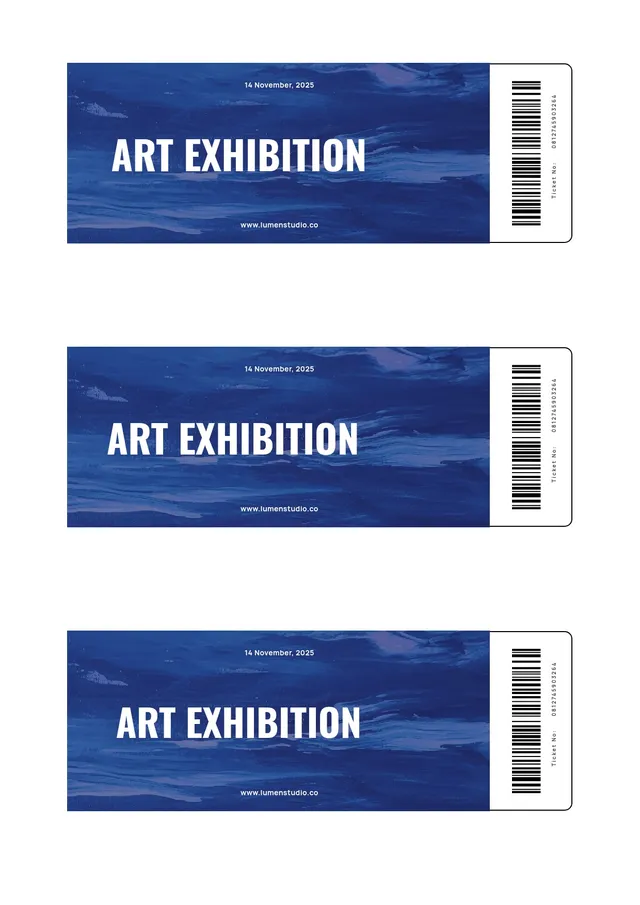
Art Ticket Template
Use template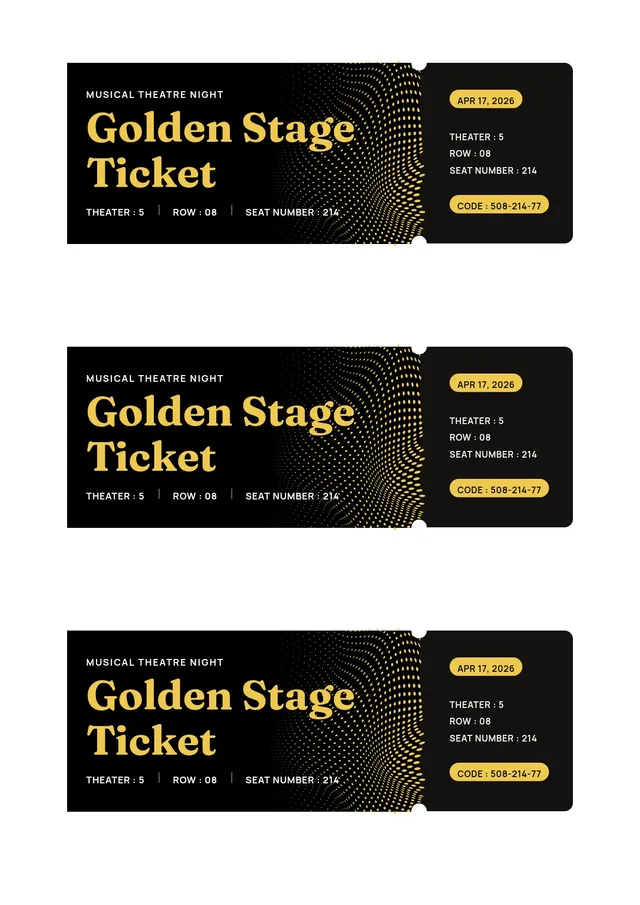
Theater Ticket Template
Use template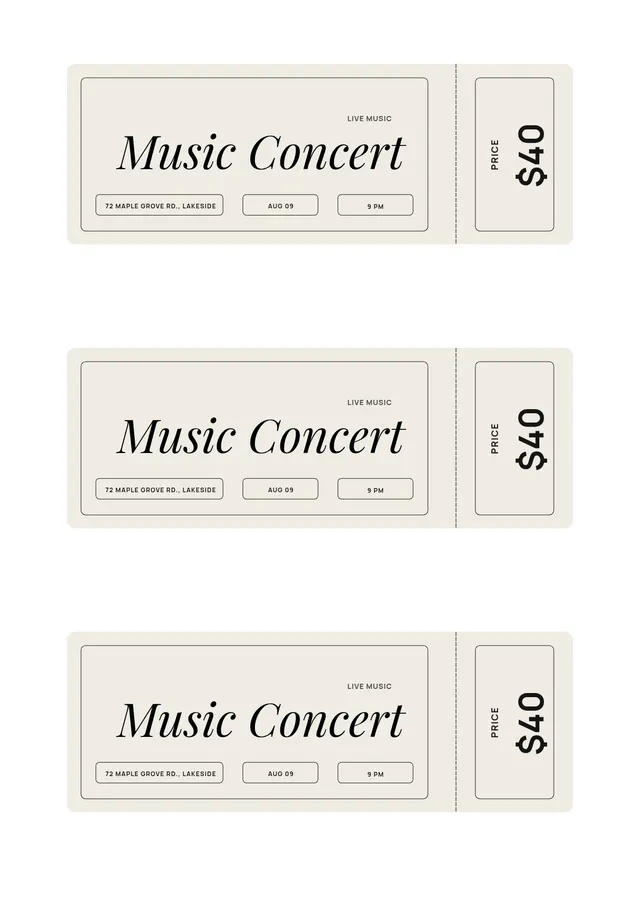
Music Ticket Template
Use template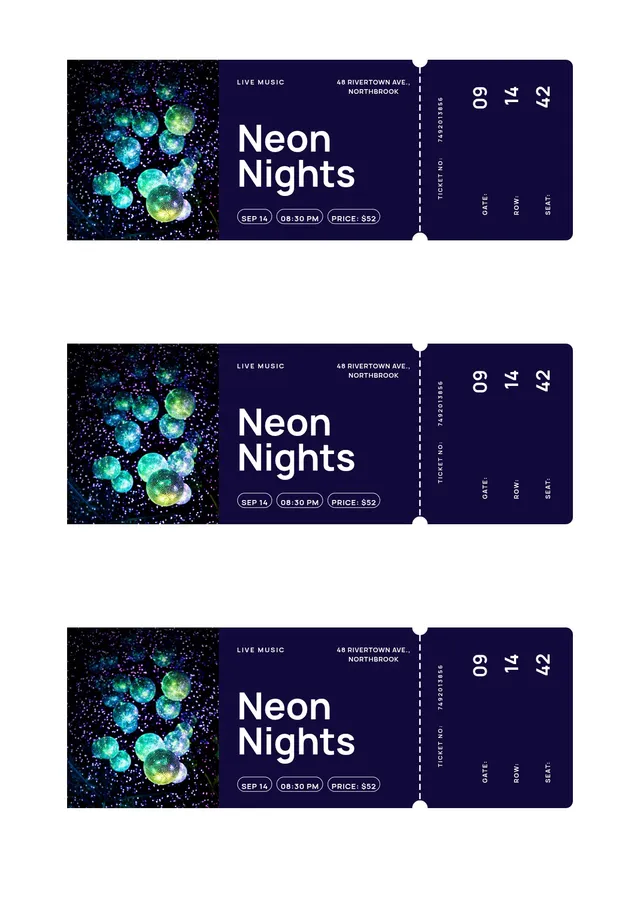
Neon Concert Ticket Template
Use template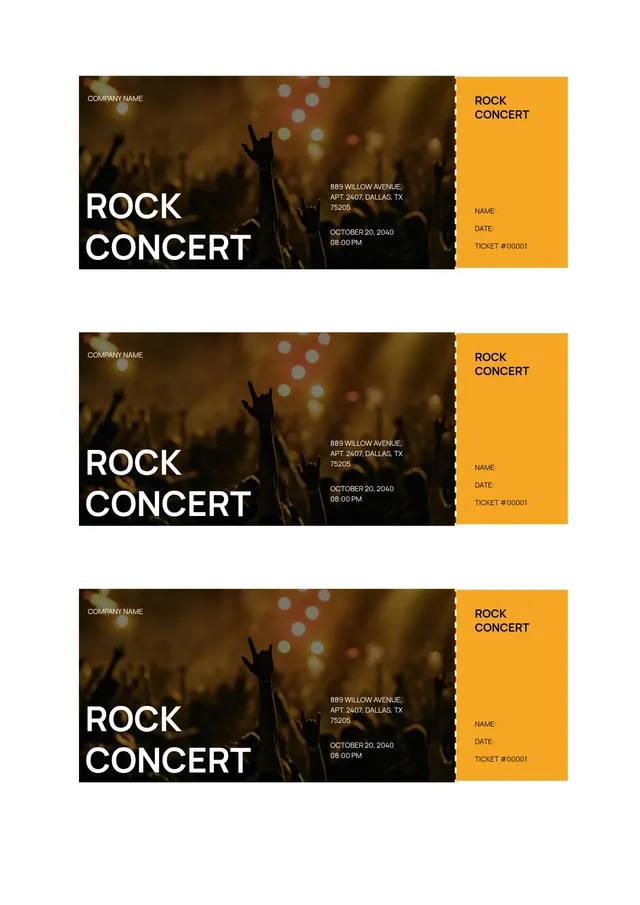
Rock Concert Ticket Template
Use templateEditable concert ticket templates for live shows, tours, and music festivals
A concert ticket template turns a plain paper stub into part of the show. Whether you are promoting a local gig, a festival, or a full tour, you can create concert tickets that set the mood before the first note plays - and becomes a keepsake fans hold onto long after. PDF Guru offers a collection of concert ticket templates you can customize in your browser: swap the artwork, add the artist and venue, and get a print-ready ticket in minutes.
Beyond looking great, a concert ticket carries the practical details every attendee needs - date, time, venue, seat, and ticket type - along with a unique number for tracking entry. The right template gives you a professional result whether you are printing a stack for the box office or sending digital tickets by email.
What to Include on a Concert Ticket
- Artist or event name - The headliner, band, or tour title, set as the boldest element on the ticket
- Date and time - The show date and doors-open time so fans arrive on schedule
- Venue and location - The name and address of the hall, club, or arena
- Seat or admission type - Section, row, and seat, or a standing-room label
- Ticket number - A unique serial for tracking sales and check-in
- Price and barcode - The ticket price and an optional barcode or QR code for scanning at the door
How to Make a Concert Ticket Online
- Pick a template - Browse concert ticket designs from bold and modern to retro and minimal, and choose the best fit for your show.
- Add the details - Enter the artist name, date, venue, seat, and price directly in the online editor. Every field can be edited freely.
- Style the ticket - Change the colors, adjust fonts, and upload your own image or artwork for the background. Add an icon or graphic to match the vibe of the music.
- Preview your ticket - Check every detail on screen until the card looks exactly right.
- Download or share - Export as a printable PDF for the box office, or save as PNG or JPG to sell and share digitally.
Concert Ticket Design Ideas
The best concert tickets match the energy of the performance. Here is one idea per style to consider:
- Bold headliner design - Oversized artist name and a striking photo background for arena tours and major shows
- Retro stub - A vintage, tear-off stub style that feels nostalgic and makes a great collectible card
- Minimal modern - Clean type and plenty of space for indie gigs and acoustic sets
- Festival pass - A multi-day layout with space for a lineup, wristband code, and daily schedule details
- VIP ticket - A premium design with metallic accents that signals backstage or front-row access
Frequently asked questions
How do I make concert tickets for my own show?

Choose a concert ticket template, open it to edit in the browser, and enter your artist name, date, venue, and seat details. Upload your own artwork or a photo for the background, adjust the color scheme to match your branding, and download the finished tickets as a printable file or a digital image. No design experience is needed - the template keeps the layout clean and consistent across every ticket.
Can I sell tickets I design from a template?
Yes. Once you have created your concert tickets, you can print them for in-person sales at the box office or export them as digital files to sell on any platform. Adding a unique ticket number and a barcode or QR code to each one helps you track sales, manage the door, and prevent duplicate tickets at the door.
What size should a concert ticket be?
A common concert ticket is about 2 x 5.5 inches, which is easy to print several to a page and comfortable to hold or tear. For a more collectible feel, some organizers use a larger card format. In the editor you can adjust the dimensions to suit your printer and paper before you print.
Do these templates work for other live events?
Absolutely. The same concert ticket templates adapt easily to festivals, theater performances, comedy nights, movie screenings, and club events. Just change the text, artwork, and colors to fit the occasion, and you have a ready-made ticket for any live event.
How do I cancel PDF Guru?
You can cancel your active plan from your PDF Guru account settings, or contact support and ask them to cancel the subscription for you. Account access stays in place until the billing period you already paid for comes to an end.