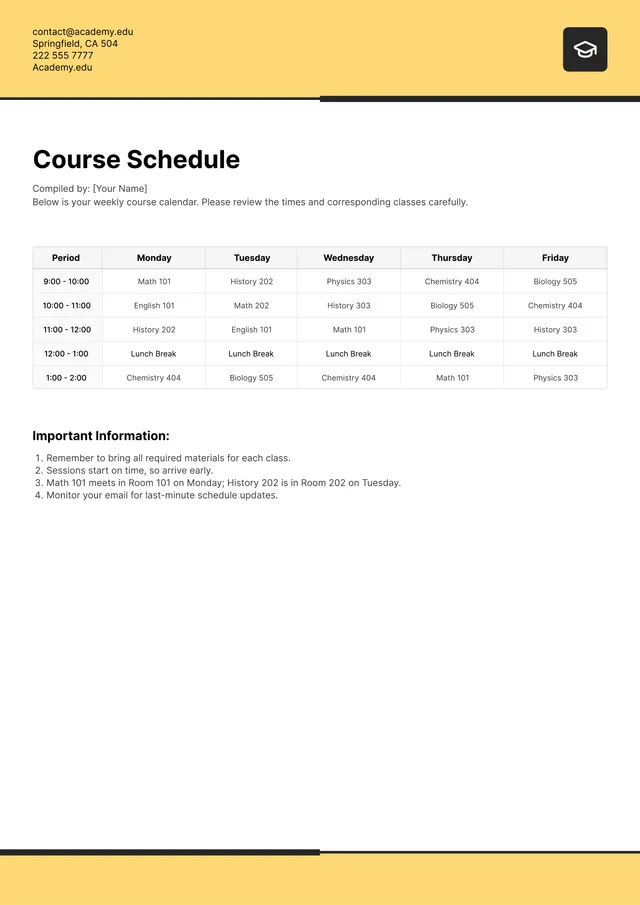
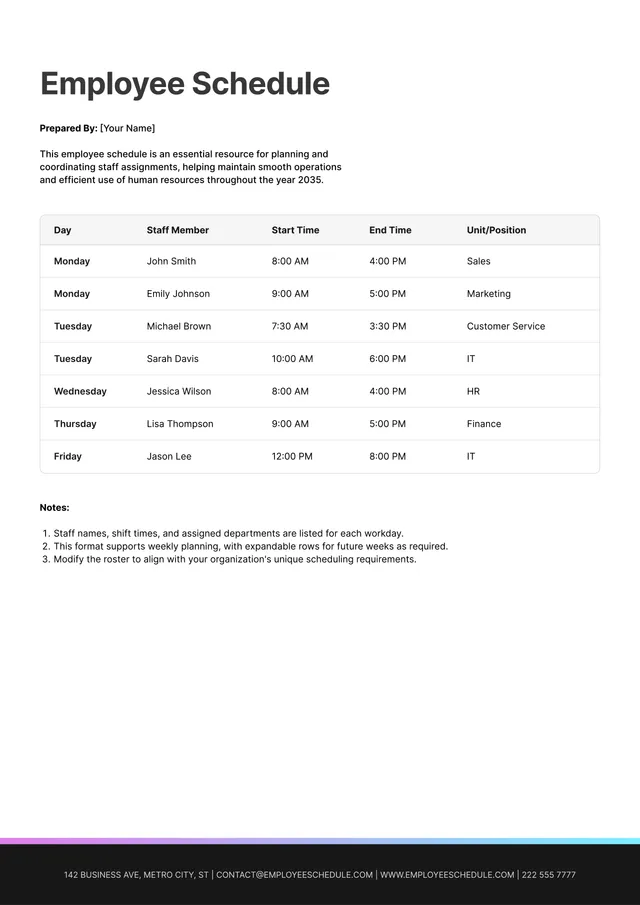
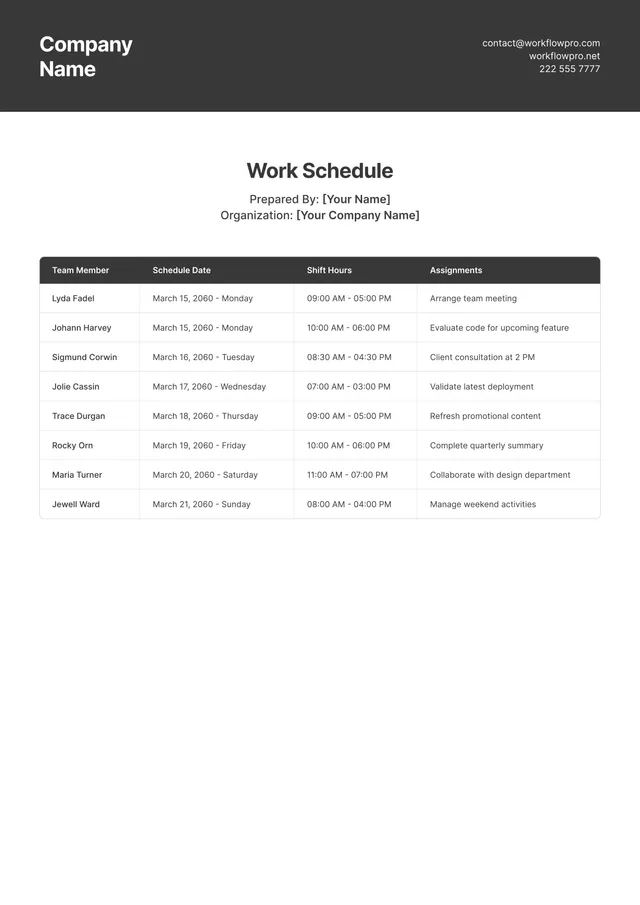
Cleaning Schedule Template
About the cleaning schedule template
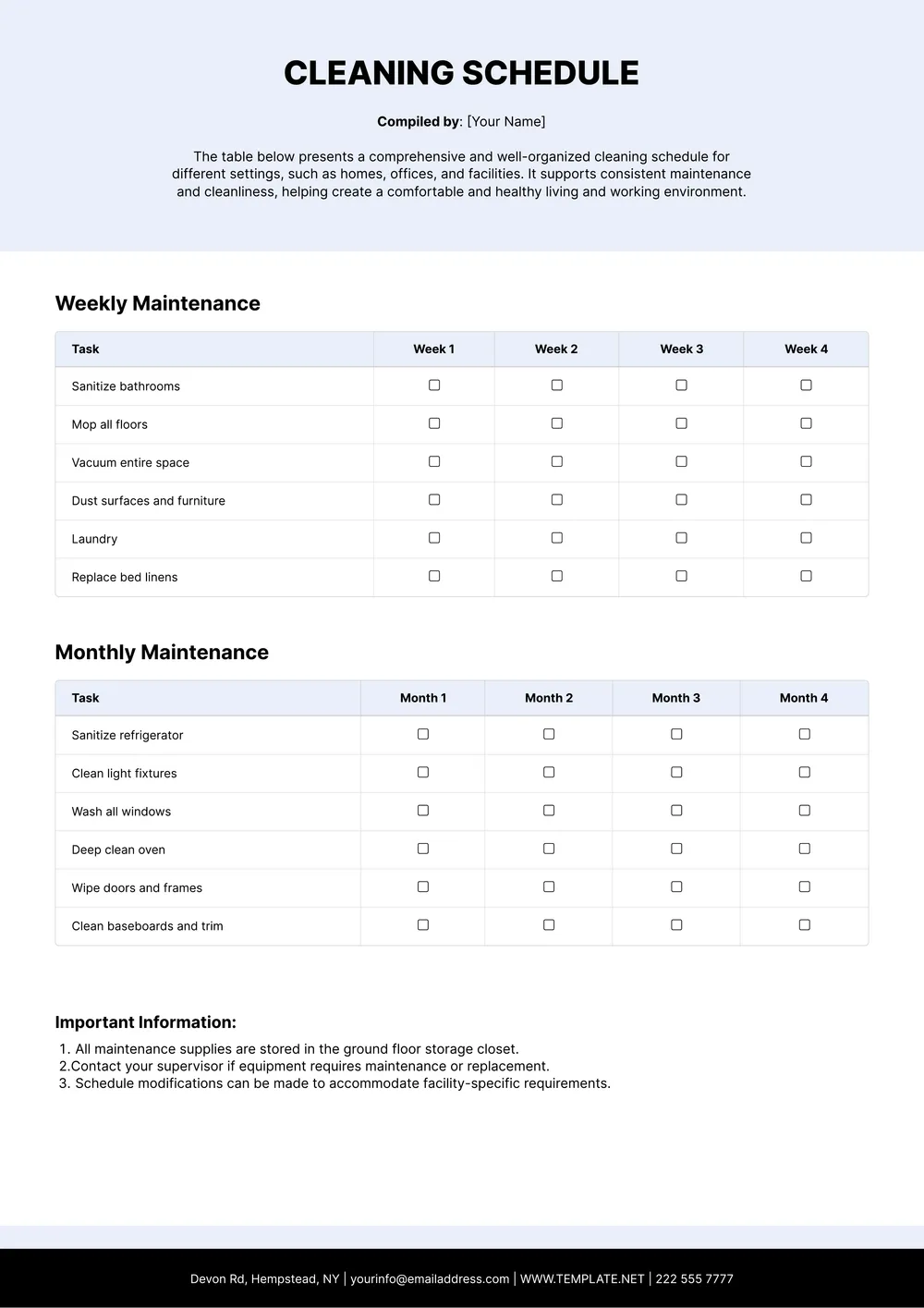
A cleaning schedule is a planning document that lists every cleaning task for a space, the frequency (daily, weekly, monthly, or quarterly), and the person responsible. Households use it as a family chore chart, offices use it to coordinate with their cleaning service, and restaurants, cafes, schools, and medical facilities use it to meet health-department and food-safety requirements.
Vacation rentals and Airbnb hosts rely on turnover cleaning schedules between guests, and hotels use detailed housekeeping grids for every floor. Our template is organized by room or area (kitchen, bathroom, dining, back of house, restrooms) with columns for daily, weekly, and monthly tasks, assigned person, and sign-off. You can add or remove rooms, adjust the frequencies, and insert your logo directly in the PDF Guru editor.
Download your first file for free. To continue using PDF Guru, choose one of our subscription plans.
Frequently asked questions
What can I use this cleaning schedule template for?

You can use this template to organize recurring cleaning tasks for a home, office, rental property, restaurant, classroom, or another shared space. It gives you a simple structure for deciding what needs to be done, how often, and by whom.
What tasks and sections can I add to the cleaning schedule?
You can list rooms, cleaning tasks, frequency, assigned names, notes, and sign-off fields depending on how detailed you want the schedule to be. If you need something simpler, you can also reduce the template to only the areas and tasks you use most often.
Can I tailor this cleaning schedule to my home, team, or business?
Yes. In PDF Guru you can rename areas, add or delete rows, and adjust the structure to match a household routine, office checklist, restaurant setup, or rental turnover plan. That makes the same template useful across very different spaces.
Can I download this cleaning schedule template in other formats?
Yes. After editing the schedule in PDF Guru, you can export it as PDF, DOC, XLSX, PPTX, JPG, or PNG. This gives you a printable version for the wall, an editable one for updates, and another file type for sharing with staff or family.
How do I edit and print the cleaning schedule template in PDF Guru?
Open the template in the PDF Guru editor, update the rooms, tasks, frequencies, and assigned people, and adjust the layout to fit your routine. You can also add branding or remove sections you do not need before saving. When it is ready, export it in the format you need and print or share the file.
How do I cancel PDF Guru?
You can cancel your active plan from your PDF Guru account settings, or contact support and ask them to cancel the subscription for you. Account access stays in place until the billing period you already paid for comes to an end.