Construction Company Proposal Template
About the construction company proposal template
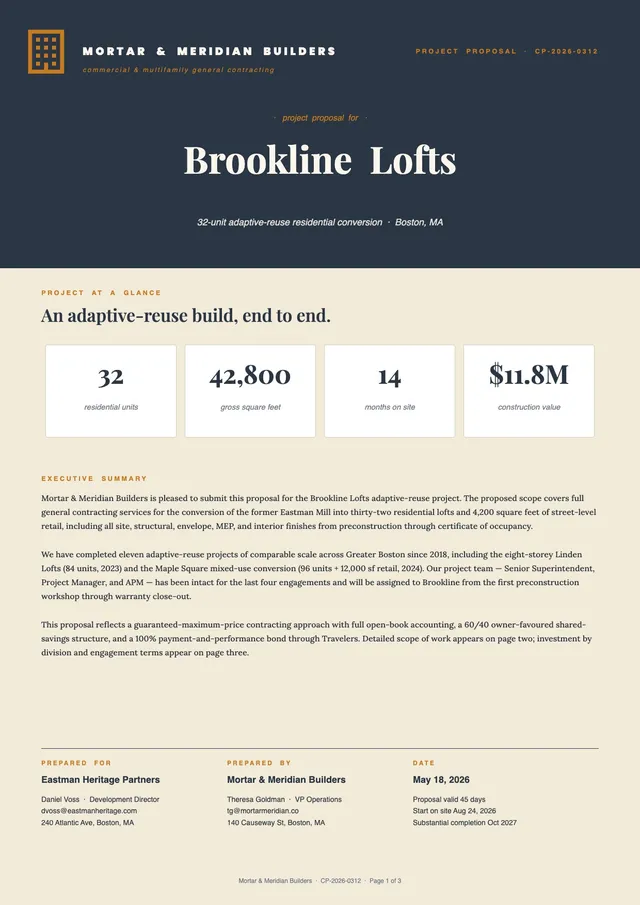
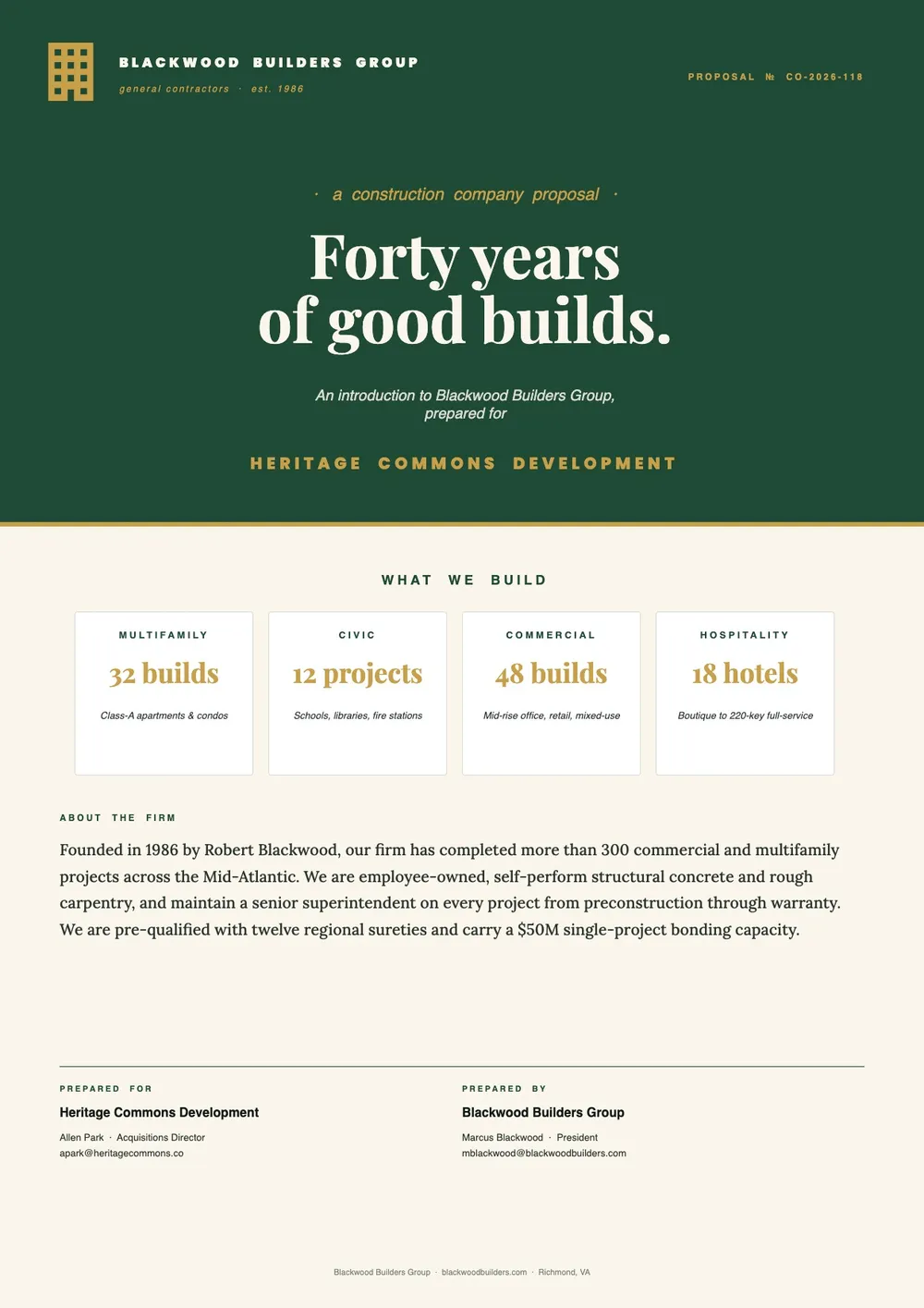
A construction company proposal is a formal document that a construction firm sends to a prospective client to present its services, capabilities, and approach to a specific project. Unlike a bid, which focuses on pricing, a company proposal introduces the firm, highlights relevant project experience, and explains why the company is the right choice for the job. It is commonly used when responding to a general inquiry, a pre-qualification request, or an early-stage project opportunity.
Our template includes sections for the company introduction and history, service capabilities, relevant project experience, team overview, approach to the proposed project, pricing summary, and next steps. All fields are editable in the PDF Guru editor so you can adapt the proposal for different project types and client audiences.
Download your first file for free. To continue using PDF Guru, choose one of our subscription plans.
Frequently asked questions
When does a construction company send a proposal?

A construction company typically sends a proposal when responding to a general inquiry, a request for qualifications, or an early-stage project discussion. It is also used when the company wants to introduce itself to a new potential client before a formal bid process begins.
What should a construction company proposal include?
It should include a company overview, relevant project experience, service capabilities, team credentials, the proposed approach to the specific project, a pricing or budget summary, and a next-steps section. The template covers each of these areas.
How is this template different from a construction bid proposal?
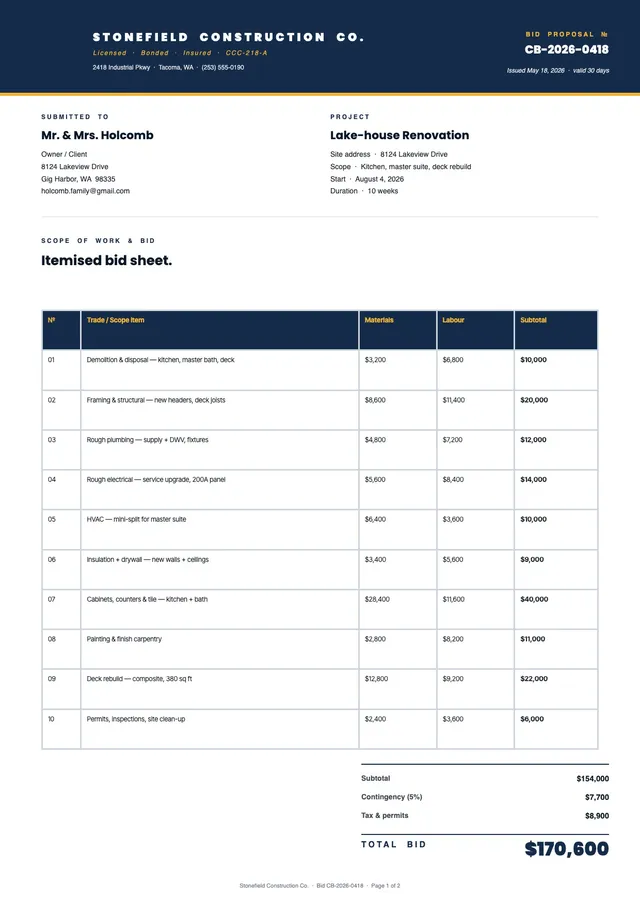
A bid proposal focuses on the cost and scope for a specific job. A company proposal is broader and introduces the firm, its expertise, and its approach. It is more of a pitch document that builds confidence in the company before pricing is finalized.
What formats can I download for this construction company proposal?
After editing in PDF Guru, you can export the proposal as PDF, DOC, XLSX, PPTX, JPG, or PNG. That gives you a polished document for email delivery, a printed copy for a meeting, or a file to upload through a client portal.
How do I fill out this construction company proposal in PDF Guru?
Open the template in the PDF Guru editor, add the company details and project experience, fill in the capabilities and approach sections, update the pricing summary and terms, and review the document before saving. Export it in the format your client prefers.
How do I cancel PDF Guru?
You can cancel your active plan from your PDF Guru account settings, or contact support and ask them to cancel the subscription for you. Account access stays in place until the billing period you already paid for comes to an end.