About event itinerary template
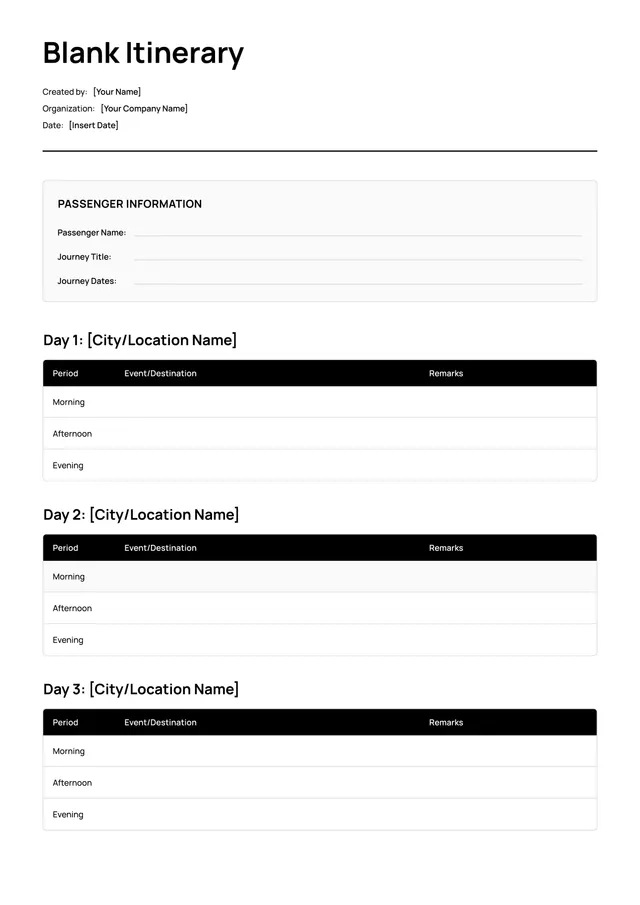
Creating an event itinerary can feel overwhelming, especially when trying to coordinate details like guest lists, locations, and timings. With our event itinerary template, you can combat this stress and stay organized. The template allows you to customize it to meet your specific needs, so you never miss critical details that matter to your guests.
The standout feature of our template is its design, which offers clear sections for every aspect of your event—from activities to transportation. You can start with a blank slate or reference a sample itinerary flow, making it easy to plan. We’ve analyzed the necessary fields and included them in ours for your convenience, so you won't be left guessing what's needed.
Download your first file for free. To continue using PDF Guru, choose one of our subscription plans.
Frequently asked questions
What is an event itinerary template?

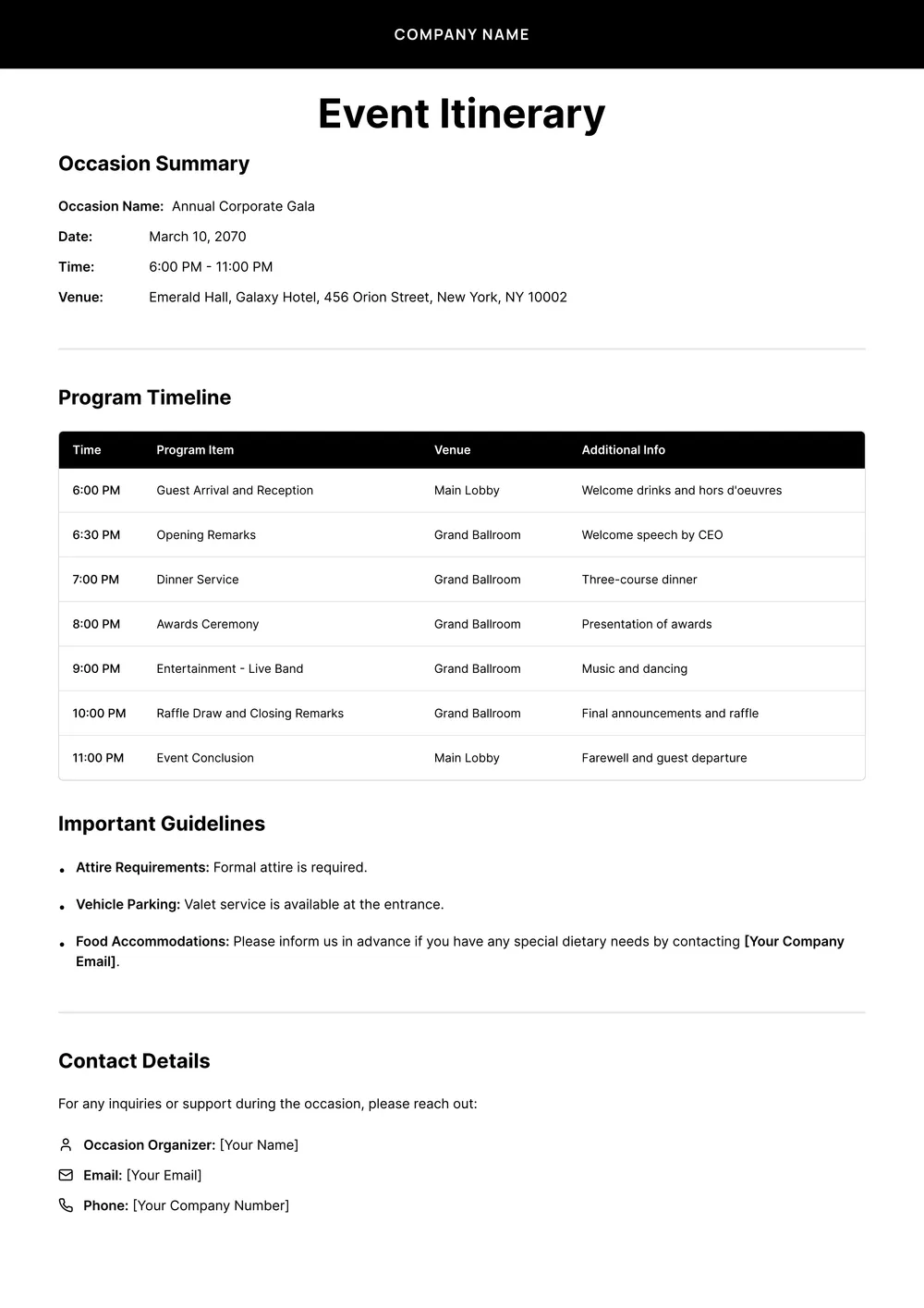
An event itinerary template is a document designed to help you organize and plan an event. It provides an outline for the schedule, activities, and important details like location, timings, and roles. You can fill it out with relevant information to keep everything on track. Whether for a conference, wedding, or party, this template makes it easier to coordinate all necessary elements.
When should I use an event itinerary template?
Using an event itinerary template can help you stay organized during various occasions. Consider these moments: when planning a wedding, while coordinating a corporate retreat, ahead of a conference, during a family reunion, or before a festival; these situations benefit from having an editable template to keep all details in one spot.
What information is included in an event itinerary template?
An event itinerary template typically includes details like the event name, date and time, location, agenda, speakers or performers, activity descriptions, meal times, and important contact information. You can edit the template to fit your specific needs and highlight key elements relevant to your event.
How to edit an event itinerary template?
- Click the 'Use Template' button for the event itinerary.
- A draft template will open in the PDF editor.
- Find the placeholder fields to edit.
- Fill in your event details as needed.
- When you're done, click 'Done' to download your completed itinerary.
- Your edited version will also be saved in your account for future access.
Who can use an event itinerary template?
Anyone planning an event can use an event itinerary template, including event organizers, businesses, party hosts, and anyone coordinating a gathering. It's suitable for weddings, corporate events, reunions, and social gatherings, helping you stay organized and keep track of essential details throughout the event.
Can I download the event itinerary template as a PDF or in other formats?
Yes, you can download the event itinerary template as a PDF or in other formats; options include Word, Excel, PowerPoint, PNG, and JPG. This gives you a printable version or a digital copy, depending on your needs. Just select your preferred format after editing the template.
How can I share my event itinerary with others?
To share your event itinerary, first complete the fields in the template. After you click 'Done', download the PDF file. You can email it, send it via messaging apps, or print it for them. The finished document will also be saved in your account for future sharing.
Can I print my event itinerary after editing it?
Yes, after you edit your event itinerary, you can print it directly from the PDF editor. Once you click 'Done,' your edited itinerary will be saved in your account. Simply open it again, choose the print option, and you're all set to have a physical copy.
How do I cancel PDF Guru?
You can cancel your active plan from your PDF Guru account settings, or contact support and ask them to cancel the subscription for you. Account access stays in place until the billing period you already paid for comes to an end.