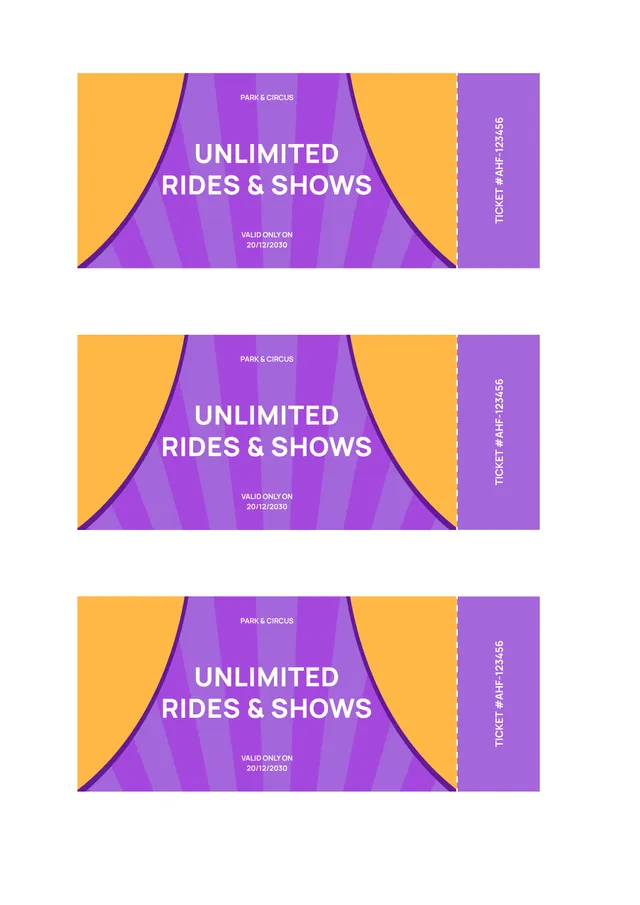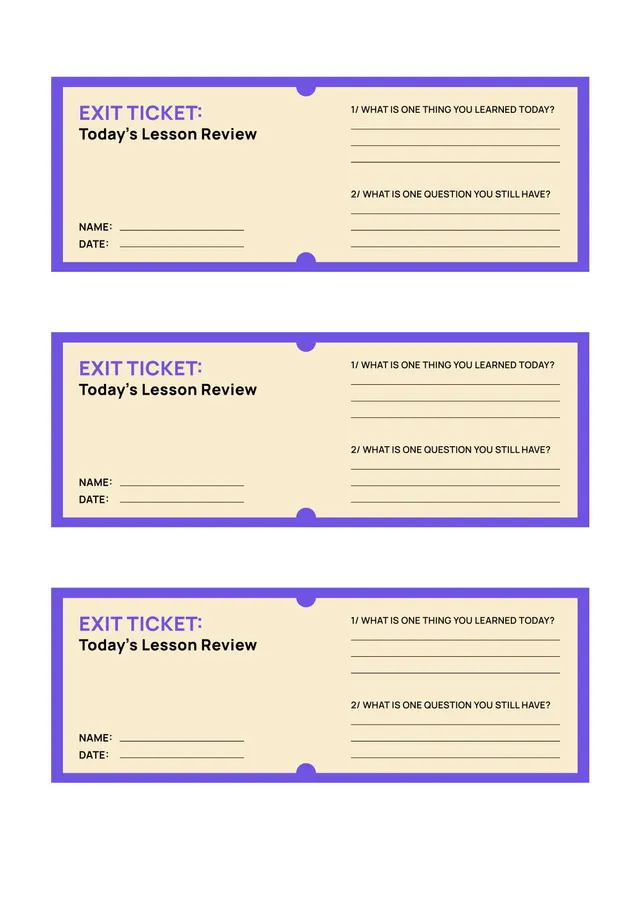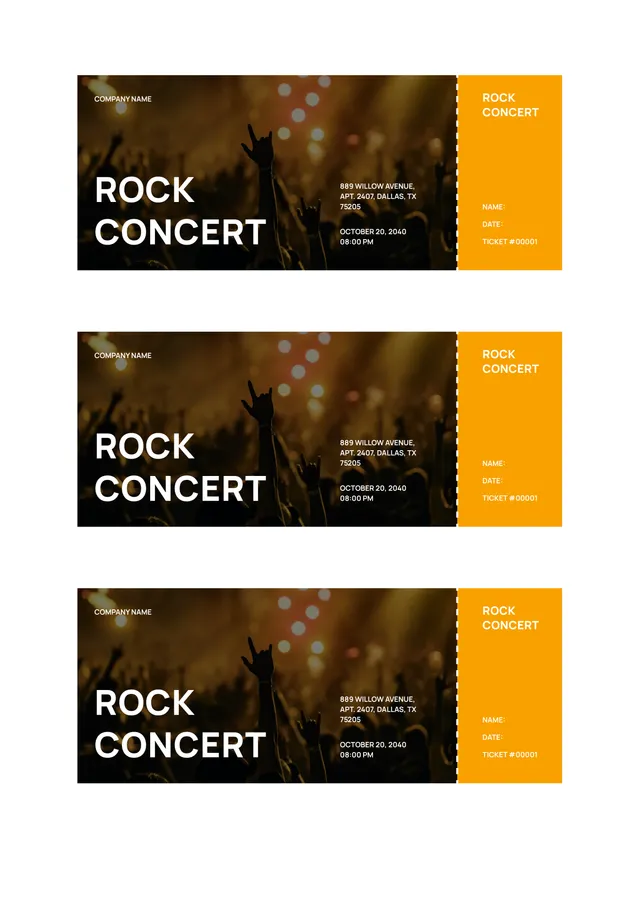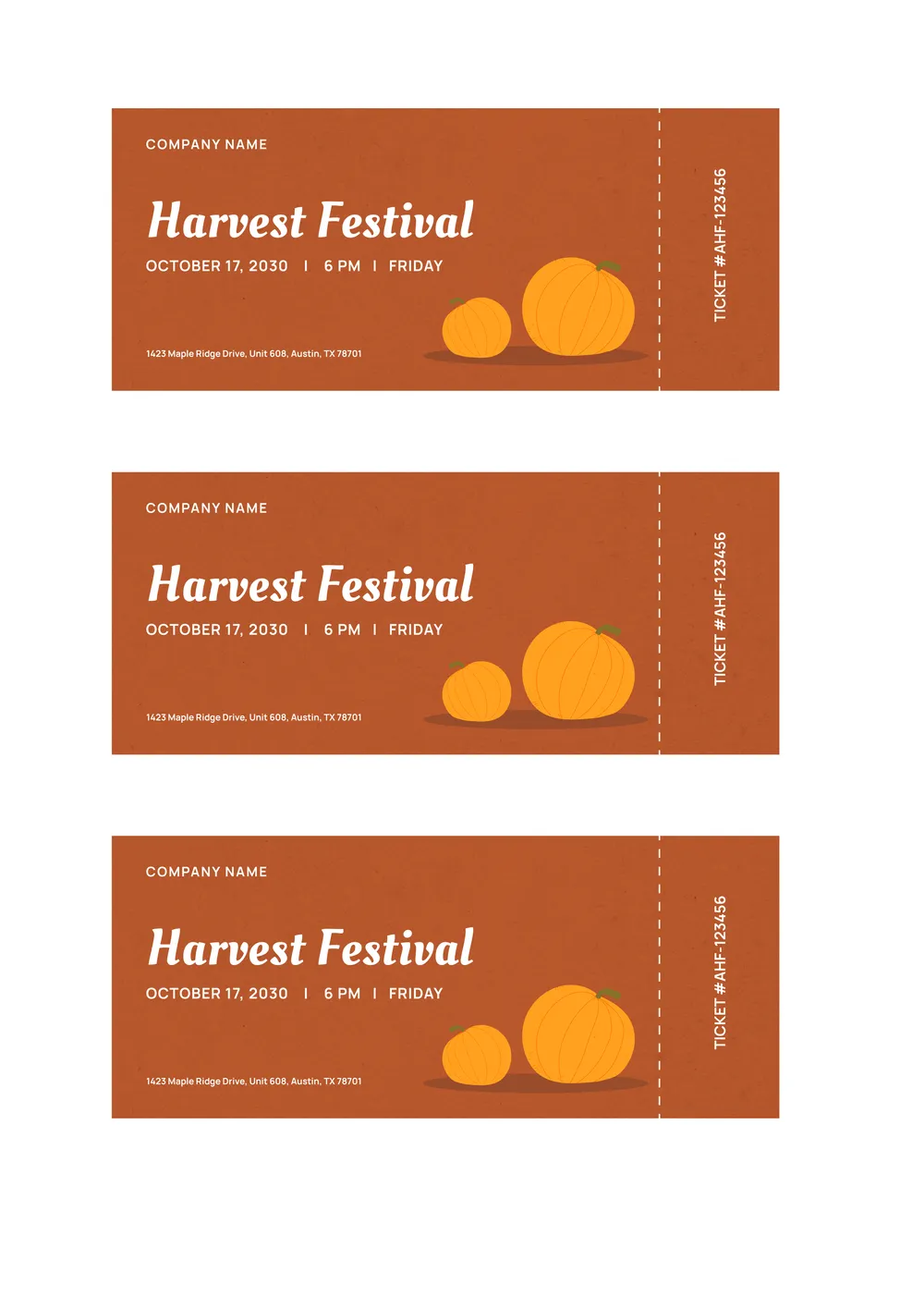
About event ticket templates
Are you feeling stressed about planning your next event? Creating a professional-looking ticket can be tough, especially when you're trying to keep everything organized. Our event ticket templates help relieve some of that stress. You can personalize your tickets quickly, thanks to editable placeholder fields that let you input event details right away. A standout feature is the ability to download both a blank and filled ticket version for your records.
When you use our template, you save time and avoid the hassle of design software. We’ve taken the time to analyze what works best for creating effective tickets. You’ll find these templates focus on the essential fields needed to make your event a success, so you can breathe a little easier. Plus, you can always check out our sample format to get inspired while designing your own tickets.
Download your first file for free. To continue using PDF Guru, choose one of our subscription plans.
Frequently asked questions
What is an event ticket template?

An event ticket template is a customizable document designed to outline the important details of an event. It typically includes sections for event name, date, time, location, and ticket pricing. With this template, you can easily fill in your specific event information, creating a professional-looking ticket that you can print or share digitally. This is perfect for concerts, conferences, or any other occasion where tickets are required.
When should I use an event ticket template?
Using an event ticket template can simplify your planning for various occasions, including:
- When you're organizing a concert, party, or fundraising event;
- Before a sports game, festival, or workshop;
- When you want to provide attendees with an editable professional ticket;
- As you're finalizing details for a seminar, gala, or theater production.
What details are included in an event ticket template?
An event ticket template typically includes details such as the event name, date and time, venue, ticket type, seat number, price, and a barcode or QR code. You can edit these fields as needed to match your specific event information. Always check for accuracy before distribution.
How to edit an event ticket template?
- Click on 'Use Template' for the event ticket template.
- A draft will open in the PDF editor.
- Fill in the editable fields such as the event name, date, and location.
- Customize any additional information as needed.
- Once you're happy with your edits, click 'Done' to download your ticket.
- Your completed ticket will also be saved in your account for future access.
Who can use an event ticket template?
Anyone planning an event can use an event ticket template; this includes organizers of concerts, festivals, and parties. Non-profits hosting fundraisers, schools holding events, and businesses promoting private events also find these templates helpful. Basically, if you need tickets, the event ticket template is for you.
Can I export the event ticket template to PDF or another format?
Yes, you can download the event ticket template as a PDF or other formats like Word, Excel, PowerPoint, PNG, or JPG. Once you're done editing, just choose your preferred format and get a printable version ready for your needs. You’ll also save a copy in your account.
Can I add my own images or logos to the event ticket template?
Yes, you can add your own images or logos to the event ticket template. Just open the template in the PDF editor, insert your image or logo in the desired location, and adjust it as needed. Once you're done, save your changes to download your custom ticket.
How can I share my event ticket after creating it?
After creating your event ticket, you can share it by downloading the PDF and emailing it or sending it through messaging apps. Simply click 'Done' to save your edited ticket; then choose how you want to distribute it to your guests.
How do I cancel PDF Guru?
You can cancel your active plan from your PDF Guru account settings, or contact support and ask them to cancel the subscription for you. Account access stays in place until the billing period you already paid for comes to an end.