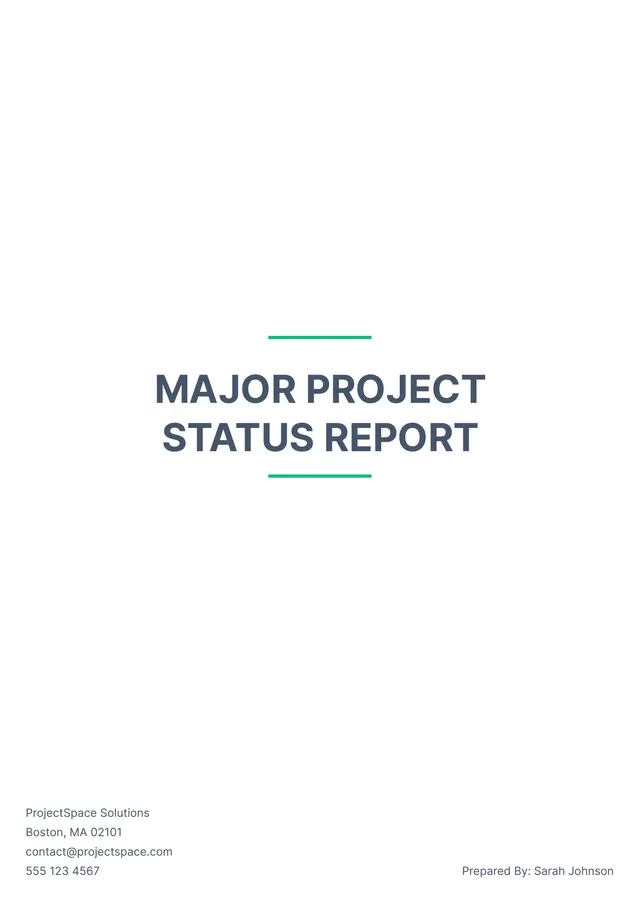
About executive report templates
Creating executive reports can be time-consuming and stressful. You might face challenges like organizing data and presenting it clearly. With our executive report templates, you eliminate the guesswork; you receive an easy structure to fill in your information. Our sample layout includes predefined sections, so capturing key insights becomes a breeze while meeting your needs for clarity and professionalism.
Another advantage of our blank executive report templates is that they allow you to customize your documents exactly how you want them. You can input specific data and tweak sections, ensuring your reports reflect your unique insights and style. We've analyzed common fields used in executive reports and incorporated them in our templates to help guide your entries. Get started today and take control of your report writing!
Download your first file for free. To continue using PDF Guru, choose one of our subscription plans.
Frequently asked questions
What is an executive report template?

An executive report template is a structured document that helps you present key information to leaders or stakeholders. It usually includes an outline to organize findings, insights, and recommendations into clear sections. This template makes it easier to convey important data effectively, improving communication and decision-making in a professional setting. You can modify the content according to your specific needs and objectives.
When to use an executive report template?
If you're considering when to use an executive report template, here are some key situations:
- After completing a major project or initiative
- During regular quarterly or annual reporting periods
- When analyzing company performance metrics
- When gathering insights for a board or stakeholder meeting
- To present findings from market research
- When tracking business objectives and goals
The editable template allows you to customize these reports to fit your needs.
What information is typically found in an executive report template?
An executive report template usually includes an overview, key metrics, summaries of findings, recommendations, and conclusions. You can edit the template to include specific sections based on your project’s needs, such as project status, financials, or team performance, depending on the purpose of the report.
How to edit an executive report template?
- Click on the 'Use Template' button for the executive report template.
- A draft will appear in the PDF editor, showing placeholder fields.
- Click inside the fields to add your content.
- Make any necessary changes to the layout or design.
- Once you’re satisfied, click 'Done' to download your edited report; it will also be saved in your account for future use.
Who can use an executive report template?
Anyone needing to create detailed executive reports can use an executive report template, including business managers, project leads, team members, consultants, and analysts. It is valuable for professionals across various industries who want to compile data effectively and communicate insights clearly to stakeholders and decision-makers.
Can I download the executive report template as a PDF or in another format?
Yes, you can download the executive report template as a PDF or in other formats. Choose from Word, Excel, PowerPoint, PNG, or JPG as well. This makes it convenient to have a printable version of your report, tailored to your needs and preference.
What tips can help me create a strong executive report?
To create a strong executive report, focus on clarity and structure; start with an overview, include key findings, and support with visuals. Keep your language concise, target your audience, and highlight actionable recommendations. Proofread for errors, and make sure to follow any specific guidelines your organization has.
What are the key features of the executive report template?
The executive report template includes customizable sections for objectives, analysis, and conclusions; built-in fields for data input; and a clean, professional layout. You can edit, save, and download your report for quick access. Plus, it saves directly to your account for easy future reference.
How do I cancel PDF Guru?
You can cancel your active plan from your PDF Guru account settings, or contact support and ask them to cancel the subscription for you. Account access stays in place until the billing period you already paid for comes to an end.