Exterior Painting Estimate Template
About the exterior painting estimate template
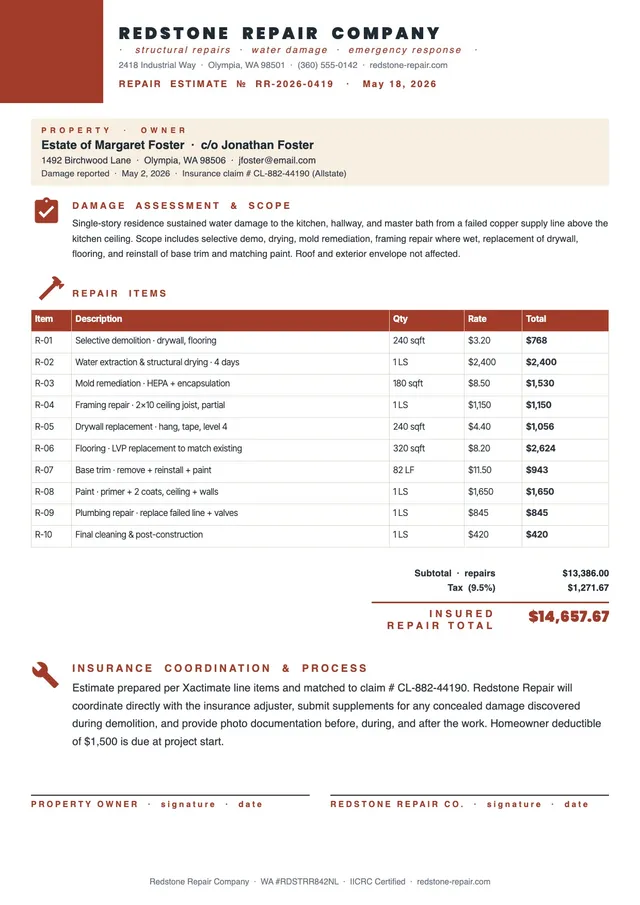
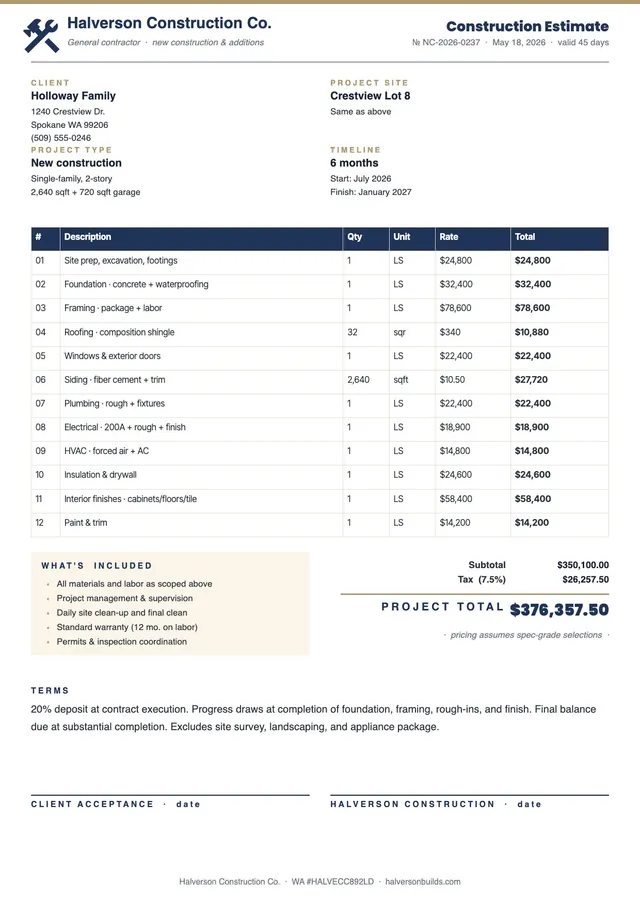
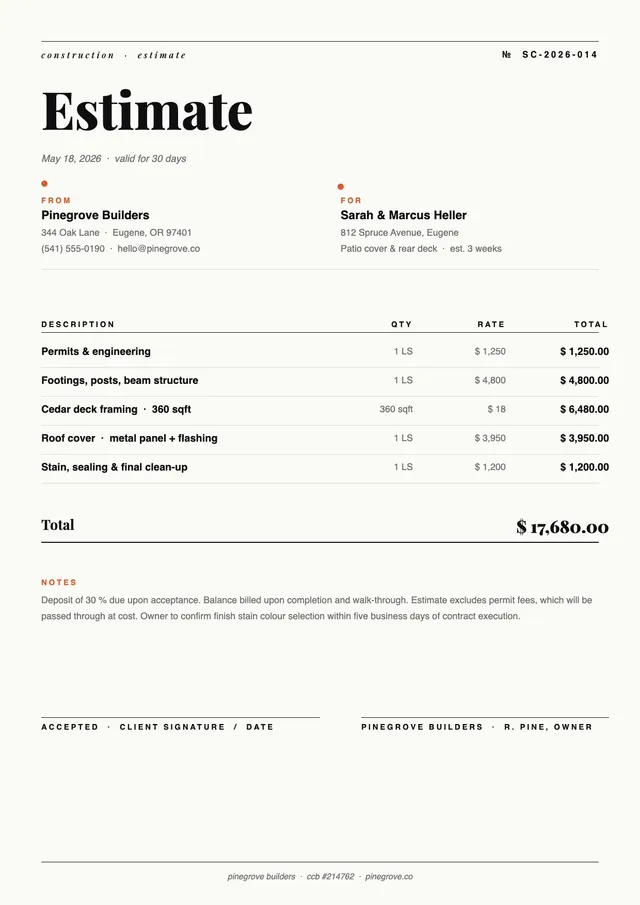
An exterior painting estimate is a document prepared by a painting contractor to outline the projected cost of painting the outside of a building, including surface preparation, primer application, paint materials, and labor. Property owners use it to compare painter quotes, and painting contractors use it to present professional, itemized pricing to potential clients.
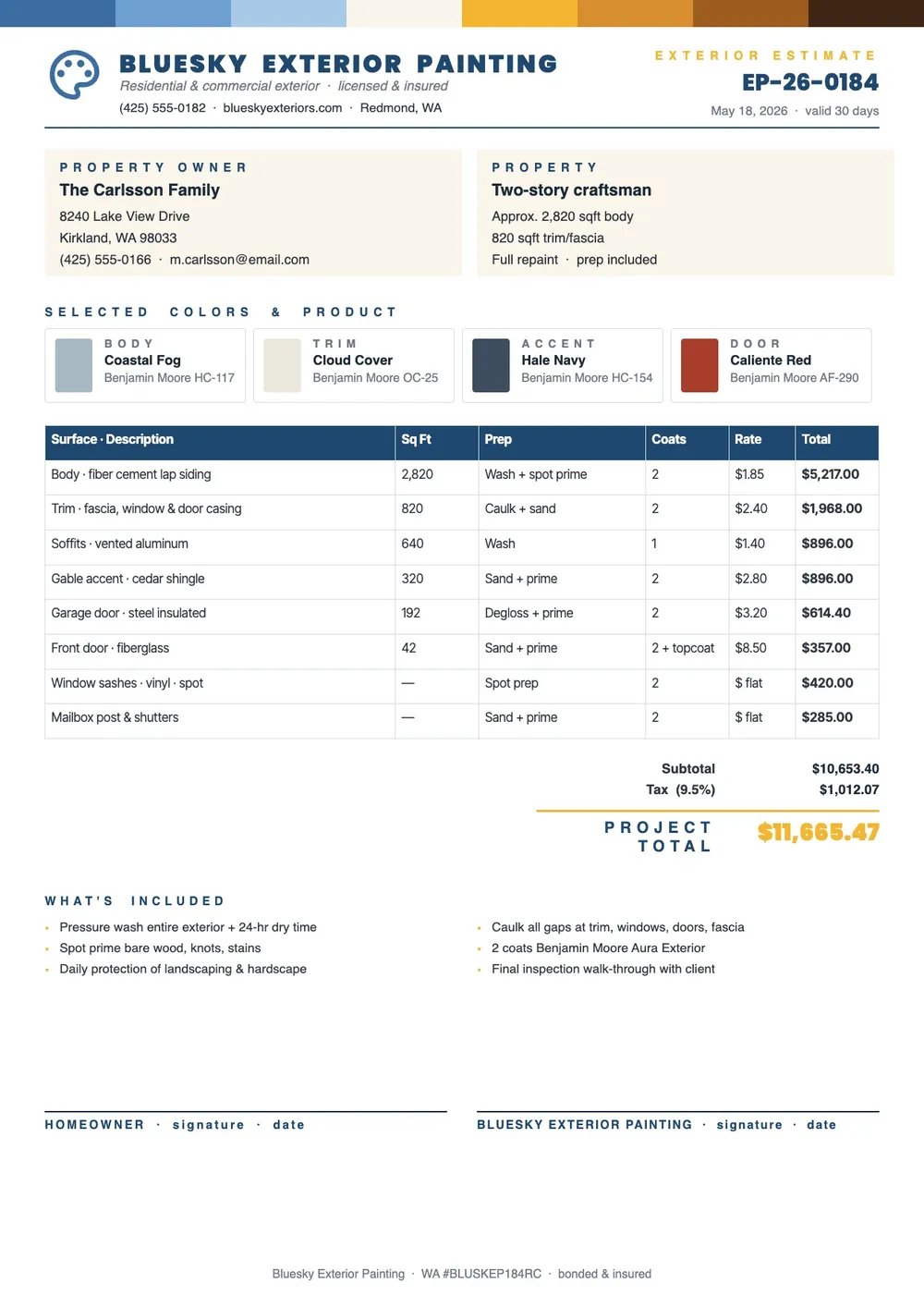
Our template covers the property address and surface description, preparation work such as pressure washing, scraping, and patching, paint product specifications, number of coats, total square footage, labor rates, and a project total with payment terms. All fields are editable in the PDF Guru editor so you can build an accurate and professional estimate for each exterior painting job.
Download your first file for free. To continue using PDF Guru, choose one of our subscription plans.
Frequently asked questions
What should an exterior painting estimate include?

It should include the property address and surface areas to be painted, the surface preparation required, the paint products and number of coats, total square footage, labor costs, any equipment or access requirements, and a project total with payment terms. The template covers all of these sections.
How do I calculate square footage for an exterior painting estimate?
Measure the total surface area to be painted, typically the exterior walls minus windows and doors, plus any separate surfaces like trim, fascia, decks, or fences. Include a breakdown by surface type if you are applying different products or charging different rates for each area. The template has space for this breakdown.
Should surface preparation be listed separately in an exterior painting estimate?
Yes. Surface prep such as pressure washing, scraping loose paint, filling cracks, and priming bare wood significantly affects the cost and quality of the finished job. Listing it as a separate line item makes the estimate more transparent and helps the client understand what they are paying for.
What formats can I download for this exterior painting estimate?
After editing in PDF Guru, you can export the estimate as PDF, DOC, XLSX, PPTX, JPG, or PNG. That gives you a professional document to share with the client, a working version you can continue editing, or a printable copy for an on-site meeting.
How do I fill out this exterior painting estimate in PDF Guru?
Open the template in the PDF Guru editor, enter the property details and surface areas, fill in the prep work and paint specifications, add the labor costs and project total, and review the document before saving. Export it in the format you need and send it to the client.
How do I cancel PDF Guru?
You can cancel your active plan from your PDF Guru account settings, or contact support and ask them to cancel the subscription for you. Account access stays in place until the billing period you already paid for comes to an end.