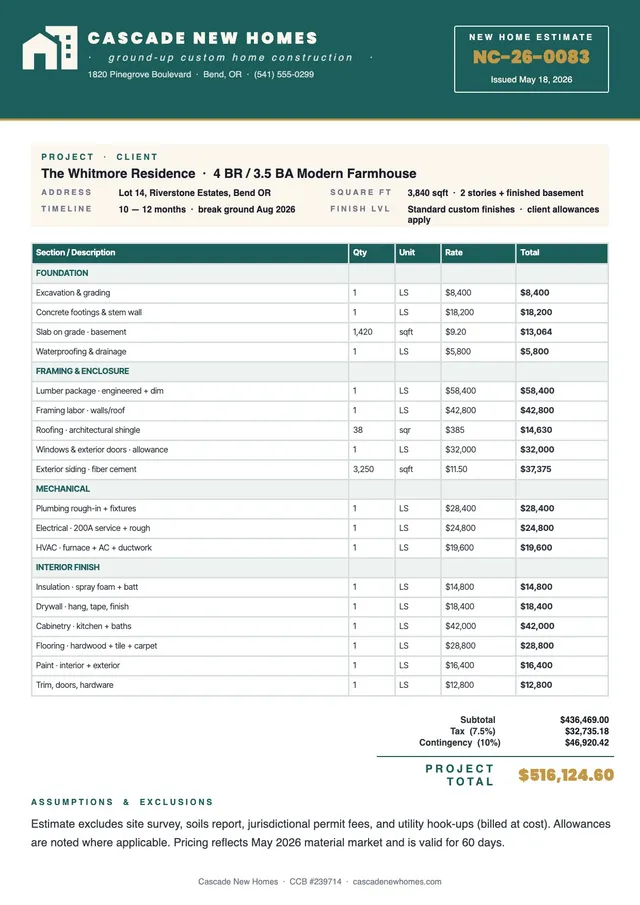
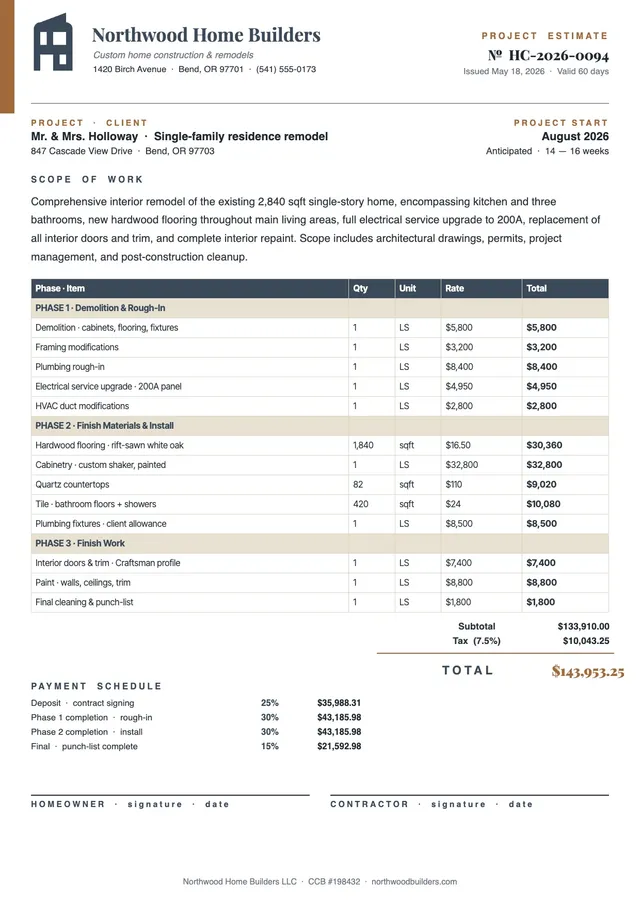
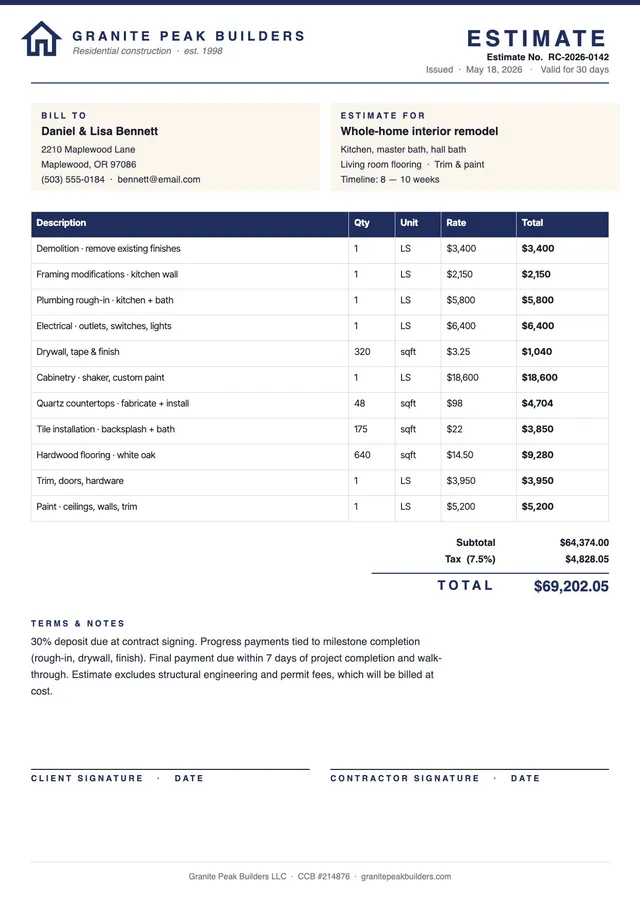
Simple Construction Estimate Template
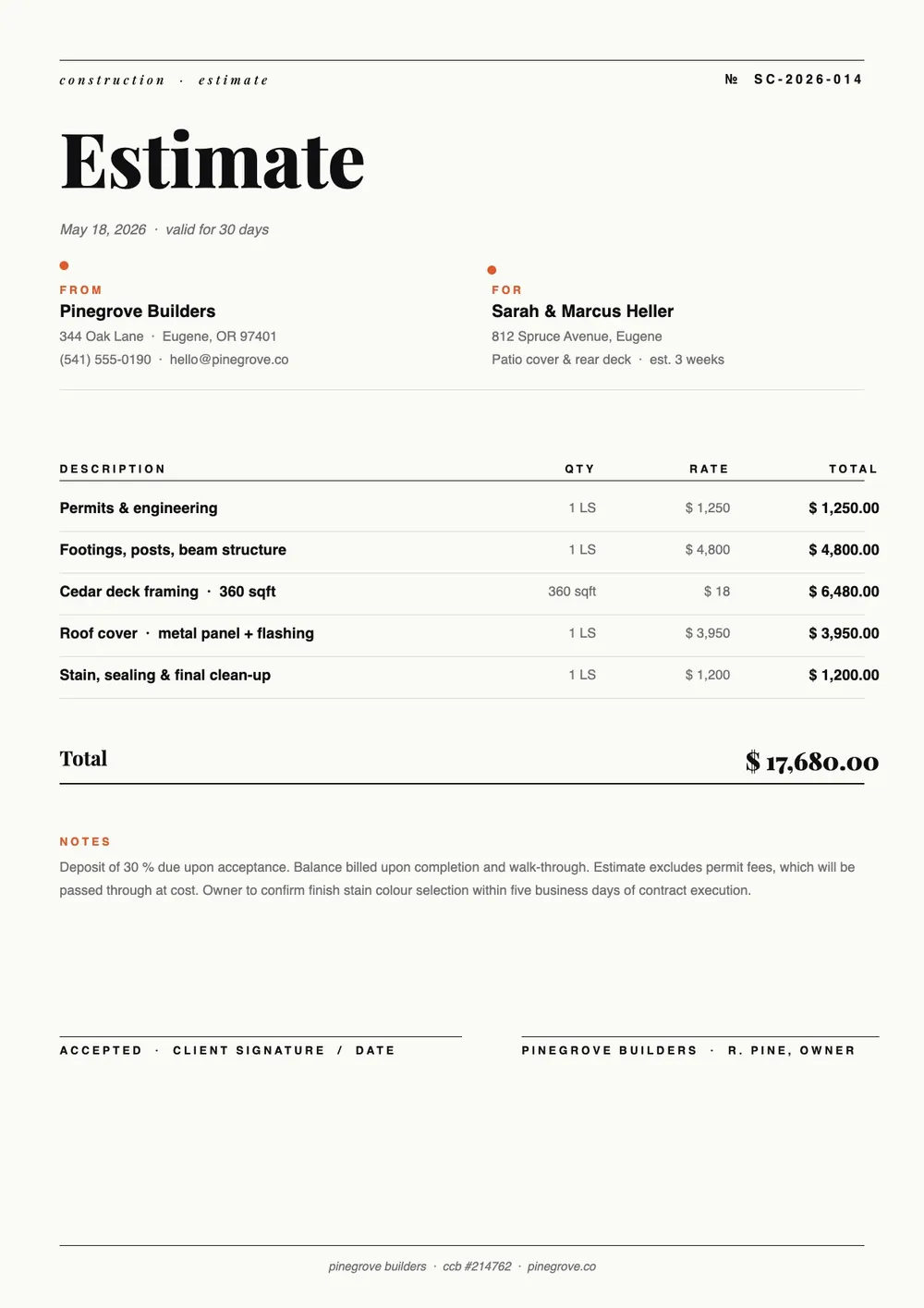
About the simple construction estimate template
A simple construction estimate is a straightforward cost breakdown used for smaller projects or initial budgeting conversations where a detailed trade-by-trade estimate is not yet needed. Contractors use it when providing a quick quote for repair work, minor renovations, or single-trade jobs. Homeowners use it to get a rough idea of costs before committing to a full planning process.
Our template presents a clean, easy-to-read cost table with rows for labor, materials, equipment, and other items, plus fields for overhead, tax, and a project total. It is designed to be completed quickly without sacrificing clarity. All fields are editable in the PDF Guru editor so you can fill in the numbers and get a professional-looking estimate in minutes.
Download your first file for free. To continue using PDF Guru, choose one of our subscription plans.
Frequently asked questions
When should I use a simple construction estimate instead of a detailed one?

A simple estimate works well for small repair or maintenance jobs, preliminary budgeting before plans are finalized, or situations where the client needs a quick ballpark before deciding to move forward. For larger or more complex projects, a more detailed itemized estimate is recommended.
What should a simple construction estimate include at minimum?
At minimum, it should include the project description, a breakdown of labor and material costs, any equipment or subcontractor costs, applicable taxes or fees, and a total. The template covers all of these in a compact, easy-to-follow format.
Can I add more line items to this simple estimate if the project grows?
Yes. All rows in the cost table are editable and you can add additional lines as the scope expands. That makes the template useful for projects that start simple but may require more detail as planning progresses.
What formats can I download for this simple construction estimate?
After editing in PDF Guru, you can export the estimate as PDF, DOC, XLSX, PPTX, JPG, or PNG. That gives you a clean document to share with the client, a spreadsheet for your own records, or a printable version for an in-person meeting.
How do I fill out this simple construction estimate in PDF Guru?
Open the template in the PDF Guru editor, enter the project description and client details, fill in the labor and material costs, add any other fees or taxes, and check the total. Export it in the format you need and send it to the client.
How do I cancel PDF Guru?
You can cancel your active plan from your PDF Guru account settings, or contact support and ask them to cancel the subscription for you. Account access stays in place until the billing period you already paid for comes to an end.