Graduation Certificate Template

About the graduation certificate template
A graduation certificate is used to recognize the completion of a program, course, school year, or training milestone. Schools, instructors, academies, and organizations use certificate templates to create a polished record of achievement without designing the document from scratch.
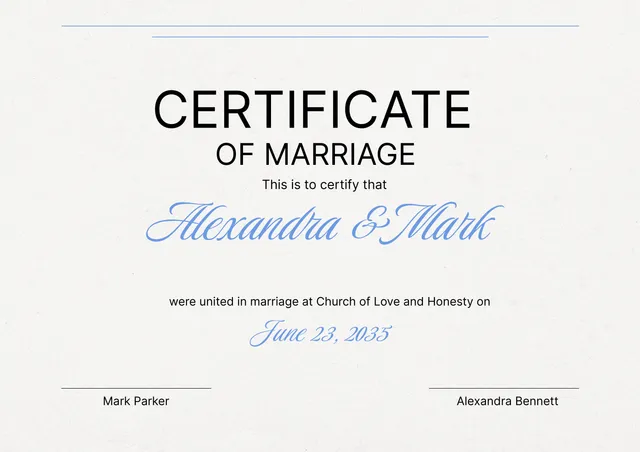
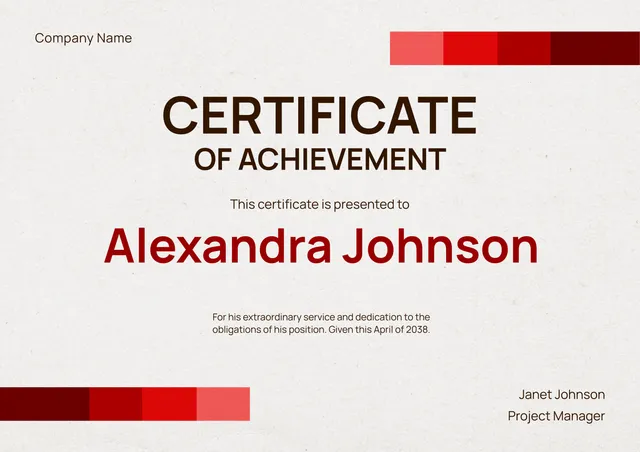
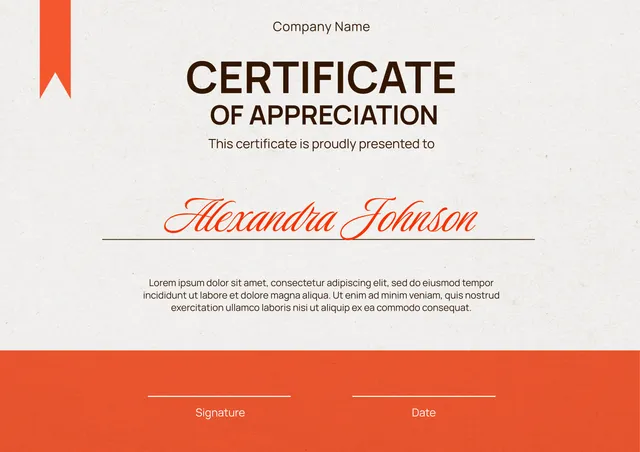
Our template includes fields for the recipient name, program or course title, completion date, organization details, signatures, and design elements. In the PDF Guru editor, you can personalize the text, update the layout, and tailor the certificate to academic, training, workshop, or achievement-based use cases.
Download your first file for free. To continue using PDF Guru, choose one of our subscription plans.
Frequently asked questions
What can I use this graduation certificate template for?

You can use this template for school completions, training programs, online courses, workshops, student recognition, and other achievement-based occasions. It helps create a formal-looking certificate in a faster and more flexible way.
What details can I add to the graduation certificate?
You can add the recipient name, certificate title, course or program name, completion date, signatures, organization name, and other design details. You can also edit the wording so the certificate matches the tone of the event or program.
Can I personalize the certificate design in PDF Guru?
Yes. In PDF Guru you can update the text, spacing, visual balance, and other layout details so the certificate feels more specific to your program or brand. This makes the template easier to adapt for formal, simple, or celebratory styles.
Can I export this graduation certificate template in different formats?
Yes. After editing the certificate in PDF Guru, you can export it as PDF, DOC, XLSX, PPTX, JPG, or PNG. That gives you a printable version, a digital certificate for sharing, and another copy for edits or records.
How do I edit and download the graduation certificate template in PDF Guru?
Open the template in the PDF Guru editor and fill in the recipient details, title, date, and signature areas. You can adjust the design, review the layout, and make final text changes before saving. When it is ready, export it in the format you need for printing or sharing.
How do I cancel PDF Guru?
You can cancel your active plan from your PDF Guru account settings, or contact support and ask them to cancel the subscription for you. Account access stays in place until the billing period you already paid for comes to an end.