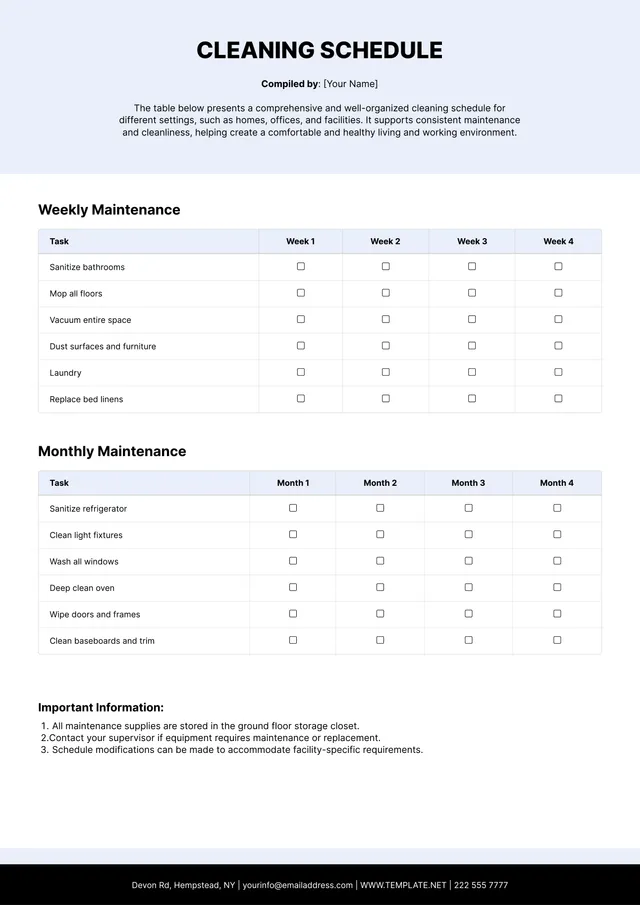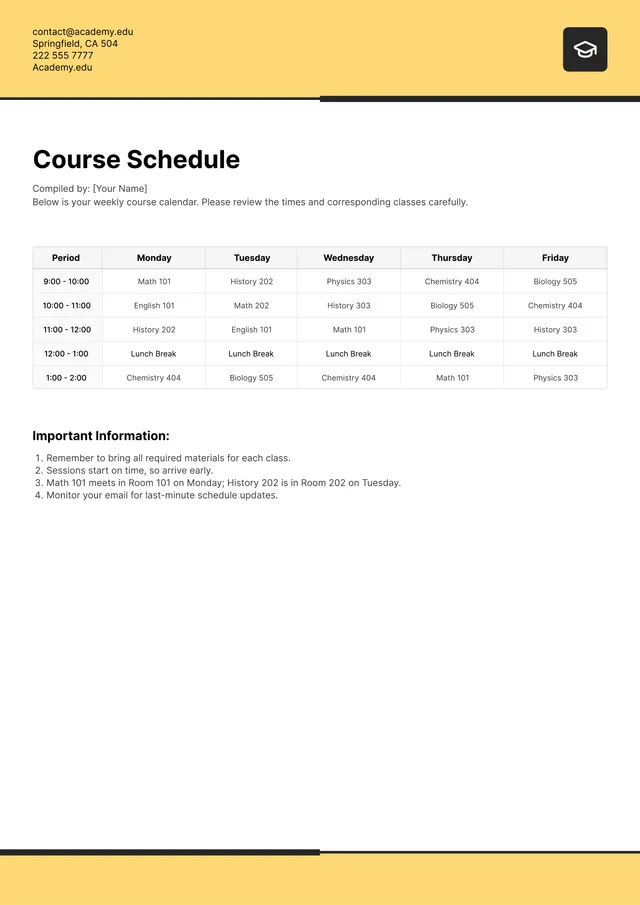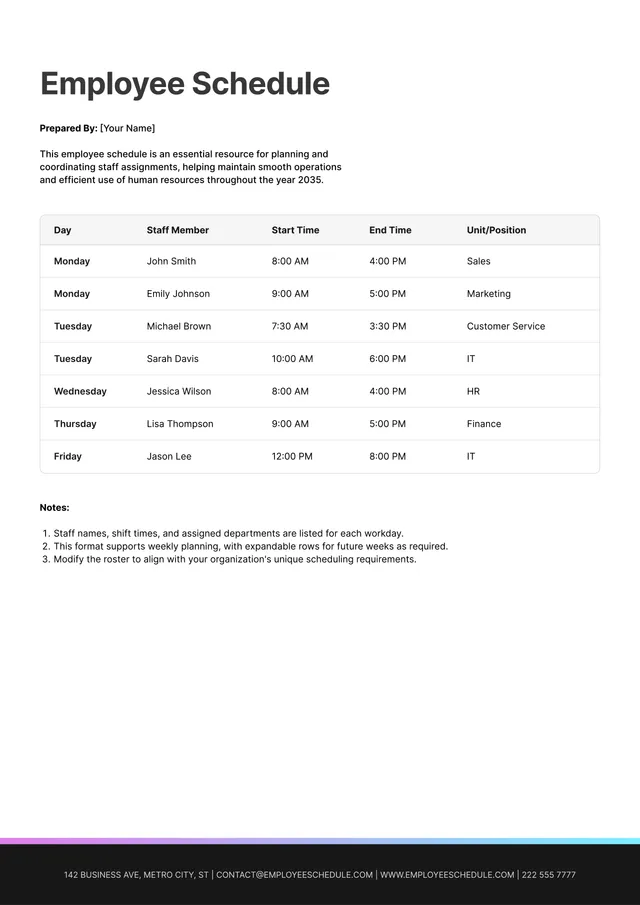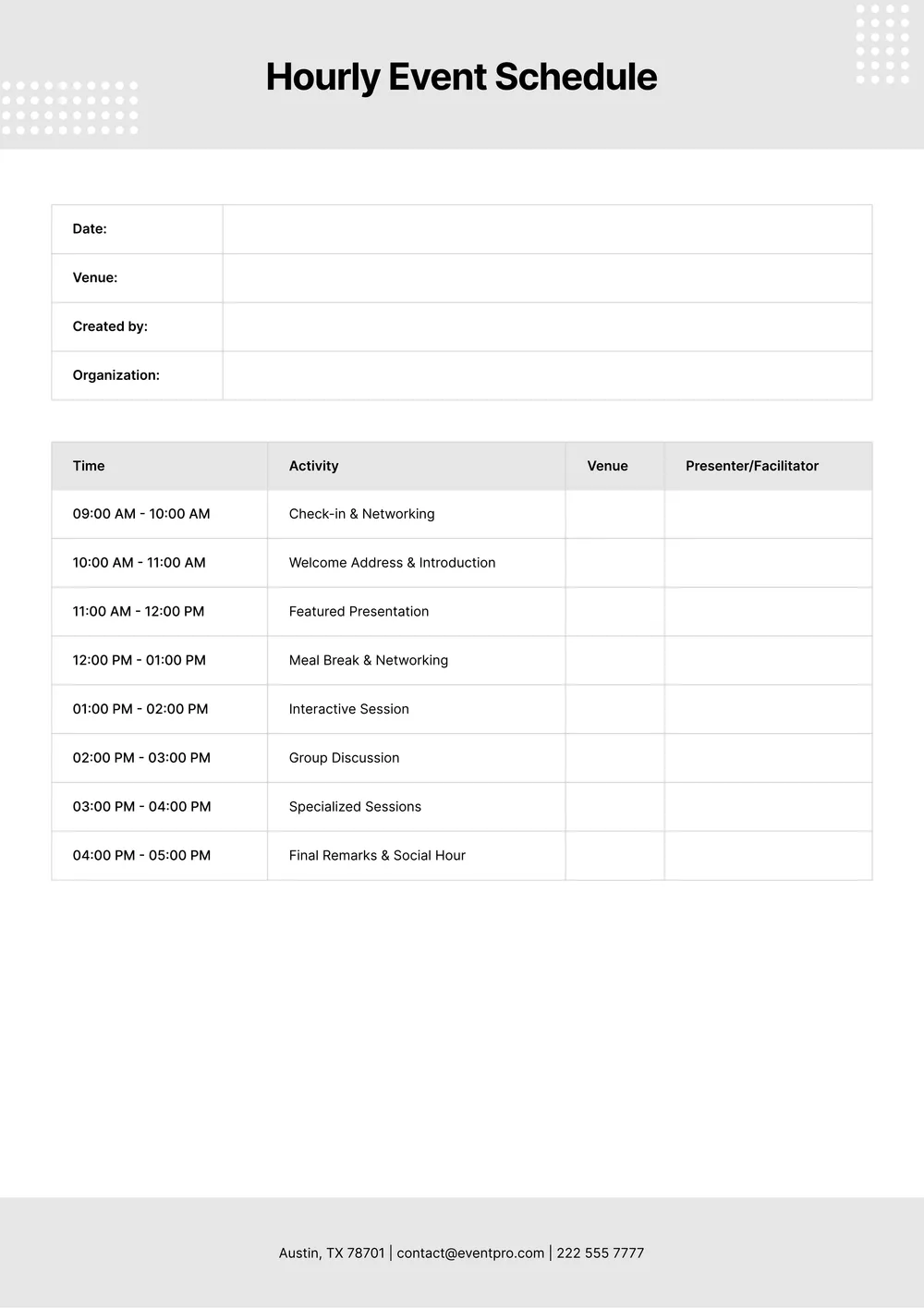
About hourly schedule template
Managing your time can be tough when you have so much to juggle. If you find yourself overwhelmed with an ever-changing schedule, our hourly schedule template is your solution. This handy tool allows you to plan your day effectively, keeping you on track and reducing stress. One standout feature is the editable fields you can customize to fit your unique needs, helping make the scheduling process less daunting.
Whether you need a blank template for a daily routine or a sample for a school or work project, our hourly schedule template is designed with your convenience in mind. You can start with a draft that's tailored to your preferences and easily adjust it as needed. We’ve looked into the necessary fields that make planning smooth and included them in ours, giving you a jumpstart on your organization journey.
Download your first file for free. To continue using PDF Guru, choose one of our subscription plans.
Frequently asked questions
What is an hourly schedule template?

An hourly schedule template is a tool that helps you plan your day by breaking it down into hourly segments. You can fill in tasks or appointments for each hour. This template provides a layout that helps you outline your time, making it easier to manage your schedule. It's perfect for organizing work-related activities, personal tasks, or meetings, giving you a clear view of your day ahead.
When should I use an hourly schedule template?
An hourly schedule template can help you organize your time efficiently during various situations, including:
- Planning a work project with deadlines
- Preparing for busy weeks, such as leading up to holidays
- Managing appointments and meetings for clients
- Structuring school or training program schedules
- Balancing personal commitments throughout a day or week
This editable template makes it easy to adjust your schedule as necessary.
What information is included in an hourly schedule template?
An hourly schedule template generally includes sections for the date, tasks or activities, start and end times, breaks, and notes. You can edit these fields to match your needs. This layout helps you organize your day and stay on track with your responsibilities.
How to edit an hourly schedule template?
- Click on 'Use Template' to open the hourly schedule template in the PDF editor.
- Make your changes by filling in the placeholder fields as needed.
- Review your edits to ensure everything is correct.
- Once you are satisfied, click 'Done' to download your edited schedule.
- Your completed version will also be saved in your account for future access.
Who can use an hourly schedule template?
Anyone can use an hourly schedule template, including working professionals, students managing their classes, parents organizing family activities, and businesses planning team projects. This template is great for anyone needing a clear overview of their day or week to stay on track and complete tasks efficiently.
Can I export the hourly schedule template to PDF or other formats?
Yes, you can download the hourly schedule template in various formats including PDF, Word, Excel, PowerPoint, PNG, and JPG. This makes it printable and easy to access in your preferred format, providing flexibility for how you want to use it.
How can I make the most of my hourly schedule template?
To make the most of your hourly schedule template, start by filling in your must-do tasks first, then allocate time for breaks; review your commitments regularly and adjust as needed. This keeps you on track and helps manage your time more effectively, leading to a balanced and productive day.
Can I share my hourly schedule template with others?
Yes, you can share your hourly schedule template with others. After downloading your customized template, simply send the PDF file through email or any file-sharing method you prefer. Your saved version of the template will remain in your account for future edits and downloads.
How do I cancel PDF Guru?
You can cancel your active plan from your PDF Guru account settings, or contact support and ask them to cancel the subscription for you. Account access stays in place until the billing period you already paid for comes to an end.