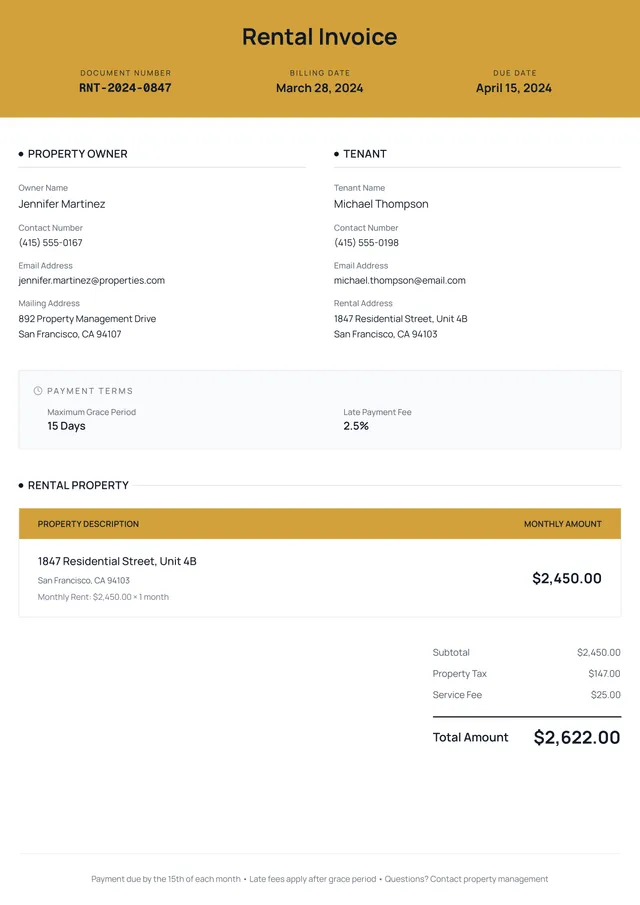
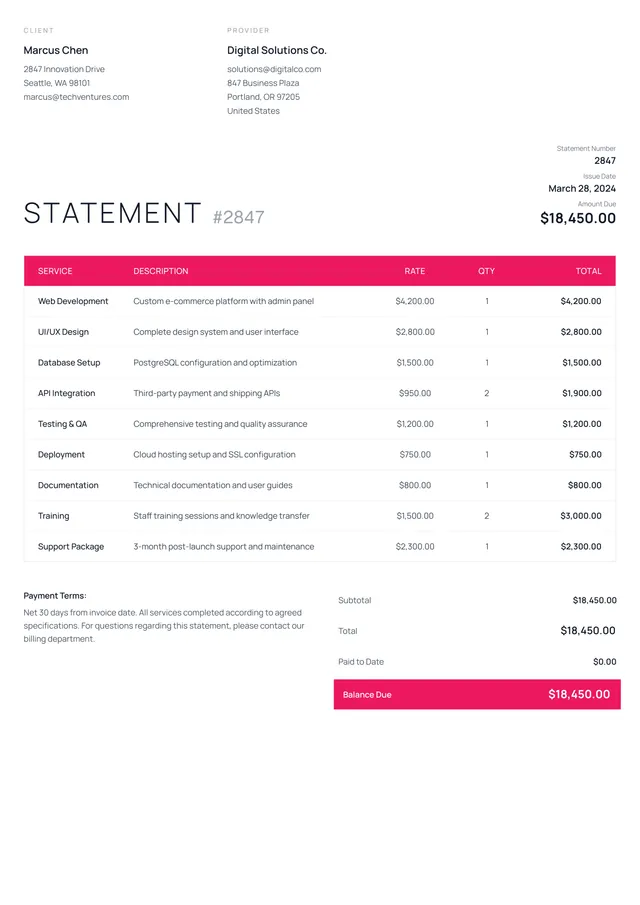
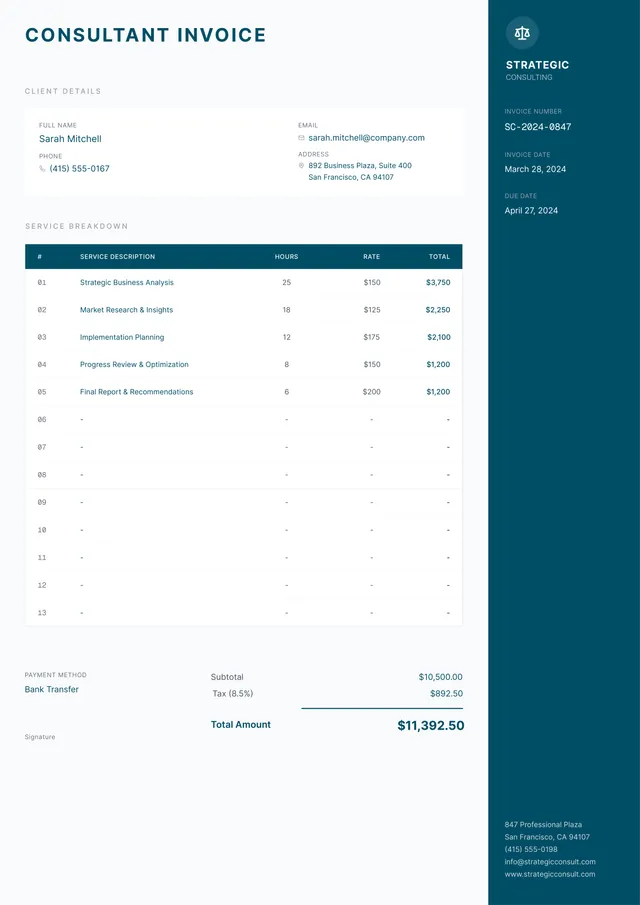
Lawn Care Invoice Template
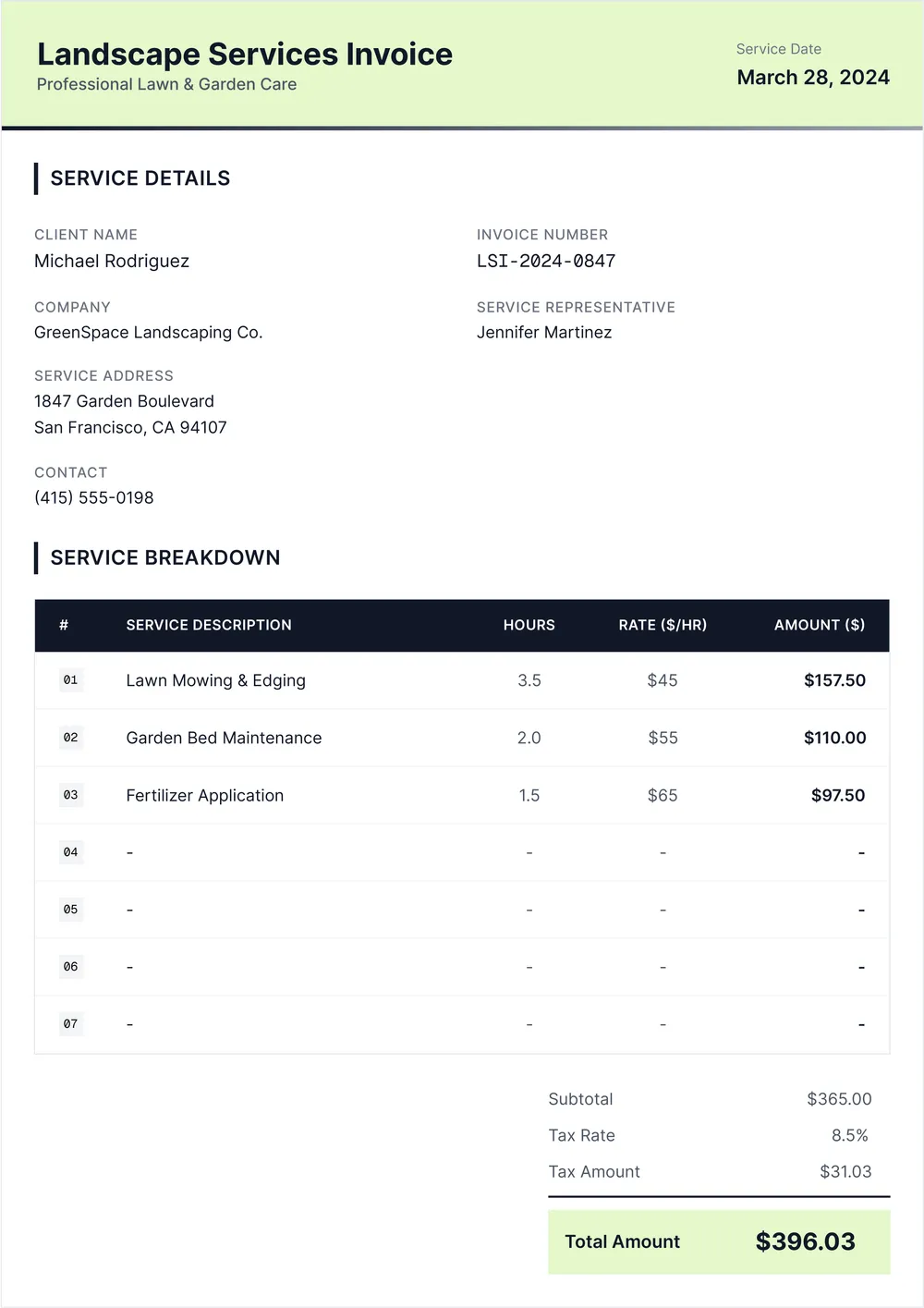
About lawn care invoice templates
Creating invoices for lawn care services can be a hassle, especially if you’re unsure what to include. Missing out on necessary details could lead to confusing transactions or incorrect payments. With our lawn care invoice template, you can save time and reduce errors. Each template allows you to list services rendered, rates, and client information clearly and professionally. A standout feature is the customizable fields that adjust to your specific needs.
When you grab a blank version of our template, you're not left to scramble for all the sections you might need. You’ll find a practical sample to guide you as you fill in the details. This helps you focus on efficiently serving your clients instead of worrying over paperwork. Plus, we’ve analyzed the necessary fields and included them in ours, so you know you have a well-rounded starting point to streamline your invoicing process.
Download your first file for free. To continue using PDF Guru, choose one of our subscription plans.
Frequently asked questions
What is a lawn care invoice template?

A lawn care invoice template is a customizable form designed for service providers in the lawn care industry. It provides an outline of services rendered, client information, and payments due. By using a template, contractors can create professional invoices quickly, ensuring they include essential details like job descriptions, costs, and payment terms, which helps maintain clear communication with clients about their billing.
When to use a lawn care invoice template?
Knowing when to use an editable lawn care invoice template can help you stay organized and professional. Here are some key situations:
- After completing a lawn care service
- At the end of the month, for monthly clients
- During the busy season, when you have multiple jobs
- When creating invoices for routine maintenance services
What details are included in a lawn care invoice template?
A lawn care invoice template should generally include the following details: business name and logo, customer information, date of service, itemized list of services provided, pricing, total amount due, payment terms, and any notes. You can edit the template to fit your specific needs and branding.
How to edit a lawn care invoice template?
- Click on 'Use Template' to open the lawn care invoice template in the PDF editor.
- Fill out the necessary fields with your information, such as services provided, costs, and client details.
- Review your entries for accuracy; make any adjustments if needed.
- When you're finished, click 'Done' to download your edited invoice, which is also saved in your account for future access.
Who can use a lawn care invoice template?
Lawn care businesses, freelancers offering lawn services, gardeners, and landscape professionals can all benefit from a lawn care invoice template. It's perfect for anyone who needs to invoice clients for mowing, trimming, landscaping, or other lawn maintenance activities.
Can I export the lawn care invoice template to PDF or another format?
Yes, you can download the lawn care invoice template as a PDF, Word, Excel, PowerPoint, PNG, or JPG. After filling it out, choose your desired format for your printable record. This allows you to keep a copy for personal use or print it as needed.
How can I make my lawn care invoice stand out?
To make your lawn care invoice stand out, personalize it with your logo and use a clear layout. Add unique features—like a detailed description of services provided; this shows transparency. Choose appealing colors for highlights; this can catch your client’s eyes and create a professional look.
How can I ensure my lawn care invoice is accurate?
To make sure your lawn care invoice is accurate, check the services provided, confirm the rates, and verify any additional charges. Compare your invoice with your records of work done. PDF Guru's templates help you track services and payments to avoid errors in future invoices.
How do I cancel PDF Guru?
You can cancel your active plan from your PDF Guru account settings, or contact support and ask them to cancel the subscription for you. Account access stays in place until the billing period you already paid for comes to an end.