Meeting Itinerary Template
About meeting itinerary template
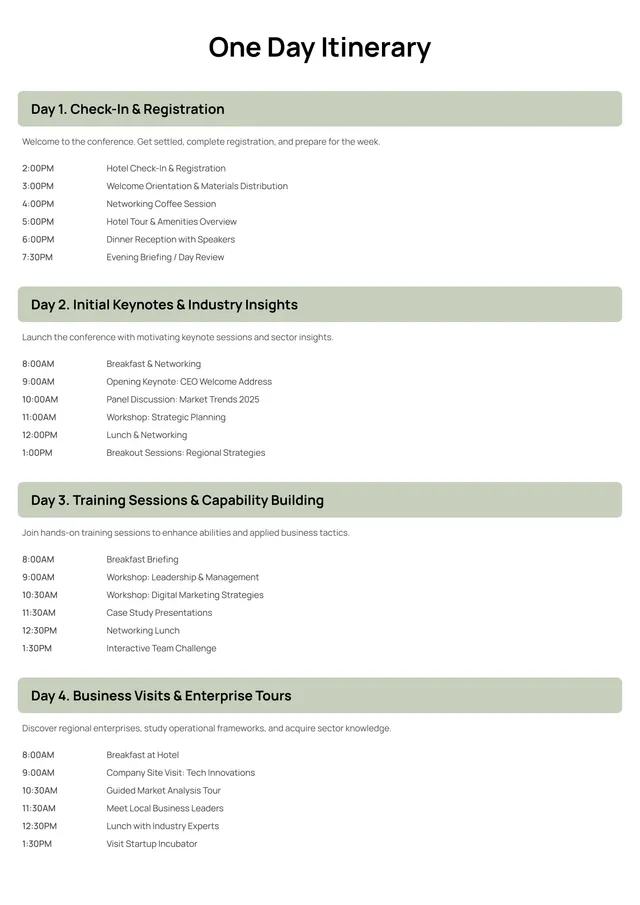
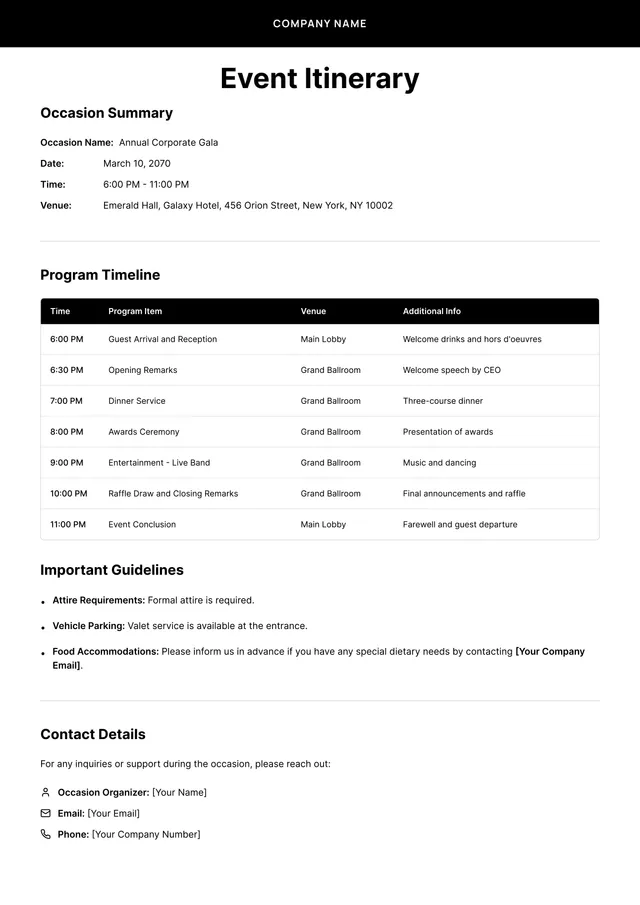
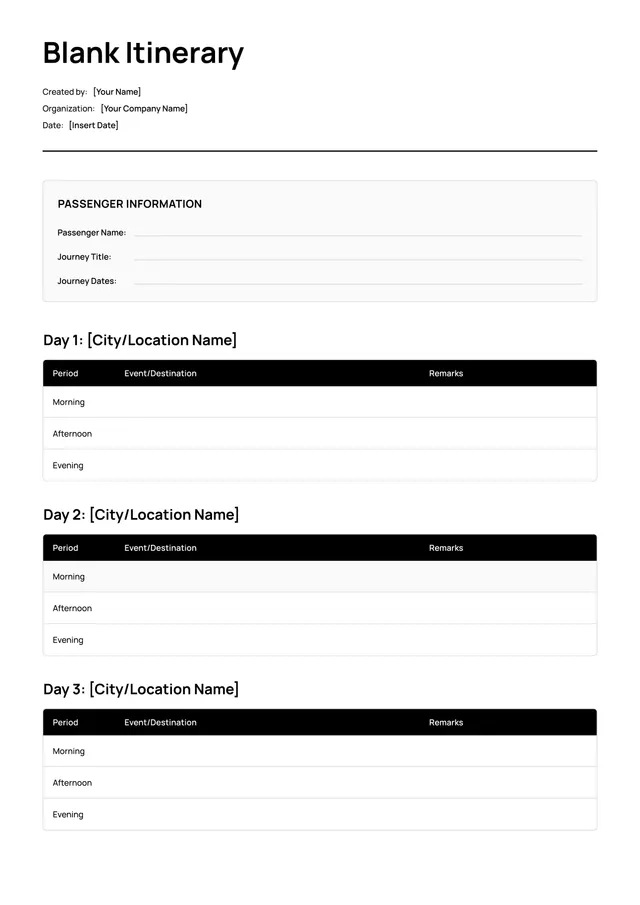
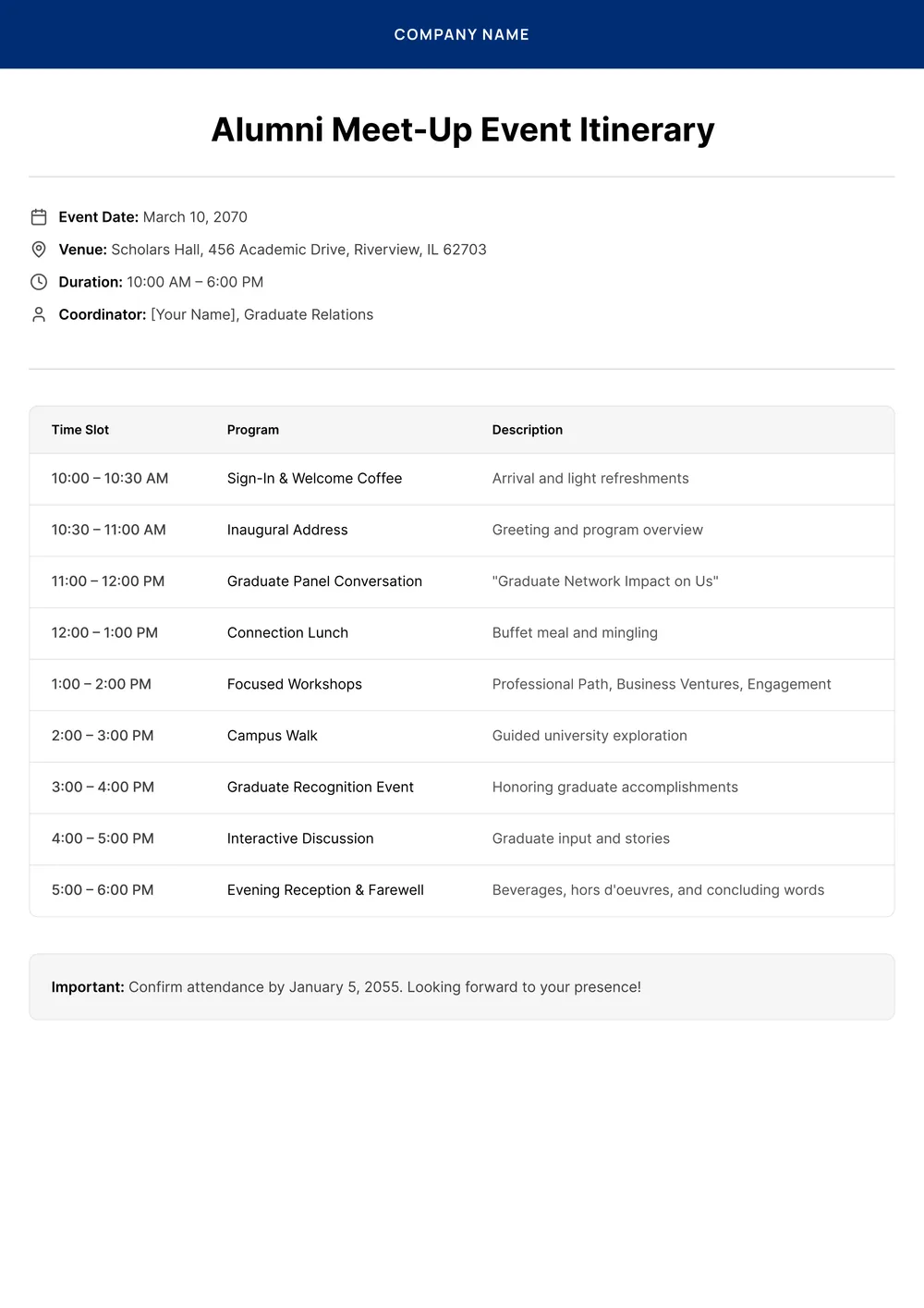
When planning a meeting, it’s easy to feel overwhelmed by details and organization. A solid meeting itinerary helps keep everyone on track and informed, reducing confusion and saving you time. Our meeting itinerary template takes the stress out of planning, allowing you to concentrate on the agenda instead of logistics. With editable fields, you can quickly customize your itinerary to fit any occasion perfectly.
Explore our sample meeting itinerary template that serves as a guide, clearly showing what to include. You'll find blank sections to tailor details specific to your needs. With all necessary fields carefully considered, this template supports you in crafting meetings that run smoothly and efficiently—freeing you to focus on what matters most.
Download your first file for free. To continue using PDF Guru, choose one of our subscription plans.
Frequently asked questions
What is a meeting itinerary template?

A meeting itinerary template is a structured outline designed to organize all details of a meeting. It typically includes sections for the agenda, participant roles, location, time, and objectives. This template helps keep meetings focused and efficient by clearly listing what needs to be discussed and who will be responsible for each part of the discussion. You can customize it to fit your specific needs.
When should I use a meeting itinerary template?
A meeting itinerary template can help in several important situations:
- When you have a multi-day conference or workshop
- For weekly team meetings with set agendas
- Before important client meetings to outline topics
- During planning sessions to track tasks and attendees
This editable template keeps you organized and focused throughout your gatherings.
What should be included in a meeting itinerary template?
A meeting itinerary template should include: the meeting date and time; location or link to a virtual meeting; agenda items; names of attendees; action items; and time slots for each topic. You can edit the template to add any specific details or changes as needed.
How to edit a meeting itinerary template?
- Click 'Use Template' to open the meeting itinerary.
- The editable PDF will load in the editor.
- Fill in the placeholder fields with your details, such as date, time, location, and agenda points.
- Review your entries for accuracy.
- Click 'Done' to download your completed itinerary.
- Your edited file will be saved in your account for future access.
Who can use a meeting itinerary template?
Anyone who needs to organize meetings can use a meeting itinerary template. This includes professionals, coordinators, educators, and team leaders. Whether you're scheduling a business meeting, a classroom event, or a project kickoff, this template helps you outline the agenda and details effectively.
Can I export the meeting itinerary template to PDF or another format?
Yes, you can download the meeting itinerary template in multiple formats, including PDF, Word, Excel, PowerPoint, PNG, or JPG. This makes it easy for you to create a printable version of your itinerary, perfect for sharing or for your records.
How can I make my meeting itinerary more effective?
To make your meeting itinerary more effective, clearly define the meeting goals; list agenda items in order of priority; allocate specific time slots for each topic; invite relevant participants; and share the itinerary in advance for preparation. This approach keeps everyone on track and promotes a productive meeting environment.
Can I share my meeting itinerary with others?
Yes, you can share your meeting itinerary with others. Once you edit your template and download it, you can easily send the file via email or any messaging app. Sharing is simple, and everyone can access your meeting details directly from the edited version you created.
How do I cancel PDF Guru?
You can cancel your active plan from your PDF Guru account settings, or contact support and ask them to cancel the subscription for you. Account access stays in place until the billing period you already paid for comes to an end.