Residential Construction Estimate Template
About the residential construction estimate template
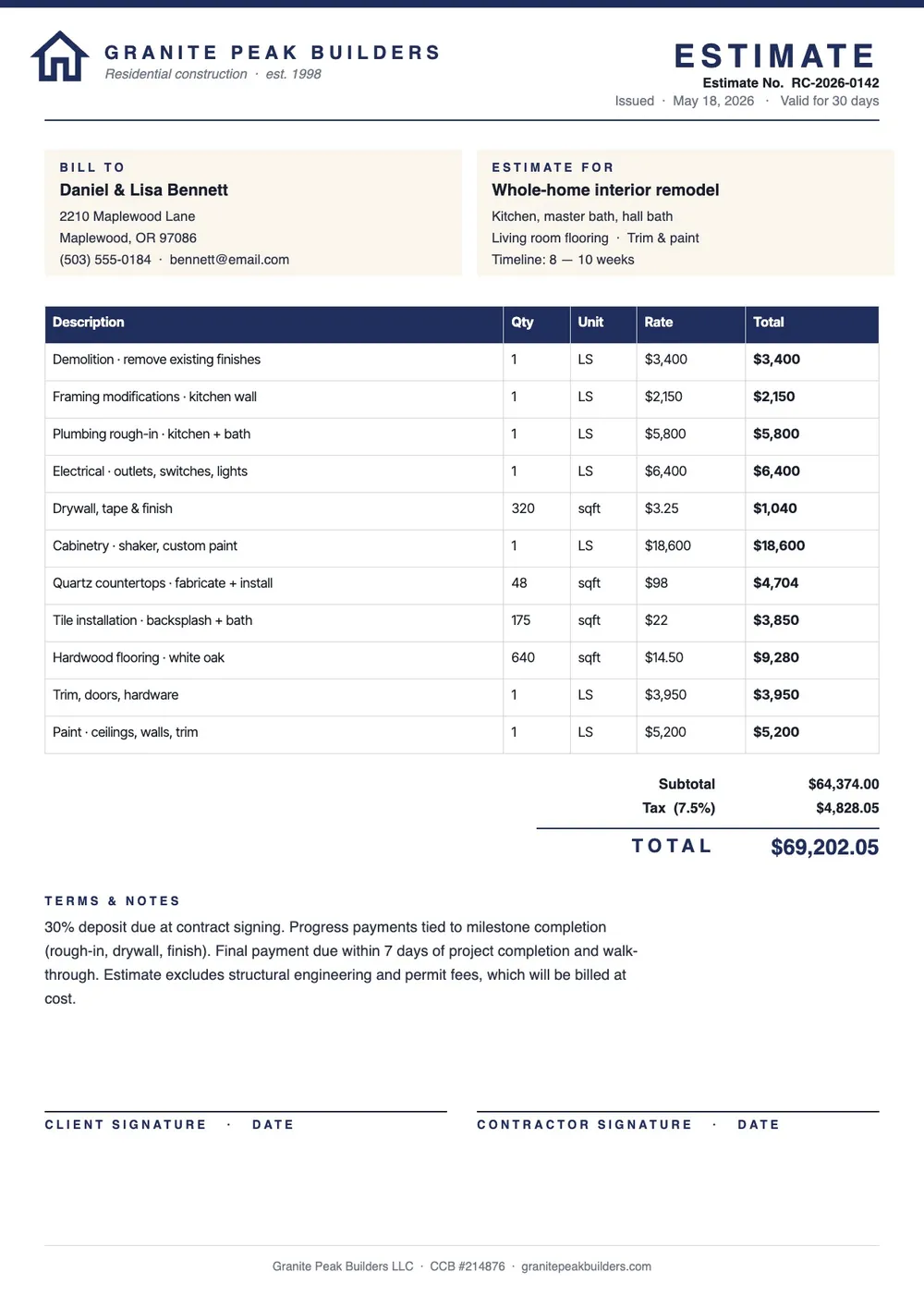
A residential construction estimate is a document that a contractor prepares to project the total cost of building or renovating a home. It breaks down labor and material costs by trade or work phase and gives the homeowner a clear picture of what the project will cost before a contract is signed. Homeowners use estimates to compare bids and budget for the project, while contractors use them to price their work accurately and professionally.
Our template covers cost categories common to residential projects, including site preparation, foundation, framing, roofing, plumbing, electrical, HVAC, insulation, drywall, finishes, and landscaping. All fields are editable in the PDF Guru editor so you can add or remove trades based on the specific scope of the project.
Download your first file for free. To continue using PDF Guru, choose one of our subscription plans.
Frequently asked questions
What types of residential projects can this estimate template be used for?

The template works for new home construction, additions, full renovations, kitchen or bathroom remodels, roofing replacement, and other residential projects. You can adjust the line items to match whatever scope of work the estimate covers.
Should I include a contingency line in a residential construction estimate?
Yes. A contingency allowance accounts for unexpected costs that come up during construction, such as hidden damage, material price increases, or scope changes. A common range is five to ten percent of the total estimated cost. The template includes a contingency line that you can set based on the project's complexity.
How detailed should a residential construction estimate be?
As detailed as the scope requires. For larger projects, breaking down costs by trade gives the homeowner more confidence in your pricing and makes it easier to compare bids. For smaller jobs, a simpler breakdown by category may be sufficient. The template is flexible enough for both approaches.
What formats can I download for this residential construction estimate?
After editing in PDF Guru, you can export the estimate as PDF, DOC, XLSX, PPTX, JPG, or PNG. That gives you a file to share with the homeowner, a spreadsheet version you can continue working in, or a printed copy for an in-person meeting.
How do I complete this residential construction estimate in PDF Guru?
Open the template in the PDF Guru editor, enter the project address and description, fill in the cost rows by trade or phase, add the contingency and overhead figures, and review the total before saving. Export the estimate in the format you need and present it to the homeowner.
How do I cancel?
You can cancel anytime from your account settings or by contacting our support team. Your access stays active until the end of the current billing period.