Virtual Event Proposal Template
About the virtual event proposal template
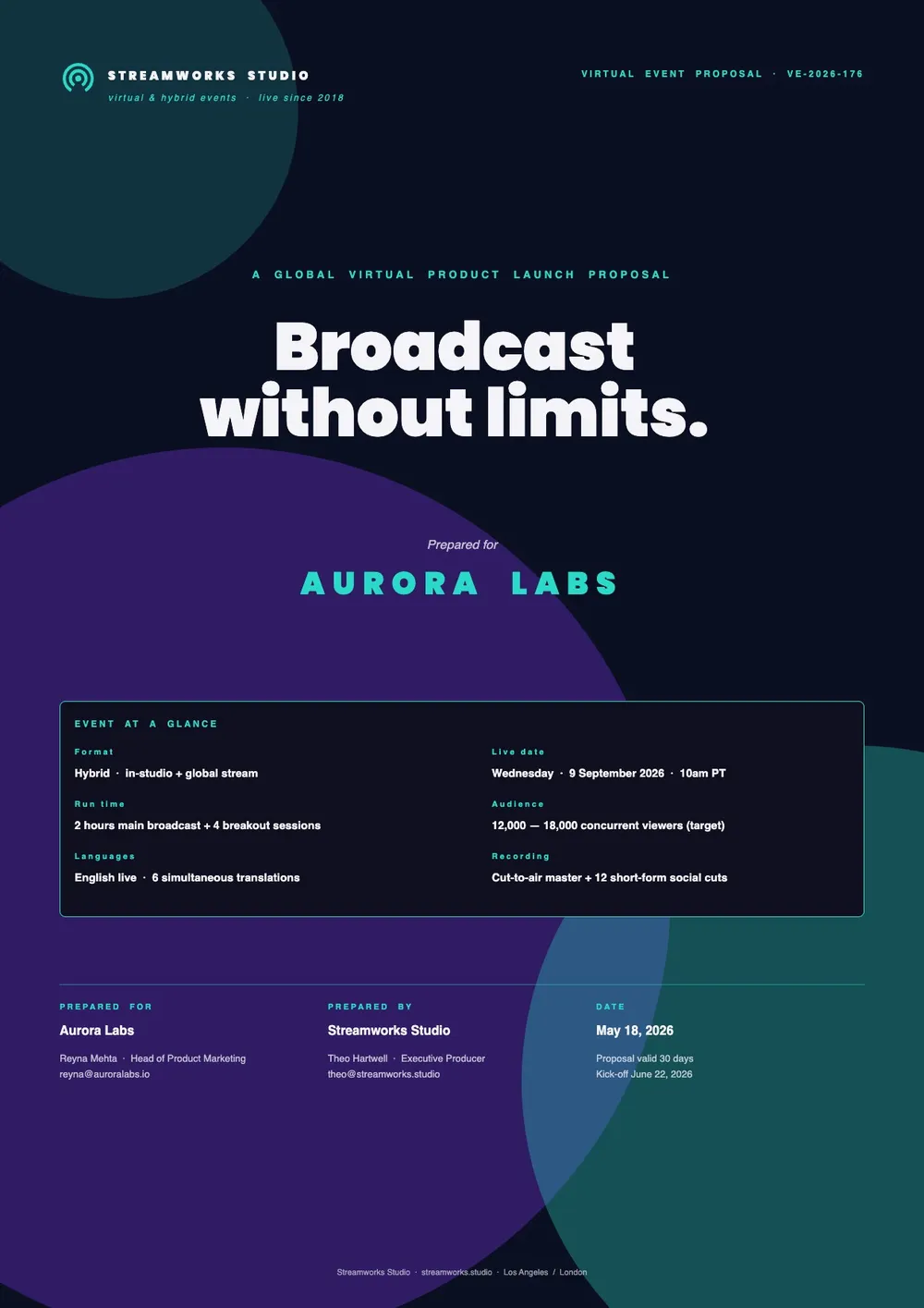
A virtual event proposal is a document used to pitch the concept, format, and logistics of an online event to stakeholders, sponsors, or clients. It covers the event goals, target audience, platform and technology setup, agenda, speaker lineup, promotional strategy, budget, and expected outcomes. Event planners, marketing teams, and agencies use virtual event proposals to get buy-in before planning begins or to attract external sponsors and partners.
Our template is designed for online events of all formats, including webinars, virtual conferences, online workshops, and digital product launches. It covers the event overview, platform and technical setup, agenda and speakers, marketing and registration plan, sponsorship opportunities, budget, and timeline. All fields are editable in the PDF Guru editor so you can tailor the proposal to the specific event and audience.
Download your first file for free. To continue using PDF Guru, choose one of our subscription plans.
Frequently asked questions
What should a virtual event proposal include?

It should include the event concept and objectives, the target audience, the chosen platform and format, an agenda or session plan, speaker information if available, the promotional strategy, any sponsorship opportunities, a budget summary, and a timeline for key milestones.
Which virtual event formats can this template be used for?
The template works for webinars, online conferences, virtual trade shows, digital networking events, product launch events, and online workshops. You can adjust the agenda and format sections to match the specific type of event you are planning.
How do I present platform and technology choices in this proposal?
The template includes a platform and technology section where you can name the event platform you plan to use, describe key technical features such as breakout rooms or live polling, and note any requirements for attendees. You can add or remove detail depending on how technical your audience is.
What formats can I download for this virtual event proposal?
After editing in PDF Guru, you can export the proposal as PDF, DOC, XLSX, PPTX, JPG, or PNG. That gives you a professional document for stakeholder review, a sponsor pitch deck, or a working file you can continue to update.
How do I complete this virtual event proposal in PDF Guru?
Open the template in the PDF Guru editor, fill in the event concept and audience details, update the platform and agenda sections, add the sponsorship and budget information, and review the full proposal. Export it in the format your stakeholders or sponsors prefer.
How do I cancel PDF Guru?
You can cancel your active plan from your PDF Guru account settings, or contact support and ask them to cancel the subscription for you. Account access stays in place until the billing period you already paid for comes to an end.