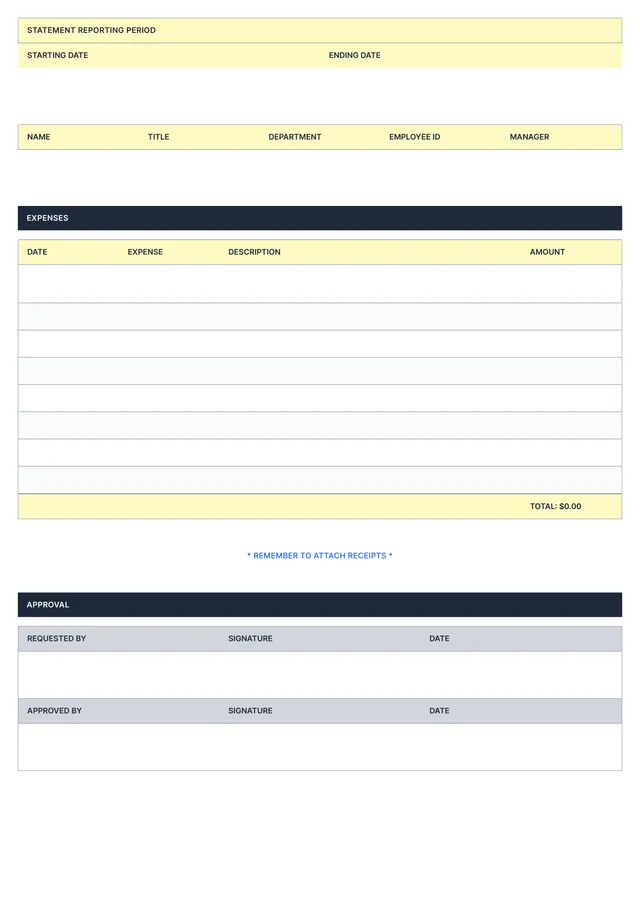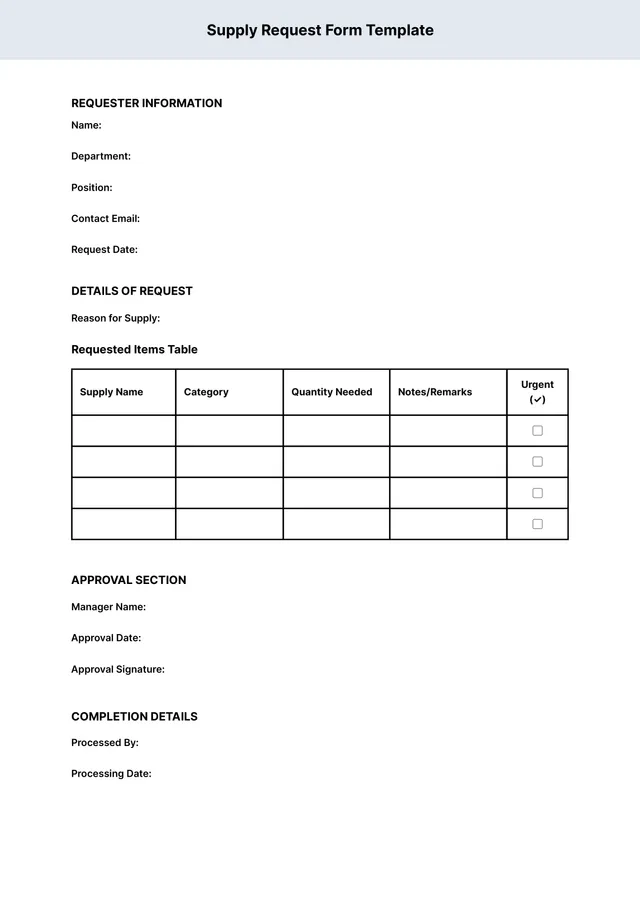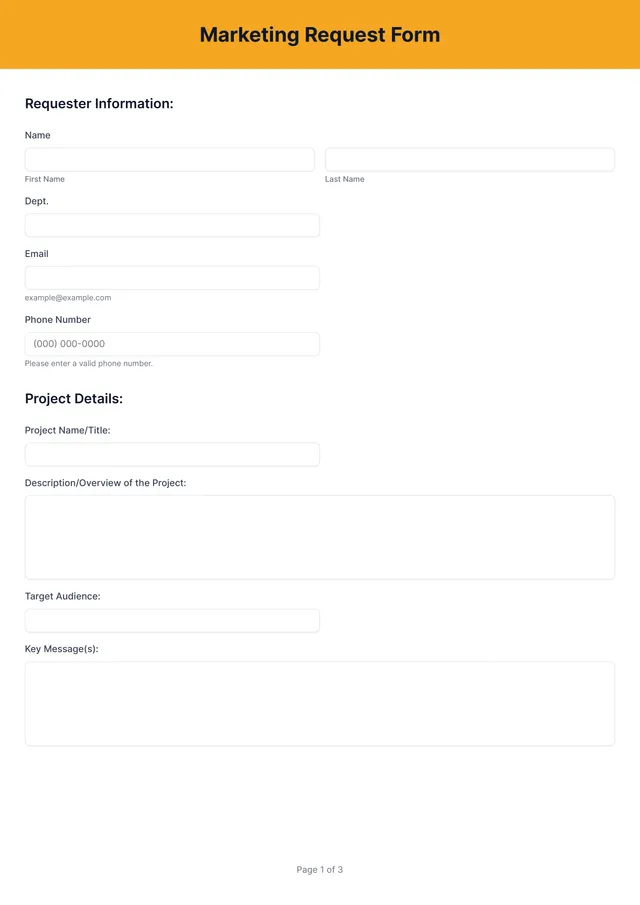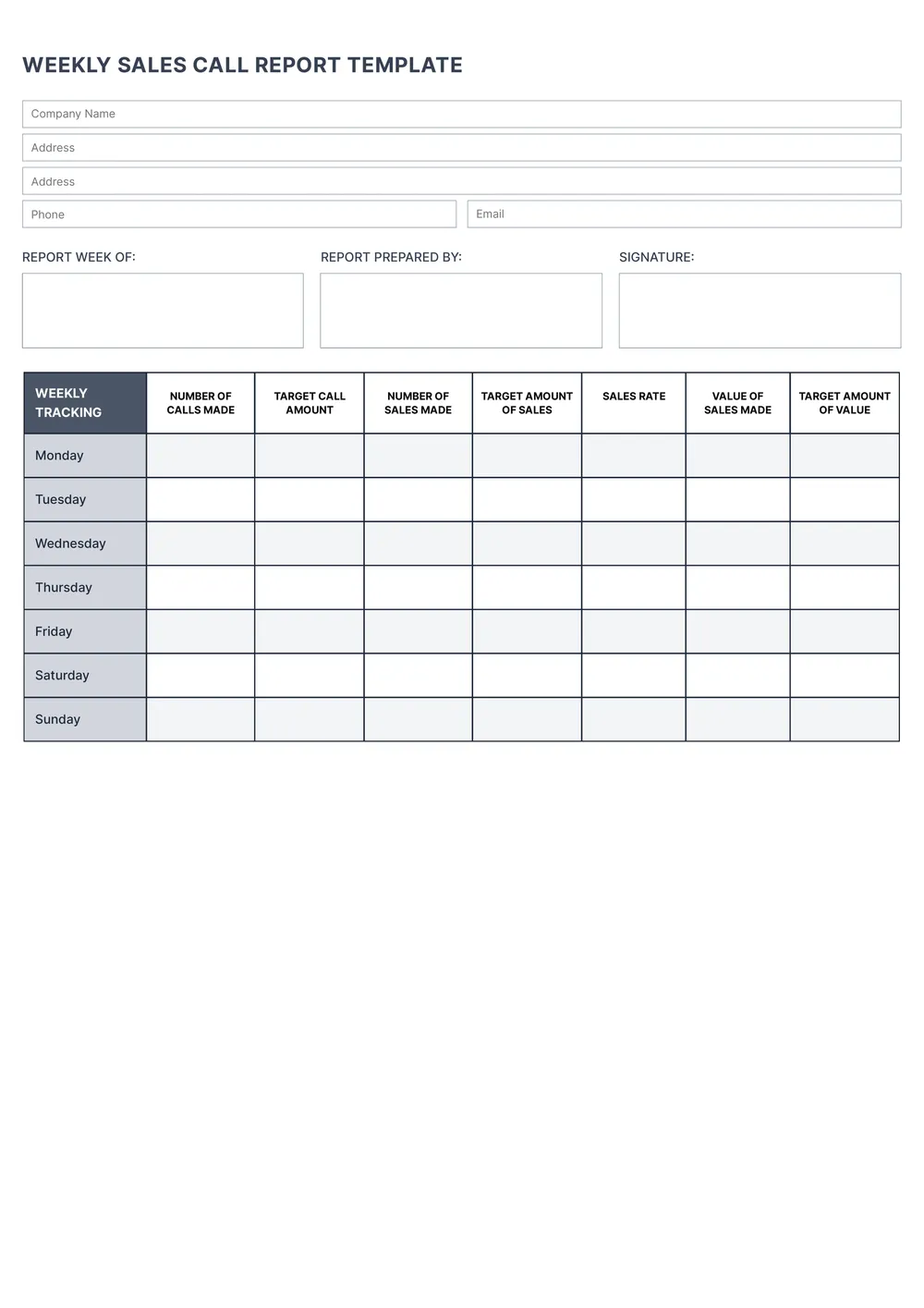
About the sales report template
A sales report is used to organize sales numbers, activity, and performance data in one structured document. Teams, managers, small businesses, and sales representatives use reports to review progress, track results, and keep important numbers easier to read over a specific period.
Our template includes sections for totals, product or service performance, time periods, notes, and summary fields. In the PDF Guru editor, you can adjust the labels, add or remove sections, and tailor the report to daily, weekly, monthly, or custom sales tracking.
Download your first file for free. To continue using PDF Guru, choose one of our subscription plans.
Frequently asked questions
What can I track with this sales report template?

You can use this template to track totals, sales activity, product or service performance, trends, and summary notes over time. It helps keep your reporting in one cleaner format instead of scattered spreadsheets or notes.
Can I customize the report for daily, weekly, or monthly use?
Yes. In PDF Guru you can change the date labels, add or remove sections, and shape the layout to match the reporting period you use most often. That makes the template practical for regular reporting and quick reviews.
What sections can I add to the sales report?
You can add totals, category breakdowns, notes, comparisons, team sections, product lines, or any other reporting fields you need. The template can stay simple or become more detailed depending on how much you want to track.
Can I export this sales report template in different formats?
Yes. After editing the report in PDF Guru, you can export it as PDF, DOC, XLSX, PPTX, JPG, or PNG. This gives you a shareable report, a printable copy, and another version for updates or internal records.
How do I edit the sales report template in PDF Guru?
Open the template in the PDF Guru editor and fill in the metrics, totals, dates, and notes you want to include. You can update headings, remove unnecessary fields, and review the report before saving. When it is ready, export it in the format you need for meetings, sharing, or records.
How do I cancel PDF Guru?
You can cancel your active plan from your PDF Guru account settings, or contact support and ask them to cancel the subscription for you. Account access stays in place until the billing period you already paid for comes to an end.